


Model
The AI that will make it for you. Each one has its own look and price. Not sure? Keep the one that's already picked.
 Qwen Image 3Alibaba (Qwen)2 Credits
 Nano Banana 2 LiteGoogle
- ImageFXImagen 4 · Google DeepMind
- Nano Banana ProGoogle
- Nano Banana 2Google
 GPT ImageOpenAI
- Qwen ImageAlibaba Qwen
- Qwen Image 3 ProAlibaba (Qwen)
- Wan 2.7 ImageAlibaba (Wan)
- Wan 2.7 Image ProAlibaba (Wan)
- BLFlux Kontext ProBlack Forest Labs
- BLFlux 2 MaxBlack Forest Labs
- BLFlux ProBlack Forest Labs
- BLFlux SchnellBlack Forest Labs
- IDIdeogram v3 QualityIdeogram
- IDIdeogram v3 TurboIdeogram
 Seedream 5.5ByteDance
- Seedream 4.5ByteDance
- RERecraft v3Recraft
- RERecraft v3 SVGRecraft
- STStable Diffusion 3.5 LargeStability AI
- LUPhotonLuma Labs
- LUPhoton FlashLuma Labs
- NVSanaNVIDIA
 MiniMax Image-01MiniMax
- TEHunyuan Image 3Tencent
- BRBria Image 3.2Bria AI
- PRP-ImagePrunaAI
- PRHiDream L1 FastPrunaAI
Start from words only. You describe the picture and the AI draws it from scratch.
Describe the picture in your own words: what's in it, the style (photo, cartoon, painting…), the colors and the mood. More detail gets you closer to what you imagine.
Aspect Ratio
The shape of the result. 16:9 is wide, like YouTube or a TV. 9:16 is tall, like TikTok or phone stories. 1:1 is square, like an Instagram post.









Alibaba (Qwen) · Text & image to image
Qwen Image 3 AI Image Generator
Qwen Image 3 is Alibaba's image model for pictures that have to get the words right: posters, menus, infographics and product shots with clean, readable text, plus edits of a photo you upload.
Real results
Discover What Qwen Image 3 Can Create
Posters, labels and layouts made with Qwen Image 3, text included. Unedited outputs from this page, with the prompt for each. The input photos are AI-generated people, not real ones.
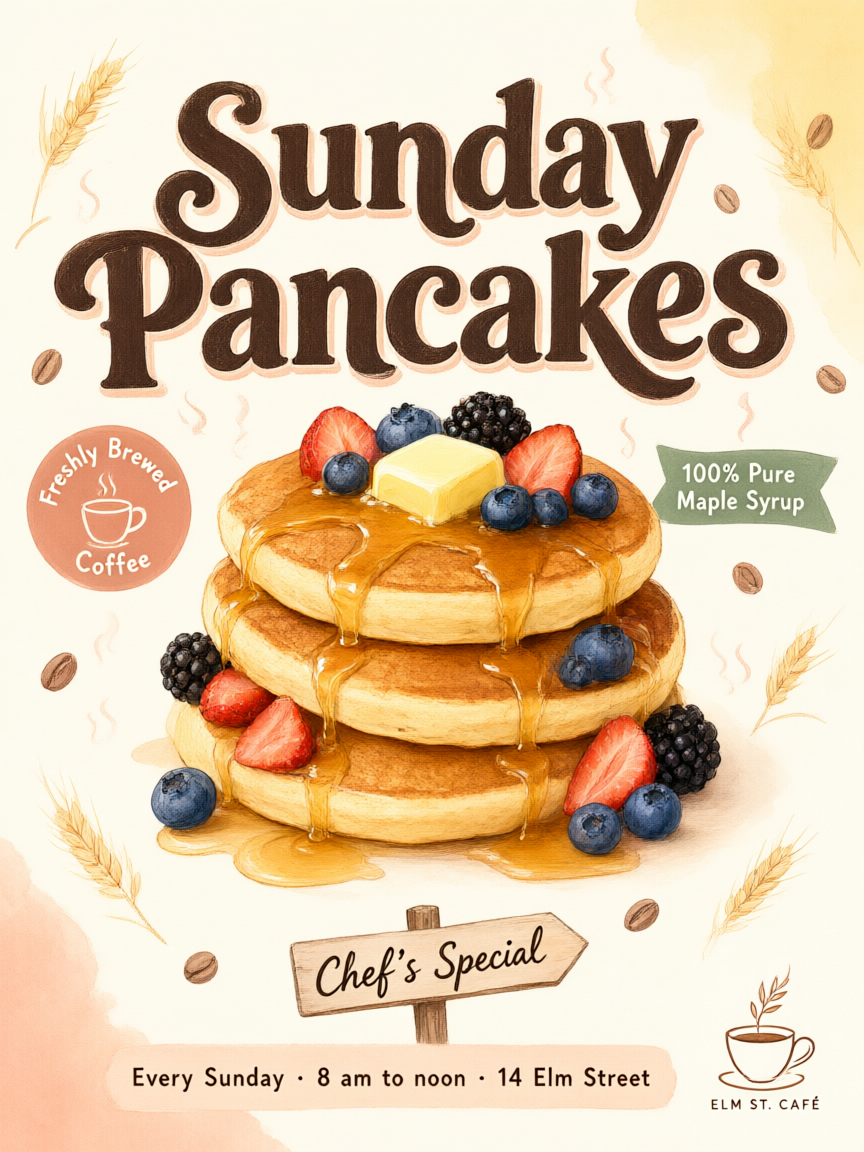
Café poster with text · Qwen Image 3
A warm illustrated poster for a neighborhood café. Headline at the top in bold serif: "Sunday Pancakes". Below it, a stack of pancakes with berries and syrup. Bottom line in small caps: "Every Sunday · 8 am to noon · 14 Elm Street". Cream background, soft shadows.
Key Features of Qwen Image 3
Alibaba Qwen Image 3 (officially Qwen-Image-3.0) comes from the Qwen team, the same group behind the earlier Qwen Image. This third generation focuses on two things older image models get wrong: small text that stays legible and layouts with many parts. It also edits a picture you upload. Use Qwen Image 3 online here for everyday posters and graphics, or step up to Qwen Image 3 Pro when the page is dense.
01 / 05
Qwen Image 3 Text Rendering You Can Read
Most image models turn words into squiggles. Qwen Image 3 draws small, legible text in many languages and fonts, so a headline, a price or a label comes out spelled the way you typed it. Put the exact words in double quotes in your prompt and say where they go: "top center", "on the bottle". Keep each block of text short; a few lines per poster read better than a paragraph.
Make a Poster with Qwen Image 302 / 05
Complex Layouts in a Single Pass
Qwen Image 3 can lay out a whole page at once: an infographic with a title, three numbered steps and icons, or a flyer with a photo, a headline and a footer. That makes it a handy AI poster generator when you need a first draft fast. Describe the layout from top to bottom, one part per sentence, and pick a shape that fits, such as 3:4 or 2:3 for print.
Design a Layout with Qwen Image 3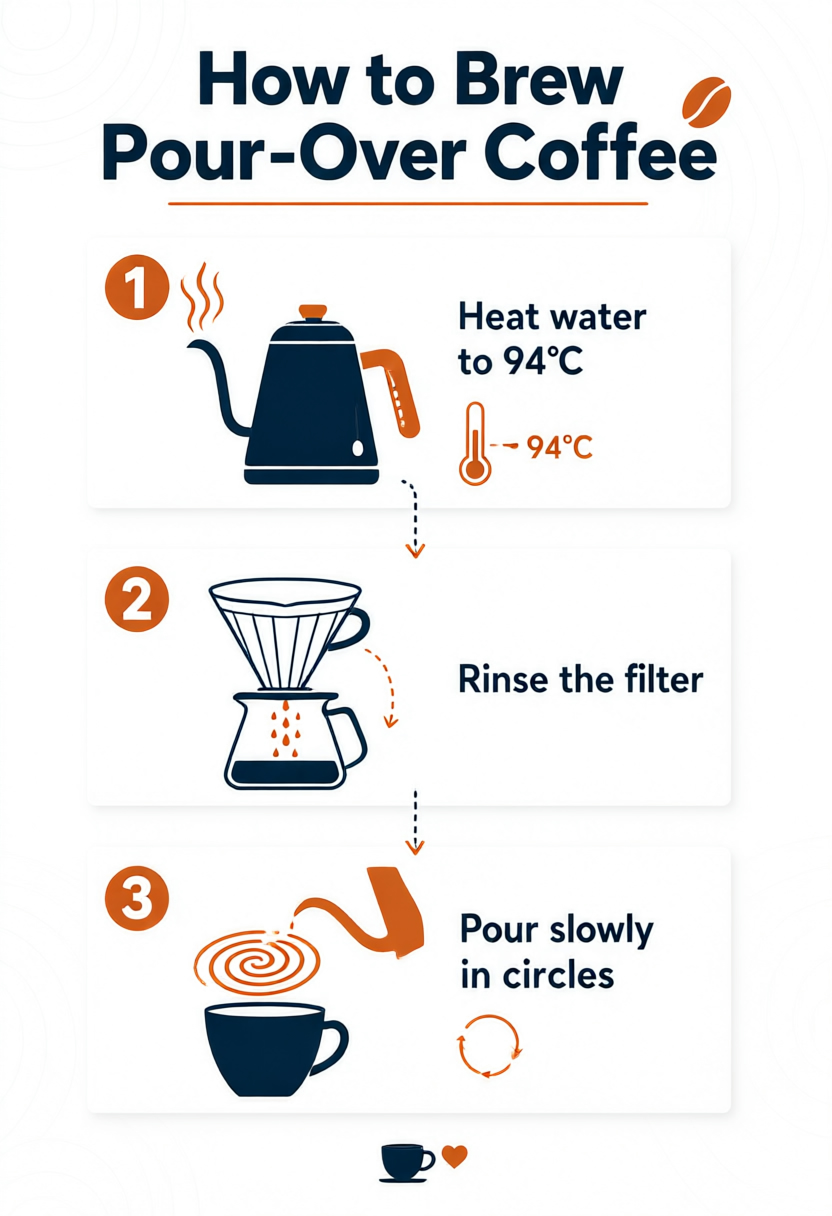
03 / 05
Photo-Real Detail for Products and People
Not every picture needs words. Qwen Image 3 also makes sharp, photographic images: a product on a table, a portrait in window light, a plate of food. Describe the light and the lens the way a photographer would ("soft morning light, shallow depth of field") and name the materials. Use the negative prompt under More Options to keep out things like extra text or a cluttered background.
Create a Product Shot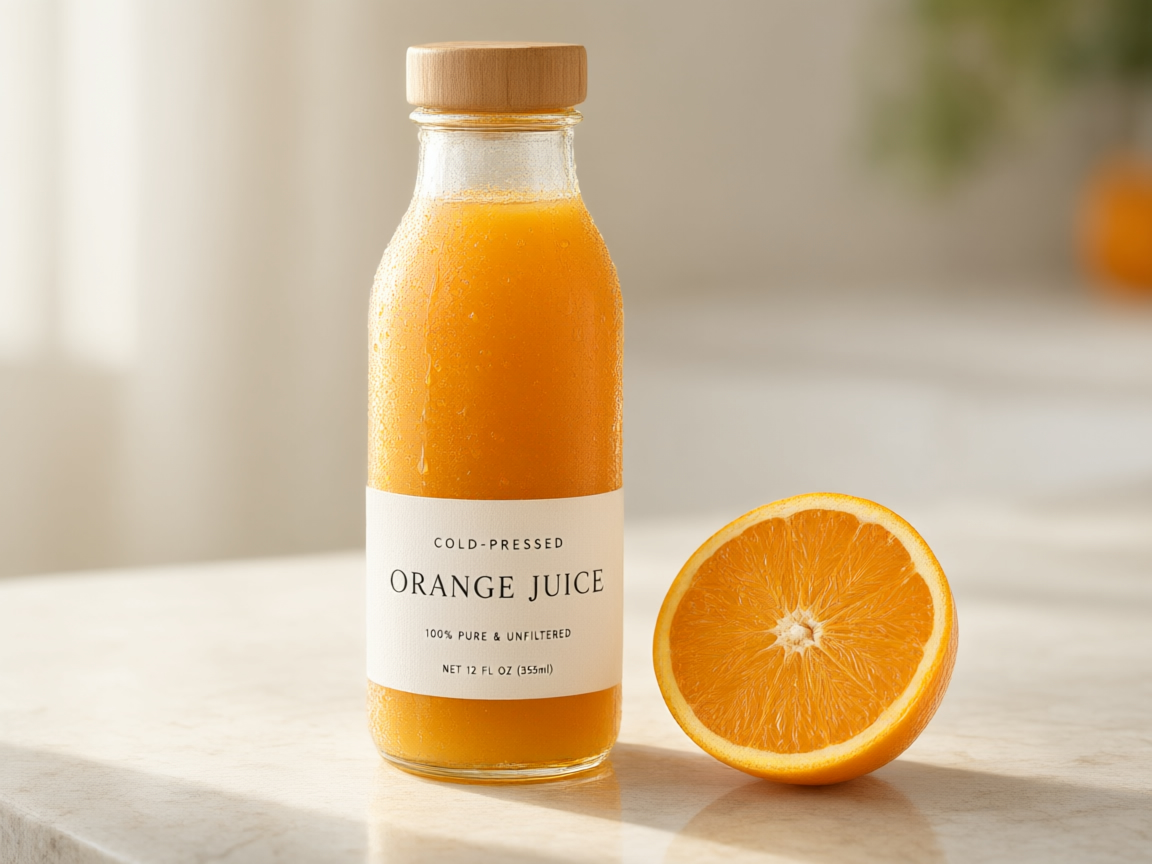
04 / 05
Qwen Image 3 Image Editing from One Upload
Switch to the Image to Image tab and upload one picture. Qwen Image 3 can then edit it (swap the background, change a color, add a sign), restyle it as a painting or a sticker, or use it as a starting point for something new. Choose Match input in the aspect ratio list to keep your photo's shape. Say what to change and what to keep, in that order.
Edit a Photo with Qwen Image 3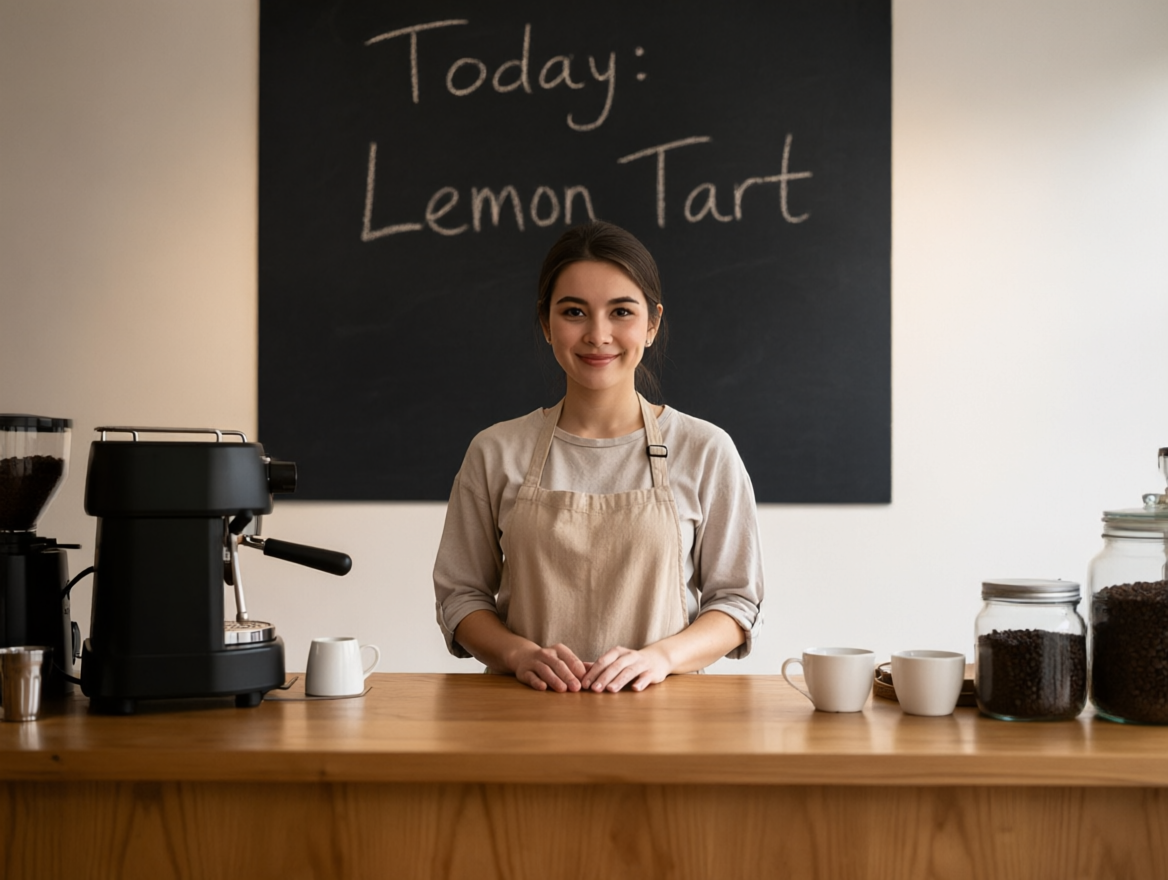
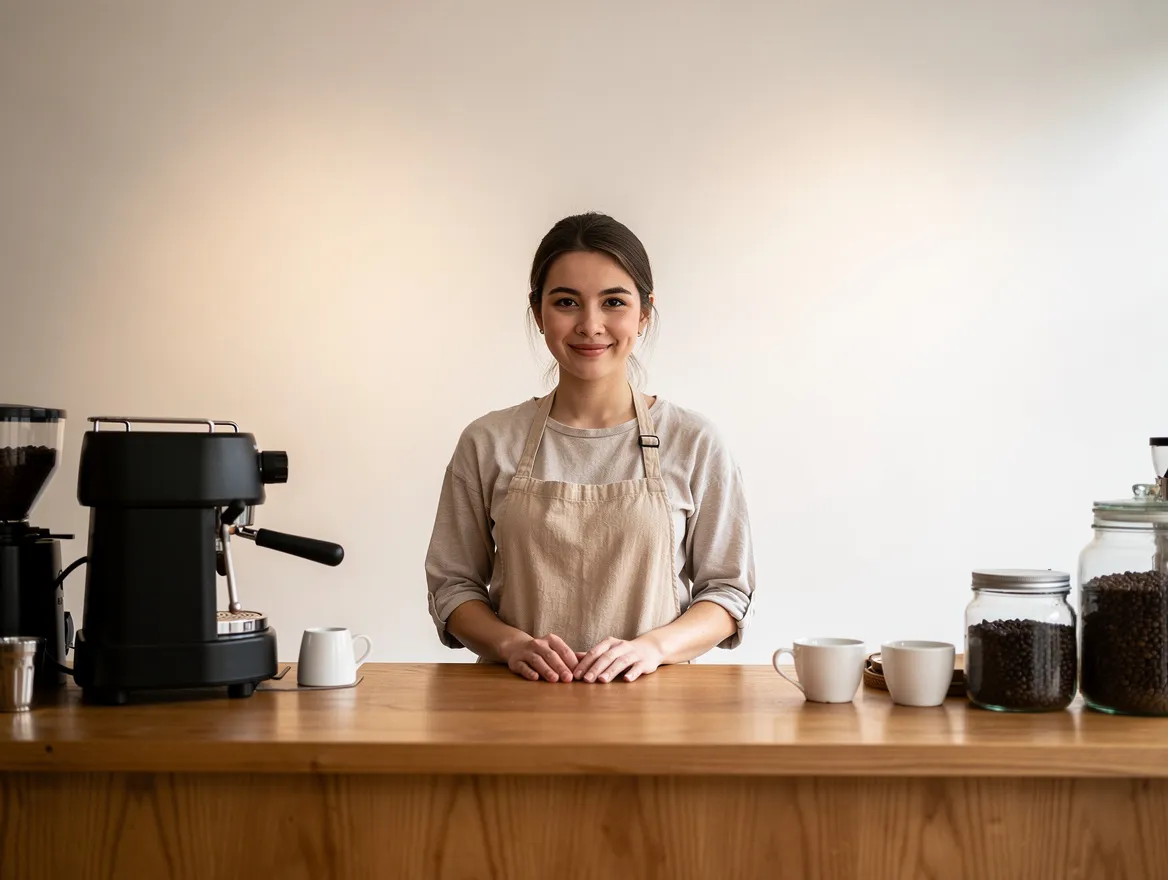 Original
05 / 05
Nine Shapes, Seed and Negative Prompt
Pick from nine aspect ratios: square, 16:9, 9:16, 4:3, 3:4, 3:2, 2:3 and the extra-wide 2:1 or extra-tall 1:2 for banners and phone wallpapers. Under More Options, a seed lets you get almost the same picture again; change one word and keep the seed to compare versions. Every result downloads as a PNG.
Pick a Shape and Generate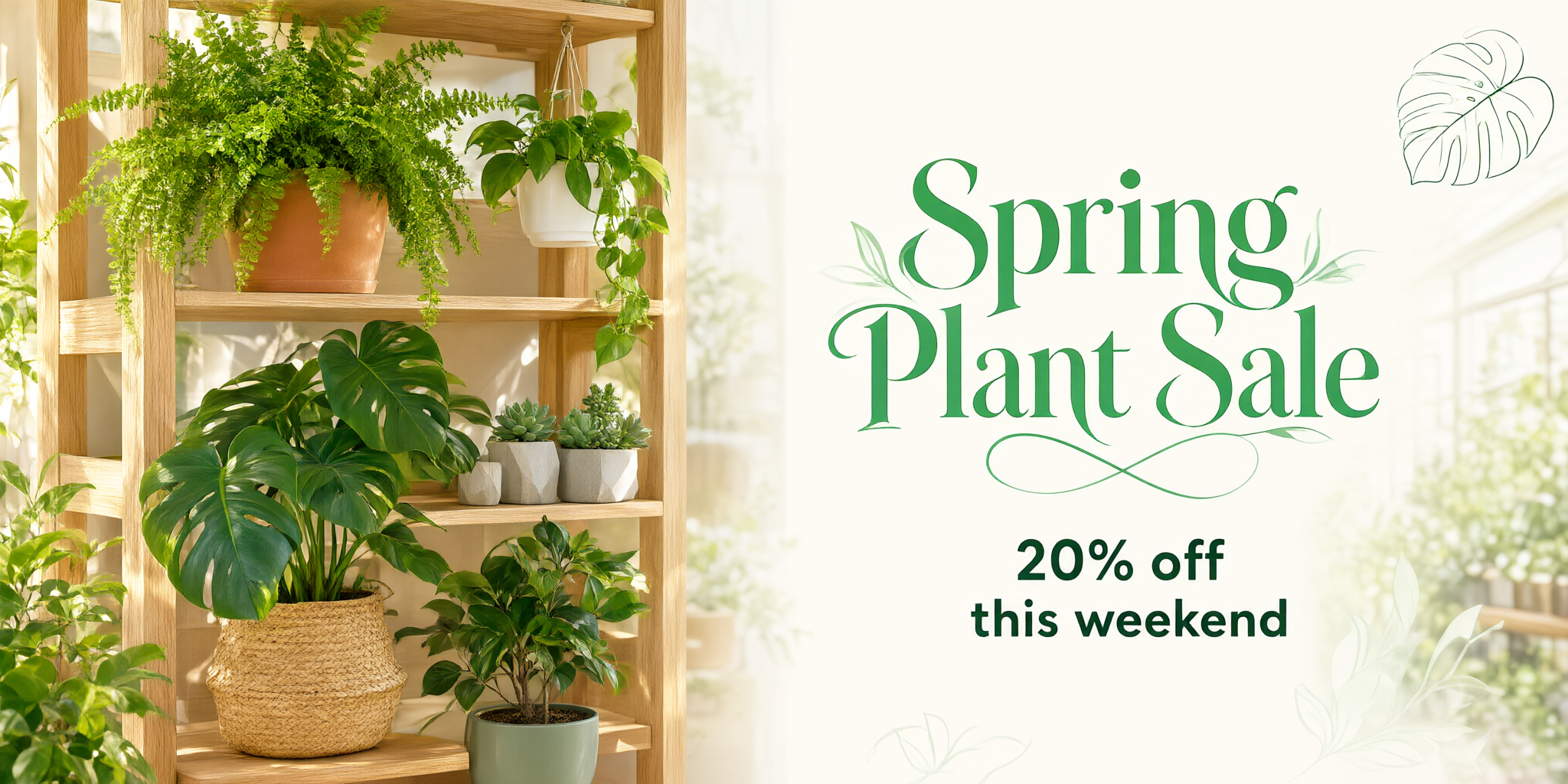
How to Use Qwen Image 3 on ImageFX
Choose Text to Image or Image to Image
Open the generator at the top of this page. Stay on Text to Image to make a picture from words, or open Image to Image and upload one photo to edit or restyle.
Write the Prompt and Quote the Words
Describe the picture, the style and the light. Put every word that must appear in double quotes and say where it goes. Pick one of the nine shapes, or Match input when editing.
Generate and Download the PNG
Click Generate. The image appears beside the form in seconds and is saved to your history. Download it, or keep the seed and adjust the prompt to try a variation.
A Qwen Image 3 run costs 2 credits; the Generate button shows the price first, and a failed run costs nothing. See plans and credit packs
Explore More AI Image Models on ImageFX
Qwen Image 3 runs in the same generator as these models. If your text or layout needs more, try the same prompt on one of them.
- Alibaba (Qwen) · Text-to-image and image-to-imageQwen Image 3 ProDenser pages, smaller text and finer skin and hair detail, for a little more per image.From 3 credits
- Alibaba Qwen · Text-to-image and image-to-imageQwen ImageThe earlier Qwen Image, at a similar price.From 2 credits
- Alibaba (Wan) · Text-to-image and image-to-imageWan 2.7 ImageAlibaba's other image model: edits and blends up to 9 pictures.From 2 credits
- OpenAI · Text-to-image and image-to-imageGPT ImageOpenAI's model, strong on following long prompts and typography.From 6 credits
- ByteDance · Text-to-image and image-to-imageSeedream 5.5ByteDance's model, edits from up to 10 photos at up to 2K.From 4 credits
- Google · Text-to-image and image-to-imageNano Banana ProGoogle's premium model, up to 4K, at a much higher price.From 30 credits
FAQs About Qwen Image 3
What is Qwen Image 3?
Qwen Image 3, released by Alibaba as Qwen-Image-3.0, is an image generation and editing model built for accurate text and complex layouts. It makes posters, infographics, product shots and photo-real pictures from a prompt, and it can edit or restyle a picture you upload.
Qwen Image 3 vs Qwen Image 3 Pro: which should I use?
Both share the same controls. Pro is built for denser pages, such as menus, newspapers and storyboards, renders text as small as 10 pixels in 12 languages and adds finer detail in faces and hair. It costs about half as much again per image. For a poster or a social graphic, Qwen Image 3 is usually enough.
Can Qwen Image 3 write text in other languages?
Yes. Alibaba says the model renders text natively in many languages and fonts. Type the words in the language you want, inside double quotes, and keep each block short. Check the result closely before printing, as long lines in any language can still come out with a wrong letter.
How do I write a good Qwen Image 3 prompt?
Start with what the picture is (a poster, a label, a photo), then describe the layout from top to bottom. Put every word that must appear in double quotes and say where it sits. Finish with the style, colors and light. Short, ordered sentences work better than one long list of adjectives.
What can I upload to Qwen Image 3?
One image, in the Image to Image tab: a photo, a sketch, a product shot or an earlier result. Qwen Image 3 uses it as the picture to edit or as a starting point. Pick Match input to keep its shape, or choose any of the nine aspect ratios to reframe it.
What sizes and formats does Qwen Image 3 make?
Nine aspect ratios: 1:1, 16:9, 9:16, 4:3, 3:4, 3:2, 2:3, 2:1 and 1:2, plus Match input when you edit a photo. Each run makes one image, saved as a PNG in your history.
Why is some text in my Qwen Image 3 image wrong?
Long sentences, tiny text and many separate text blocks are the hardest cases. Quote the exact words, cut them down, and give each block a place. If one word is off, keep the seed and run again, or edit the result in Image to Image and ask for that word to be fixed.
Can I use Qwen Image 3 images commercially?
ImageFX does not claim ownership of what you make with Qwen Image 3. Whether you can use an image commercially is governed by Alibaba's terms for the model and the usual rules about trademarks, logos and real people. Check those terms before using an image in paid work.
Try Qwen Image 3 on ImageFX
Turn an idea into a poster, a label or a clean infographic with text you can read, or edit a photo in one step.
Create with Qwen Image 3