



AI Dance
Generator
One photo.
Ten seconds of moves.
Turn a picture into a dance video. Upload one full-body photo and AI makes you dance the 10-second sway routine everyone is posting: the bounce, the side-to-side sway, two spins and a freeze, on the beat and with music.
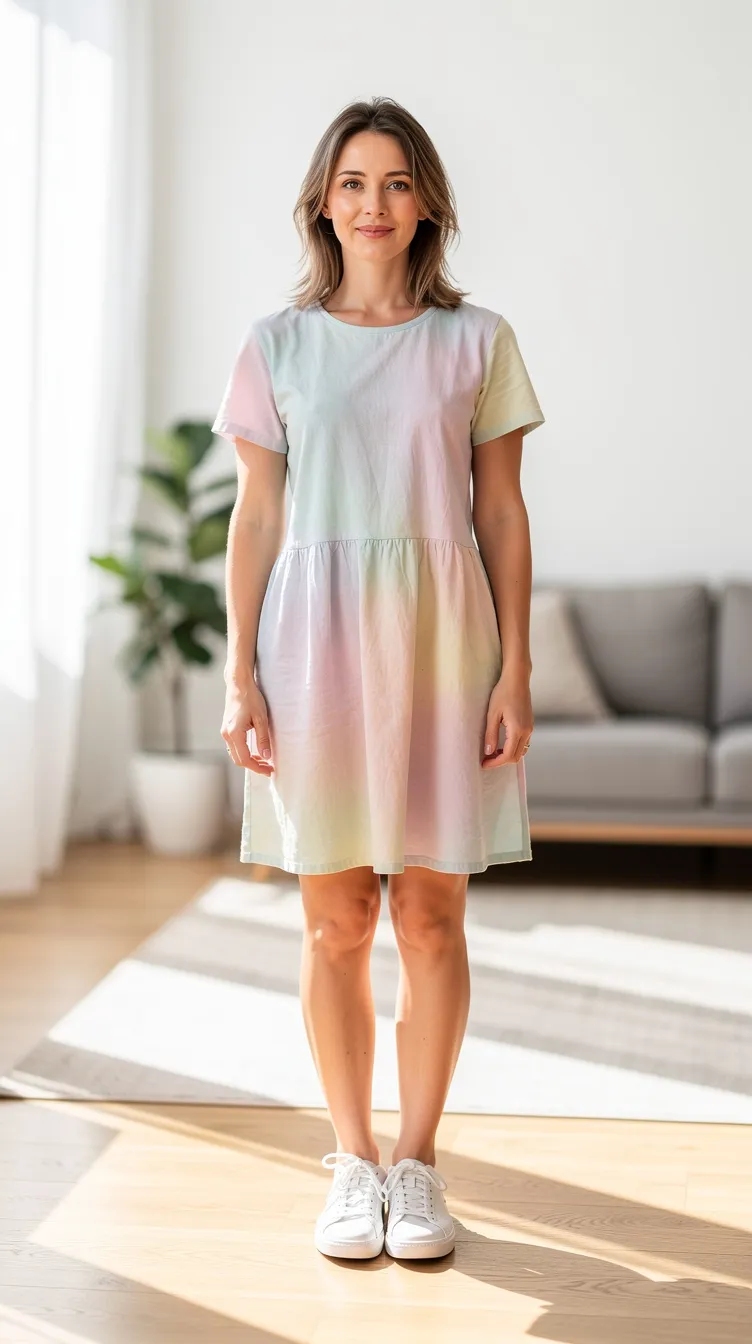 MADE FROM THIS PHOTO
Make your AI dance video
One photo, one click. The choreography is already set.
Drop a photo or click
JPG or PNG · one person · full body works best
✓One person in the photo
✓Full body, head to feet
✓Standing, arms not hidden
✓Plain background helps
✕Group shots or heavy cropping
✕Someone else’s photo without their OK
Credits are only charged when your video is delivered. Sound included.
Your clip lands here
10s · vertical 9:16 · with sound
The 10-second script
Four moves, already choreographed.
You don’t write a prompt or pick a reference clip. Every video follows the same routine: find the beat, the sway with shoulder bounces, two quick spins and a step-touch, and a freeze pose at the end. Your photo decides who dances it, and what they wear.
- 0–2sFind the beatA smile at the camera, bobbing in.
- 2–5sSwaySide to side, shoulders bouncing, arms waving.
- 5–8sSpinTwo quick spins, a step-touch, a point at the lens.
- 8–10sFreezeOne last groove, then the pose.
How to turn a picture into a dance video
4 steps, no editing.
- 01
Upload one photo
A full-body photo works best, so the AI can see your legs and arms. A clear face keeps you recognisable.
- 02
Pick a shape and resolution
Vertical 9:16 for TikTok, Reels and Shorts, landscape 16:9 for YouTube, or square for the feed. 480p is quick and cheap for a first try; 720p looks sharper.
- 03
Generate
Seedance 2.0 dances the 10-second routine as you, in a bright living room, with an upbeat pop track. It takes a few minutes.
- 04
Download and post
You get an MP4 with sound in the shape you picked, ready to post.
AI dance prompts
Prefer another app? Copy the prompt for your tool. Or skip the setup: the generator above already runs the full 10-second version.
Seedance 2.0
Dreamina, CapCut and other apps that host Seedance 2.0
SETUPUpload your photo as a reference image and replace [photo 1] with the way your app tags it (for example @Image1).
Vertical 10-second dance video, phone on a tripod, one continuous shot. The dancer is [photo 1]; keep face, body and outfit faithful, full body in frame.
Bright living room, daylight from a big window.
0-2s: smiles at the camera and starts bobbing to the beat.
2-5s: smooth side-to-side sway with shoulder bounces and relaxed arm waves, on the beat.
5-8s: two quick spins, a step-touch to each side, a playful point at the camera.
8-10s: a final groove and a freeze pose with a big grin.
Upbeat pop dance track, energetic and family-friendly. No text.
FAQ
How do I turn a picture into a dance video?+
Upload one full-body photo above, pick vertical, landscape or square and 480p or 720p, then press Generate. Seedance 2.0 makes the person in the photo dance a 10-second routine with music. Download the MP4 when it’s ready.
What dance does it do?+
A short, upbeat sway routine in the style of the dance trends on TikTok: bouncing to the beat, swaying side to side, two spins and a freeze pose. It is the same choreography every time, so it works as a trend.
Is the AI dance generator free?+
It uses credits: 50 at 480p and 110 at 720p for the 10-second clip. You are only charged once your video is delivered; if generation fails, no credits are used.
What AI model does this use?+
ByteDance’s Seedance 2.0, which keeps the face and outfit from your photo and generates the music with the video.
Does it work with a selfie?+
It works, but the AI has to invent your legs and outfit below the frame. A full-body photo, standing, gives a much better result.
How long does it take?+
Usually two to five minutes. If you reload or come back to this page within 30 minutes, it picks the render back up.
Can I use a photo of someone else?+
Only with their permission. Don’t upload photos of public figures, minors or anyone without consent, and don’t use the result to mislead or harass anyone.
Everybody dances. Even your photos.
More trends: Skirt spin dance · AI hug · all video effects