



Remove people · objects · text · 6 models
AI Object Remover
Remove objects from a photo by naming them. Upload your picture, type what should go, like the tourists behind you, a power line or a trash can, and the AI fills the space with what would naturally be there. No brushing, masking or clone stamp.
01 · Real results
AI Object Remover examples
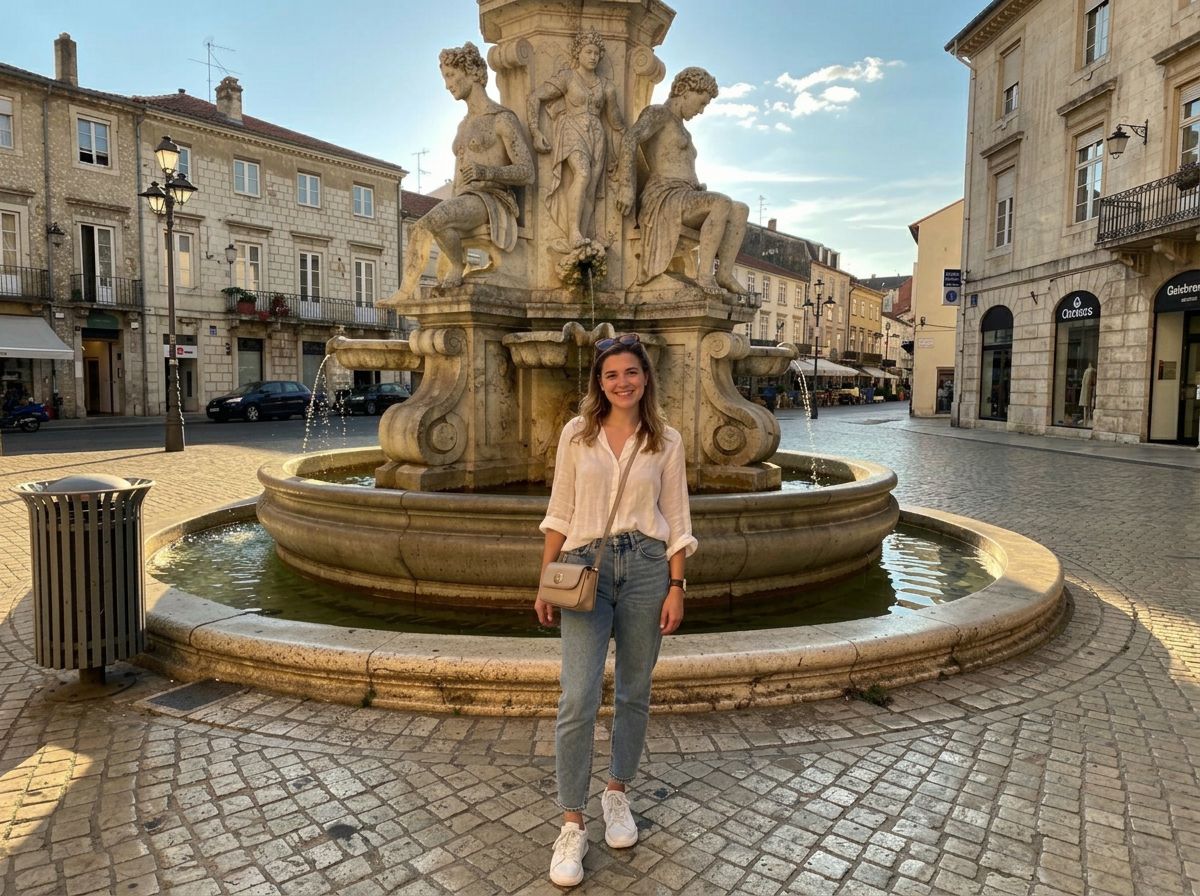
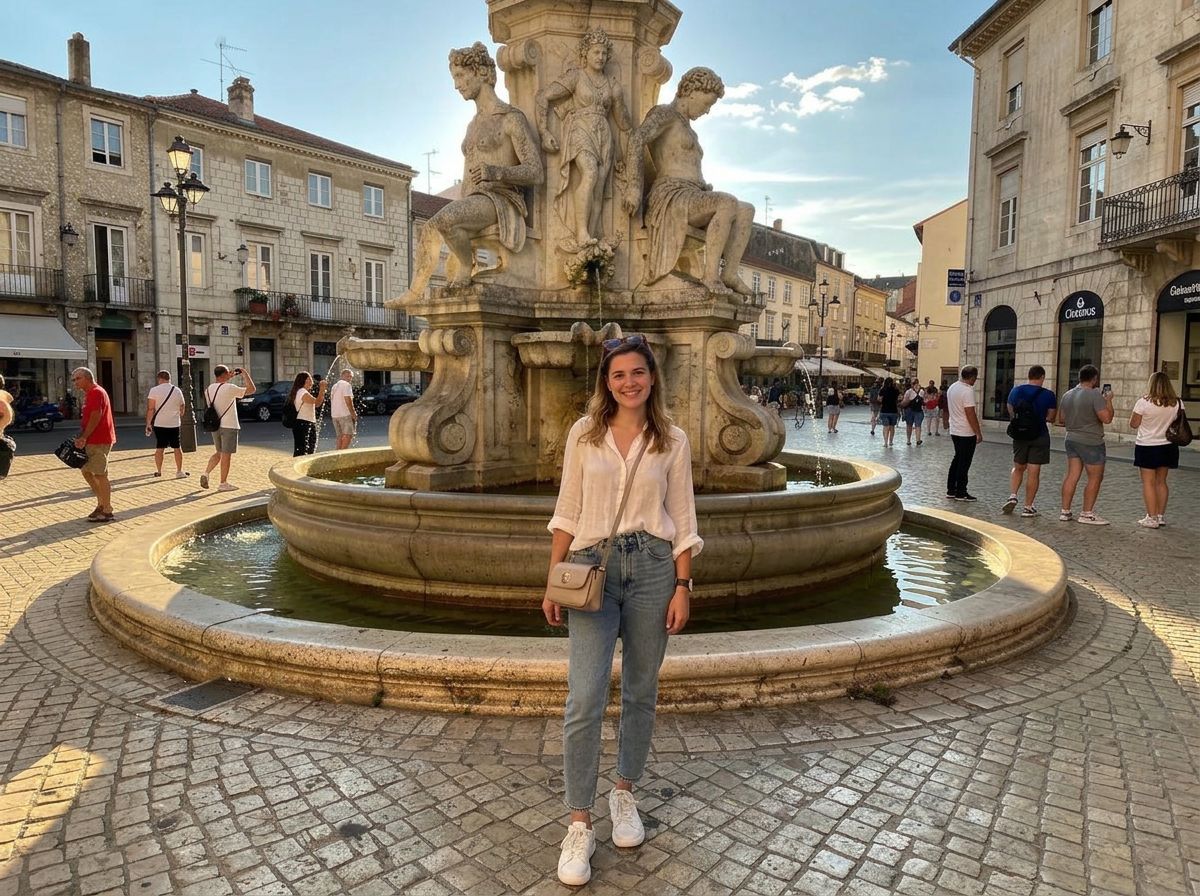
Made on this page with the presets below on Nano Banana 2, unedited. The input photos are AI-generated people, not real ones.
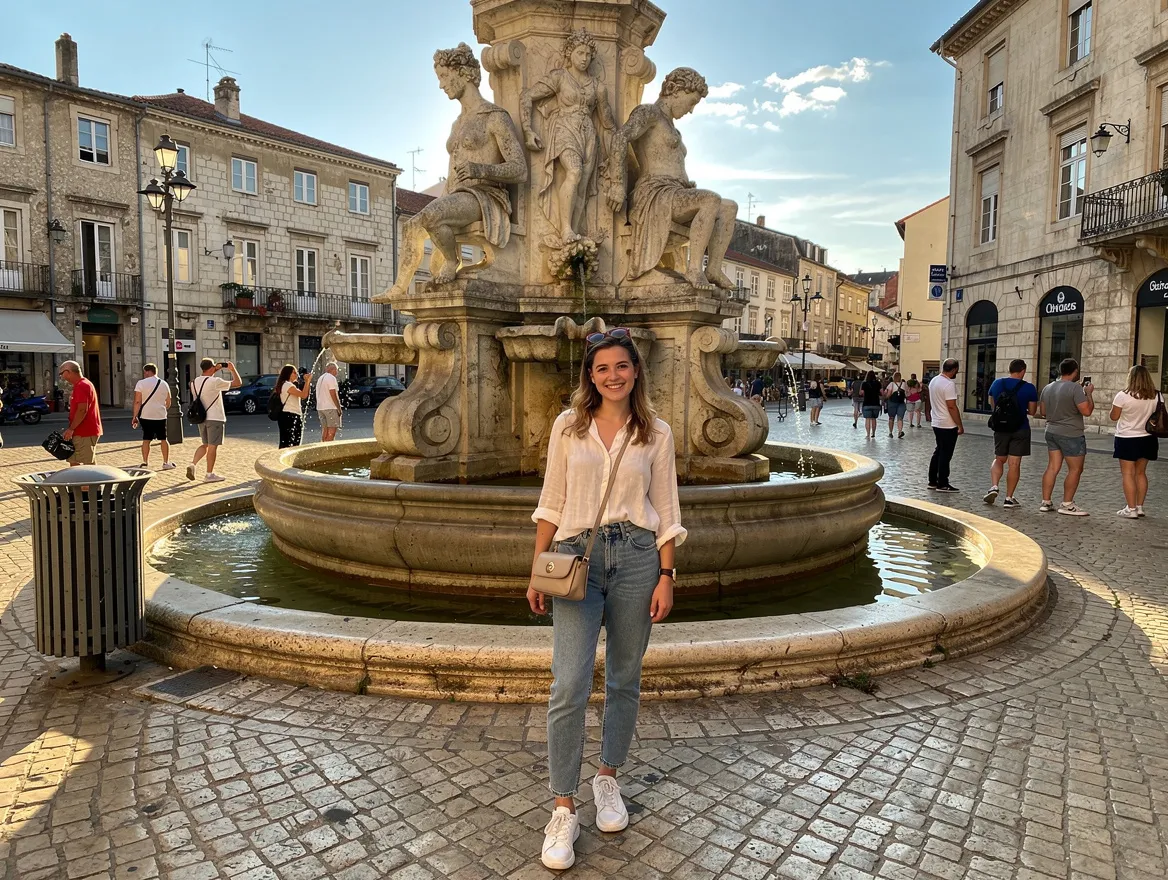
Remove people · Nano Banana 2 · drag the handle to compare
Remove all the people in the background of this photo and fill the space naturally so it matches the rest of the scene. Keep the main person, the lighting and everything else exactly the same.
02 · What you can do
Remove objects from photos online: what you can erase
Each of these is a one-tap preset in the object remover above. Tap it, name the exact thing in the prompt, and run it on your photo.
Remove people from photos
Tourists, photobombers and passers-by disappear, and the street, beach or monument behind them is rebuilt so the photo looks like you had the place to yourself.
Erase a single object
Name one thing, like a bin, a sign or a parked car, and say where it is. Only that object goes; the rest of the photo is left as it was.
Remove words from a picture
Captions, labels, stickers and handwritten notes come off and the surface underneath is filled back in.
Power lines and cables
The classic landscape and architecture fix: overhead wires and poles go, and the sky stays smooth and even.
Declutter rooms
Clear surfaces and floors for a listing or a rental ad without tidying up and reshooting.
Clean up product photos
Dust, fingerprints, price tags and stray props come off product shots, so they are ready for a shop.
Remove blemishes and stray hairs
Small, temporary distractions go while the skin texture stays real, so the portrait does not look airbrushed.
Remove shadows and reflections
Your shadow in the foreground, a glare on glass or a reflection in a window can be named and taken out.
03 · How to
How to remove an object from a photo
4 steps, all on this page.
- 1
Upload your photo
Drop a JPG or PNG of up to 10 MB into the object remover above.
- 2
Name what to remove
Type what should go and where it is ("the man in the red shirt on the right"), or tap a preset like Remove people. Add "change nothing else".
- 3
Pick a model
Nano Banana 2 is loaded by default. Keep "Match input" so the cleaned photo has the same proportions as the original.
- 4
Generate and download
Press Generate. The cleaned photo appears beside the form with a Download button and is saved to your history. Something left over? Run the result again.
04 · Why AI
An AI object remover instead of a magic eraser brush
Describe it, don’t paint it
Most cleanup tools make you brush over the object, and small slips leave smudges. Here you type what to remove, which is faster for many small things at once.
Fills that make sense
Clone stamps copy nearby pixels and leave repeating patterns. These models rebuild the scene behind the object, continuing railings, tiles and horizons the way they should run.
One tool for many cleanups
People, text, wires, clutter and blemishes are all one sentence each, and when you want to replace rather than remove, you just say what should be there instead.
05 · Models
The AI models behind the object remover
Switch models from the picker at the top of the generator. The price is per image and shows on the Generate button.
| Model | Best for | Credits from |
|---|---|---|
| Nano Banana 2default | Clean removals that leave the rest untouched | 6 |
| Nano Banana 2 Lite | Quick, cheap cleanups | 1 |
| Nano Banana Pro | Large or tricky removals, up to 4K | 30 |
| GPT Image | Several removals in one detailed instruction | 6 |
| Qwen Image | Removing or replacing text in images | 2 |
| Flux 2 Max | Photoreal fills in busy scenes | 15 |
06 · Who it’s for
Remove objects from images for
Travel photos
Landmarks without crowds and beaches without strangers.
Online sellers
Clean product shots without tags, dust or props.
Estate agents and hosts
Decluttered rooms and tidy exteriors for listings.
Family photos
Exes, photobombers and distractions taken out of keepsakes.
Designers
Text and logos removed from reference images you own.
Landscape photographers
Wires, signs and litter removed from the view.
07 · Prompting
Prompt tips for better results
Say what to remove, where it is and what should fill the space. The clearer the target, the less the model guesses.
| Vague | Prompt that works |
|---|---|
| Remove that | Remove the white van parked on the right side of the street and fill the space with the same road and shop fronts. |
| Get rid of the people | Remove everyone except the woman in the yellow dress in the center. Keep her and the fountain unchanged. |
| Clean it up | Remove the cables on the desk, the coffee cup and the sticky notes on the monitor. Keep the laptop and lamp. |
| Remove the text | Remove the white caption text at the bottom of the image and restore the grass underneath it. |
08 · FAQ
AI Object Remover FAQ
What is an AI object remover?
A tool that removes things from a photo when you name them. You upload a picture, type what should go ("the people behind me", "the sign on the wall") and an image model erases it and fills the space so it matches the rest of the scene.
Is the AI Object Remover free?
New accounts get 5 free credits, and Nano Banana 2 Lite runs from 1 credit per image, so you can try it without paying. After that it runs on credits; the button shows the price before you run, and a failed run costs nothing.
Can I remove a person from a photo?
Yes. Describe the person by position or clothing ("the man in the blue jacket on the left") so the model knows which one. Large figures close to the camera are harder; Nano Banana Pro helps there.
Does it change the rest of my photo?
It aims to change only what you name. Ending the prompt with "change nothing else" helps. Because the image is regenerated, very fine detail can shift slightly, so compare before you replace the original.
Can it remove text and words from a picture?
Yes. Use the Remove text preset. Qwen Image is particularly good with text in images, and it can also replace words instead of removing them.
Can it remove watermarks?
For watermarks, logos and date stamps on photos you own, use the dedicated AI watermark remover, which is set up for that job.
Can I remove objects from a video?
Not here. This tool works on still images. You can remove the object from a frame and then animate the clean photo with the image to video tool.
What isn’t allowed?
Edits meant to mislead, such as removing evidence or faking documents, are not allowed, and sexual edits are blocked. Only edit photos you have the right to edit.
09 · More tools
More AI tools
Remove objects from your photo
Upload a picture, name what should go and get a clean version back in seconds.
Open the AI object remover