


Model
The AI that will make it for you. Each one has its own look and price. Not sure? Keep the one that's already picked.
 Veo 3.1Google60 Credits
- Veo 3.1 FastGoogle
 Grok Imagine VideoxAI
- Grok Imagine Video 1.5xAI
 Sora 2 ProOpenAI
- Sora 2OpenAI
 Kling 3.0Kuaishou (Kling)
- Kling v2.6Kuaishou (Kling)
- Kling v2.5 Turbo ProKuaishou (Kling)
- ALWan 2.5 T2VAlibaba (Wan Video)
- ALWan 2.5 T2V FastAlibaba (Wan Video)
 Seedance 2.5ByteDance
- Seedance 2.0ByteDance
- Seedance 1 ProByteDance
- Seedance 1 Pro FastByteDance
- PIPixVerse v5PixVerse
- PIPixVerse v4.5PixVerse
- LURay 2 720pLuma Labs
- LURay Flash 2 720pLuma Labs
 Hailuo 2.3MiniMax
- Hailuo 2.3 FastMiniMax
Start from words only. You describe the video and the AI makes it from scratch.
Describe the video in your own words, as if telling a friend: who is in it, what they do, where it happens and what you hear. More detail gets you closer to what you imagine.
Aspect Ratio
The shape of the result. 16:9 is wide, like YouTube or a TV. 9:16 is tall, like TikTok or phone stories. 1:1 is square, like an Instagram post.
Duration
How many seconds long the video will be. Longer videos cost more credits.
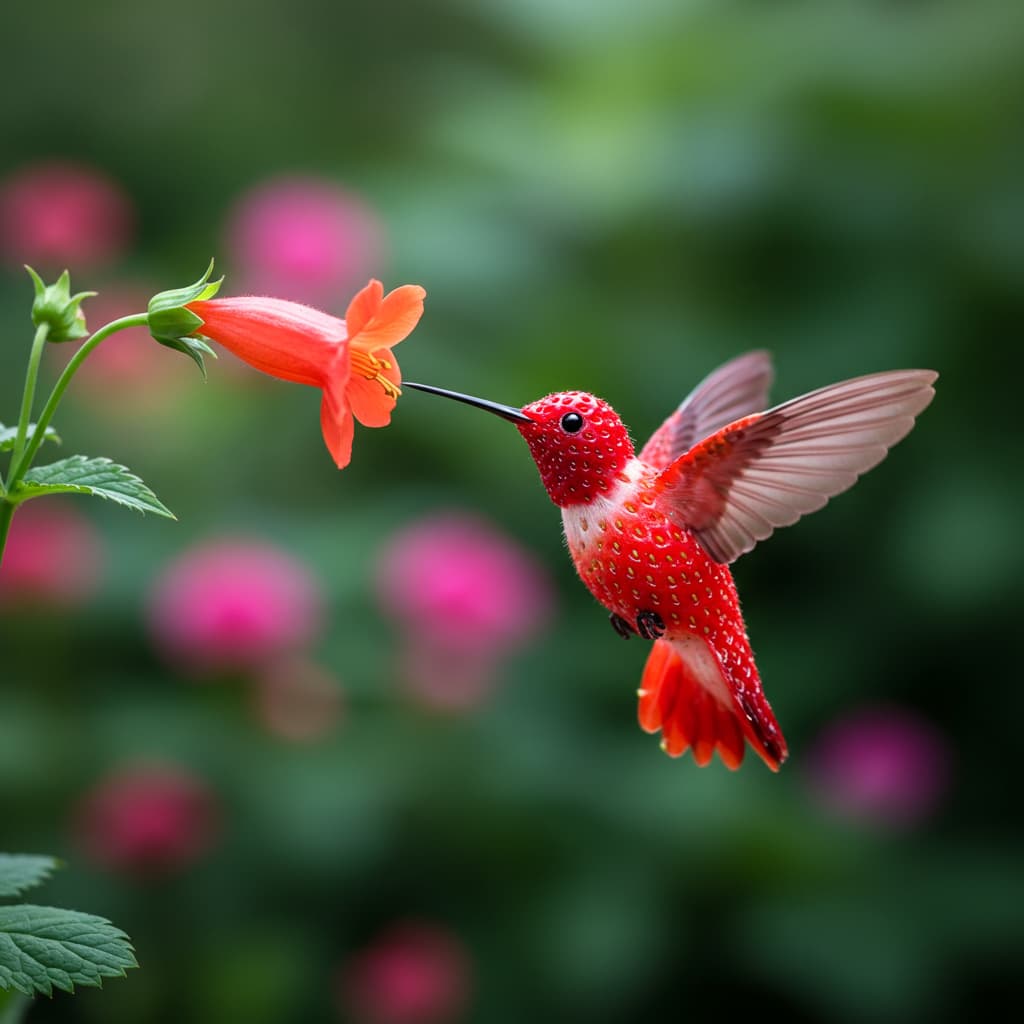


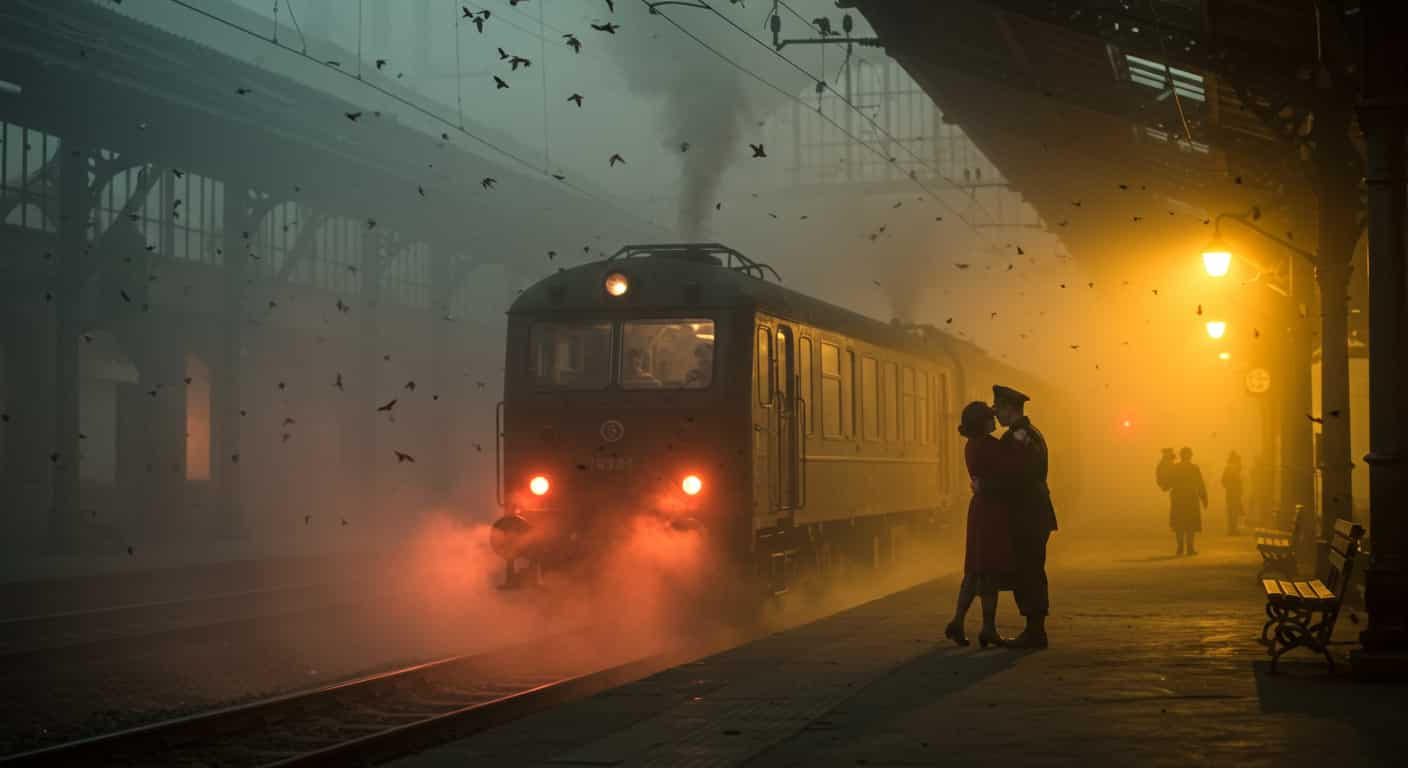
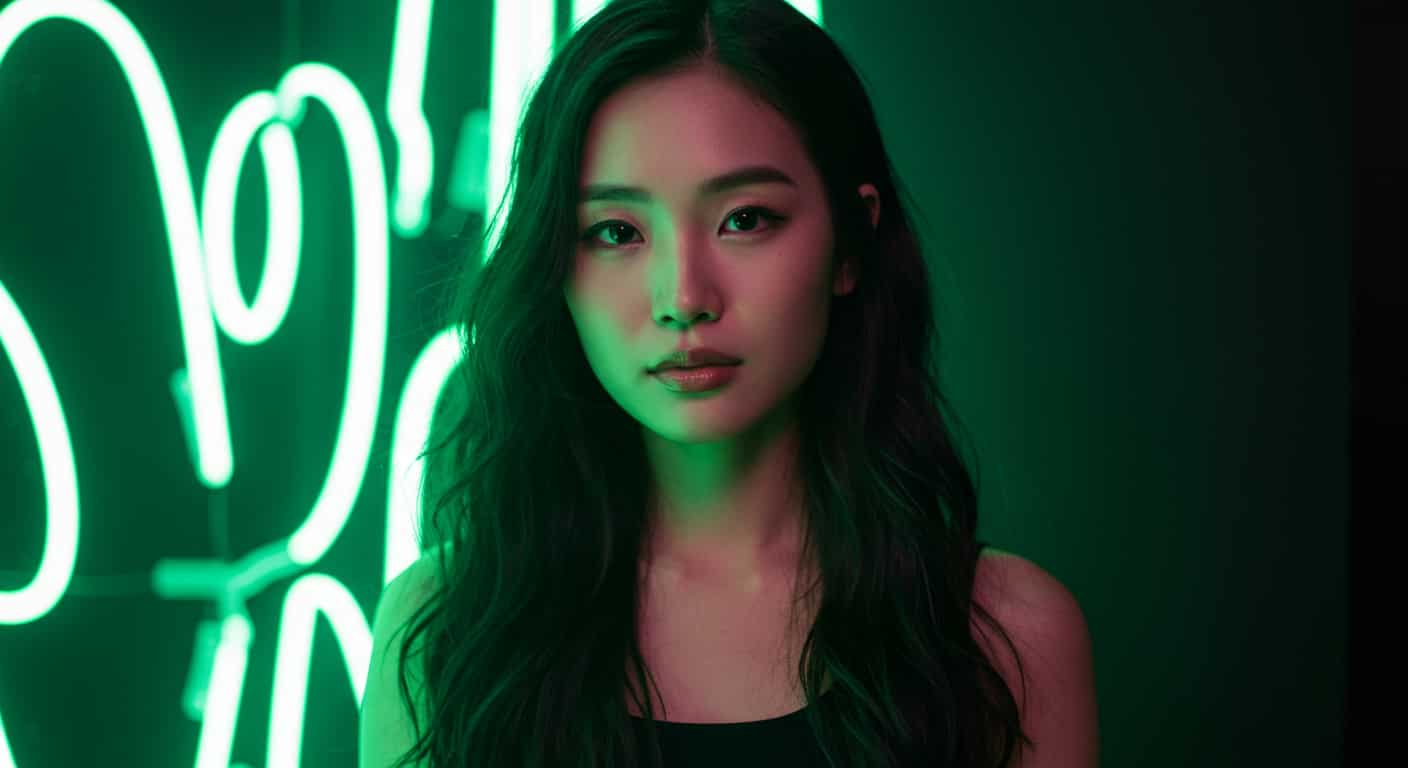




Google · Text & image to video
Veo 3.1 AI Video Generator
Veo 3.1 is Google DeepMind's video model for 1080p clips with sound: dialogue, effects and ambience generated with the picture. Write the shot like a director, or start from a first and last frame, and Veo 3.1 renders it.
Real results
Discover What Veo 3.1 Can Create
Cinematic 1080p shots with sound, each made from one prompt with Veo 3.1. Unedited outputs from this page, with the prompt for each. The input photos are AI-generated people, not real ones.
Kitchen scene · Veo 3.1
Close-up, slow dolly in: a chef flips vegetables in a flaming wok in a busy restaurant kitchen at night, steam and orange light. Sound: sizzling, clattering pans, distant orders being called.
Key Features of Veo 3.1
Veo 3.1 is Google DeepMind's video model, released in October 2025 as an update to Veo 3, the model that made video with matching sound mainstream. Veo 3.1 improved realism, prompt adherence and audio, and it is the most capable video model on ImageFX.
01 / 05
Sound That Matches the Picture
Dialogue, sound effects and ambience are generated together with the video, so a door slam lands on the frame where the door closes. Footsteps, room tone and music fit what is on screen. Describe the sound in your prompt and Veo 3.1 adds it to the clip.
Try Veo 3.1 Now02 / 05
Characters That Speak Your Lines
Put dialogue in quotes and say who speaks it, and Veo 3.1 has the character say it with lip movement that follows. That makes short ads and skits possible from a single prompt, without filming or recording anyone.
Make a Talking Video with Veo 3.103 / 05
Cinematic Camera Language
Veo 3.1 reads prompts like a director's notes. It understands shot types and moves such as close-up, dolly in, crane shot, handheld and rack focus. Name the shot, the action over time and the sound, and keep each prompt to one continuous shot.
Direct a Shot with Veo 3.104 / 05
Realistic Physics and Light
Water, cloth, hair and reflections behave plausibly, one of the main reasons Veo leads many video comparisons. Veo 3.1 renders at 1080p on ImageFX, in widescreen or vertical.
Try Veo 3.1 Now05 / 05
Start From a First and Last Frame
Besides text-to-video, Veo 3.1 can open on an image you upload, or travel from a first frame to a last frame you choose. Use it to bring a product shot or a still to life, or to fix exactly where a shot ends.
Animate a Photo with Veo 3.1How to Use Veo 3.1 on ImageFX
Pick Text or Image to Video
Open the Veo 3.1 generator at the top of this page. Write from scratch on Text to Video, or switch to Image to Video and upload a first frame, or a first and last frame.
Write It Like a Shot Description
Give the subject and action, the setting, the camera move and the light, then the sound and any dialogue in quotes. Choose widescreen or vertical and the length; a negative prompt is there for anything you want left out.
Generate and Download
Click Generate, watch the clip beside the form and download the 1080p MP4 with its sound. Every video is saved to your account.
A Veo 3.1 run costs 40–80 credits depending on length; the Generate button shows the price first, and a failed run costs nothing. See plans and credit packs
Explore More AI Video Models on ImageFX
Veo 3.1 runs in the same generator as these models. Draft on a cheaper one, then render the take you publish on Veo 3.1.
- Google · Text-to-video and image-to-videoVeo 3.1 FastVeo 3.1 quality and sound for fewer credits, for drafts and volume.From 30 credits
- Kuaishou (Kling) · Text-to-video and image-to-videoKling 3.0Cinematic motion with first and last frames.From 40 credits
- xAI · Image-to-videoGrok Imagine Video 1.5Turning one photo into a talking, lip-synced video.From 12 credits
- Kuaishou (Kling) · Text-to-video and image-to-videoKling v2.6Cinematic motion with native audio.From 20 credits
- MiniMax · Text-to-video and image-to-videoHailuo 2.3Expressive faces and full-body motion from MiniMax.From 50 credits
- ByteDance · Text-to-video, image-to-videoSeedance 2.5Multi-shot clips with sound and dialogue, up to 30 seconds.From 45 credits
FAQs About Veo 3.1
What is Veo 3.1?
Veo 3.1 is Google DeepMind's video model, released in October 2025 as an update to Veo 3. It generates video together with matching sound, including dialogue, and improved realism and prompt adherence over Veo 3.
Does Veo 3.1 generate audio?
Yes. Every Veo 3.1 clip on ImageFX comes with generated sound: ambience, effects and any dialogue you write. Sound is always on, so mute it in your editor if you only need the picture.
Can Veo 3.1 make characters speak?
Yes. Write the line in quotes and say who speaks it, and the character says it with matching lip movement.
What resolution is Veo 3.1 on ImageFX?
1080p, in widescreen 16:9 or vertical 9:16. Veo 3.1 doesn't make square video.
How long can a Veo 3.1 video be?
Up to 8 seconds per clip. For longer scenes, generate several shots and edit them together. The generator shows each length's price before you run, and credits are refunded if a run fails.
Can Veo 3.1 use reference images?
Google's API lets Veo 3.1 follow reference images, but that isn't on ImageFX. Here you can start from text, a first frame, or a first and last frame.
What is the difference between Veo 3.1 and Veo 3.1 Fast?
Veo 3.1 Fast is the lower-cost, quicker variant of the same model generation, with slightly less fidelity. Draft on Veo 3.1 Fast and use Veo 3.1 for the take you will publish.
Try Veo 3.1 on ImageFX
Write a shot with camera moves, dialogue and sound, and get a 1080p clip from Google DeepMind's top video model.
Create with Veo 3.1