


Model
The AI that will make it for you. Each one has its own look and price. Not sure? Keep the one that's already picked.
 Seedream 5.5ByteDance4 Credits
 Nano Banana 2 LiteGoogle
- ImageFXImagen 4 · Google DeepMind
- Nano Banana ProGoogle
- Nano Banana 2Google
 GPT ImageOpenAI
 Qwen ImageAlibaba Qwen
- BLFlux Kontext ProBlack Forest Labs
- BLFlux 2 MaxBlack Forest Labs
- BLFlux ProBlack Forest Labs
- BLFlux SchnellBlack Forest Labs
- IDIdeogram v3 QualityIdeogram
- IDIdeogram v3 TurboIdeogram
- Seedream 4.5ByteDance
- RERecraft v3Recraft
- RERecraft v3 SVGRecraft
- STStable Diffusion 3.5 LargeStability AI
- LUPhotonLuma Labs
- LUPhoton FlashLuma Labs
- NVSanaNVIDIA
 MiniMax Image-01MiniMax
- TEHunyuan Image 3Tencent
- BRBria Image 3.2Bria AI
- PRP-ImagePrunaAI
- PRHiDream L1 FastPrunaAI
Start from words only. You describe the picture and the AI draws it from scratch.
Describe the picture in your own words: what's in it, the style (photo, cartoon, painting…), the colors and the mood. More detail gets you closer to what you imagine.
Aspect Ratio
The shape of the result. 16:9 is wide, like YouTube or a TV. 9:16 is tall, like TikTok or phone stories. 1:1 is square, like an Instagram post.
Resolution
How sharp the result is. Higher numbers look sharper but cost more credits and take longer. Try a lower one first to test your idea.
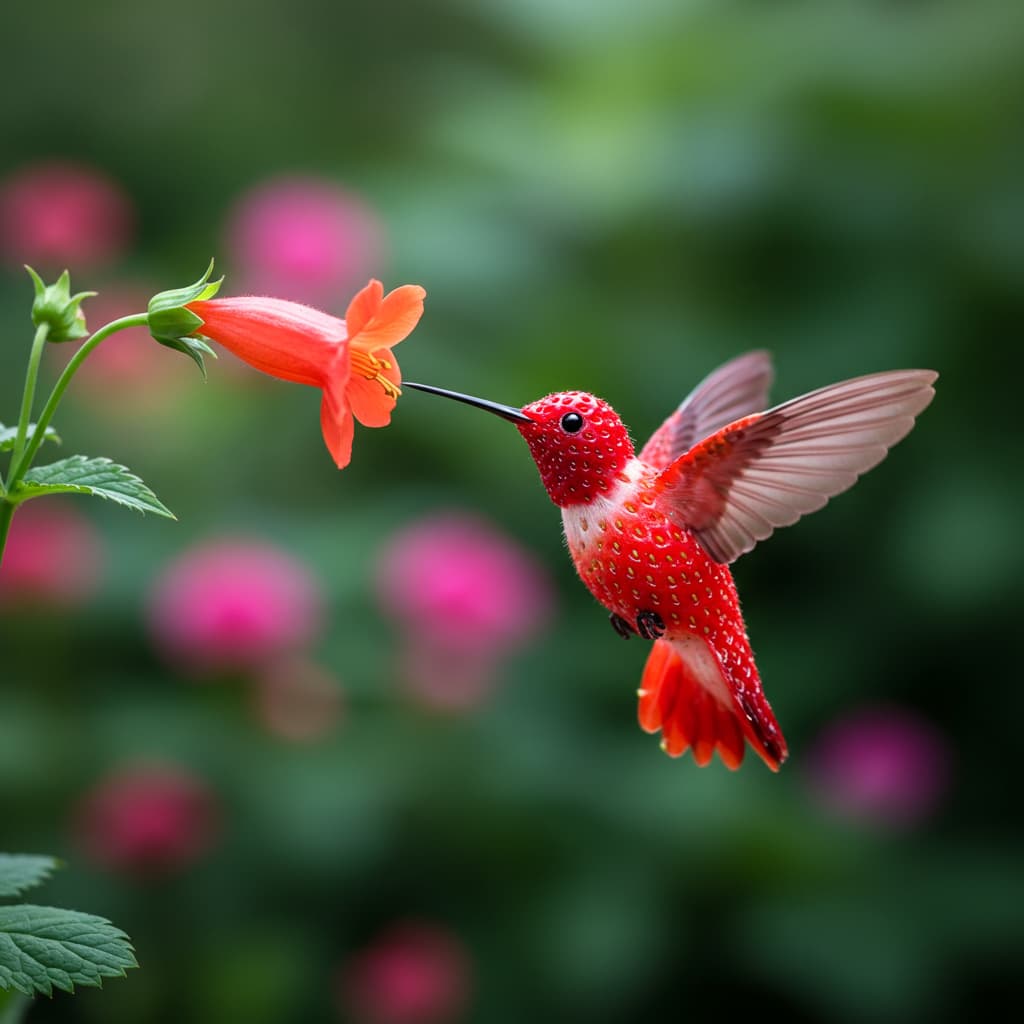
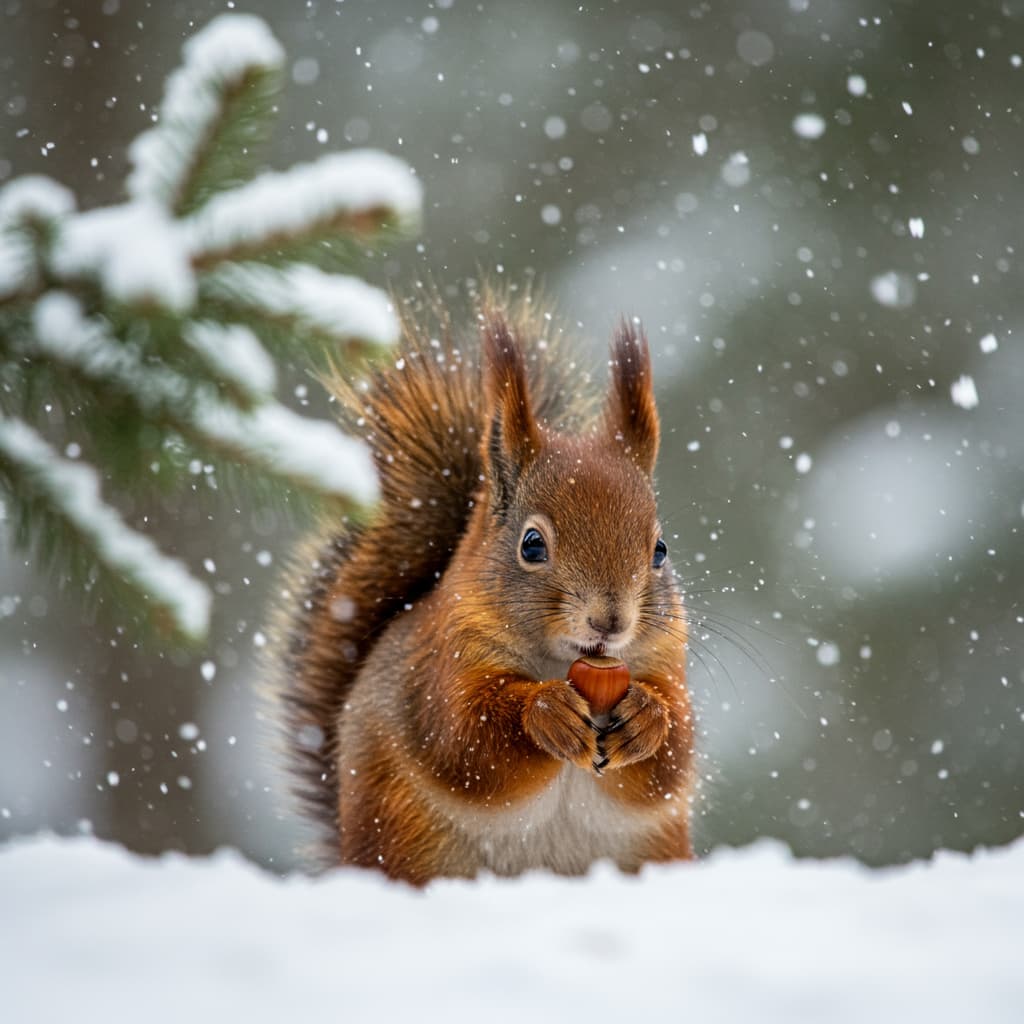
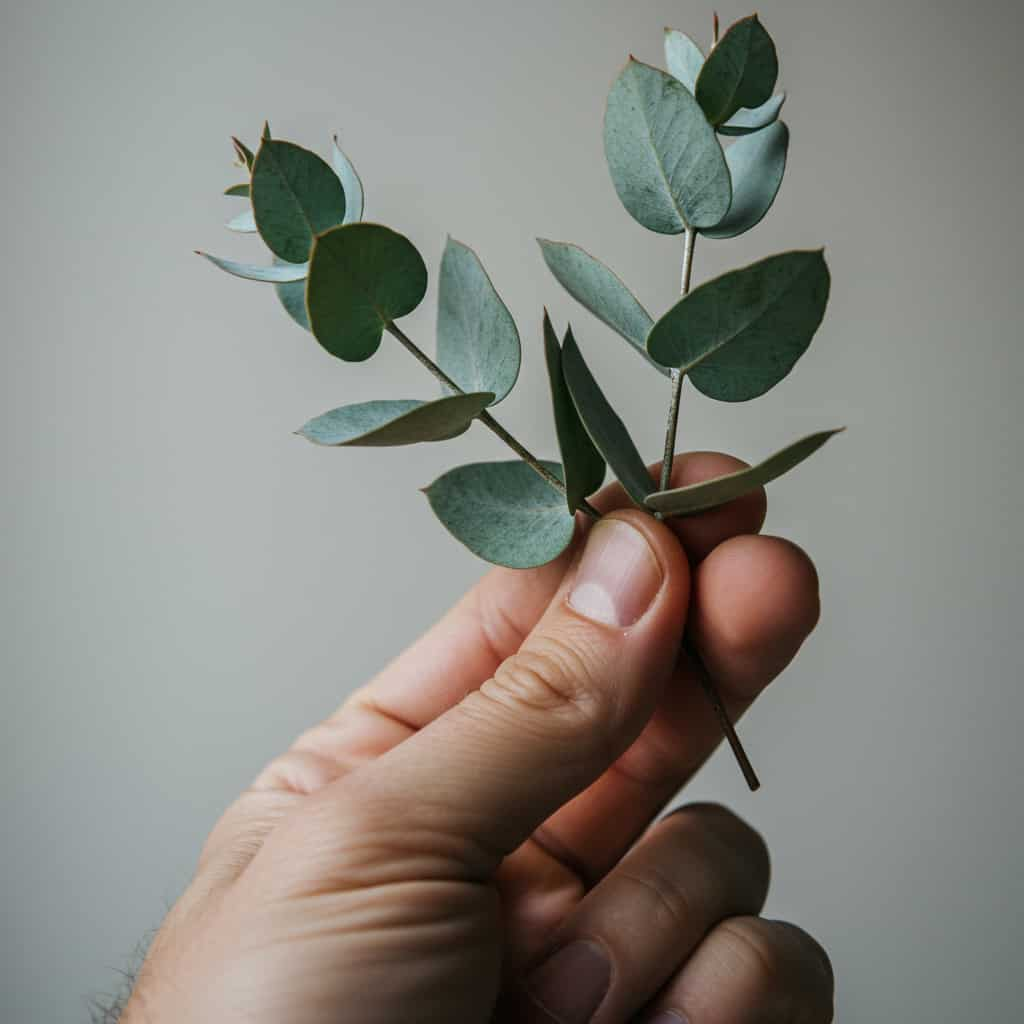
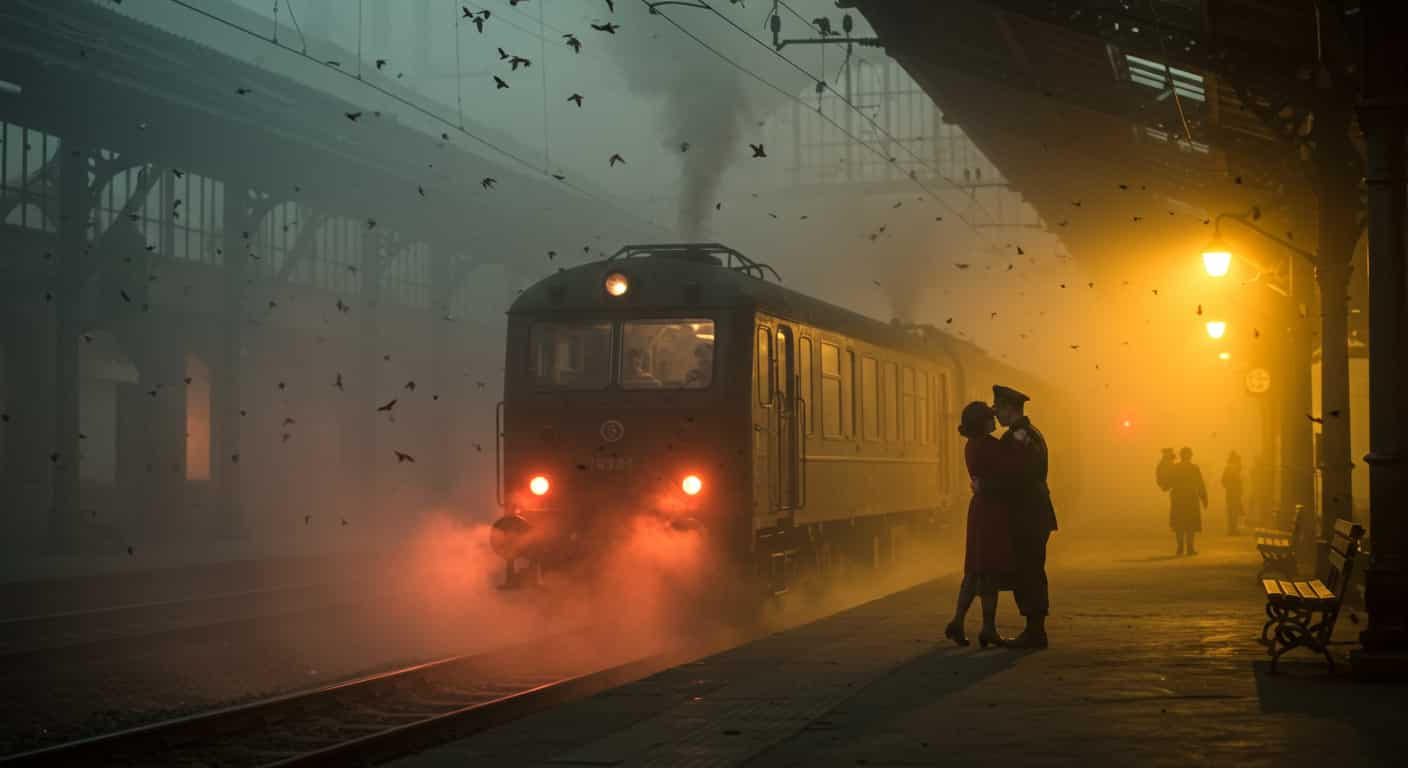

ByteDance · Text & image to image
Seedream 5.5 AI Image Generator
Seedream 5.5 is ByteDance's newest image model: write an image from text or edit up to 10 reference photos, with more natural light and skin and edits that hold up round after round.
Real results
Discover What Seedream 5.5 Can Create
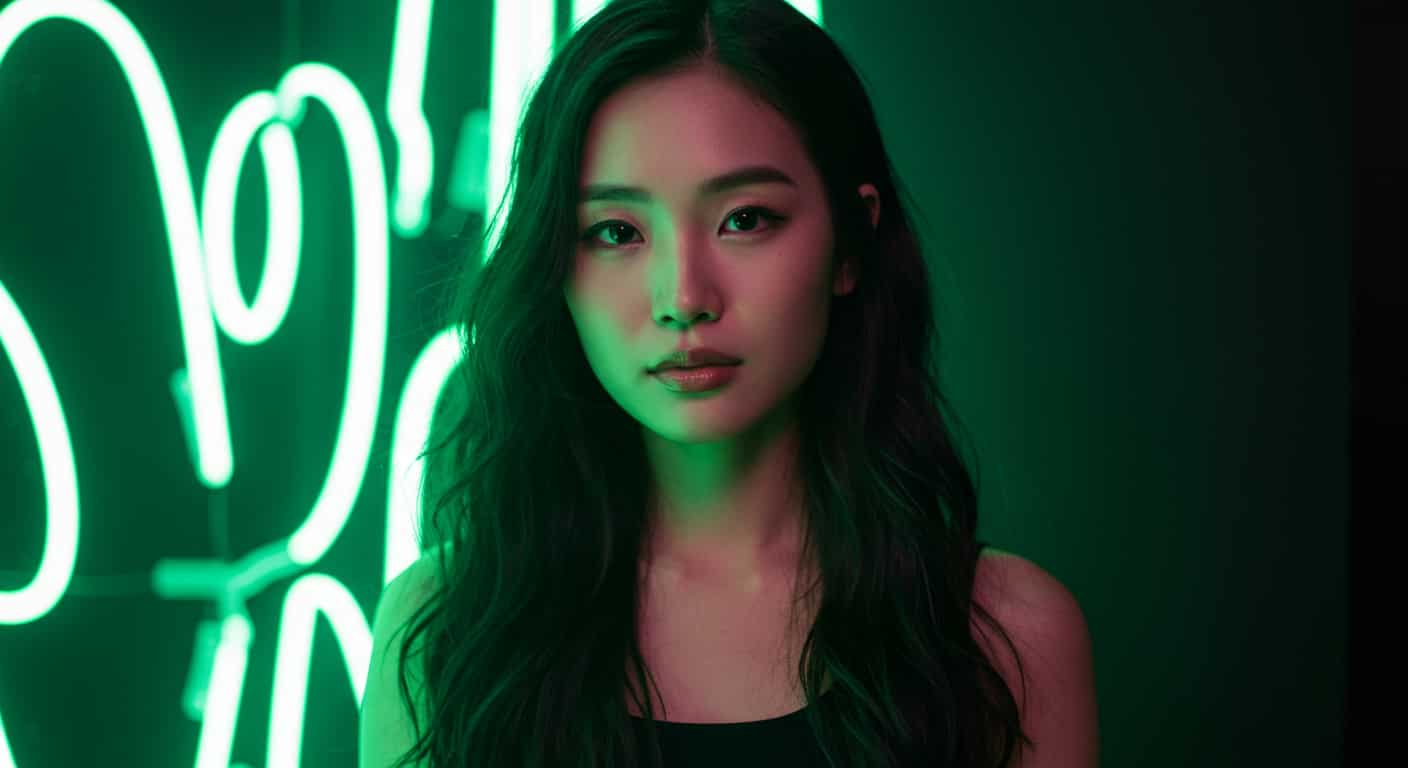
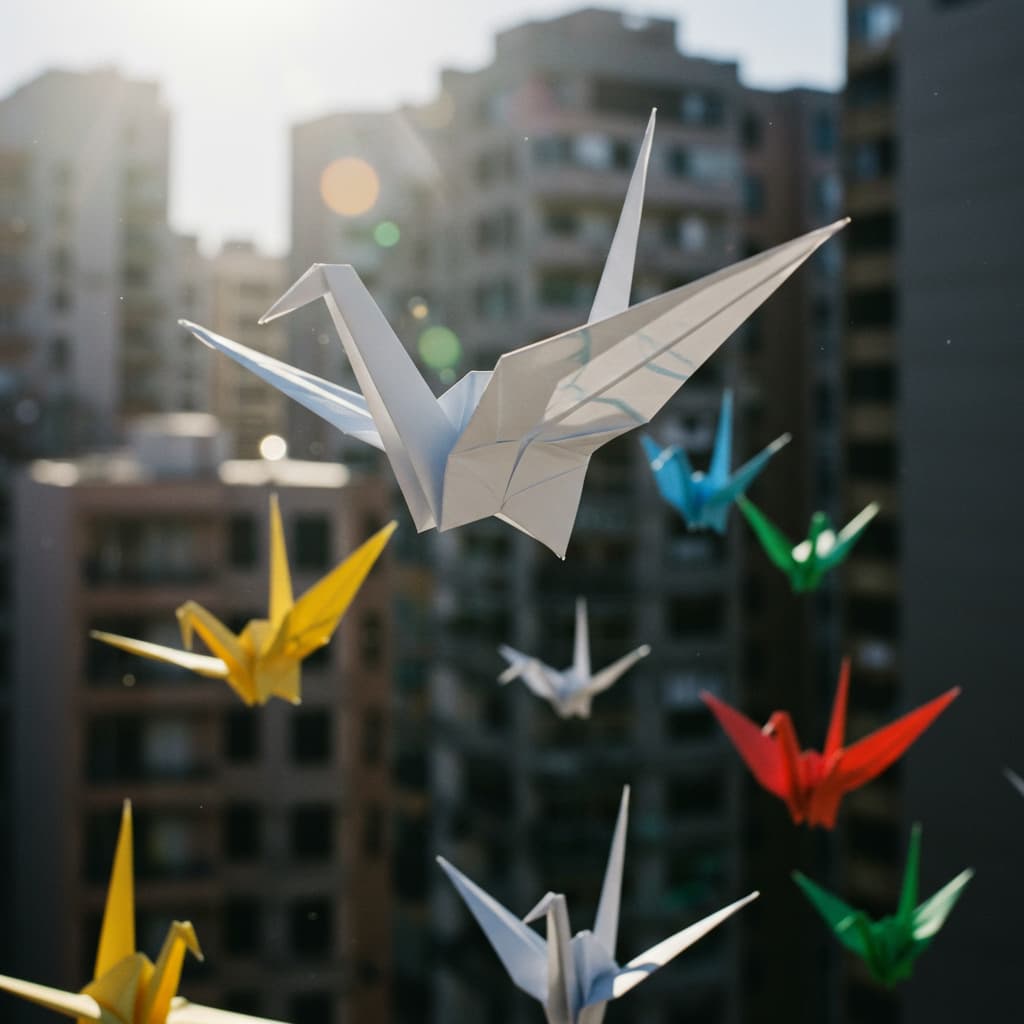
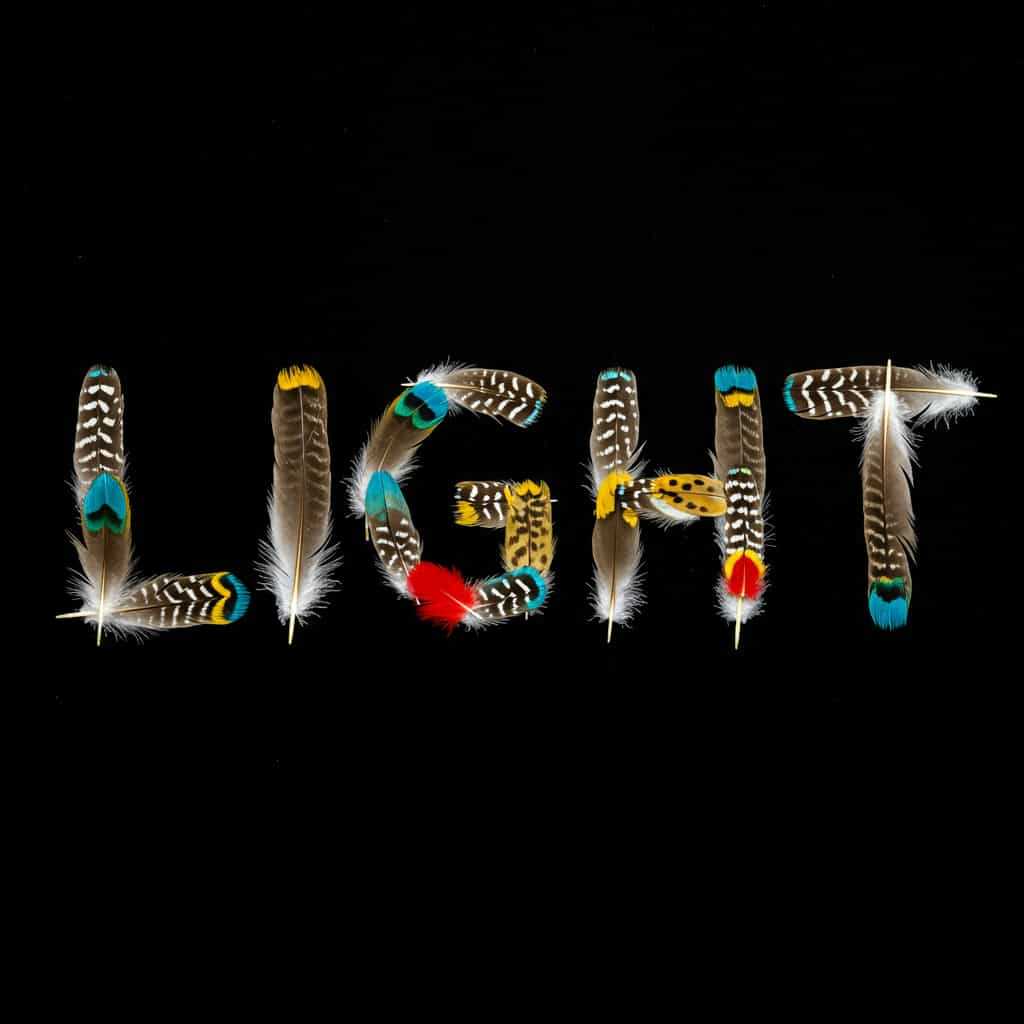
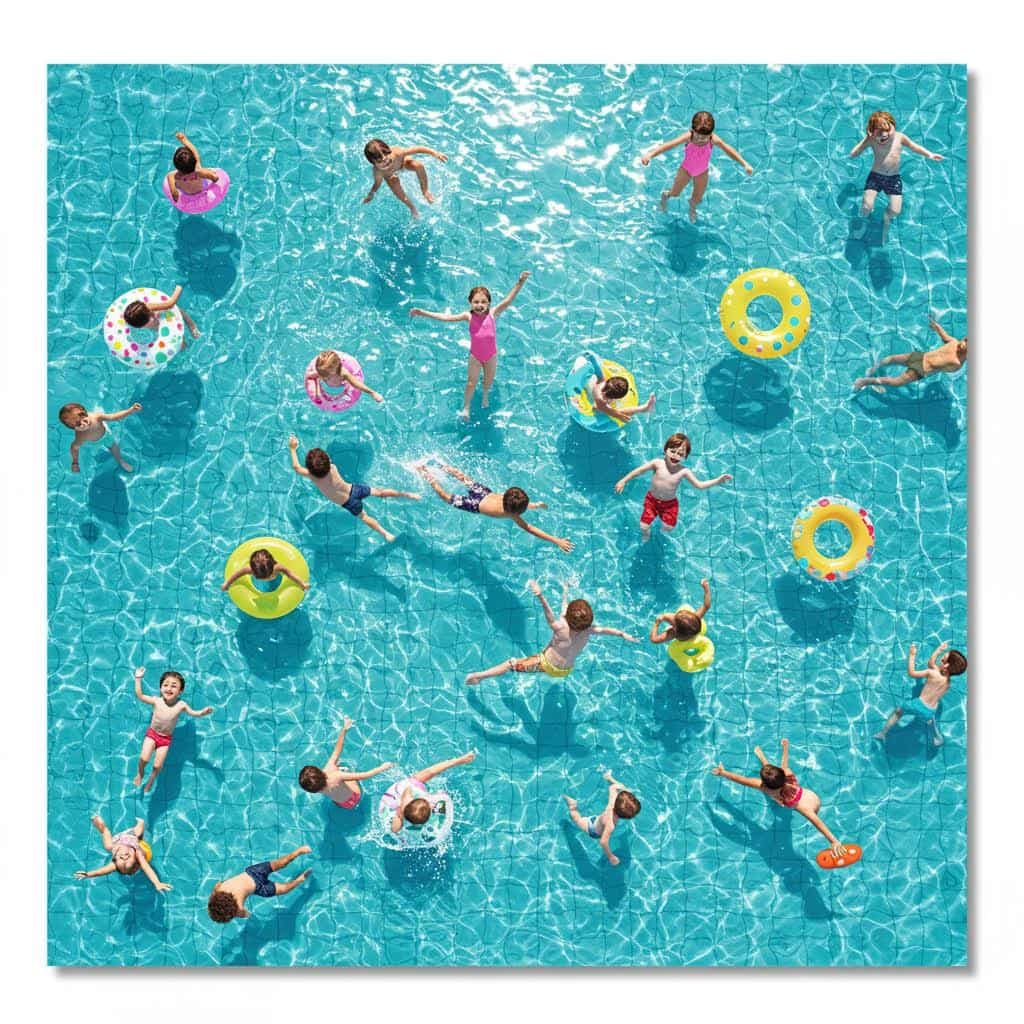
Real outputs from Seedream 5.5 on ImageFX: portraits, text, photo edits, combined products and transparent stickers. Unedited outputs from this page, with the prompt for each. The input photos are AI-generated people, not real ones.
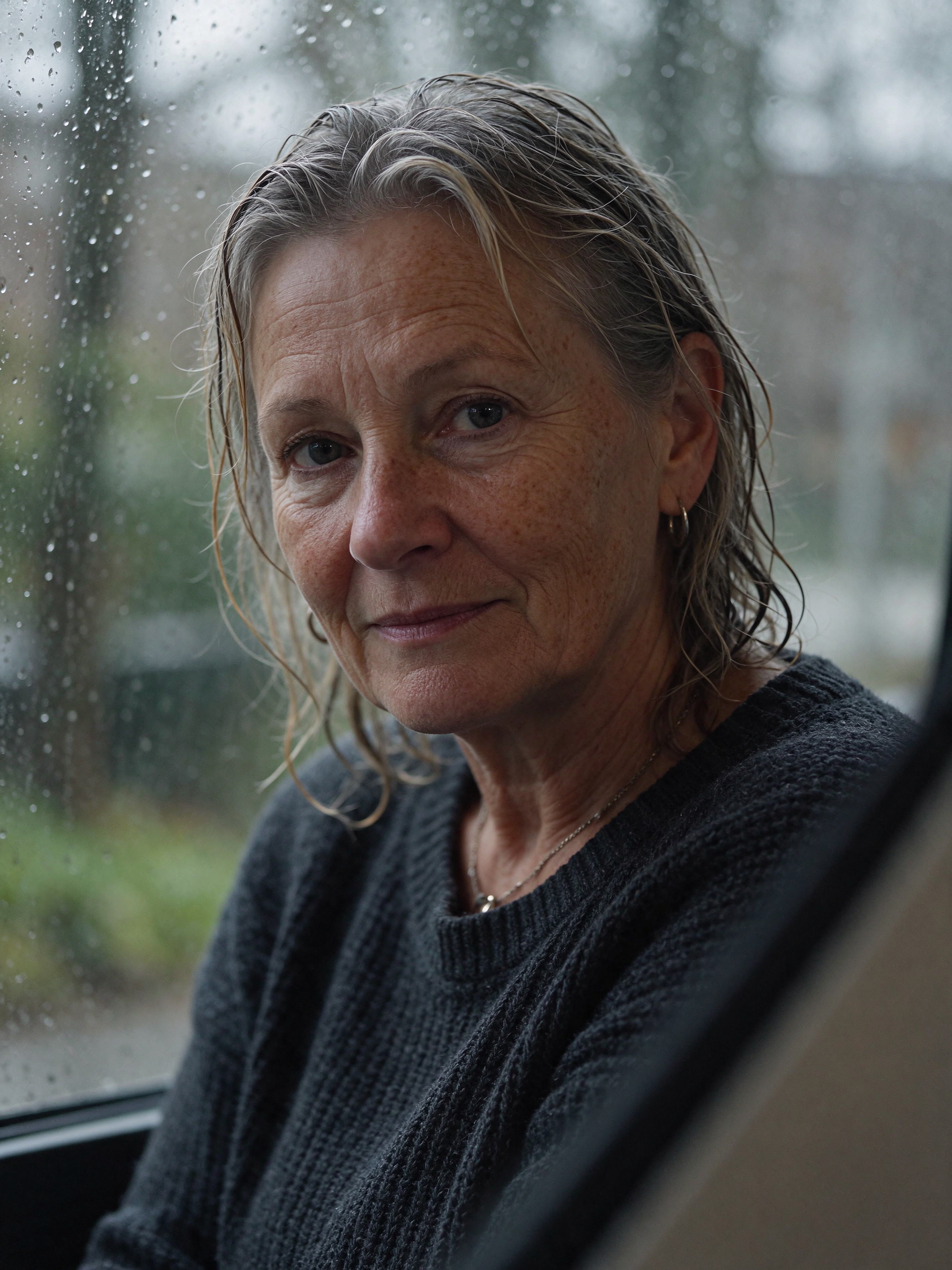
Natural portrait · Seedream 5.5
Close-up portrait of a woman in her 60s by a rainy window, natural freckles and fine lines, grey wool sweater, soft cool daylight, shallow depth of field, 85mm.
Key Features of Seedream 5.5
Seedream 5.5 is the November 2026 release of ByteDance Seed's image model, following Seedream 5.0 Pro. ByteDance's headline claim is stability under editing: an image can go through many rounds of changes without the colour drift and softening that usually build up.
01 / 05
Natural Light, Skin and Materials
Seedream 5.5 renders lighting, materials and skin more naturally than Seedream 5.0, according to ByteDance's own comparisons. Fabric, glass and metal pick up light more believably, which shows most in product and portrait work. Describe the light and the lens and let the model handle the texture.
Try Seedream 5.5 Now02 / 05
Edits That Hold Up
Ask Seedream 5.5 for one change and the rest of the picture stays put. Run the result through another edit and it keeps its colours and detail, so you can refine an image step by step. Say what must stay the same first, then what changes.
Edit a Photo with Seedream 5.5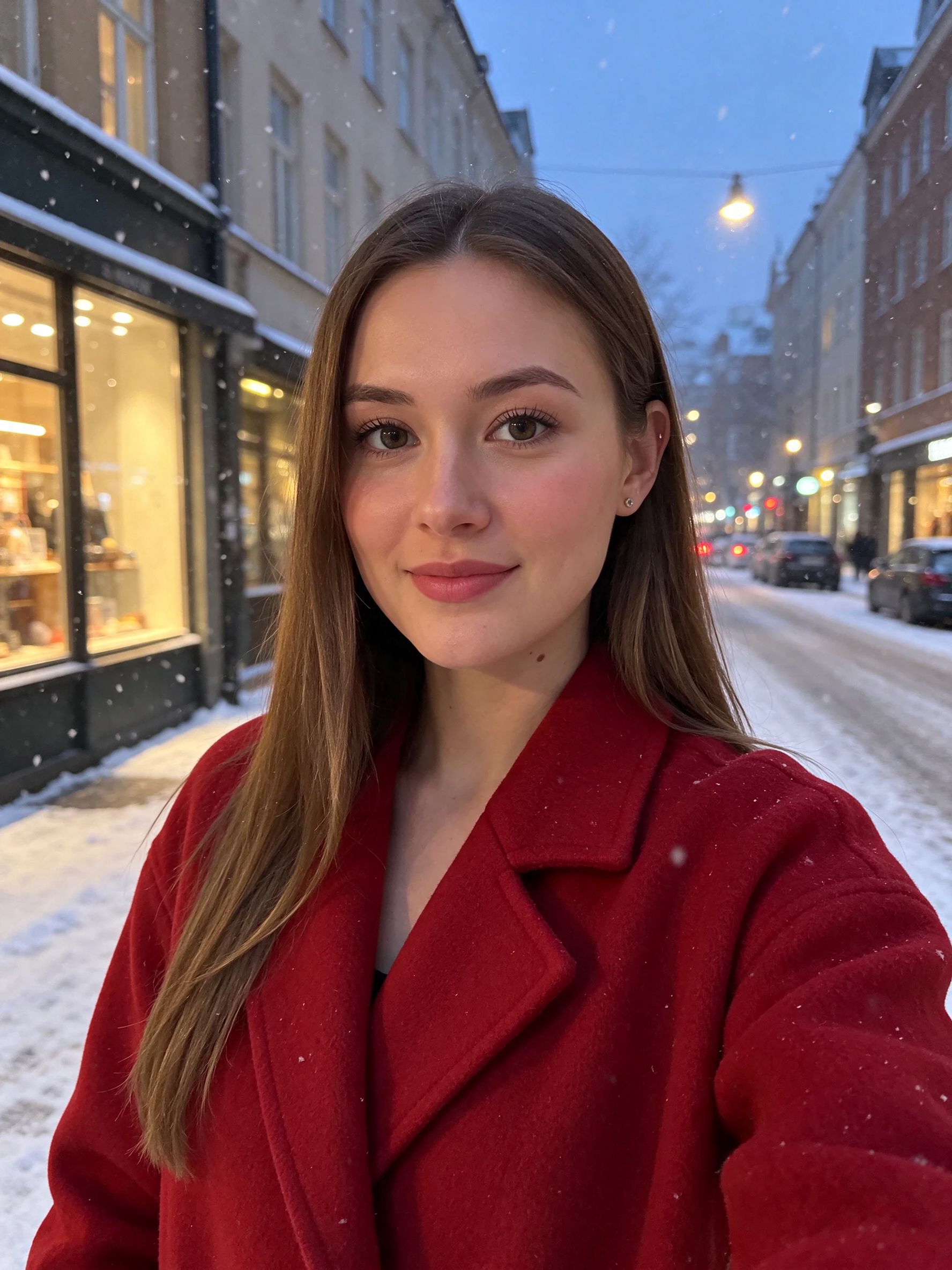
03 / 05
Combine Up to 10 Reference Photos
Upload a product, a background, a model or a logo, up to 10 photos in one run. Refer to them as "image 1", "image 2" in the order you added them, and Seedream 5.5 places each element in one coherent scene. Use it for product shots, ads and keeping a character's face across new images.
Combine Photos with Seedream 5.5
04 / 05
Dense, Small Text
Seedream 5.5 handles dense, small text better than Seedream 5.0, including Chinese characters. Menus, labels and posters with several lines come out readable. Put the exact words in quotes and proofread before printing.
Make a Menu with Seedream 5.5
05 / 05
Transparent PNG Cut-Outs
Turn on Transparent background and Seedream 5.5 returns the subject as a PNG with an alpha channel. Stickers, product cut-outs and logos are ready to drop onto any design, with no background removal step. It works for text to image and for photo edits.
Create a Transparent PNG with Seedream 5.5
How to Use Seedream 5.5 on ImageFX
Write a Prompt or Upload Photos
In the Seedream 5.5 generator above, describe the image for Text to Image, or switch to Image to Image, upload your photos and describe the edit. Use a prompt of at least five characters.
Pick Shape, Size and Background
Choose an aspect ratio, or keep your photo's shape when editing, then pick a size. Turn on Transparent background for a cut-out PNG.
Generate, Then Edit Again
Click Generate and download the PNG. To refine it, upload the result and describe the next change; Seedream 5.5 keeps the rest steady.
A Seedream 5.5 run costs 4 credits; the Generate button shows the price first, and a failed run costs nothing. See plans and credit packs
Explore More AI Image Models on ImageFX
Seedream 5.5 is the cheap all-rounder for editing with references; these models lead in narrower jobs and run in the same generator.
- ByteDance · Text-to-image and image-to-imageSeedream 4.52K posters and product shots with sharp text, from the previous Seedream generation.From 8 credits
- Black Forest Labs · Text-to-image and image-to-imageFlux Kontext ProBlack Forest Labs' in-context editor: change what you name, keep the rest.From 8 credits
- Google · Text-to-image and image-to-imageNano Banana ProStudio-grade detail and editing at high resolution.From 30 credits
- Black Forest Labs · Text-to-image and image-to-imageFlux 2 MaxFinal images with photoreal detail and long, dense prompts.From 15 credits
- Ideogram · Text-to-imageIdeogram v3 QualityPosters, logos and layouts with words in them.From 10 credits
- Recraft · Text-to-imageRecraft v3Brand illustration and longer text in images.From 6 credits
FAQs About Seedream 5.5
What is Seedream 5.5?
ByteDance Seed's image model released in November 2026, for text to image and for editing with up to 10 reference images. It follows Seedream 5.0 Pro.
Can Seedream 5.5 edit my photos?
Yes. Switch to Image to Image, upload one to 10 photos and describe the change. The output keeps the shape of your photo unless you pick an aspect ratio. Reference photos can be JPEG, PNG or WebP up to 10 MB; resize huge originals first.
What sizes can Seedream 5.5 generate?
Seedream 5.5 offers several output sizes up to 2K and a range of aspect ratios from wide to tall; the generator above lists them. Larger sizes cost a little more.
Can Seedream 5.5 make transparent backgrounds?
Yes. Turn on Transparent background and you get a PNG with no background, in text to image or when editing a photo. Describe a single, clearly outlined subject for the cleanest edges.
Seedream 5.5 or Seedream 5.0 Pro?
Pick Seedream 5.5 for realistic images and photo edits, and Seedream 5.0 Pro, on its own page, for design work such as infographics and layered exports.
Seedream 5.5 or Seedream 4.5?
Seedream 5.5 is the newer generation: more natural realism, better small text and steadier edits, and it costs less here. Seedream 4.5 remains for anyone who wants results that match earlier work.
Does Seedream 5.5 have a seed or a negative prompt?
No. Each Seedream 5.5 run is a fresh roll and returns a single image. Keep prompts that work, change one phrase at a time and run again for variations.
Why was my Seedream 5.5 prompt rejected?
Seedream 5.5 needs a prompt of at least five characters, even for edits. Describe the change in a short sentence.
Try Seedream 5.5 on ImageFX
Create realistic images, combine your photos and refine them edit after edit with ByteDance's newest Seedream.
Create with Seedream 5.5