







Free AI Watermark Remover – Remove Watermarks from Images Online
Remove watermarks, logos, text and date stamps from any photo with our free AI watermark remover. Paint the watermark or let AI find it, then download a clean, full-resolution image. Now with video watermark removal too. No login, no app, no new watermark.
Drop an image or click to upload
JPG, PNG or WEBP · up to 10MB · or paste with Ctrl/⌘ + V
What This Watermark Remover Can Remove
One free tool for every kind of mark on your images.


Photo watermarks
Remove watermarks, proof stamps and semi-transparent text from photos.


Logo removal
Remove watermark logos and brand marks from corners and edges.
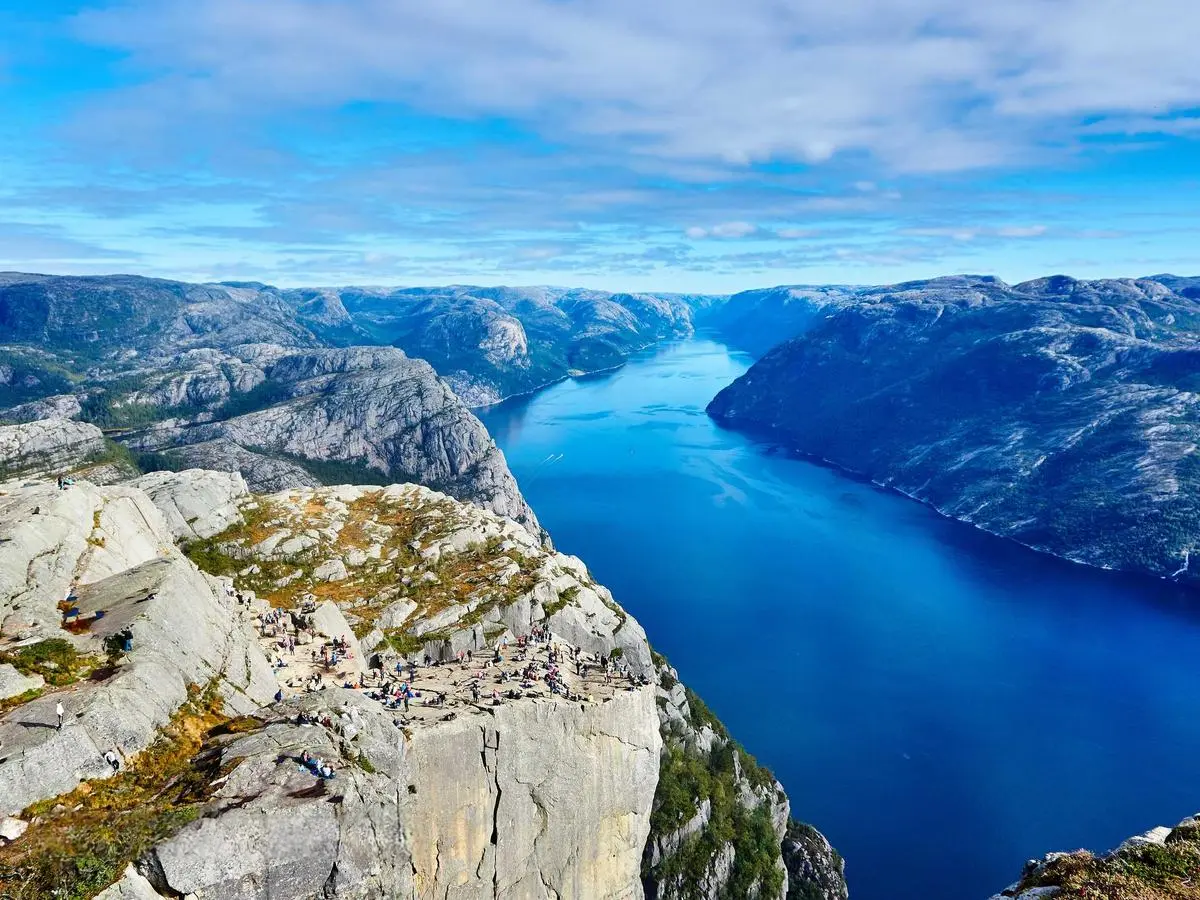
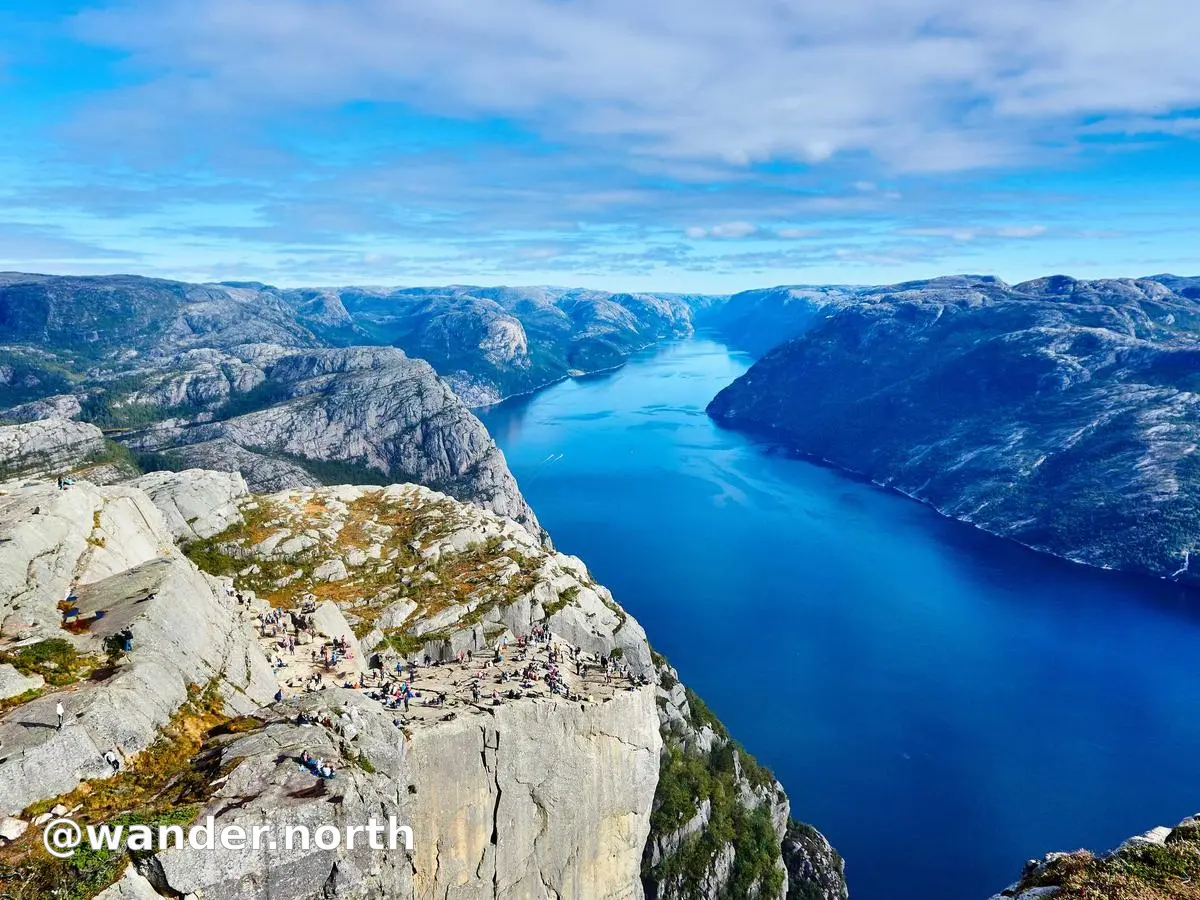
Text removal
Remove text watermarks, captions and usernames burned into the frame.


Date stamps
Remove the orange date-stamp watermark from old digital camera photos.
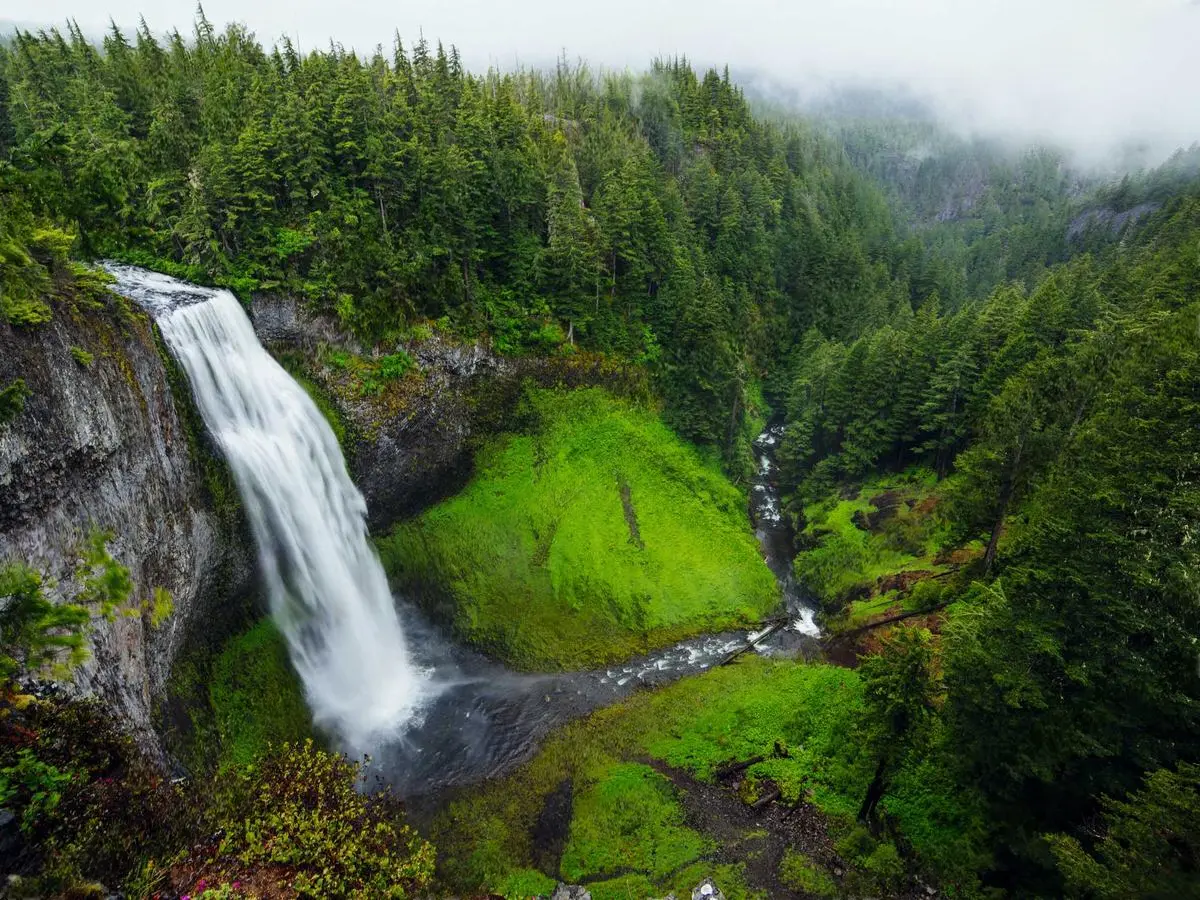
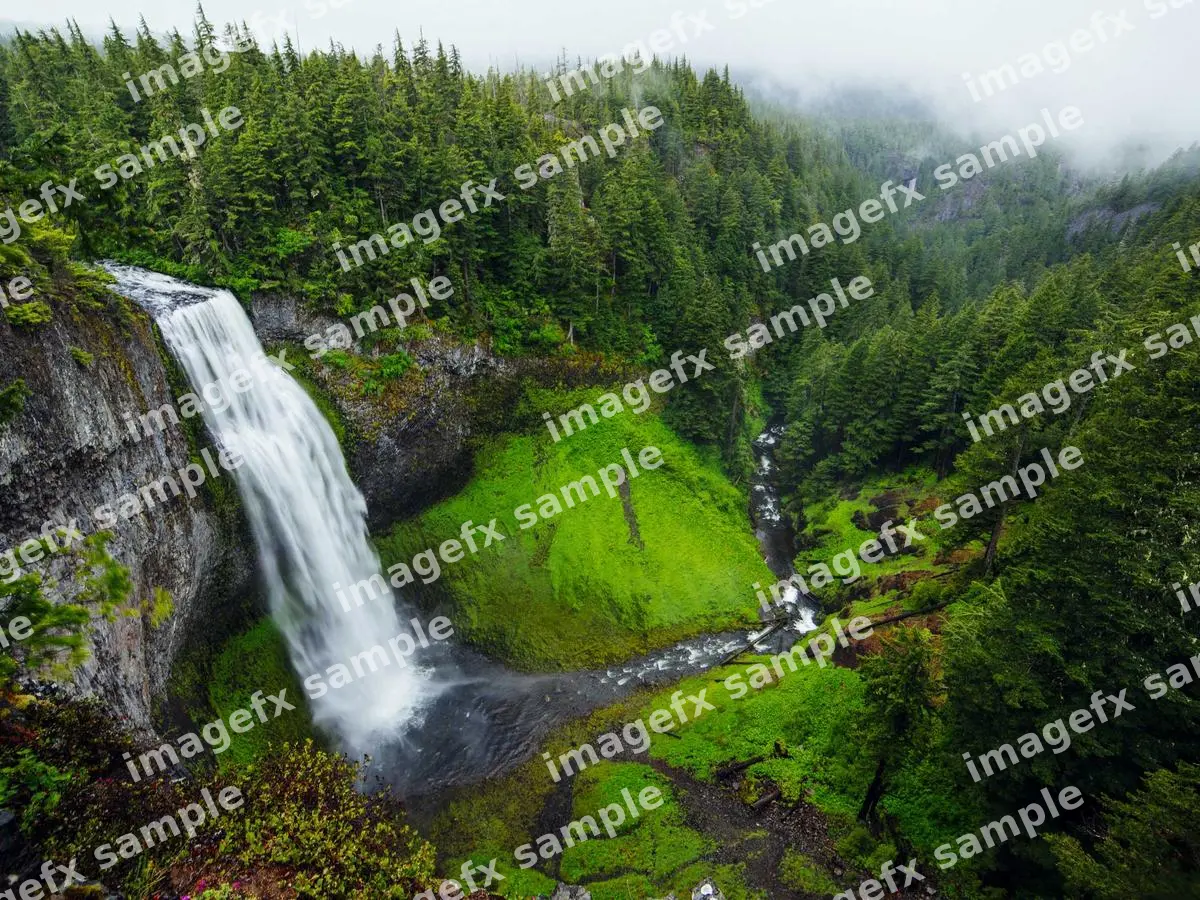
Tiled watermarks
Remove repeating watermark patterns across the whole image, band by band.


Object removal
Erase stickers, emoji and small unwanted objects with the same brush.
AI Auto Mode: Remove Watermarks Without Painting
Switch to Auto and the AI watermark remover finds the watermark for you. It runs FLUX.1 Kontext with a dedicated watermark removal model that locates text, logos and stamps, then cleans it up while keeping lighting and texture intact. It is the quickest option for simple photos, with nothing to select by hand.
Real result · Brush mode · drag to compare
Magic Brush: Remove Watermarks, Logos, Text & Objects
This watermark remover is more than a logo eraser. Paint over a watermark, date stamp, caption, username or small object, and LaMa inpainting rebuilds the background behind it. Remove a watermark from a sky, a face, a fabric pattern or a brick wall, and the fill follows the structure of the photo instead of smudging it.
Real result · Brush mode · drag to compare
Full-Resolution Watermark Removal
Many free watermark removers shrink your photo or add their own logo. In Brush mode, only the painted area is regenerated and blended back into your original, so every other pixel stays exactly as uploaded. Remove the watermark from a 12-megapixel photo and you download a 12-megapixel photo, with no new watermark.
Real result · Brush mode · drag to compare
Precision Brush for Stubborn Watermarks
Faint, semi-transparent or tiled watermarks need control. Adjust the brush size, undo strokes, and use Touch up leftovers to run the watermark remover again on anything left behind. On busy backgrounds, work band by band for the cleanest result.
Real result · Brush mode · drag to compare
Easy to Use: Remove Watermarks Online, No Login
The watermark remover works in any browser on Windows, Mac, iPhone or Android, and supports JPG, PNG and WEBP up to 10MB. You don’t need to sign up, install an app or enter a credit card. Open the page, upload a photo and you’re done in seconds.
Real result · Brush mode · drag to compare
How to Remove Watermarks — Step by Step
Four steps from upload to a clean image.
Upload your image
Click upload, drop a JPG, PNG or WEBP, or paste from your clipboard into the watermark remover.
Choose a removal mode
Use Brush to paint the watermark for precise control, or Auto to let AI detect it.
AI removes the watermark
The AI watermark remover fills the area from its surroundings, usually in 5–15 seconds.
Download the clean image
Compare before and after, touch up leftovers, and download your watermark-free image.
People Love This Watermark Remover
What creators, sellers and photographers say after they remove watermarks with ImageFX.
“I lost the RAW files from a shoot and only had watermarked proofs. The watermark remover cleaned 60 of my own photos in about 15 minutes, at full resolution.”
“Our supplier’s logo sat in the same corner of every licensed product shot. Brush mode removed the watermark cleanly, faster than doing it in Photoshop.”
“The orange date stamp ran right across my grandmother’s face in a 2006 photo. It looks like it was never there.”
“I tried three free watermark removers and two added their own logo. This one didn’t, and the fill on a cloudy sky was seamless.”
“I repost our brand’s graphics across five platforms. Removing old handles takes seconds on my phone, with no app to install.”
“Auto mode found the text watermark on my own AI render without any painting. Great for quick cleanups.”
Remove watermarks responsibly
Use this watermark remover only on images you own or have the right to edit. Removing a watermark from someone else’s copyrighted or stock photo to avoid paying for it can violate copyright law (including DMCA §1202 in the US) and our Terms of Service. If a photo belongs to someone else, license it or ask the creator.
Frequently Asked Questions
Everything you need to know before you start.
What is this AI watermark remover and how can it help me?+
It is a free online watermark remover that uses AI to remove watermarks, logos, text, date stamps and small objects from images. Paint the watermark or let Auto mode find it, and the AI rebuilds the background so you can download a clean image.
Is the watermark remover completely free?+
Yes. You can remove watermarks without paying, without a credit card and without an account. The watermark remover runs on free, open-source AI models (LaMa, FLUX.1 Kontext and Florence-2), hosted on Hugging Face and on our own server.
What file types does the watermark remover support?+
JPG, JPEG, PNG and WEBP images up to 10MB. PNG uploads download as PNG; other formats download as high-quality JPG.
Can I remove watermarks from AI-generated images?+
Yes. If you have the right to use the image under the generator’s terms, you can clean the badge or logo off your own AI images the same way as a photo.
Can I remove watermarks from videos?+
Yes. Switch to the Video tab and upload an MP4, MOV or WEBM clip up to 60 seconds and 90MB. AI finds the watermark in the frames, repaints it frame by frame and keeps the original audio. Choose "Moving / fading" for watermarks that change position, such as Sora or TikTok marks.
Does the watermark remover work on Android or iOS?+
Yes. It runs in Safari or Chrome on iPhone and Android, so there is no app to install. Paint the watermark with your finger and save the result to your camera roll.
Does watermark removal reduce image quality?+
Not in Brush mode. Only the area you paint is replaced and blended back into your original at full resolution. Auto mode regenerates the whole image at up to 1024px, so use Brush mode when resolution matters.
Is my photo kept private?+
Images are normally sent straight from your browser to the open-source model on Hugging Face, which clears its temporary files automatically. If those servers are busy, or when you clean a video, the file is processed on our own watermark server instead. We do not keep images, and video files are deleted automatically within 24 hours.
Is it legal to remove a watermark?+
It is legal to remove watermarks from images you own or have permission to edit, such as your own photos, your AI generations, or files where you lost the clean original. Removing a watermark from someone else’s copyrighted or stock image to avoid paying for it can break copyright law and our Terms of Service.
Why did my watermark removal fail?+
The free models run on shared public servers that can be busy or warming up. Both modes automatically retry on backup servers, including our own. If Auto mode reports a GPU quota limit, switch to Brush mode or try again later.
Remove watermarks free, right now.
Paint the watermark, press remove, download it clean. The free watermark remover is ready in your browser.