



Model
 Seedance 2.0ByteDance35 Credits
 Veo 3.1 FastGoogle
- Veo 3.1Google
 Grok Imagine VideoxAI
 Sora 2 ProOpenAI
- Sora 2OpenAI
 Kling 3.0Kuaishou (Kling)
- Kling v2.6Kuaishou (Kling)
- Kling v2.5 Turbo ProKuaishou (Kling)
- Kling v2.1 MasterKuaishou (Kling)
- ALWan 2.5 T2VAlibaba (Wan Video)
- ALWan 2.5 T2V FastAlibaba (Wan Video)
- Seedance 1 ProByteDance
- Seedance 1 Pro FastByteDance
- PIPixVerse v5PixVerse
- PIPixVerse v4.5PixVerse
- LURay 2 720pLuma Labs
- LURay Flash 2 720pLuma Labs
 Hailuo 2.3MiniMax
- Hailuo 2.3 FastMiniMax
Aspect Ratio
Duration
Resolution




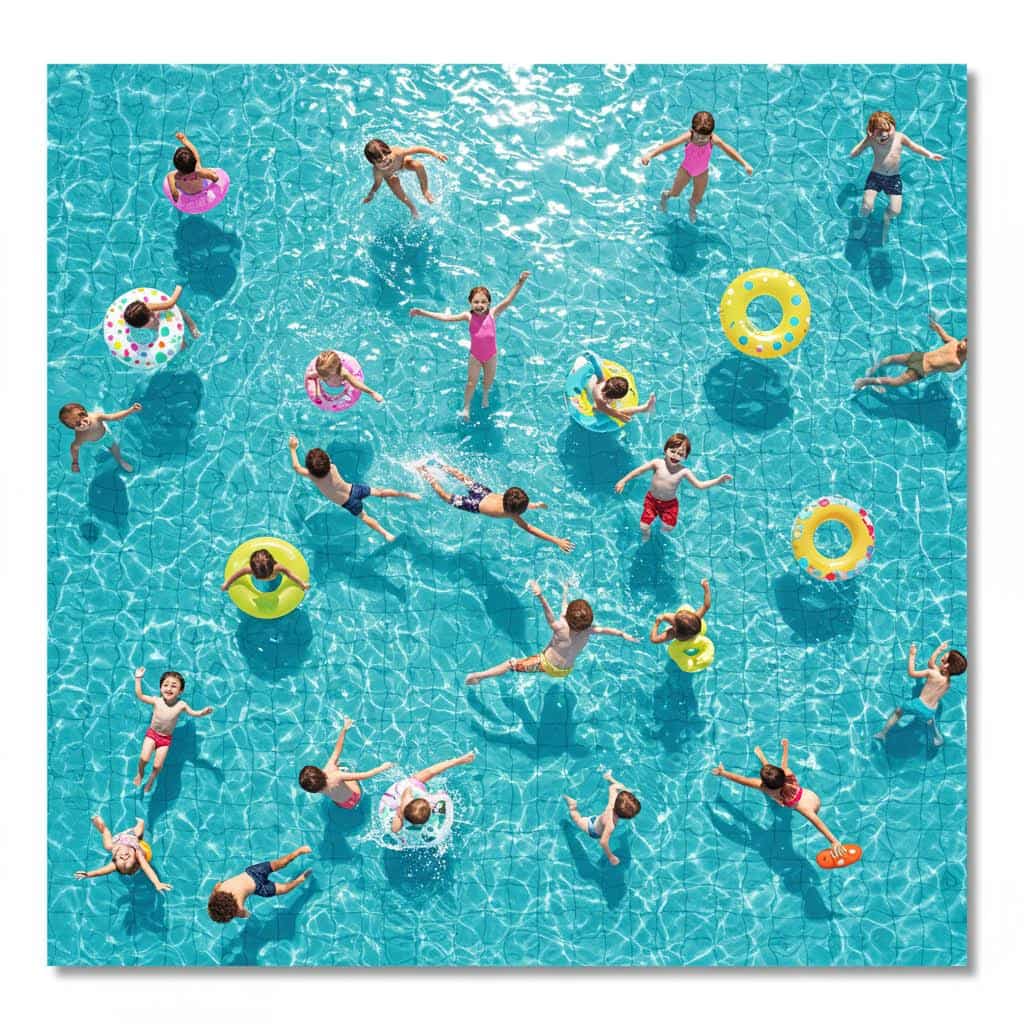
ByteDance · Text & image to video
Seedance 2.0 AI Video Generator
ByteDance's Seedance 2.0 writes the picture and the soundtrack together: multi-shot scenes with dialogue, effects and music, from a prompt or a start frame.
Real results
Made with Seedance 2.0
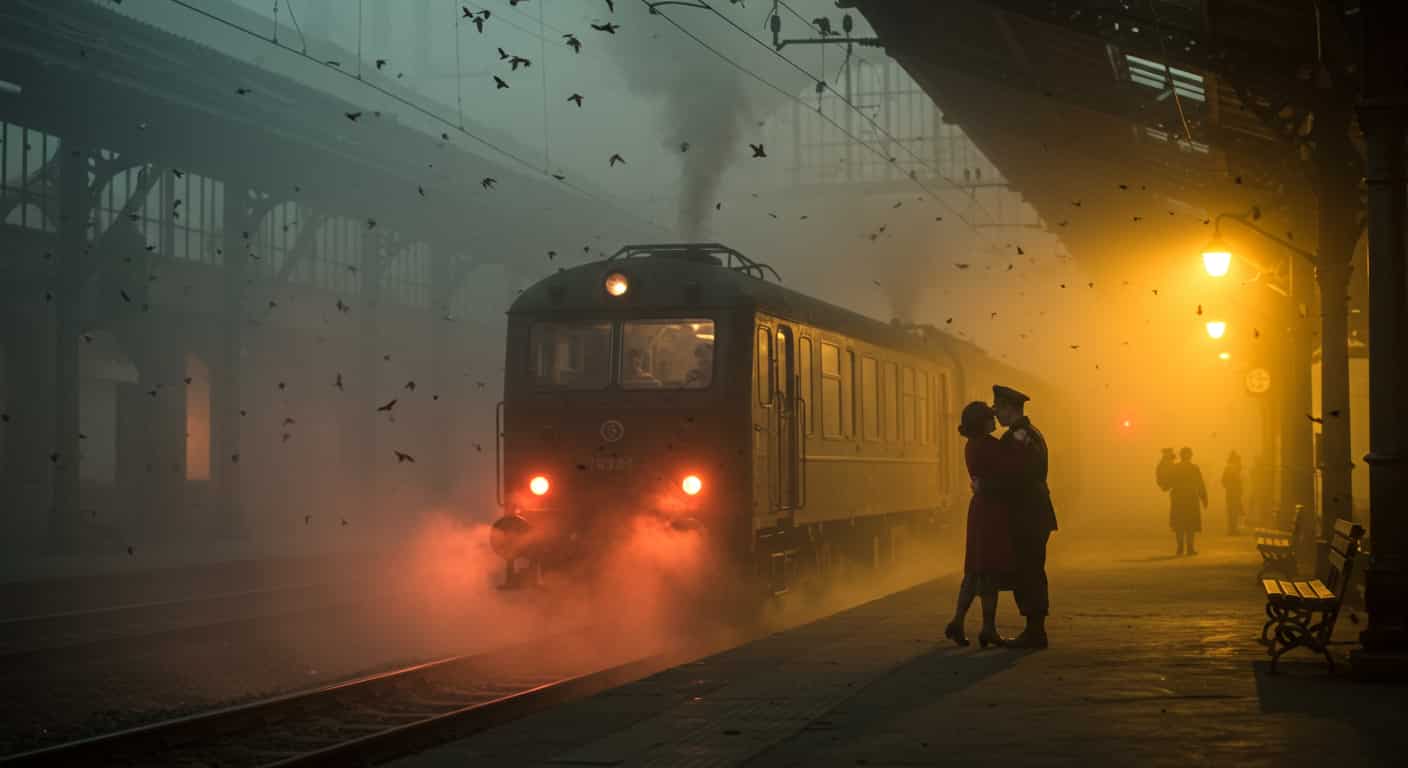
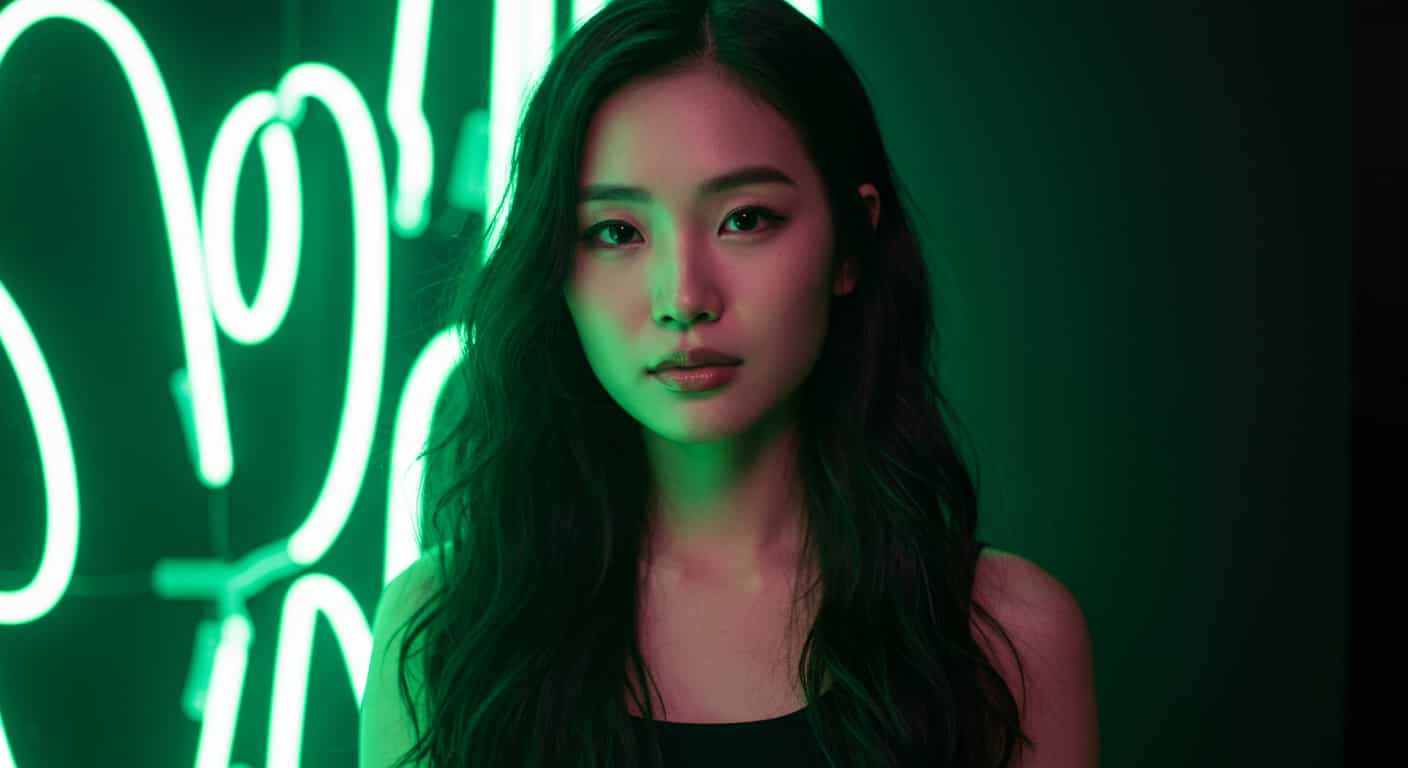
Unedited outputs from this page, with the prompt for each. The input photos are AI-generated people, not real ones.
Dialogue with sound · Seedance 2.0
Medium close-up of a street-food cook in a busy night market flipping noodles in a wok, flames rising; he looks at the camera and says "Two minutes, it's worth the wait!". Sizzling, crowd chatter, warm neon light.
01 · Overview
What is Seedance 2.0?
Seedance 2.0 is the second generation of the video model from ByteDance's Seed team, released in February 2026. Where Seedance 1.0 made silent footage, 2.0 generates audio in the same pass as the video, so a door slam, a line of dialogue or a beat drop lands on the right frame instead of being added afterwards.
It also directs. One prompt can describe several shots, and Seedance 2.0 cuts between them while keeping the same people, clothes and setting. That is why it took over social feeds in early 2026: short films, fake trailers and dance clips that look edited, from a single generation.
On ImageFX, Seedance 2.0 makes 480p or 720p clips of 5, 10 or 15 seconds from text, or animates your own image as the first frame, optionally toward a last frame you upload.
- Developer
- ByteDance Seed
- Released
- February 2026
- Audio
- Dialogue, sound effects and music, generated with the video
- Shots
- Multi-shot in one clip
- Mode on ImageFX
- Text-to-video and image-to-video (first frame, or first and last frame)
- Aspect ratios
- Widescreen (16:9), Portrait (9:16), Square (1:1), Standard (4:3), Portrait (3:4), Ultrawide (21:9)
- Lengths
- 5 s, 10 s or 15 s
- Extra controls
- Seed
- Cost
- 35–105 credits per clip
02 · Strengths
What Seedance 2.0 does well
Sound that matches the picture
Footsteps, rain, crowd noise and music are generated with the frames, in sync. Put spoken lines in double quotes and characters say them.
Multi-shot direction
Write "Shot 1… Shot 2…" and the clip cuts between angles with the same character and setting, like an edited sequence.
Faithful to your start frame
In image-to-video, characters, outfits and products in your picture stay recognisable as they move.
Physical, readable motion
Dance, fights, sports and camera moves hold together over 15 seconds without limbs melting.
03 · How to
How to use Seedance 2.0
Seedance 2.0 is already loaded in the generator at the top of this page. Four steps from prompt to download.
- 1
Write the prompt
Write it like a short shot list: who, where, then each shot's action and camera in order. Add the sound you want ("rain on the window, a soft piano") and any dialogue in double quotes. Keep the character description the same in every shot so Seedance keeps them consistent.
- 2
Start from an image (optional)
Switch to Image to Video and upload a PNG or JPG of up to 10 MB as the first frame. Pick First & last frame to add the closing frame too; Seedance 2.0 fills in the motion between them. The clip then keeps the image's proportions.
- 3
Pick the shape and length
Choose Widescreen (16:9), Portrait (9:16), Square (1:1), Standard (4:3), Portrait (3:4) or Ultrawide (21:9). Then set the length under Duration: 5, 10 or 15 seconds.
- 4
Fine-tune (optional)
Seedance 2.0 also takes a seed here. The seed is under More Options: reuse one with an edited prompt to change one thing while keeping the rest close.
- 5
Generate and download
Sign in, then press Generate: the button shows the cost (35–105 credits by length). Credits are taken only when the run succeeds. The clip appears beside the form with a Download button and is saved to your account.
04 · Prompting
Prompt tips for Seedance 2.0
Seedance 2.0 follows structure. A timed shot list with sound cues beats a long paragraph of adjectives.
| Vague prompt | Prompt that works |
|---|---|
| A cool action scene | Shot 1: wide, a courier on a red bike weaves through rainy Tokyo traffic at night, neon reflections. Shot 2: close-up, she glances back and grins. Shot 3: drone shot pulling up as she disappears into an alley. Sound: rain, horns, a fast synth beat |
| Two people talking | Two old friends at a diner booth, morning light. The man says "You came back." The woman smiles and says "I never left." Cut to a close-up of her hand sliding a key across the table. Cups clinking, quiet radio |
| Animate my photo | (Image to Video) She turns toward the camera, laughs and tucks her hair behind her ear; wind moves the trees behind her; slow push in; birdsong |
| Product video | 9:16: a perfume bottle on wet black stone, a single drop falls and splashes in slow motion, camera orbits, the cap lifts off by itself. Sound: a deep bass hit on the splash |
05 · Compare
Seedance 2.0 vs other models on ImageFX
Video models with sound on ImageFX.
| Model | Best for | Type | Credits from |
|---|---|---|---|
| Seedance 2.0 | Multi-shot scenes with sound, up to 15 seconds | Text-to-video and image-to-video | 35 |
| Kling 3.0 | 1080p and 4K clips with audio | Text-to-video and image-to-video | 40 |
| Veo 3.1 | Top-end 1080p with dialogue | Text-to-video and image-to-video | 40 |
| Sora 2 | Physics-heavy scenes with sound | Text-to-video and image-to-video | 20 |
| Seedance 1 Pro | Silent 1080p and the widest shape choice | Text-to-video and image-to-video | 20 |
Seedance 2.0 vs Seedance 1 Pro
Seedance 1 Pro renders silent 1080p. Seedance 2.0 adds generated sound, longer 15-second clips and stronger multi-shot continuity, at 480p or 720p.
Seedance 2.0 vs Kling 3.0
Kling 3.0 goes up to 4K and charges extra for audio. Seedance 2.0 includes sound at every resolution and is better at cutting between shots.
Seedance 2.0 vs Veo 3.1
Veo 3.1 is sharper at 1080p for single shots with dialogue. Seedance 2.0 is cheaper per second and handles longer, multi-shot stories.
06 · Pricing
Seedance 2.0 pricing
Prices are in credits, shared by every image and video model on ImageFX. The Generate button shows the cost before you run, and a failed run costs nothing.
| Run | Credits |
|---|---|
| 5-second clip | 35 |
| 10-second clip | 70 |
| 15-second clip | 105 |
How far a monthly plan goes on Seedance 2.0
Basic · 200/mo
≈ 5 5-second clips
Advanced · 500/mo
≈ 14 5-second clips
Premium · 2,000/mo
≈ 57 5-second clips
Rather not subscribe? Credit packs start at 50 credits for $4.99 and never expire. See all plans
07 · Before you start
Good to know before you start
Where Seedance 2.0 on ImageFX differs from the model's full feature set, and where it still slips.
720p at most here
ImageFX runs Seedance 2.0 at 480p or 720p. For 1080p and above, use Kling 3.0 or Veo 3.1.
Start frame sets the shape
With an uploaded image, the clip keeps your image's proportions and the aspect ratio picker is ignored.
Real people and famous characters
ByteDance filters realistic human faces in uploaded images, as well as public figures and copyrighted characters, so a start frame showing a real-looking person is often rejected as sensitive. Products, places, animals and illustrated characters work; for people, describe them in a text-to-video prompt instead.
Text on screen
Short words usually come out right; long sentences on signs or captions often do not.
08 · FAQ
Seedance 2.0 FAQ
What is Seedance 2.0?
ByteDance's video model, released in February 2026, that generates video and synchronized sound together and can cut between several shots in one clip.
How do I use Seedance 2.0?
Type a prompt in the generator at the top of this page, or switch to Image to Video and upload a start frame. Choose the shape, length and resolution, then press Generate. You get an MP4 with sound.
Is Seedance 2.0 free?
No. Each clip costs credits, shown on the Generate button before you start. The price table above lists every length and resolution.
Does Seedance 2.0 make sound?
Yes, by default: dialogue, sound effects and music generated with the video. Switch off Generate Audio for a silent clip; the price stays the same.
How long can a Seedance 2.0 video be?
5, 10 or 15 seconds per clip on ImageFX.
Can Seedance 2.0 animate my own photo?
Yes. Image to Video uses your picture as the first frame; First & last frame also takes the frame the clip should end on.
Seedance 2.0 or Seedance 1 Pro?
Seedance 2.0 when you want sound, longer clips or several shots. Seedance 1 Pro when you need silent 1080p or a 9:21 shape.
Create with Seedance 2.0
Write a prompt, pick a shape and length and get your clip back for 35 credits and up.
Generate a video with Seedance 2.0