ByteDance flagship · released July 8, 2026

Seedream 5.0 Pro
design, edit and ship in one pass

ByteDance's flagship multimodal image model, running in your browser without an API key. Describe a poster, an infographic, a product scene or a portrait — the model plans the layout before it draws, then lets you edit any region without re-rolling the whole frame. Native 2K output, transparent-PNG layers, and readable on-image text in ten-plus languages.

Try a starter prompt
Vertical infographic explaining the six types of teaProduct hero banner with a golden-hour lighting briefSix-panel manga storyboardBilingual subway safety posterRetouch this portrait, keep the skin texture
4.9/5 from 12,000+ designers, marketers and educators · Trusted by studios in 40+ countries
Seedream 5 Pro
0/4000
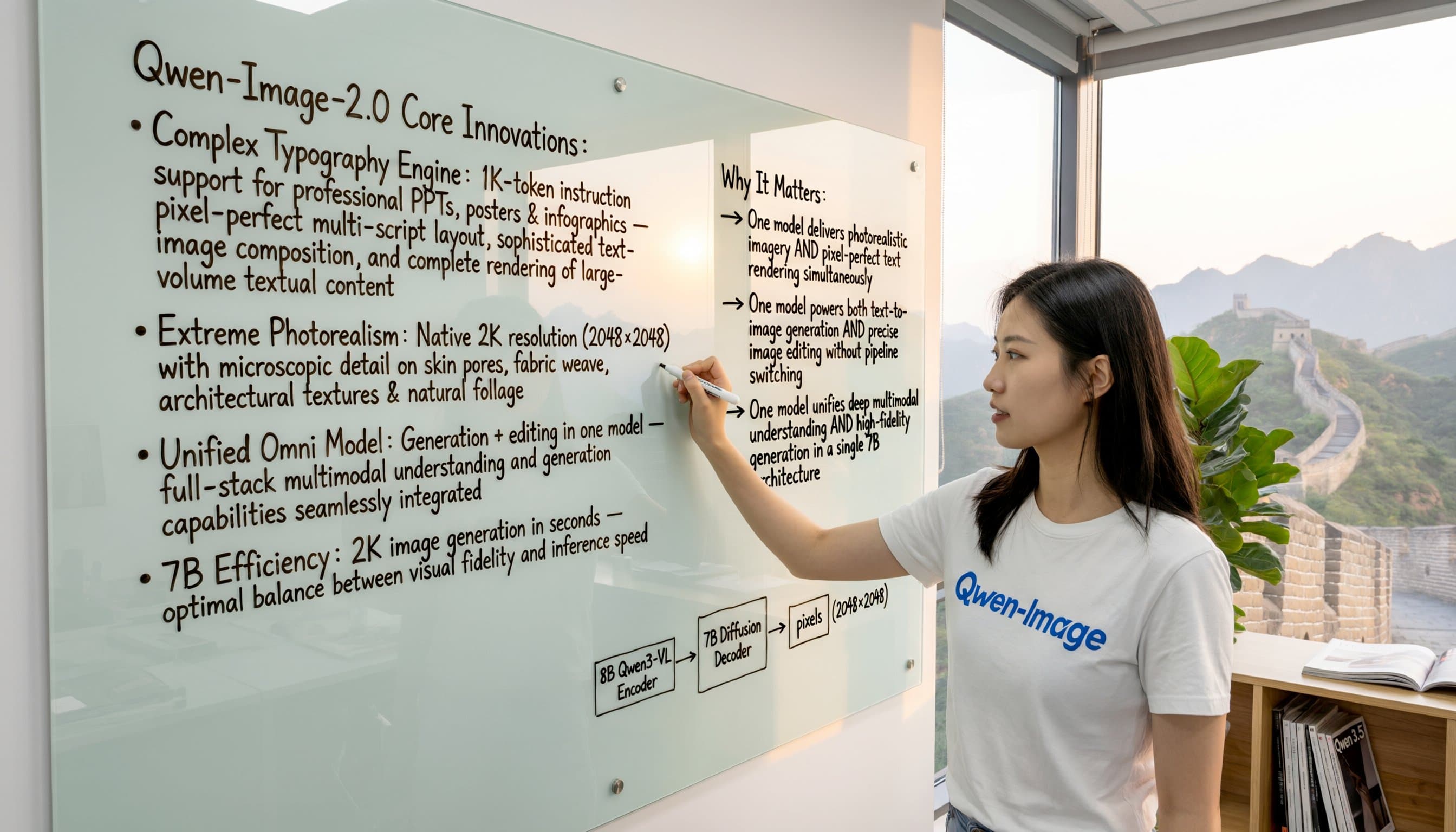
A blackboard infographic mapping the core innovations of a product, chalk typography
Try: A blackboard infographic mapping the core innovations of a product, chalk typography

Generated image will be displayed here

01 — Structure first

High-density infographics

Most models give you one strong subject and blurred nonsense wherever text should be. Seedream 5 Pro reasons about structure first, so data, hierarchy and dense copy land where a designer would put them — flavour wheels wired to brewing-temperature charts, blueprint-style exploded drawings, sectioned 16:9 classroom posters. Small type stays legible, columns stay aligned, callouts point at the thing they describe.

02 — Mark it, mean it

Interactive precision editing

Stop regenerating an entire image to fix one lamp. Upload a picture, mark what you mean — a point, a box, a lasso, an arrow, a scribbled sketch, a hex swatch or a material reference — and the editor changes only that region while the rest stays exactly as it was. Annotate a living room with six boxes and handwritten notes and it reads all of them. Hand it a napkin sketch of a hero and it returns a publishable layout.

03 — Renders that open up

Editable layer separation

The feature that turns a render into a working file. Ask the model to split a finished composition into a background plus element layers, each exported as a transparent alpha PNG. Move the headline, scale the product, swap the backdrop or restyle a single object without touching anything else. Assets drop straight into Figma, Photoshop or Canva — the handoff stops being a rebuild.

04 — Physically plausible light

Photographic realism

The model rebuilds physically plausible light rather than pasting a glow over a subject. Skin keeps its pores, fabric keeps its weave, shadows fall where the lamp actually is, and eleven people around a dinner table all look photographed in the same room. Retouching behaves too: remove blemishes and even out a face without the plastic over-smoothing that gives cheap AI portraits away.

05 — Written, not translated

Native multilingual text

Text is generated natively in the target script, not translated and pasted on afterwards. Seedream 5 Pro handles more than ten widely used languages — English, Chinese, Japanese, Korean, Spanish, French, German, Russian and Arabic among them — including right-to-left layout and accented European letterforms. Build a four-language transit notice in one pass, or localise an English poster into Arabic while palette, icons and modules stay untouched.

06 — Plans before pixels

Reasoning & live web search inside the model

There is a planning step ahead of the pixels. The model interprets your brief, decides whether the request needs current facts, and can retrieve them before drawing — useful for topical explainers, comparison charts and anything with real numbers in it. The practical effect is fewer re-rolls, because ambiguity in the brief gets resolved rather than guessed at.

Who it's for

Who uses Seedream 5.0 Pro

Marketing & ad teams

Concept a campaign, generate first-screen visuals, then produce five A/B variants from the same layout by editing one region at a time. A week of agency rounds compressed into an afternoon.

E-commerce & sellers

Turn a plain packshot into a lifestyle scene, fix label colours to an exact hex value, and keep the product identical across a full listing set. Accurate packaging text means fewer rejected marketplace images.

Educators & course creators

Dense subjects become teachable pictures — a Montessori explainer, a linguistics theory poster, an annotated worksheet diagram. The layout logic is handled, so you write the content, not the grid.

Designers & localisation

Storyboards, UI mockups, packaging concepts and market-specific poster variants — with layers you can still edit and copy that reads correctly in every locale you ship to.

Why creators choose it here

No setup, no watermark, your files stay yours

No setup

Volcano Engine, BytePlus, fal and ComfyUI expose this model to developers. Here it runs in the browser: open a tab, type, generate. Nothing to install, no credentials to manage, works the same on a phone.

Your files stay yours

Uploads are encrypted in transit, never used to train anything, and deleted automatically after 24 hours. Generated images and layer exports are yours to use commercially, on every plan.

Transparent credits

Buy credits and spend them on renders — no subscription lock-in, no seat minimums. The exact cost is shown before you commit, so a 2K export never surprises you, and nothing that leaves the studio carries a watermark.

Workflow

Ship in four steps

  1. 1

    Pick the model

    Choose Seedream 5.0 Pro for production work, or the Lite tier for fast, cheap drafting.

  2. 2

    Write the brief

    Name the subject, layout, lighting, exact text and channel. Art-directed briefs beat one-line style prompts.

  3. 3

    Refine, don't re-roll

    Mark a region and describe the change, or split the design into layers and adjust them independently.

  4. 4

    Export

    Download up to native 2K as PNG, JPG or WebP — flattened, or as separate transparent layers.

What people are making

From launch decks to localised posters

Twelve ad variants for one launch in under two hours. I generated the master layout once, then edited just the headline region for each test — the product shot stayed pixel-identical across all twelve.
Priya RaghavanPerformance Marketer, DTC skincare
The layer export is the whole reason I switched. I brought a Seedream 5.0 Pro poster into Figma as five separate PNGs and repositioned the type in ten minutes instead of rebuilding it from scratch.
Marcus FeldFreelance Brand Designer
I needed the same safety poster in Japanese, Korean and English. Three renders, no typos, no re-typesetting. My designer used to bill four hours for that job.
Yuki TanabeCurriculum Lead, language school
FAQ

Seedream 5.0 Pro, answered

How much does Seedream 5.0 Pro cost?

Pricing is credit-based and billed by output resolution — a standard render costs less than a 2K one, and the price of each generation is displayed before you run it. There is no monthly minimum, so you only pay for what you actually generate.

Do I need an account?

Yes. An account keeps your credit balance, prompt history and layer files together between sessions, and lets you pick up an unfinished edit on another device.

Are there watermarks on the output?

No. Every render exports clean at full resolution, on every plan.

Can I use the images commercially?

Yes — advertising, packaging, e-commerce listings and client work are all covered. Check your local rules on AI-generated imagery in regulated categories, and always proofread generated text before it goes to print.

What resolution does Seedream 5.0 Pro output?

Up to native 2K, roughly 2048×2048. If your priority is native 4K, a model like Nano Banana Pro is the reported leader; the trade-off is that you give up layer separation and this level of editing control.

How is Pro different from Seedream 5.0 Lite?

Both tiers share the reasoning and search layer. Lite is faster and cheaper for high-volume drafting. Pro adds denser layout handling, layer separation, region-level editing, stronger text fidelity and better texture — the things production work depends on.

Does it work on mobile?

Yes. It's browser-based, and the annotation tools accept touch input, so you can sketch an edit directly onto the image with a finger or stylus.

What file formats can I upload and download?

Upload JPG, PNG or WebP references. Download PNG, JPG, WebP, or a set of transparent PNG layers.

Is my data used for training?

No. Uploads are encrypted, excluded from training, and purged after 24 hours.

How many reference images can I use?

Multiple — elements from several inputs can be fused in one generation. The first reference is included; additional references add a small per-image cost.