


BY ALIBABA QWEN
Qwen Image 2 AI Image Generator
Qwen Image 2 turns detailed prompts into images with sharp, readable text and a natural, less "AI-made" look. Try Alibaba's Qwen Image 2 on ImageFX, right in your browser.
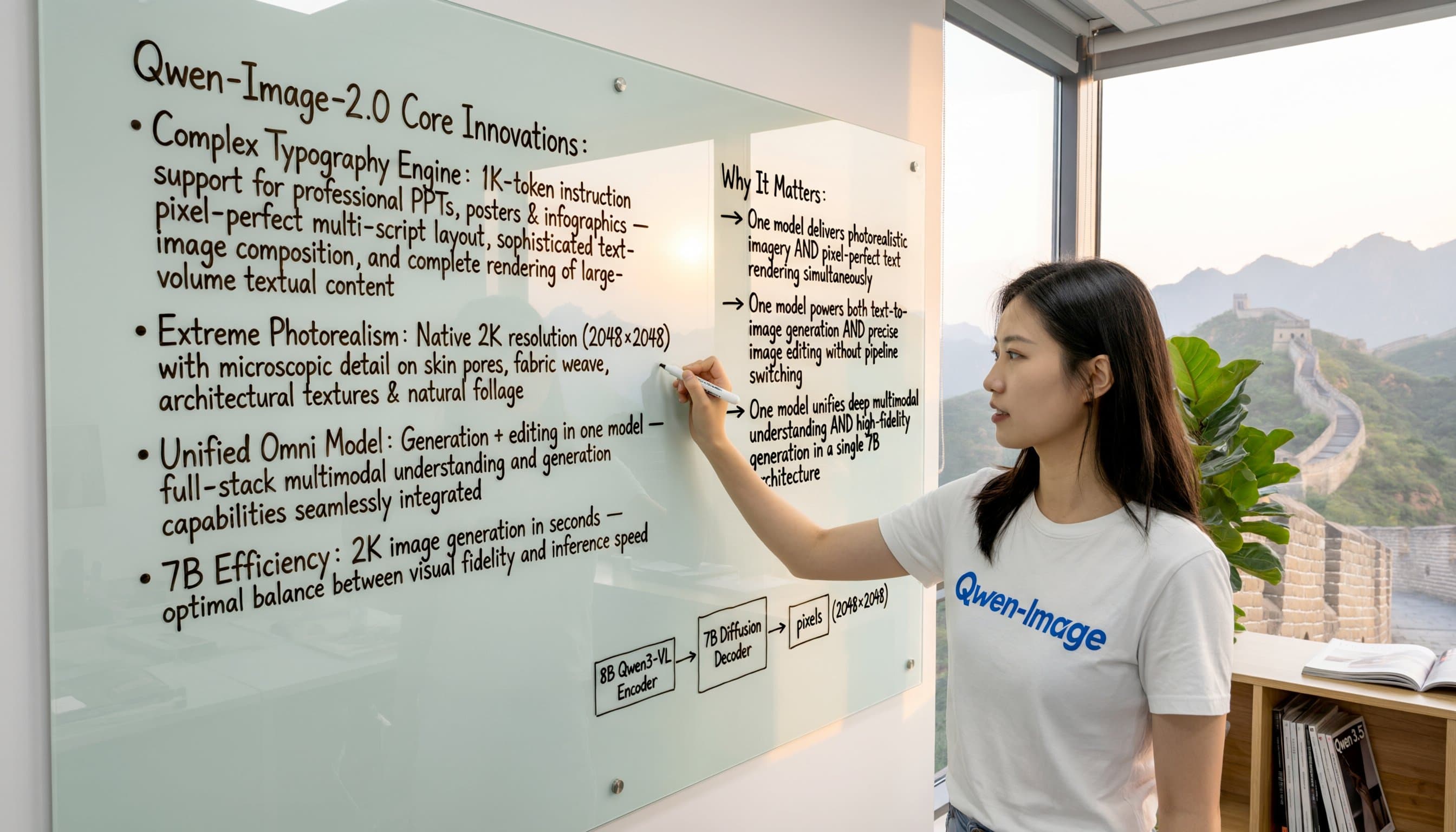
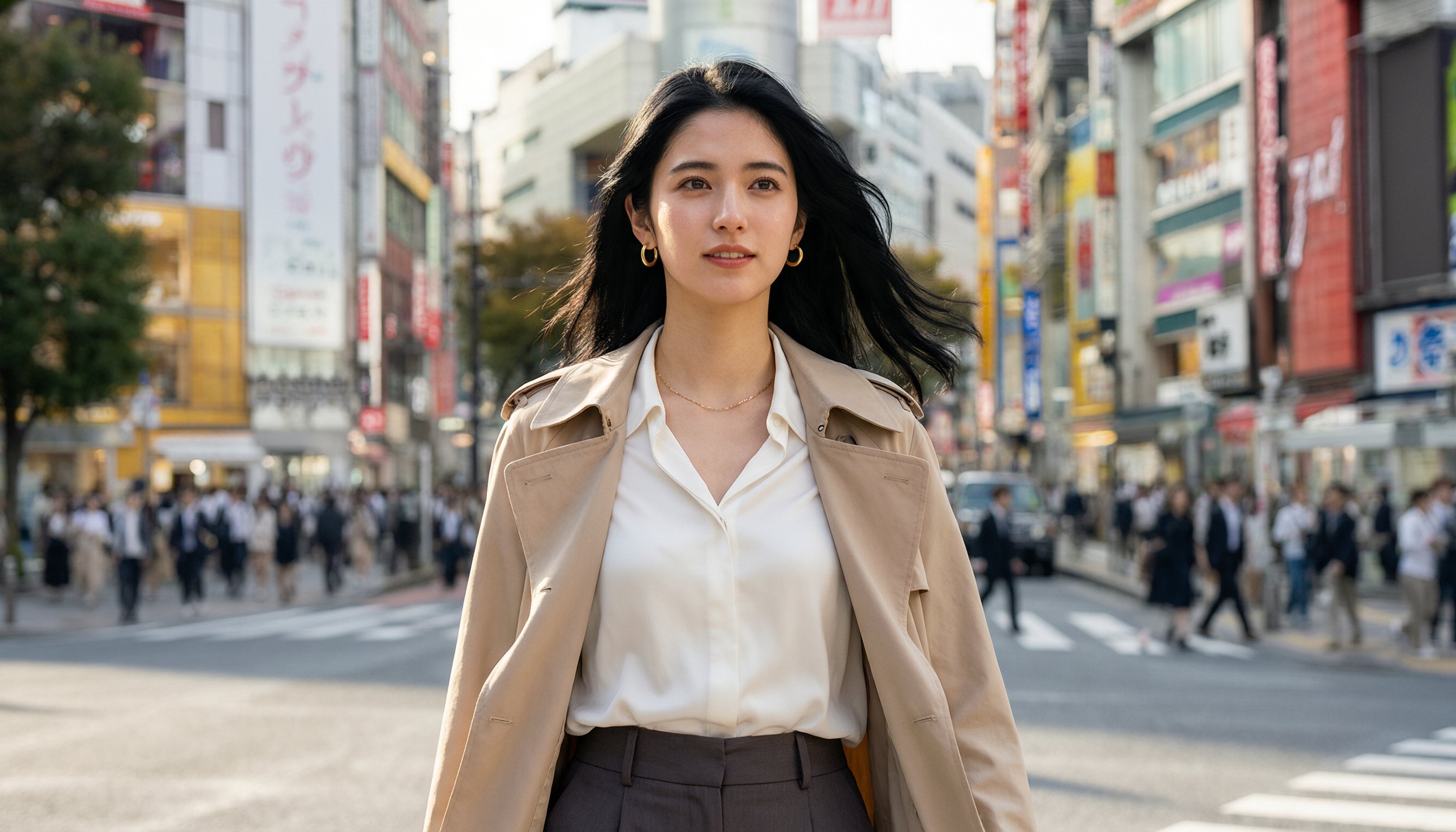
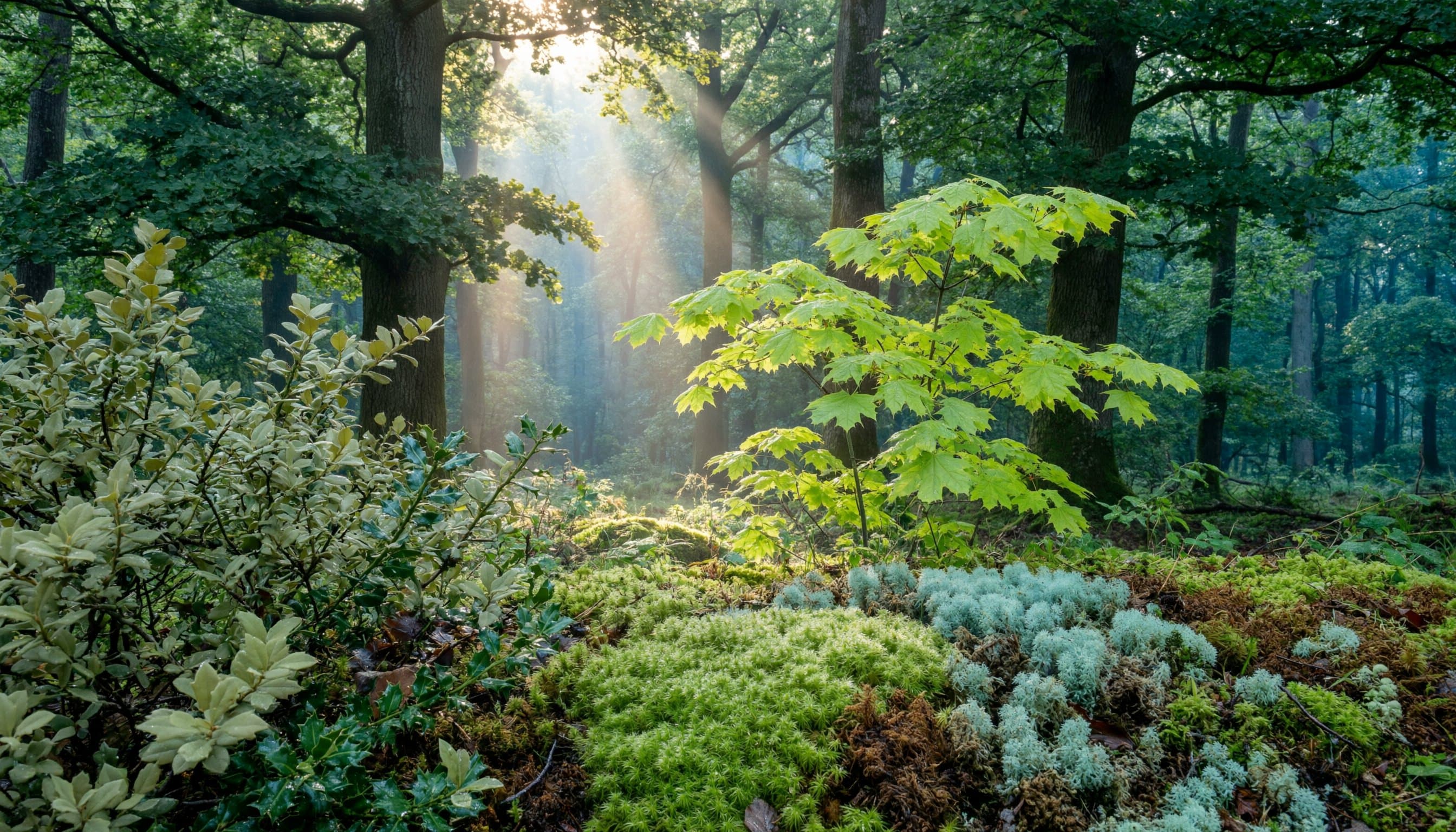
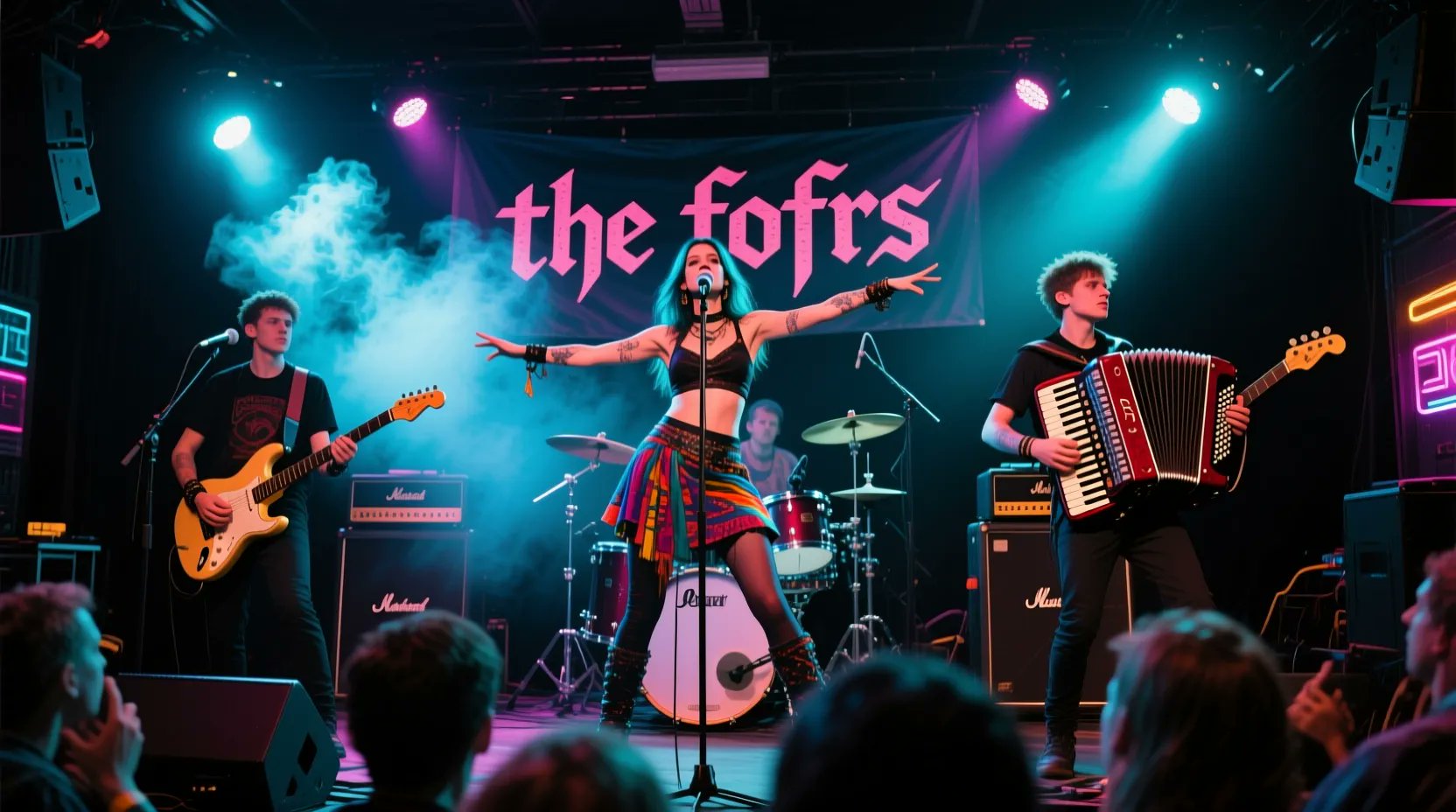
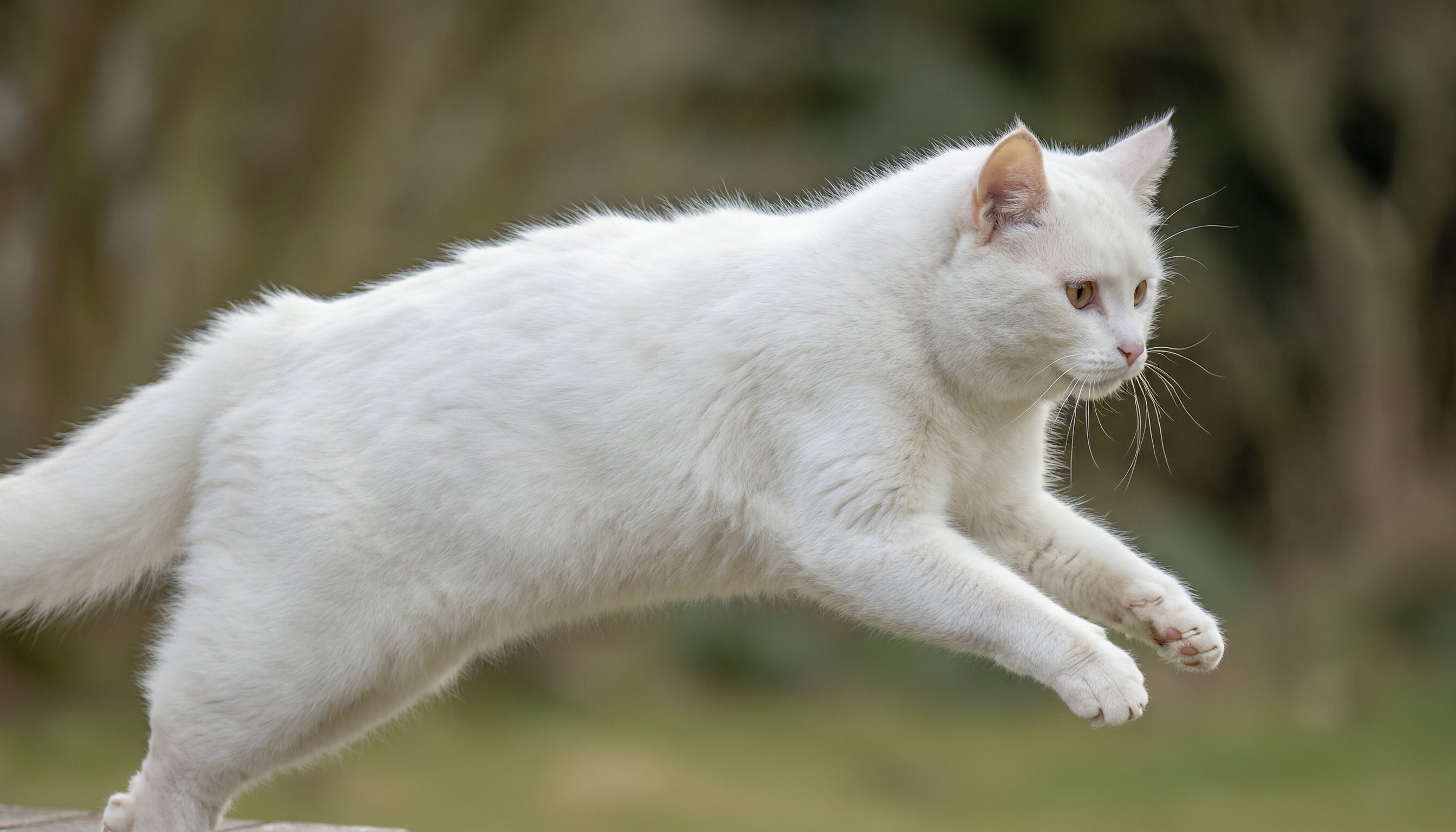
Discover What Qwen Image 2 Can Create
Real Qwen Image results, from handwritten text to macro photos and classical painting, with the full prompt behind each one.
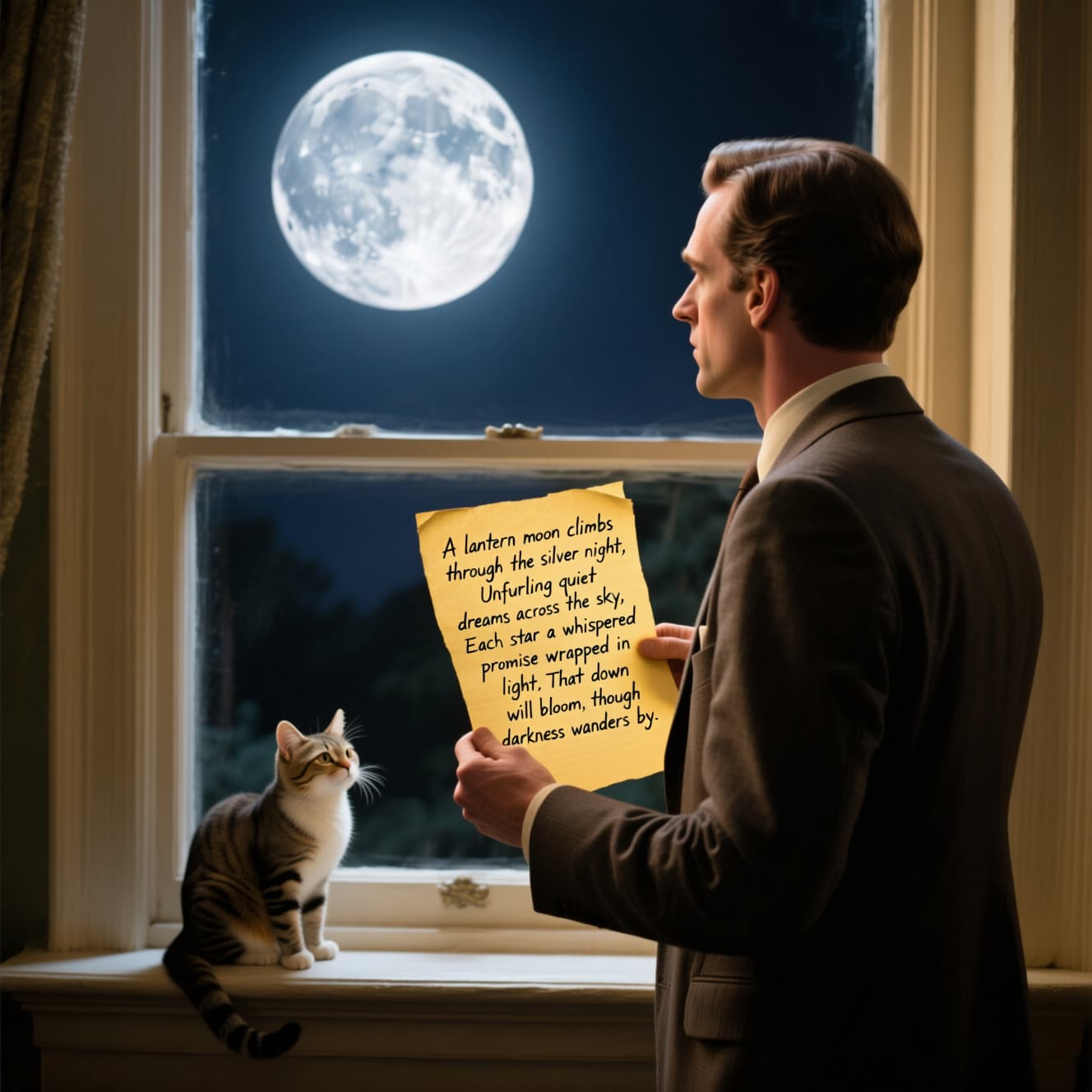 Text rendering
A full handwritten poem on a sheet of paper, inside a moonlit scene.
Prompt · “A man in a suit is standing in front of the window, looking at the bright moon outside the window. The man is holding a yellowed paper with handwritten words on it: "A lantern moon climbs through the silver night, Unfurling quiet dreams across the sky, Each star a whispered promise wrapped in light, That dawn will bloom, though darkness wanders by." There is a cute cat on the windowsill.”
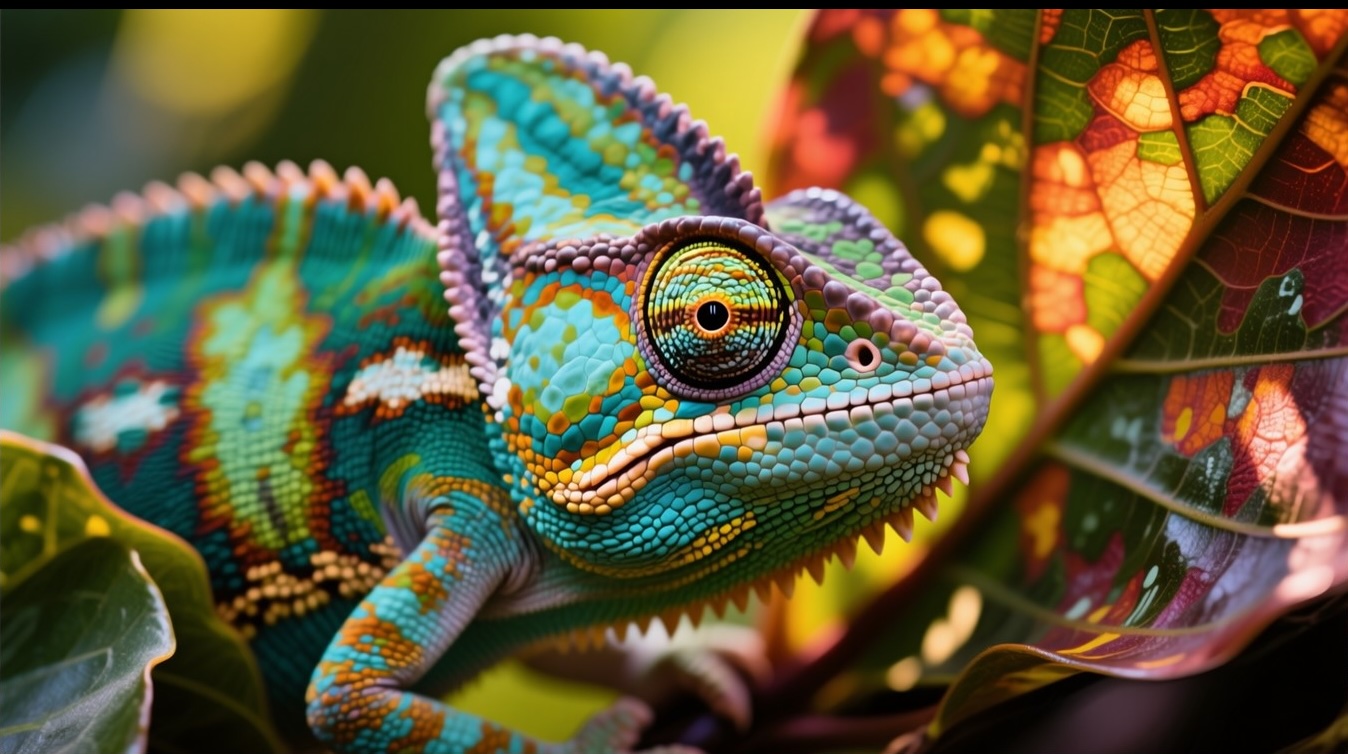 Photorealism
A macro photo with fine, natural detail and color.
Prompt · “A close-up, macro photograph of a veiled chameleon perched on a branch, its body a vibrant mosaic of greens, blues, yellows, and oranges.”
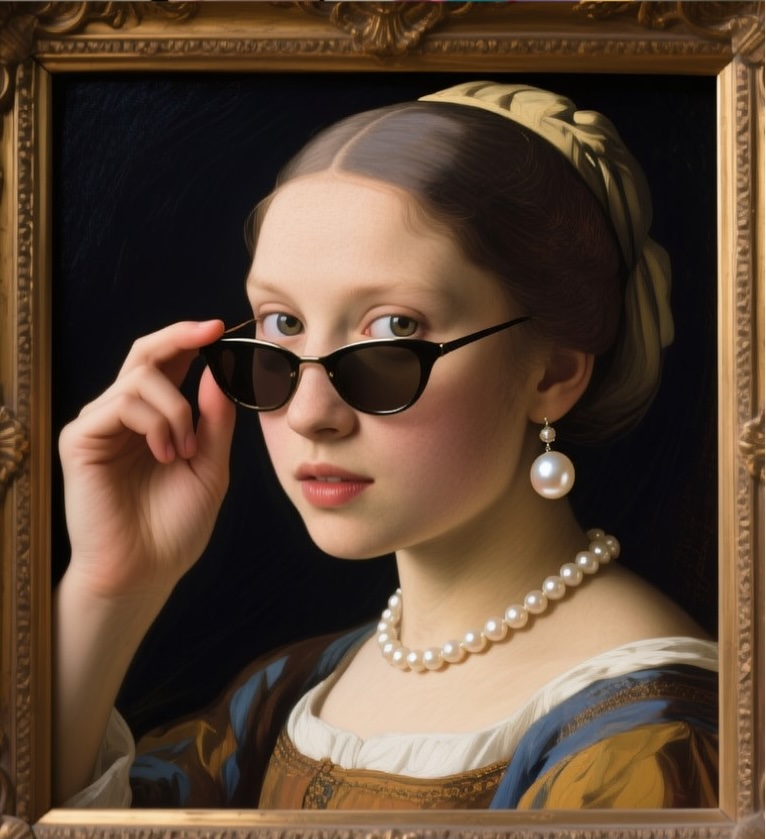 Classical painting
A modern twist in an old-master painting style.
Prompt · “A young girl wearing a pearl necklace and earrings, a headband, and sunglasses, in a classical painting style. She is looking over her sunglasses, holding them up with her right hand. The background is dark.”
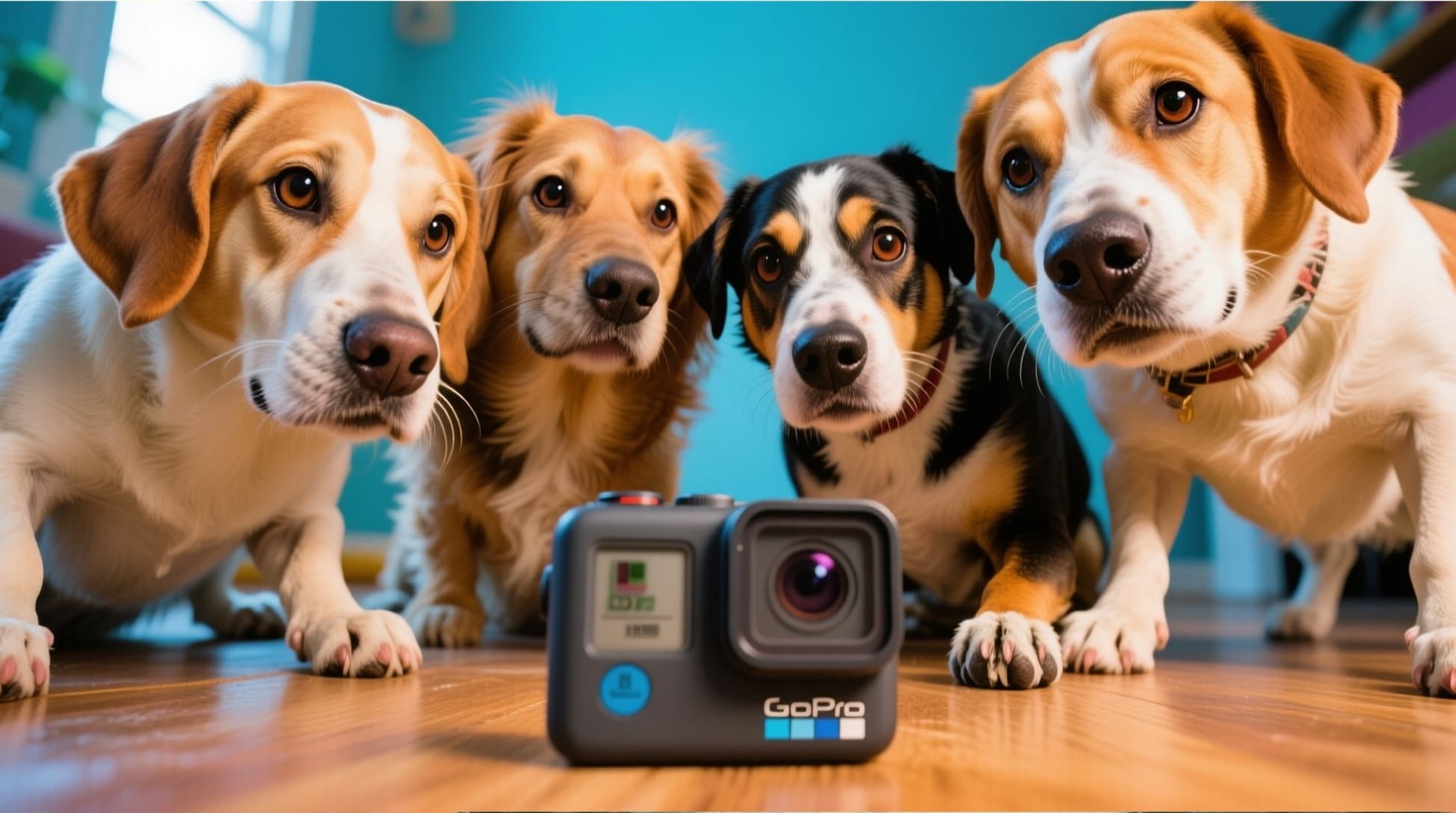 Complex scenes
Several subjects arranged exactly as the prompt describes.
Prompt · “Four adorable dogs gathered closely around a black GoPro camera placed on a wooden surface. The dogs are looking directly at the camera with curious and attentive expressions.”
Key Features of Qwen Image 2
Qwen Image 2 is the newest image generation and editing model from Alibaba's Qwen team, released on February 10, 2026. Qwen Image 2 understands long, complex prompts and is built for images that carry text, from posters to slides.
01 / 05
Accurate Text Rendering Inside Images
Qwen Image 2 writes the words you put in quotes into the picture itself: a shop sign, a book cover, a handwritten note. Its text rendering is more accurate than the original Qwen Image, with better layout and a closer fit between text and image. It is especially strong with logographic scripts such as Chinese.
Try Qwen Image 2 NowA vintage bookshop window at dusk with a hand-painted sign that reads "Open Late — Poetry & Tea", warm light spilling onto a rainy street.
Try this prompt02 / 05
Infographics, Posters and Slides from One Prompt
Qwen Image 2 can create professional infographics directly from very long instructions: presentation slides, posters, comics and banners. Describe the title, the sections and the style, and Qwen Image 2 lays out the headings, captions and graphics in one image.
Make an Infographic with Qwen Image 2A clean infographic poster titled "How Coffee Is Made" with four numbered steps, simple icons, short captions under each step and a beige and brown palette.
Try this prompt03 / 05
Natural, Realistic Images
Qwen Image 2 aims for a more natural and realistic style, with finer details and less of the glossy "AI-generated" look of many image models. Describe the light, the lens and the texture you want, and Qwen Image 2 keeps the photo believable.
Create a Photo with Qwen Image 2A candid street photo of an old fisherman mending a net on a wooden pier at sunrise, natural skin texture, soft side light, 35mm film look.
Try this prompt04 / 05
A Wide Range of Artistic Styles
Beyond photos, Qwen Image 2 handles painting, illustration and print styles. Name a style in your prompt, from a classical oil portrait to a woodblock print, and Qwen Image 2 applies it to any subject: ad images for products, movie or event posters, or art for your own projects.
Try a Style with Qwen Image 2A fox reading a book under a mushroom in a rainy forest, in the style of a Japanese woodblock print, muted greens and indigo.
Try this prompt05 / 05
Start from Your Own Photo
Add a photo next to your prompt and Qwen Image 2 builds on it. Qwen Image 2 supports image editing that keeps the meaning and look of the original intact, so you can change a background, add an element or restyle a picture while the rest stays the same.
Edit a Photo with Qwen Image 2Keep the person and pose from the photo, change the background to a snowy mountain village at night with warm lights in the windows.
Try this promptHow to Use Qwen Image 2 on ImageFX
Pick Qwen 2 or Qwen 2 Pro
Open the Qwen Image 2 generator at the top of this page and choose a model: Qwen 2 for fast results, Qwen 2 Pro for stronger text rendering and realism.
Write Your Prompt
Describe the subject, style, light and any text in quotes. Add a photo if you want Qwen Image 2 to start from it, then pick the aspect ratio.
Generate and Download
Click Generate and your image appears beside the form. Open it to download it; every image is also saved to your account.
A Qwen Image 2 image costs 2 credits with Qwen 2 or 4 credits with Qwen 2 Pro. The model picker shows the price, and a failed run costs nothing. See plans and credit packs
Explore More AI Image Models on ImageFX
Qwen Image 2 is one of many image models on ImageFX. Try the same prompt on these to compare text, style and detail.
- IdeogramIdeogram v3 QualityText-heavy designs with clean typography.From 10 credits
- OpenAIGPT ImageOpenAI's model for close prompt following and typography.From 6 credits
- GoogleNano Banana ProPremium Nano Banana with studio-grade detail.From 30 credits
- ByteDanceSeedream 5.5ByteDance's newest Seedream: text to image and multi-image editing.From 4 credits
- Black Forest LabsFlux 2 MaxBlack Forest Labs' flagship for top-quality images.From 15 credits
- TencentHunyuan Image 3Distinctive aesthetics with Chinese cultural influences.From 5 credits
FAQs About Qwen Image 2
What is Qwen Image 2?
Qwen Image 2 is the image generation and editing model from Alibaba's Qwen team, released on February 10, 2026. It follows long, detailed prompts, renders text accurately inside images and makes infographics, posters and slides. On ImageFX you use Qwen Image 2 in your browser, with no Alibaba account or API key.
What is the difference between Qwen 2 and Qwen 2 Pro?
Both run Qwen Image 2 models. Qwen 2 is the faster, cheaper choice for everyday images. Qwen 2 Pro is tuned for stronger text rendering and more realism, and costs more credits per image.
What is new in Qwen Image 2 compared with Qwen Image?
Compared with the original Qwen Image, Qwen Image 2 makes professional infographics directly from very long instructions, understands prompts in finer detail, produces more realistic images and renders text more accurately, with better layout.
What resolution does Qwen Image 2 generate?
Qwen Image 2 is built for native 2K resolution, so images come out detailed without upscaling. ImageFX has no separate resolution setting: you choose the aspect ratio and the model sets the size.
How many images do I get per run, and can I use several photos?
Each Qwen Image 2 run on ImageFX returns one image, whatever the number-of-images setting says, and charges for one. You can add a photo for Qwen Image 2 to start from; if you select several, only the first is used.
How do I write good prompts for Qwen Image 2?
Be specific about the subject, style, lighting, colors, mood and composition. Instead of "a mountain", try "a snow-capped mountain peak at sunrise with golden light on the rocky cliffs and pine forests below". Put any words you want in the image in quotes. Qwen Image 2 also understands prompts written in other languages.
Can I use Qwen Image 2 images commercially?
ImageFX doesn't claim the images you generate, but commercial use is governed by Alibaba's terms for Qwen Image 2, which can change. Avoid trademarks, real people and copyrighted characters, check those terms before a commercial project, and see section 3 of our Terms of Service.
Try Qwen Image 2 on ImageFX
Create images with readable text, infographics and natural-looking photos with Alibaba's Qwen Image 2.
Create with Qwen Image 2