


Model
The AI that will make it for you. Each one has its own look and price. Not sure? Keep the one that's already picked.
 Hailuo 2.3MiniMax50 Credits
 Veo 3.1 FastGoogle
- Veo 3.1Google
 Grok Imagine VideoxAI
- Grok Imagine Video 1.5xAI
 Sora 2 ProOpenAI
- Sora 2OpenAI
 Kling 3.0Kuaishou (Kling)
- Kling v2.6Kuaishou (Kling)
- Kling v2.5 Turbo ProKuaishou (Kling)
- ALWan 2.5 T2VAlibaba (Wan Video)
- ALWan 2.5 T2V FastAlibaba (Wan Video)
 Seedance 2.5ByteDance
- Seedance 2.0ByteDance
- Seedance 1 ProByteDance
- Seedance 1 Pro FastByteDance
- PIPixVerse v5PixVerse
- PIPixVerse v4.5PixVerse
- LURay 2 720pLuma Labs
- LURay Flash 2 720pLuma Labs
- Hailuo 2.3 FastMiniMax
Start from words only. You describe the video and the AI makes it from scratch.
Describe the video in your own words, as if telling a friend: who is in it, what they do, where it happens and what you hear. More detail gets you closer to what you imagine.
Aspect Ratio
The shape of the result. 16:9 is wide, like YouTube or a TV. 9:16 is tall, like TikTok or phone stories. 1:1 is square, like an Instagram post.
Duration
How many seconds long the video will be. Longer videos cost more credits.
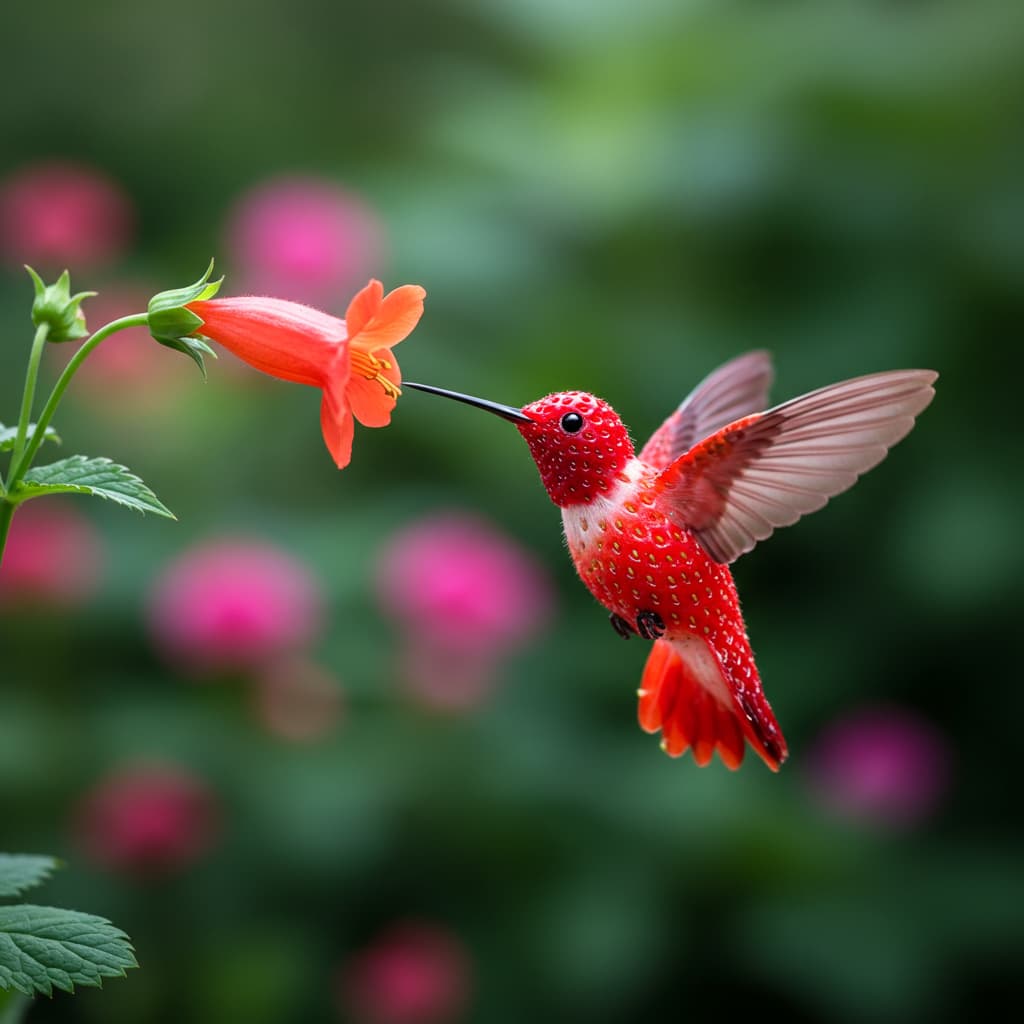


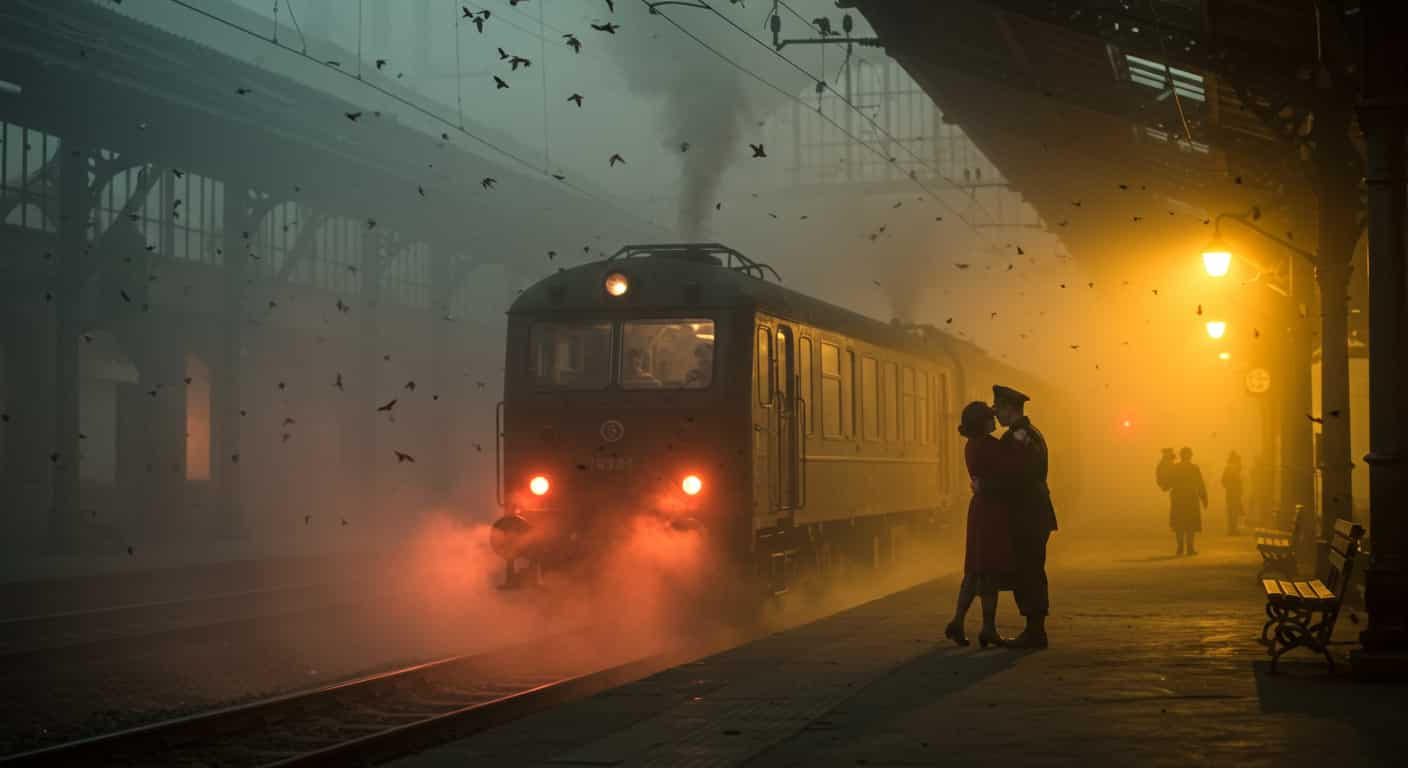
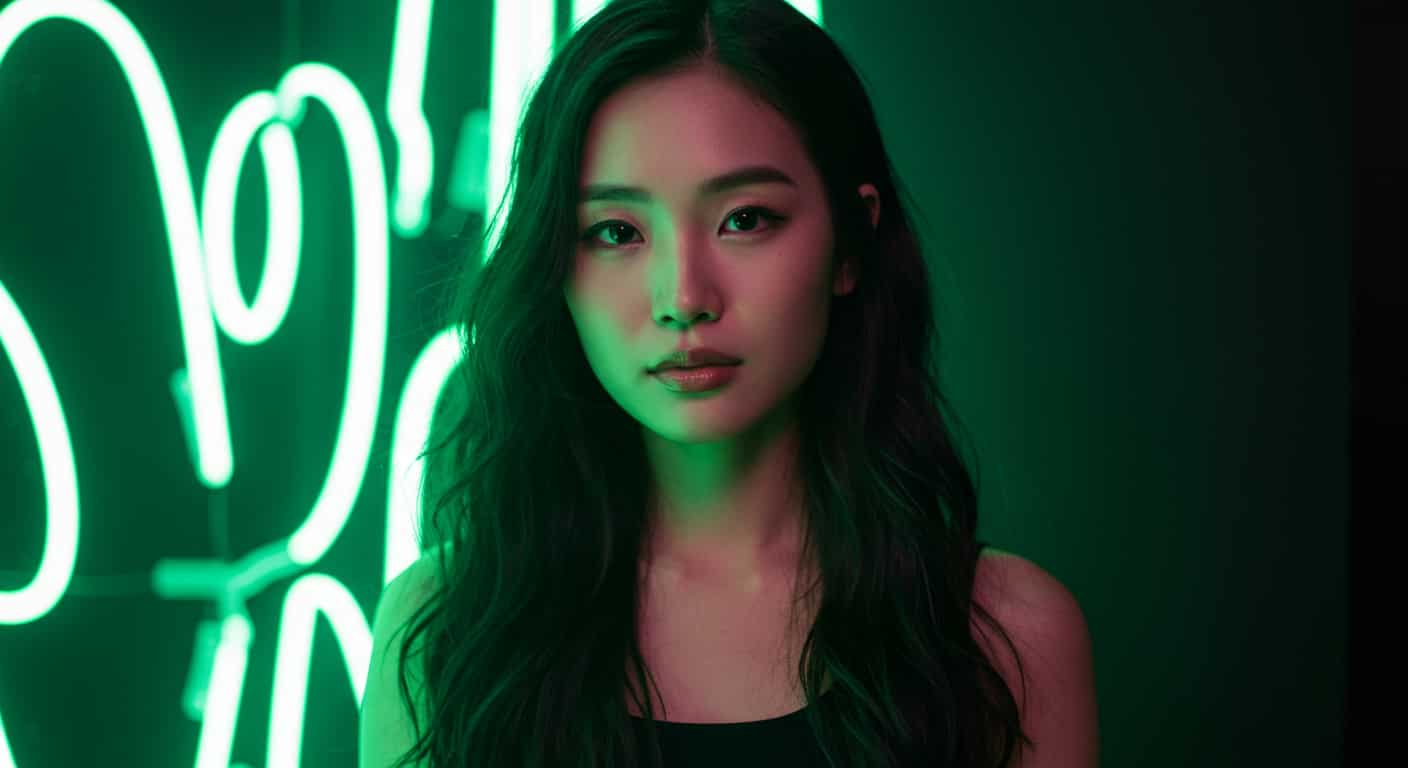

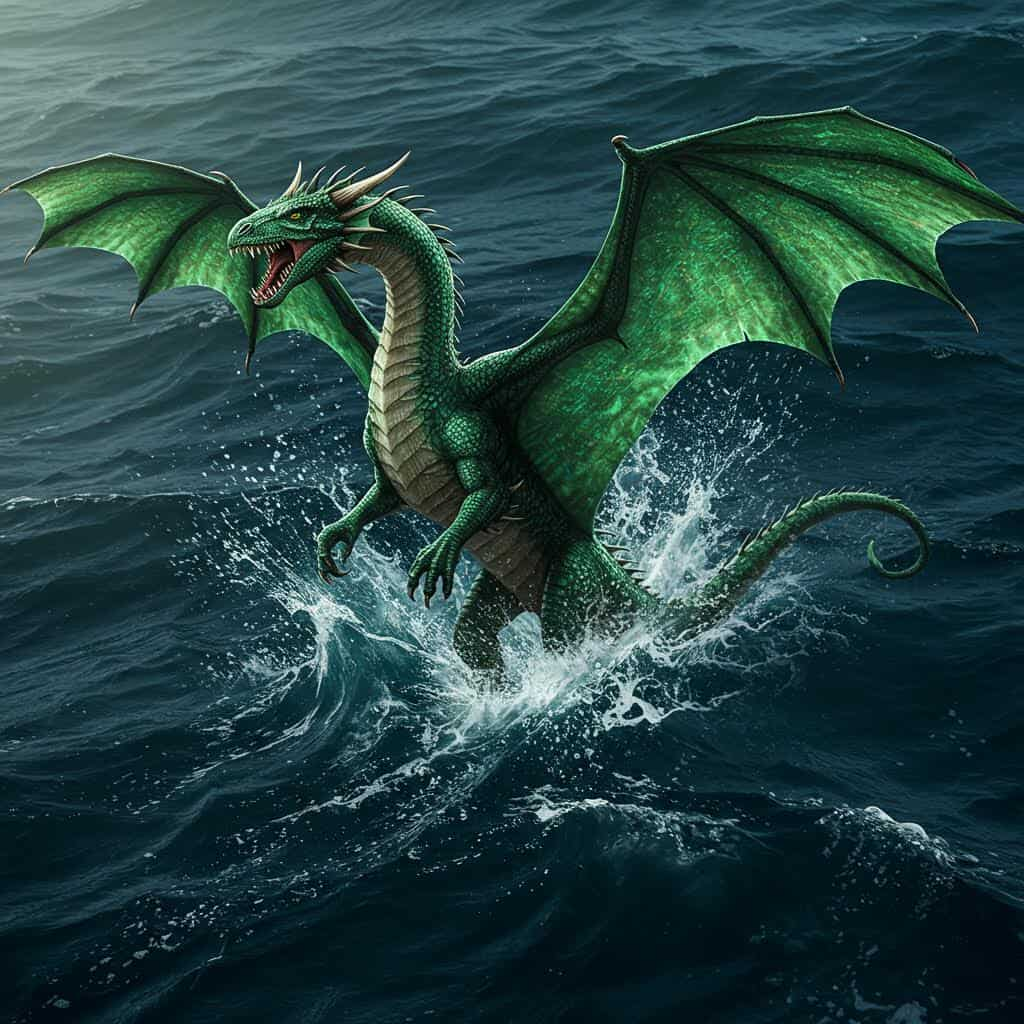
MiniMax · Text & image to video
Hailuo 2.3 AI Video Generator
Hailuo 2.3 is MiniMax's video model for people: expressive faces, full-body motion and stylised looks. Describe a scene or upload a start image, and Hailuo 2.3 makes the clip.
Real results
Discover What Hailuo 2.3 Can Create
Character scenes, anime moments and effects shots made with Hailuo 2.3. Unedited outputs from this page, with the prompt for each. The input photos are AI-generated people, not real ones.
Emotional close-up · Hailuo 2.3
Close-up of a young man reading a letter at a train station; his eyes fill with tears, he folds the letter slowly and looks up at the departing train
Key Features of Hailuo 2.3
Hailuo 2.3 is MiniMax's video model, released in October 2025 as the successor to Hailuo 02. MiniMax focused on people, with realistic body movement, micro-expressions and characters that act rather than just move, plus stronger stylisation and better physics.
01 / 05
Expressive Characters and Acting
Subtle facial expressions and emotional beats, such as "she hesitates, then smiles", come through better on Hailuo 2.3 than on most models. Give it acting directions as well as actions. Hailuo 2.3 is a good pick for short dramatic moments and character close-ups.
Try Hailuo 2.3 Now02 / 05
Full-Body Motion That Holds Together
Dance, martial arts and sports movements stay coherent without limbs warping. Hailuo 2.3 handles fast, whole-body action as well as quiet gestures. Describe the movement step by step and add a camera move.
Make a Dance Video with Hailuo 2.303 / 05
Anime, Illustration and Game Styles
Stylised looks are a highlight of Hailuo 2.3. Write "anime style" or name another look at the start of the prompt and the model keeps it through the clip. It suits fan scenes, game cinematics and illustrated stories.
Create Anime with Hailuo 2.304 / 05
VFX and Dramatic Physics
MiniMax improved physics and effects-heavy shots in Hailuo 2.3. Explosions, magic and dramatic moments are handled convincingly, so the model works for spectacle as well as quiet character scenes.
Make an Effects Shot with Hailuo 2.305 / 05
Text or a Start Image
Start Hailuo 2.3 from a written prompt alone, or upload a start image to fix the face, outfit and setting. With an image, the video keeps that picture's shape. MiniMax's prompt optimizer is on, so short prompts are expanded for you.
Animate an Image with Hailuo 2.3How to Use Hailuo 2.3 on ImageFX
Choose Text or Image
In the Hailuo 2.3 generator above, pick Text to Video to start from words, or Image to Video and upload a start frame.
Direct the Character
Say who the character is, what they do and how they feel, beat by beat, and add the style if it isn't photographic. Then pick the length.
Generate and Download
Click Generate, watch the clip beside the form and download the MP4. Every video is saved to your account.
A Hailuo 2.3 run costs 50–100 credits depending on length; the Generate button shows the price first, and a failed run costs nothing. See plans and credit packs
Explore More AI Video Models on ImageFX
Hailuo 2.3 runs in the same generator as these models. Switch between them to compare characters and motion on the same prompt.
- MiniMax · Image-to-videoHailuo 2.3 FastQuicker, lower-cost animation of a start image.From 35 credits
- Kuaishou (Kling) · Text-to-video and image-to-videoKling v2.6Cinematic motion with native audio.From 20 credits
- Google · Text-to-video and image-to-videoVeo 3.1Top-end clips with generated sound and dialogue.From 40 credits
- ByteDance · Text-to-video and image-to-videoSeedance 1 ProMulti-shot scenes and the widest choice of shapes.From 20 credits
- Kuaishou (Kling) · Text-to-video and image-to-videoKling 3.0Kuaishou's newest Kling, with first and last frames.From 40 credits
- Luma Labs · Text-to-video and image-to-videoRay 2 720pNatural, photographic motion and ultra-wide 21:9 shots.From 35 credits
FAQs About Hailuo 2.3
What is Hailuo 2.3?
Hailuo 2.3 is MiniMax's video model, released in October 2025 as the successor to Hailuo 02. It is known for realistic human motion, expressive characters and stylised looks.
What resolution is Hailuo 2.3 on ImageFX?
768p. ImageFX uses Hailuo's 768p setting, which is also what allows the longer clip length.
Which shape are Hailuo 2.3 videos?
From text, Hailuo 2.3 renders widescreen 16:9 only; there is no shape to choose. From a start image, the video follows the image's proportions.
Does Hailuo 2.3 make sound?
No. Hailuo 2.3 clips are silent. For sound, try Kling v2.6 or Veo 3.1.
Can Hailuo 2.3 do anime?
Yes. Stylised and anime looks are one of Hailuo 2.3's strengths; write "anime style" in the prompt.
Will the prompt optimizer change my Hailuo 2.3 prompt?
It can. MiniMax's prompt optimizer is on and may add details to your prompt. Be explicit about anything that must stay as written.
Hailuo 2.3 or Hailuo 2.3 Fast?
Hailuo 2.3 works from text or a start image. Hailuo 2.3 Fast needs a start image but is quicker and costs less, so it suits animating a frame you already have.
How does Hailuo 2.3 compare with Kling v2.6 and Veo 3.1?
Kling v2.6 costs less for longer clips and generates sound; Veo 3.1 adds dialogue and sound at 1080p. Hailuo 2.3 is the specialist for silent character performance and anime styles.
Try Hailuo 2.3 on ImageFX
Direct characters that act, from a prompt or your own start image, with MiniMax's Hailuo 2.3.
Create with Hailuo 2.3