


Model
The AI that will make it for you. Each one has its own look and price. Not sure? Keep the one that's already picked.
 Veo 3.1 FastGoogle60 Credits
- Veo 3.1Google
 Grok Imagine VideoxAI
- Grok Imagine Video 1.5xAI
 Sora 2 ProOpenAI
- Sora 2OpenAI
 Kling 3.0Kuaishou (Kling)
- Kling v2.6Kuaishou (Kling)
- Kling v2.5 Turbo ProKuaishou (Kling)
- ALWan 2.5 T2VAlibaba (Wan Video)
- ALWan 2.5 T2V FastAlibaba (Wan Video)
 Seedance 2.5ByteDance
- Seedance 2.0ByteDance
- Seedance 1 ProByteDance
- Seedance 1 Pro FastByteDance
- PIPixVerse v5PixVerse
- PIPixVerse v4.5PixVerse
- LURay 2 720pLuma Labs
- LURay Flash 2 720pLuma Labs
 Hailuo 2.3MiniMax
- Hailuo 2.3 FastMiniMax
Start from words only. You describe the video and the AI makes it from scratch.
Describe the video in your own words, as if telling a friend: who is in it, what they do, where it happens and what you hear. More detail gets you closer to what you imagine.
Aspect Ratio
The shape of the result. 16:9 is wide, like YouTube or a TV. 9:16 is tall, like TikTok or phone stories. 1:1 is square, like an Instagram post.
Duration
How many seconds long the video will be. Longer videos cost more credits.







Google · Text & image to video
Veo 3.1 Fast AI Video Generator
Veo 3.1 Fast is the lower-cost, quicker version of Google's Veo 3.1: 1080p video with generated dialogue, effects and ambience. Start from a prompt, a first frame or a first and last frame, and Veo 3.1 Fast makes the clip with its sound.
Real results
Discover What Veo 3.1 Fast Can Create
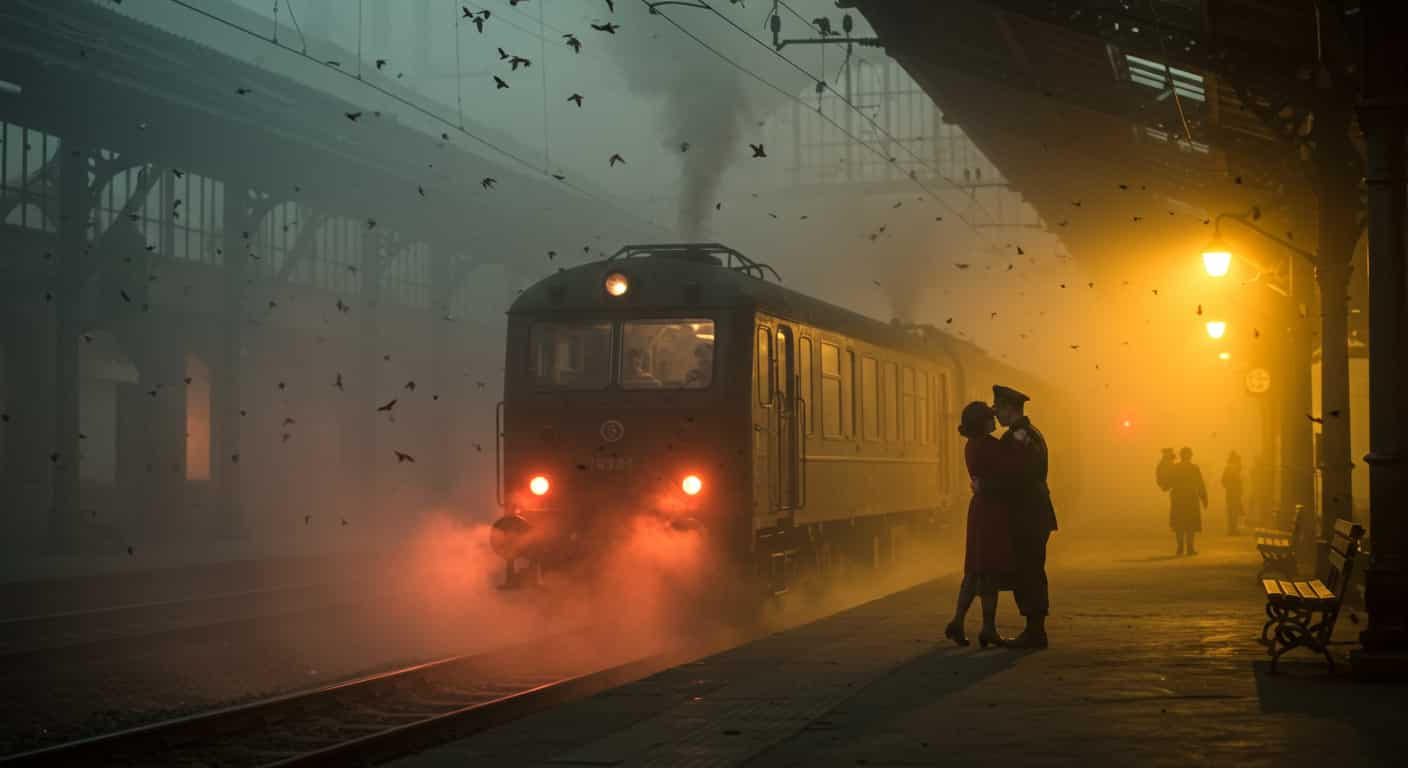
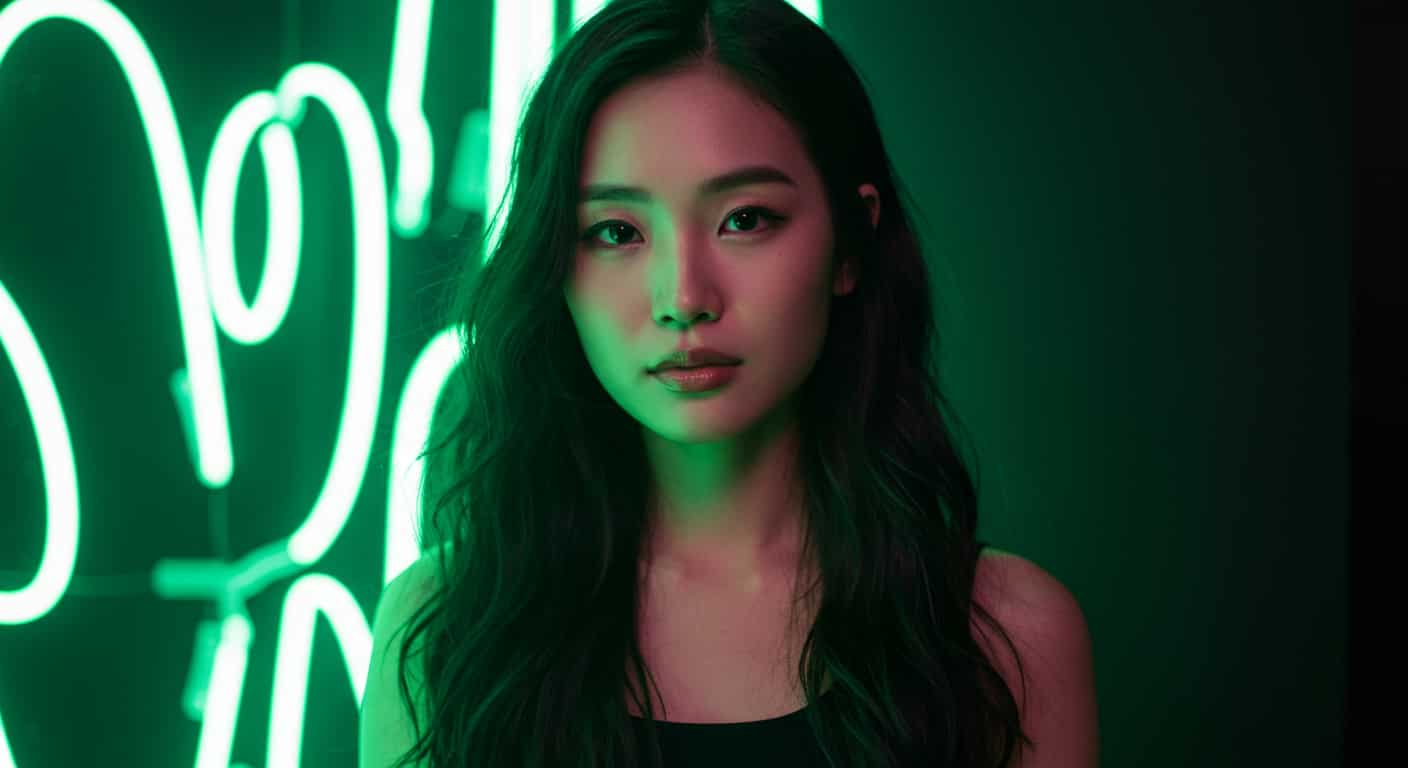
Short 1080p clips with sound, each made from one prompt with Veo 3.1 Fast. Unedited outputs from this page, with the prompt for each. The input photos are AI-generated people, not real ones.
Product video · Veo 3.1 Fast
9:16 close-up of a hand placing a glass perfume bottle on wet black stone, slow push in, droplets on the glass. Sound: a soft chime, water dripping.
Key Features of Veo 3.1 Fast
Veo 3.1 Fast is the speed- and cost-optimised variant of Google DeepMind's Veo 3.1, released alongside it in October 2025. It keeps what makes Veo popular, video with matching sound and strong camera control, while generating faster and costing less.
01 / 05
Veo Sound at a Lower Price
Dialogue, sound effects and ambience come with every clip, as on Veo 3.1, for fewer credits. Describe what we hear in the prompt and Veo 3.1 Fast generates it together with the picture. For social clips the result is often good enough to publish directly.
Try Veo 3.1 Fast Now02 / 05
Fast Enough to Iterate
Faster generation means you can try several versions of a line or a camera move in one sitting. Change one thing per run (the line, the camera move, the light) so you can tell what helped. Veo 3.1 Fast is the practical way to settle a shot before you commit to it.
Draft a Shot with Veo 3.1 Fast03 / 05
Characters That Speak Your Lines
Put spoken lines in quotes and name the speaker, and Veo 3.1 Fast has the character say them with matching lip movement. That makes short ads, skits and talking-head clips possible from one prompt.
Make a Talking Video with Veo 3.1 Fast04 / 05
Start From a First and Last Frame
Besides text-to-video, Veo 3.1 Fast can open on an image you upload, or move from a first frame to a last frame you choose. Use it to animate a product shot or to control exactly where a camera move ends.
Animate a Photo with Veo 3.1 Fast05 / 05
Prompts That Carry Over to Veo 3.1
Veo 3.1 Fast reads the same prompt language as Veo 3.1, so a prompt that works here works there unchanged. Draft on Veo 3.1 Fast, then render the final on Veo 3.1 if you need the last bit of polish.
Try Veo 3.1 Fast NowHow to Use Veo 3.1 Fast on ImageFX
Pick Text or Image to Video
Open the Veo 3.1 Fast generator at the top of this page. Write from scratch on Text to Video, or switch to Image to Video and upload a first frame, or a first and last frame.
Describe One Continuous Shot
Say who does what and where, how the camera moves, the light and the sound, with spoken lines in quotes. Choose widescreen or vertical and the length, and add a negative prompt for anything you don't want.
Generate and Download
Click Generate, watch the clip beside the form and download the MP4 with its sound. Every video is saved to your account.
A Veo 3.1 Fast run costs 30–60 credits depending on length; the Generate button shows the price first, and a failed run costs nothing. See plans and credit packs
Explore More AI Video Models on ImageFX
Veo 3.1 Fast runs in the same generator as these models. Try your shot on a few of them to compare sound, length and look.
- Google · Text-to-video and image-to-videoVeo 3.1The full Veo 3.1: top-end 1080p clips with generated sound.From 40 credits
- Kuaishou (Kling) · Text-to-video and image-to-videoKling 3.0Cinematic motion with first and last frames.From 40 credits
- xAI · Image-to-videoGrok Imagine Video 1.5Turning one photo into a talking, lip-synced video.From 12 credits
- Kuaishou (Kling) · Text-to-video and image-to-videoKling v2.6Cinematic motion with native audio.From 20 credits
- ByteDance · Text-to-video and image-to-videoSeedance 1 Pro FastLow-cost 1080p clips, up to 12 seconds.From 10 credits
- MiniMax · Image-to-videoHailuo 2.3 FastQuick, low-cost drafts from a start image.From 35 credits
FAQs About Veo 3.1 Fast
Is Veo 3.1 Fast the same as Veo 3.1?
Veo 3.1 Fast is a faster, cheaper variant of the same model generation from Google DeepMind, released alongside Veo 3.1 in October 2025, with slightly less fidelity.
Does Veo 3.1 Fast have sound?
Yes. Every Veo 3.1 Fast clip comes with generated dialogue, effects and ambience. Mute it in your editor if you only need the picture.
What resolution is Veo 3.1 Fast on ImageFX?
1080p, in widescreen 16:9 or vertical 9:16. Veo doesn't make square video.
How long can Veo 3.1 Fast clips be?
Up to 8 seconds per clip. For longer pieces, generate several shots and edit them together. The generator above shows the lengths and the price of each.
Can Veo 3.1 Fast start from an image?
Yes. Switch to Image to Video and upload a first frame, or a first and a last frame, and describe what happens in between.
Can I use Veo 3.1 Fast for TikTok or Reels?
Yes. Pick 9:16 for vertical video at 1080p, which fits Reels, Shorts and TikTok without cropping.
Is the dialogue from Veo 3.1 Fast always right?
Lip sync is good, but listen for mispronounced names and brand words before you publish, and regenerate if a word comes out wrong.
Try Veo 3.1 Fast on ImageFX
Draft shots, dialogue and camera moves with Google's Veo sound for fewer credits, then publish the clips that work.
Create with Veo 3.1 Fast