



Grok Imagine Video:
The Fastest AI Video Generator Powered by xAI
Grok Imagine Video uses the Aurora engine — an autoregressive MoE transformer — to generate high-definition video in as little as 17 seconds. Create text-to-video, image-to-video, and edit existing footage with native audio synthesis.
What is Grok Imagine Video?
Grok Imagine Video is xAI’s cutting-edge AI video generation model, built on the proprietary Aurora engine. Unlike diffusion-based competitors that process entire frames simultaneously, Grok Imagine Video uses an autoregressive Mixture-of-Experts (MoE) transformer architecture that generates video patch-by-patch — dramatically reducing latency while maintaining exceptional visual quality.
Developed by the xAI team and trained on one of the largest GPU clusters in the world (over 110,000 GPUs), Grok Imagine Video represents a paradigm shift in how AI creates video content. The Aurora engine processes video as a sequence of visual tokens rather than denoising a full frame, which means Grok Imagine Video can begin streaming output almost immediately after receiving a prompt.
What sets Grok Imagine Video apart from tools like Sora, Veo, and Kling is raw speed. Where diffusion models may require 60–120 seconds to produce a 5-second clip, Grok Imagine Video achieves comparable quality in approximately 17 seconds. This speed advantage translates to lower cost-per-video and a significantly better creative iteration loop. Filmmakers, content creators, and marketers can experiment with dozens of variations in the time it would take other tools to render one.
Grok Imagine Video supports three primary modes: text-to-video generation from natural language prompts, image-to-video conversion that animates still photos, and video editing that can swap objects, change environments, or restyle existing footage. Each mode leverages the same Aurora backbone, ensuring consistent quality across workflows.
Key Features of Grok Imagine Video
Grok Imagine Video offers a comprehensive set of AI video generation capabilities, each powered by the Aurora engine.
Text-to-Video Generation
Describe any scene in natural language and Grok Imagine Video transforms it into high-quality video. The Aurora engine interprets complex prompts including camera movement, lighting, and physics with remarkable accuracy.
Image-to-Video Conversion
Upload any still image and Grok Imagine Video brings it to life with realistic motion. The model understands depth, perspective, and subject matter to create natural-looking animation from a single frame.
Native Audio Synthesis
Grok Imagine Video generates synchronized audio that matches the visual content. Ambient sounds, dialogue, and effects are produced natively without requiring a separate audio generation step.
Sketches to Life
Transform rough sketches, wireframes, or hand-drawn illustrations into polished animated videos. Grok Imagine Video interprets artistic intent and fills in detail, color, and movement automatically.
Video Editing & Object Swapping
Upload existing video clips and use natural language to edit them. Swap objects, change backgrounds, alter lighting, or restyle footage. Grok Imagine Video preserves temporal coherence throughout edits.
Professional Camera Controls
Specify precise camera movements in your prompts: dolly, pan, tilt, crane, handheld shake, rack focus, and more. Grok Imagine Video translates cinematographic language into accurate virtual camera work.
See Grok Imagine Video in Action
Three powerful modes, one engine. Here's what each can do.
Text-to-Video
“A golden retriever running through autumn leaves in a forest, slow-motion, warm cinematic lighting, shallow depth of field, falling leaves catching sunlight”
Type any scene description and Aurora generates HD video with synchronized audio in ~17 seconds.
Image-to-Video
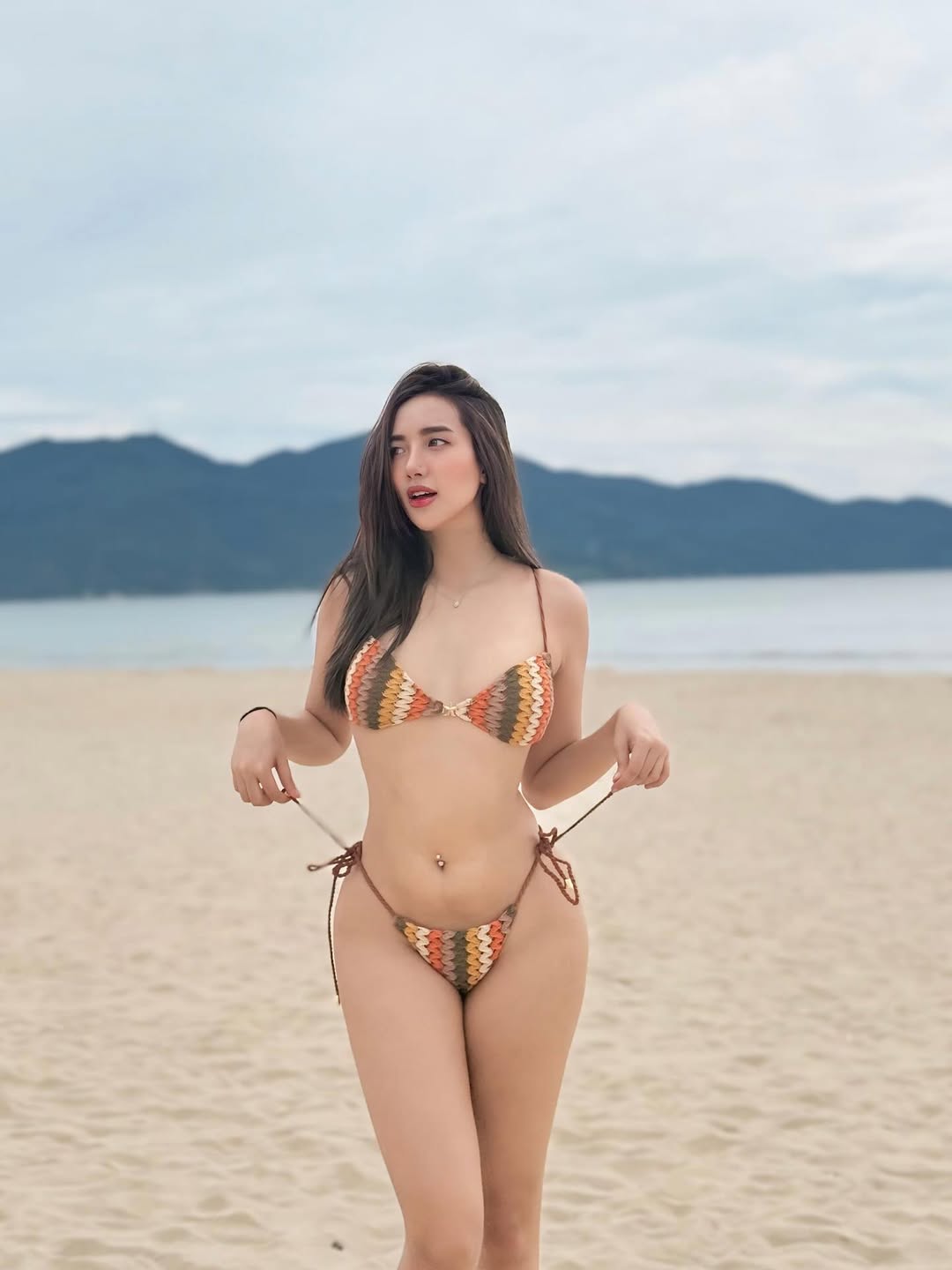
Source Photo
“let the girl dancing”
Upload a still photo and bring it to life with realistic motion, depth, and camera movement.
Video Editing
Original Clip
“add flowers in the hands of girl”
Upload existing footage and use natural language to swap objects, change environments, or restyle scenes.
Generate Videos with Grok Imagine Video
Choose your mode, write a prompt, and let the Aurora engine create your video.
Sign in to generate videos with Grok Imagine Video
Grok Imagine Video Technical Specifications
| Duration | 5s, 10s, or 15s (selectable) |
| Resolution | 480p or 720p HD |
| Frame Rate | 24 fps |
| Aspect Ratios | 16:9, 9:16, 1:1, 4:3, 3:4, 2:3, 3:2 |
| Generation Latency | ~17s for 5s clip at 720p |
| Audio | Native synchronized audio synthesis |
| Input Modes | Text, Image, or Video |
| Architecture | Autoregressive MoE Transformer (Aurora) |
Grok Imagine Video achieves these specifications through the Aurora engine’s patch-based autoregressive generation. Unlike diffusion models that must denoise an entire frame over multiple steps, the Aurora architecture generates each visual patch sequentially, enabling near-realtime output. The native audio synthesis runs as a parallel stream within the same model, eliminating the need for separate audio post-processing.
How to Use Grok Imagine Video: Step-by-Step Guide
Choose Your Mode
Select Text-to-Video to create from scratch, Image-to-Video to animate a still photo, or Video Editing to modify existing footage. Each mode of Grok Imagine Video is optimized for its specific workflow.
Write a Detailed Prompt
Describe your desired output in natural language. Include camera movements, lighting conditions, subject actions, and environmental details. Grok Imagine Video responds best to specific, cinematographic descriptions.
Configure Duration & Settings
Choose between 5-second, 10-second, or 15-second clips. Select your preferred aspect ratio (landscape, portrait, or square) and resolution (480p or 720p). Longer videos require more credits.
Upload Source Media (If Applicable)
For Image-to-Video mode, upload a JPG, PNG, or WebP image. For Video Editing, upload an MP4, MOV, or WebM clip (max 8.7 seconds). Grok Imagine Video will preserve the key elements of your source material.
Generate & Download
Click Generate to start the Aurora engine. Grok Imagine Video typically delivers results within 17–90 seconds depending on duration and complexity. Preview the result inline and download as MP4.
Prompt Writing Tips for Grok Imagine Video
- Start with the subject, then describe its action and environment
- Specify camera movement: “slow dolly forward”, “aerial tracking shot”
- Include lighting and mood: “golden hour”, “neon-lit cyberpunk alley”
- Mention audio cues if desired: “ambient rain sounds”, “upbeat electronic music”
- Keep prompts under 200 words for best results with Grok Imagine Video
Who Uses Grok Imagine Video?
From solo creators to enterprise teams, Grok Imagine Video accelerates video production across every industry.
Social Media Creators
Produce scroll-stopping short-form content at scale. Grok Imagine Video generates TikTok, Reels, and Shorts-ready vertical videos in seconds, enabling daily content calendars that would otherwise require a full production team.
E-commerce & Product Teams
Transform static product photos into dynamic showcases. Use Grok Imagine Video to create rotating product demos, lifestyle animations, and promotional clips without expensive video shoots or 3D rendering.
Filmmakers & Animators
Storyboard, previsualize, and prototype scenes before committing to full production. Grok Imagine Video serves as a rapid iteration tool for directors, VFX artists, and animation studios exploring creative directions.
Developers & API Integrators
Embed Grok Imagine Video generation directly into apps, platforms, and workflows via the Replicate API. Build automated video pipelines for personalization engines, marketing automation, and content management systems.
Grok Imagine Video Performance and Benchmarks
In independent evaluations, Grok Imagine Video has achieved the #1 ranking on multiple video generation leaderboards, surpassing models from Google, OpenAI, and other leading labs.
| Model | Elo | Latency | Audio |
|---|---|---|---|
| Grok Imagine Video | 1406 | ~17s | Yes |
| Sora 2 | 1380 | ~60s | No |
| Veo 3.1 | 1350 | ~45s | Yes |
Grok Imagine Video’s speed advantage comes from the Aurora engine’s autoregressive design. While diffusion-based models must iterate over the entire frame multiple times, Grok Imagine Video generates content patch-by-patch in a single forward pass, delivering results 3–7x faster than comparable models while maintaining competitive visual fidelity scores.
Grok Imagine Video Pricing
Grok Imagine Video uses a simple, duration-based credit system. Shorter clips cost fewer credits, giving you full control over your budget.
Industry Cost Comparison
| Grok Imagine Video (this platform) | 10 credits | 20 credits |
| xAI API (direct) | $0.07/s | $0.07/s |
| Sora Pro | ~150 credits | ~300 credits |
| Runway Gen-3 | ~40 credits | ~80 credits |
Need more credits? View our pricing plans to find the right tier for your Grok Imagine Video usage.
Frequently Asked Questions About Grok Imagine Video
What is Grok Imagine Video and how does it work?
Grok Imagine Video is an AI video generation model built by xAI. It uses the Aurora engine, an autoregressive Mixture-of-Experts transformer, to generate video patch-by-patch rather than denoising entire frames. This approach makes Grok Imagine Video significantly faster than diffusion-based alternatives while producing comparable visual quality.
What are the three modes of Grok Imagine Video?
Grok Imagine Video supports three modes: Text-to-Video (generate entirely from a text description), Image-to-Video (animate a still image based on a motion prompt), and Video Editing (modify existing video clips by swapping objects, changing backgrounds, or restyling). All three modes use the same Aurora engine backbone.
How fast is Grok Imagine Video compared to other AI video generators?
Grok Imagine Video can generate a 5-second 720p clip in approximately 17 seconds, which is 3-7x faster than competitors like Sora (~60s) and Veo 3.1 (~45s). This speed comes from the autoregressive patch-based architecture rather than iterative diffusion.
What resolutions and aspect ratios does Grok Imagine Video support?
Grok Imagine Video supports 480p and 720p HD resolutions with seven aspect ratio options: 16:9 (landscape), 9:16 (portrait), 1:1 (square), 4:3, 3:4, 2:3, and 3:2. Videos can be 5, 10, or 15 seconds long.
Does Grok Imagine Video generate audio?
Yes, Grok Imagine Video includes native audio synthesis. The Aurora engine generates synchronized sound alongside the video, including ambient sounds, effects, and even music. No separate audio generation or post-processing is required.
Can I use Grok Imagine Video outputs commercially?
Yes, all videos generated through this platform include full commercial usage rights. You can use Grok Imagine Video outputs for marketing, social media, client work, product demos, and any other commercial purpose without additional licensing.
What file formats does Grok Imagine Video accept and produce?
For Image-to-Video, Grok Imagine Video accepts JPG, PNG, and WebP images. For Video Editing, it accepts MP4, MOV, and WebM video files (max 8.7 seconds). All generated videos are output as MP4 files with synchronized audio at 24fps.
Start Creating with Grok Imagine Video Today
The fastest AI video generator is ready. Text-to-video, image-to-video, and video editing — all in one tool.
Open the Generator