


Model
The AI that will make it for you. Each one has its own look and price. Not sure? Keep the one that's already picked.
BLFlux 2 MaxBlack Forest Labs15 Credits
 Nano Banana 2 LiteGoogle
- ImageFXImagen 4 · Google DeepMind
- Nano Banana ProGoogle
- Nano Banana 2Google
 GPT ImageOpenAI
 Qwen ImageAlibaba Qwen
- Qwen Image 3Alibaba (Qwen)
- Qwen Image 3 ProAlibaba (Qwen)
- Wan 2.7 ImageAlibaba (Wan)
- Wan 2.7 Image ProAlibaba (Wan)
- BLFlux Kontext ProBlack Forest Labs
- BLFlux ProBlack Forest Labs
- BLFlux SchnellBlack Forest Labs
- IDIdeogram v3 QualityIdeogram
- IDIdeogram v3 TurboIdeogram
 Seedream 5.5ByteDance
- Seedream 4.5ByteDance
- RERecraft v3Recraft
- RERecraft v3 SVGRecraft
- STStable Diffusion 3.5 LargeStability AI
- LUPhotonLuma Labs
- LUPhoton FlashLuma Labs
- NVSanaNVIDIA
 MiniMax Image-01MiniMax
- TEHunyuan Image 3Tencent
- BRBria Image 3.2Bria AI
- PRP-ImagePrunaAI
- PRHiDream L1 FastPrunaAI
Start from words only. You describe the picture and the AI draws it from scratch.
Describe the picture in your own words: what's in it, the style (photo, cartoon, painting…), the colors and the mood. More detail gets you closer to what you imagine.
Aspect Ratio
The shape of the result. 16:9 is wide, like YouTube or a TV. 9:16 is tall, like TikTok or phone stories. 1:1 is square, like an Instagram post.









Black Forest Labs · Text & image to image
Flux 2 Max AI Image Generator
Flux 2 Max is the top tier of Black Forest Labs' FLUX.2 family, made for the image you keep. Write a detailed prompt, or add reference images, and Flux 2 Max returns a photoreal, finished result.
Real results
Discover What Flux 2 Max Can Create
Product shots, portraits and detailed scenes made with Flux 2 Max from a single prompt. Unedited outputs from this page, with the prompt for each. The input photos are AI-generated people, not real ones.
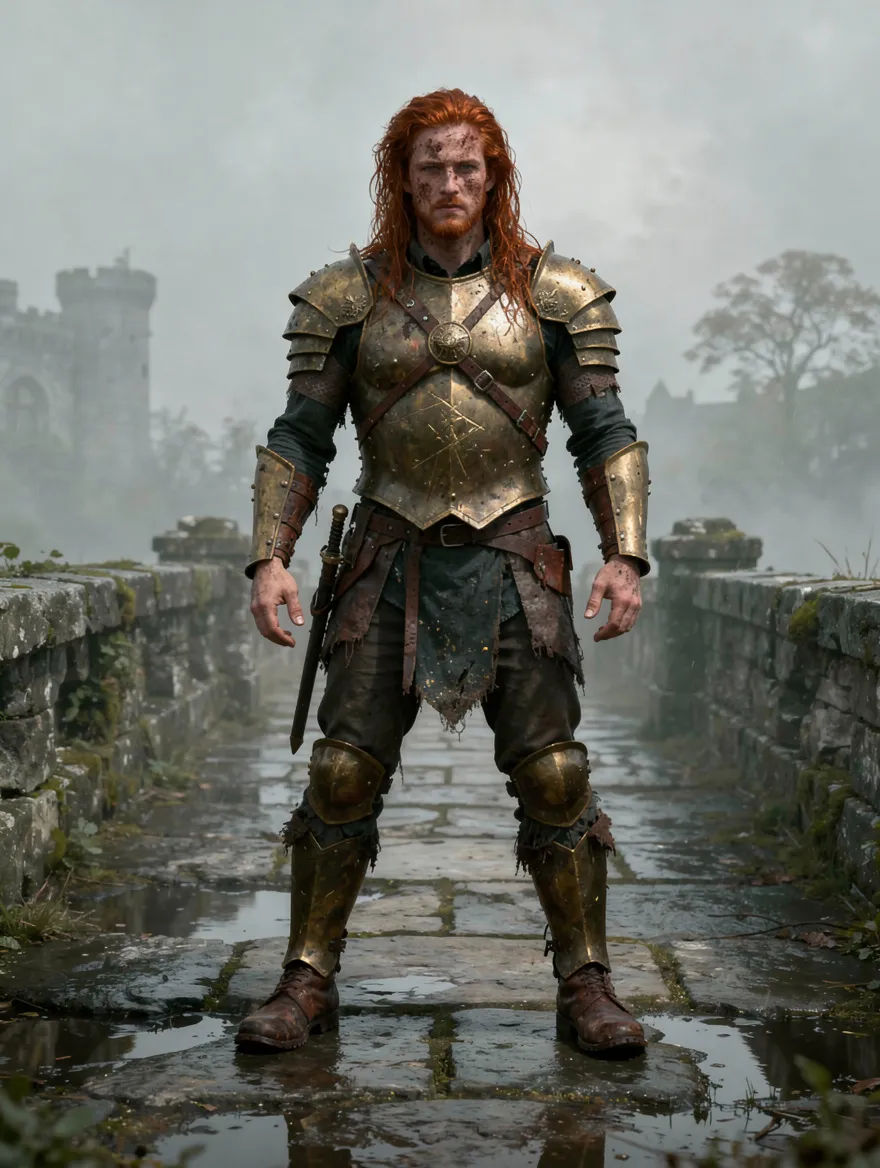
Detailed scene · Flux 2 Max
Full-body portrait of a red-haired warrior in dented bronze armour, standing in fog on a stone bridge, overcast light, muted greens and greys, realistic textures, 3:4 framing
Key Features of Flux 2 Max
Flux 2 Max runs FLUX.2 [max], the highest-fidelity model in Black Forest Labs' FLUX.2 family. The family launched in November 2025 with [pro], [flex] and the open-weight [dev]; [max] was added in December 2025 as the tier that pushes realism, prompt understanding and consistency furthest.
01 / 05
Follows Long, Specific Prompts
Give Flux 2 Max a paragraph: subject, wardrobe, props, camera, light and mood. It keeps more of those details in the frame than the lighter FLUX models, which tend to drop the third or fourth requirement. A 60-word Flux 2 Max prompt usually beats a 10-word one.
Try Flux 2 Max Now02 / 05
Photoreal Skin, Fabric, Metal and Glass
Surfaces are where the tier difference shows. Product shots and portraits from Flux 2 Max come back with fewer of the waxy, over-smoothed patches that cheaper models leave. Describe the light the way a photographer would and Flux 2 Max renders it.
Make a Product Shot with Flux 2 Max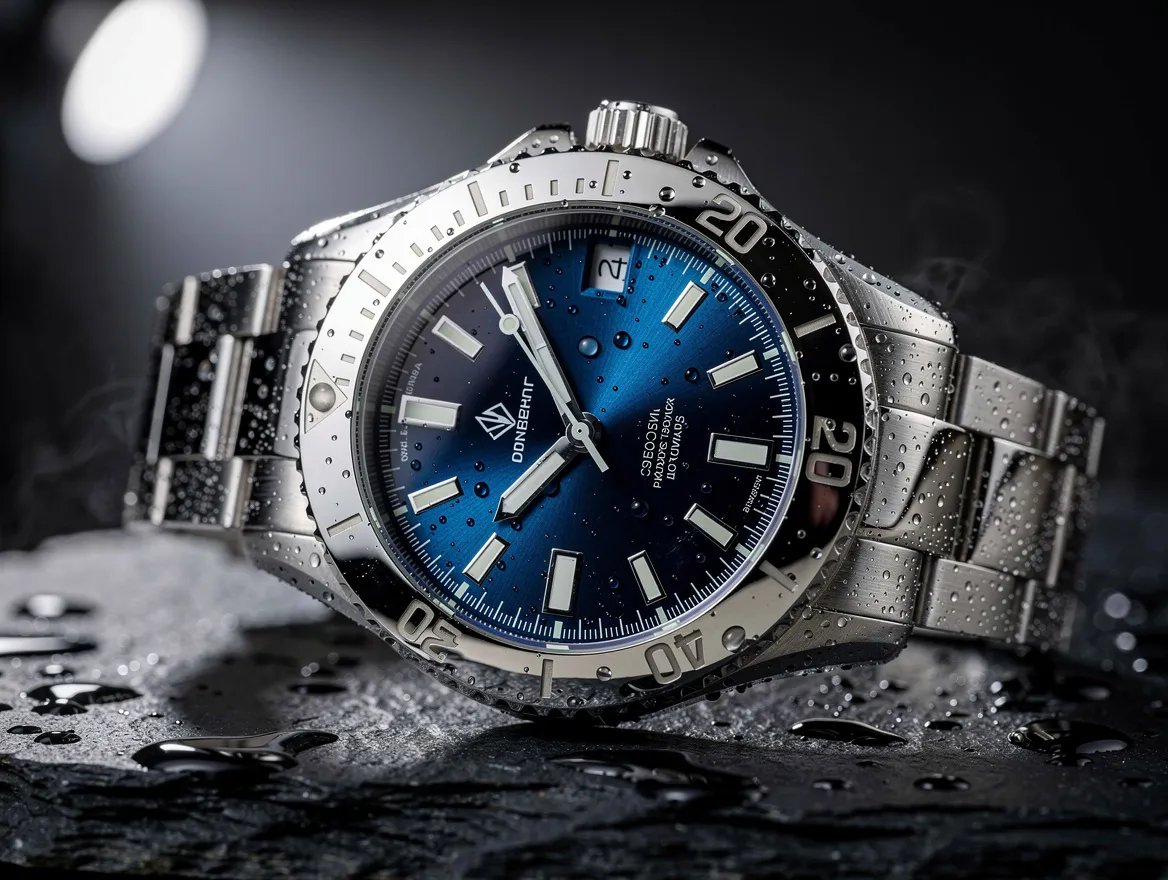
03 / 05
Text Inside the Scene
Short labels, shop signs and packaging copy render more reliably on Flux 2 Max than on FLUX.1. Put the exact words in quotes and say where they go. Keep the wording short and proofread it before you publish.
Add Text with Flux 2 Max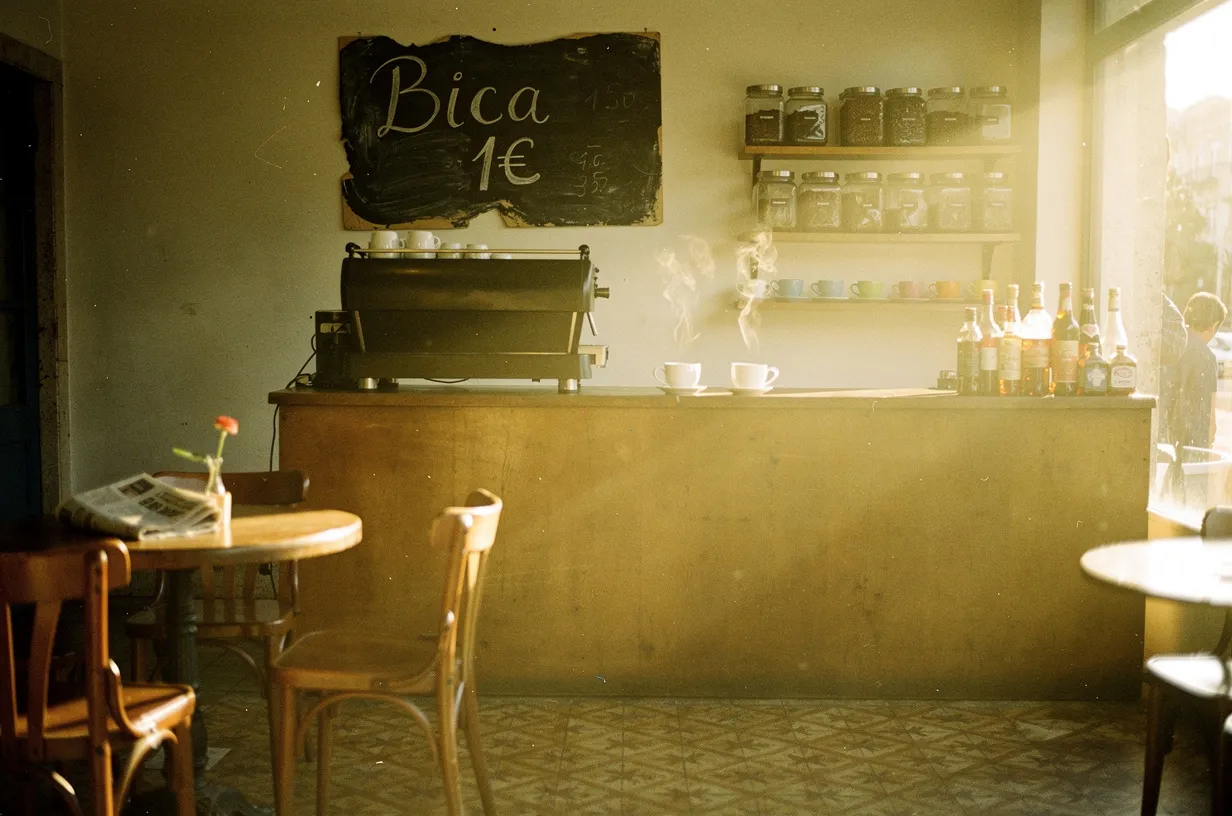
04 / 05
Reference Images for Your Subject
Switch to Image to Image and upload several reference images, and Flux 2 Max uses them alongside your prompt. Show it the product, person or style instead of describing it from scratch. The aspect ratio can match your input.
Upload References to Flux 2 Max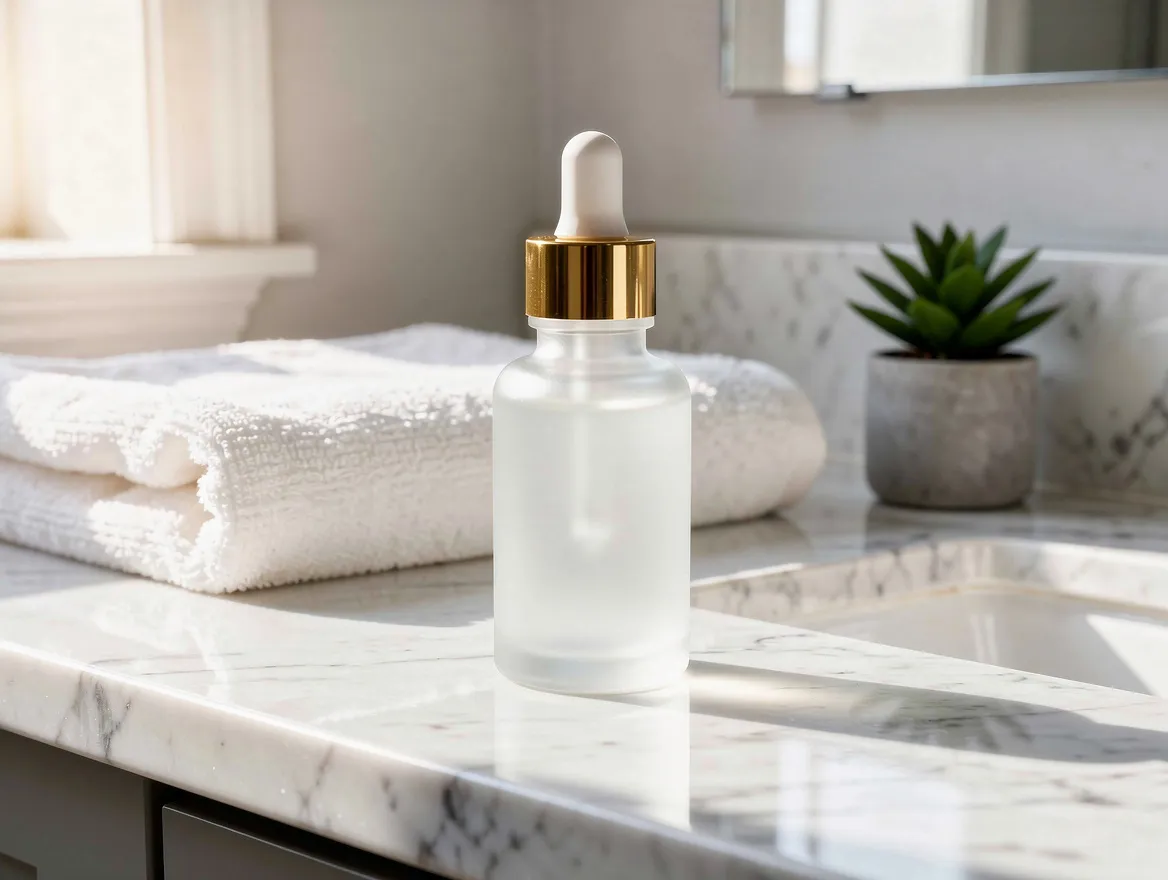
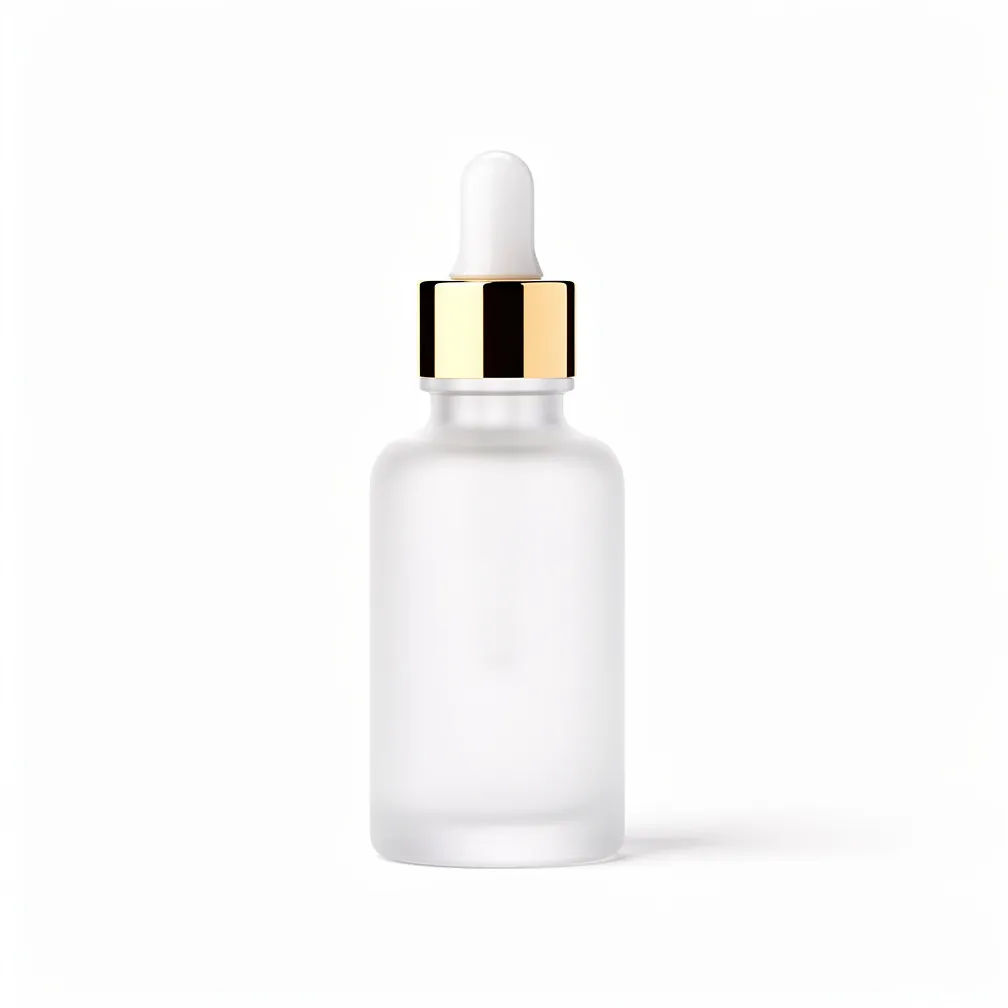 Original
05 / 05
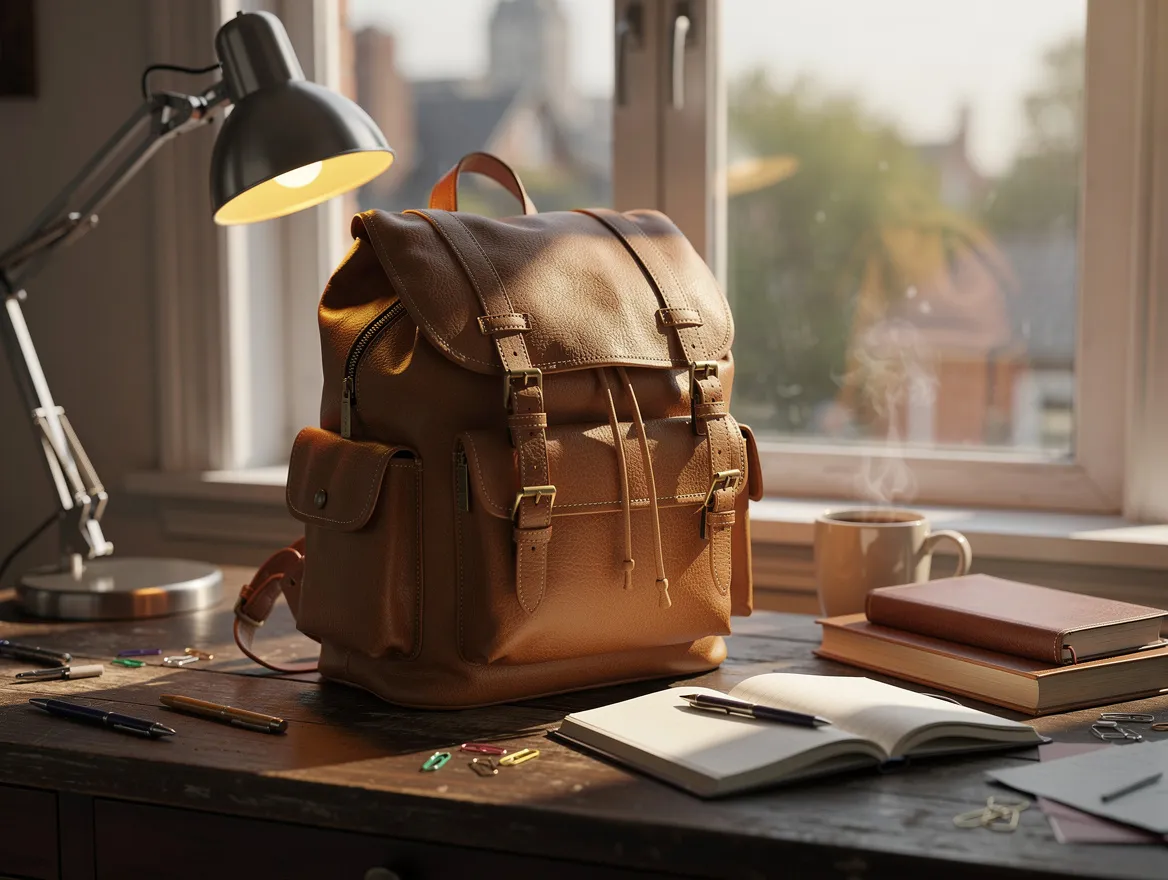
Consistent Style Across a Set
Reuse the same seed and keep the style half of the prompt identical, and a Flux 2 Max series shares lighting and palette. That helps for campaigns and storyboards, where every image has to look like it came from one shoot.
Create a Series with Flux 2 Max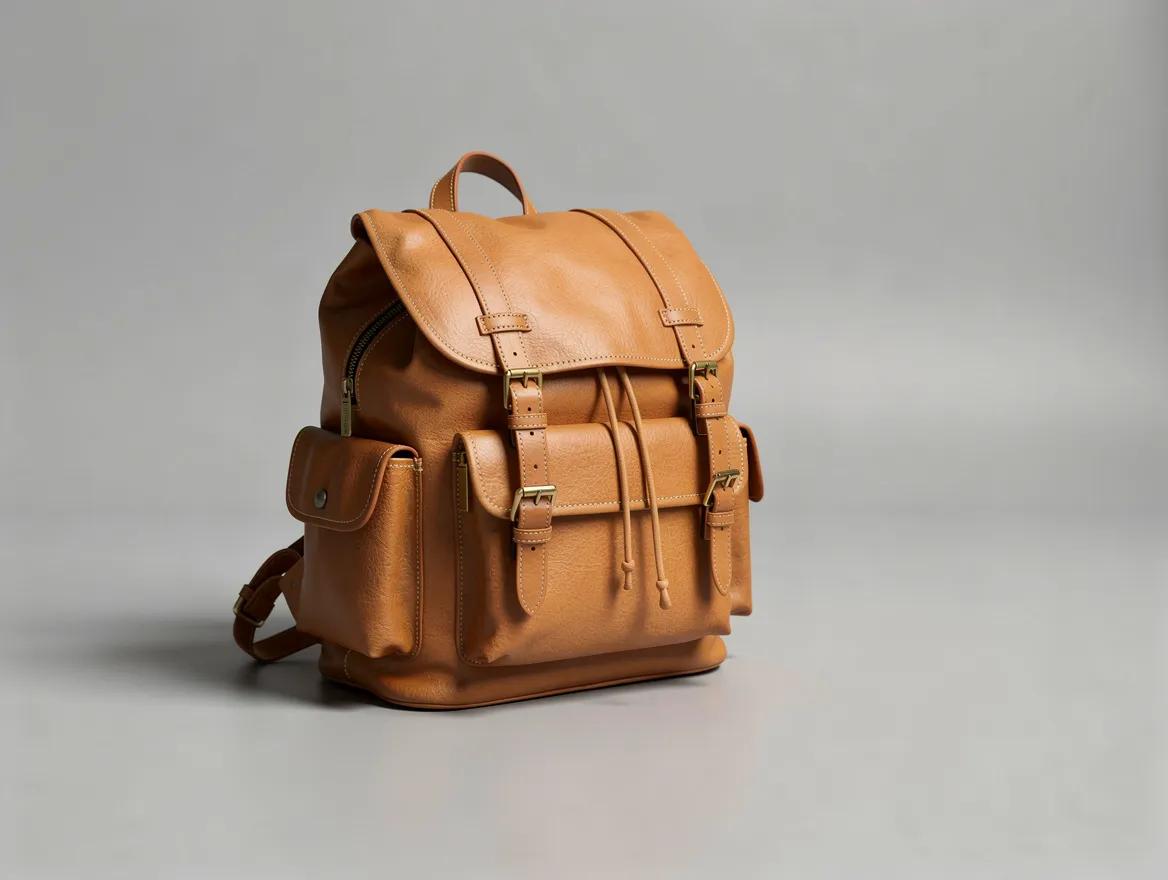
 Original
How to Use Flux 2 Max on ImageFX
Write a Detailed Prompt
Open the Flux 2 Max generator at the top of this page and describe the scene in full sentences: subject, setting, light and camera, then any text in quotes with its position.
Add References or Pick a Shape
Stay on Text to Image and choose an aspect ratio, or switch to Image to Image and upload reference images. Set a seed under More Options if you want repeatable results.
Generate and Download
Click Generate, check the image beside the form and download the PNG. Every image is saved to your account.
A Flux 2 Max run costs 15 credits; the Generate button shows the price first, and a failed run costs nothing. See plans and credit packs
Explore More AI Image Models on ImageFX
Flux 2 Max shares one credit balance and one generator with these models. Settle an idea on a faster model, then spend Flux 2 Max runs on the final version.
- Black Forest Labs · Text-to-imageFlux ProFLUX.1 [pro]: a dependable all-rounder for photos and illustration.From 8 credits
- Black Forest Labs · Text-to-image and image-to-imageFlux Kontext ProBlack Forest Labs' specialist editor for changing one thing at a time.From 8 credits
- Black Forest Labs · Text-to-imageFlux SchnellThe fast FLUX model for cheap drafts and idea sketches.From 2 credits
- ByteDance · Text-to-image and image-to-imageSeedream 4.52K posters and product shots with sharp text.From 8 credits
- Ideogram · Text-to-imageIdeogram v3 QualityPosters, logos and layouts with words in them.From 10 credits
- OpenAI · Text-to-image and image-to-imageGPT ImageLong, detailed instructions and typography.From 6 credits
FAQs About Flux 2 Max
What is Flux 2 Max?
Flux 2 Max is FLUX.2 [max], the highest-fidelity tier of Black Forest Labs' FLUX.2 family, added in December 2025. Its weights are closed; it runs through the API only.
What is the difference between Flux 2 Max and Flux Pro?
Flux Pro is FLUX.1 [pro], the 2024 generation. Flux 2 Max is the newest and most capable tier, with better adherence to long prompts, more realistic surfaces and stronger text, at a higher price per image. Start with Flux Pro for simple prompts and move to Flux 2 Max when an image has many requirements at once.
Is Flux 2 Max free to use?
No. Each Flux 2 Max image costs credits, taken only when the image is delivered; the Generate button shows the price first. Credits come with a monthly plan or a one-off pack.
What resolution are Flux 2 Max images?
About one megapixel at the aspect ratio you pick, for example 1024 × 1024 for a square image. The model can render larger, but ImageFX uses its default size. That covers web and social use; for large prints, upscale afterwards.
Can Flux 2 Max use my own photos?
Yes. Switch to Image to Image and upload reference images; Flux 2 Max uses them with your prompt. For changing one detail of a single photo and keeping the rest, Flux Kontext Pro is the specialist.
Does Flux 2 Max support a negative prompt?
No. FLUX models are not built around negative prompts. Say what you want instead: "clean background" rather than "no clutter".
How do I get similar images from Flux 2 Max again?
Open More Options and set a seed. The same seed with the same prompt gives a very similar image; change one phrase at a time to vary it.
Can I use Flux 2 Max images commercially?
ImageFX does not claim ownership of what you generate. Check Black Forest Labs' terms for FLUX.2 for any limits that apply to your use.
Try Flux 2 Max on ImageFX
Turn a detailed brief into a photoreal final image with Black Forest Labs' top FLUX.2 model.
Create with Flux 2 Max