


Model
The AI that will make it for you. Each one has its own look and price. Not sure? Keep the one that's already picked.
STStable Diffusion 3.5 LargeStability AI5 Credits
 Nano Banana 2 LiteGoogle
- ImageFXImagen 4 · Google DeepMind
- Nano Banana ProGoogle
- Nano Banana 2Google
 GPT ImageOpenAI
 Qwen ImageAlibaba Qwen
- BLFlux Kontext ProBlack Forest Labs
- BLFlux 2 MaxBlack Forest Labs
- BLFlux ProBlack Forest Labs
- BLFlux SchnellBlack Forest Labs
- IDIdeogram v3 QualityIdeogram
- IDIdeogram v3 TurboIdeogram
 Seedream 5.5ByteDance
- Seedream 4.5ByteDance
- RERecraft v3Recraft
- RERecraft v3 SVGRecraft
- LUPhotonLuma Labs
- LUPhoton FlashLuma Labs
- NVSanaNVIDIA
 MiniMax Image-01MiniMax
- TEHunyuan Image 3Tencent
- BRBria Image 3.2Bria AI
- PRP-ImagePrunaAI
- PRHiDream L1 FastPrunaAI
Start from words only. You describe the picture and the AI draws it from scratch.
Describe the picture in your own words: what's in it, the style (photo, cartoon, painting…), the colors and the mood. More detail gets you closer to what you imagine.
Aspect Ratio
The shape of the result. 16:9 is wide, like YouTube or a TV. 9:16 is tall, like TikTok or phone stories. 1:1 is square, like an Instagram post.
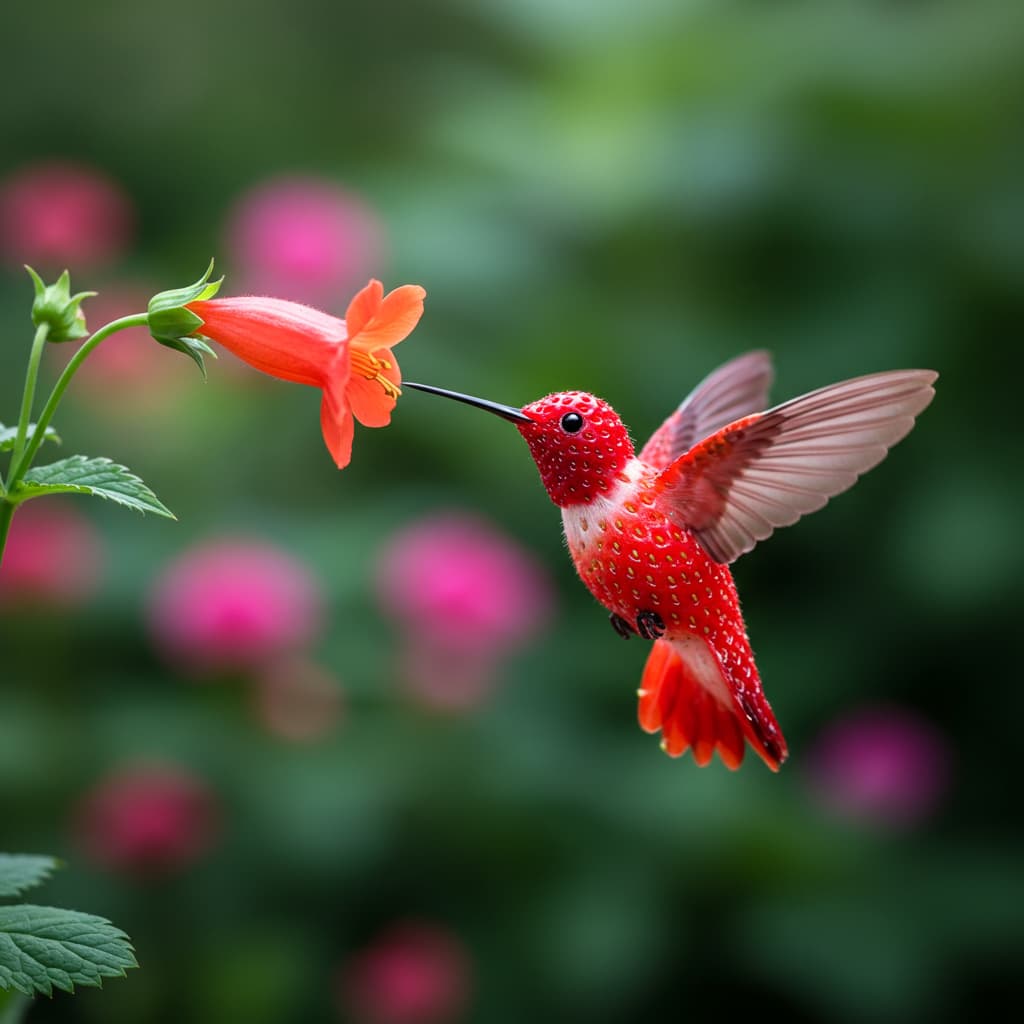
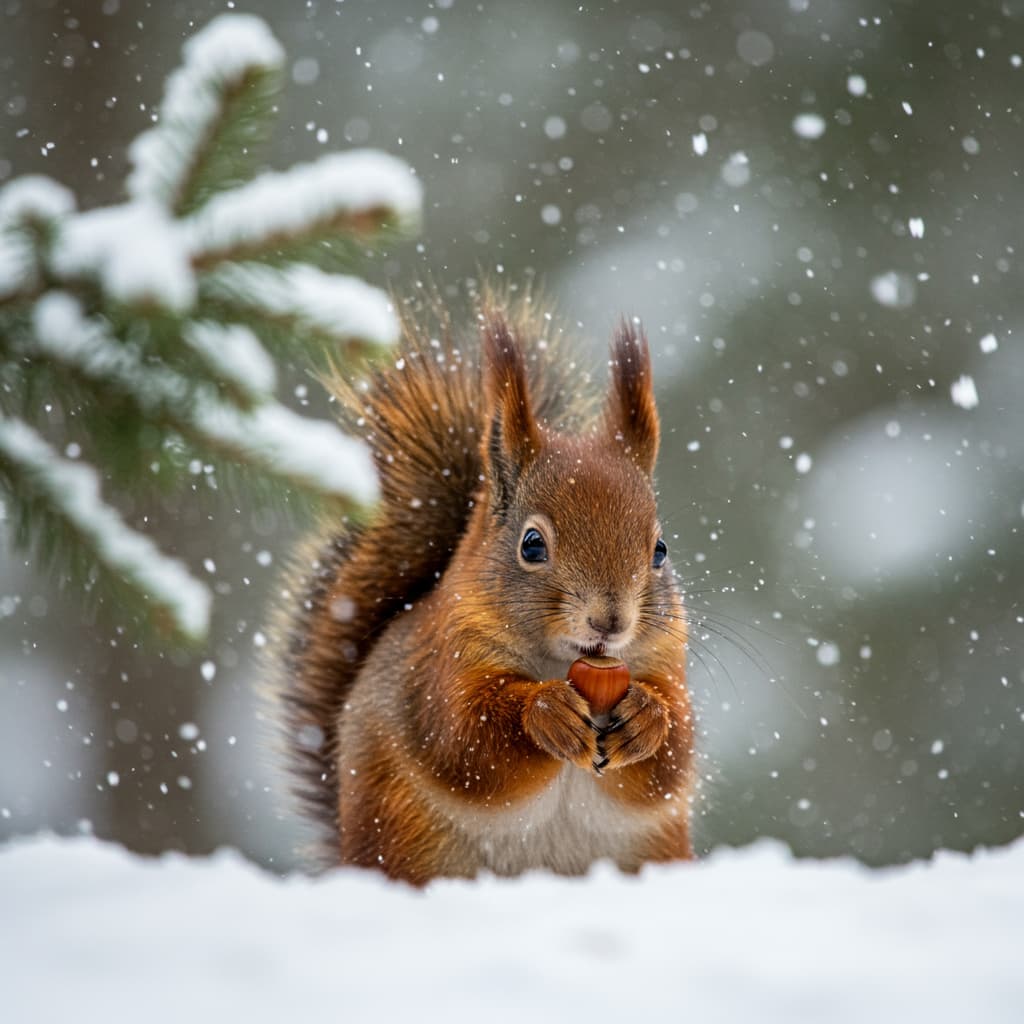
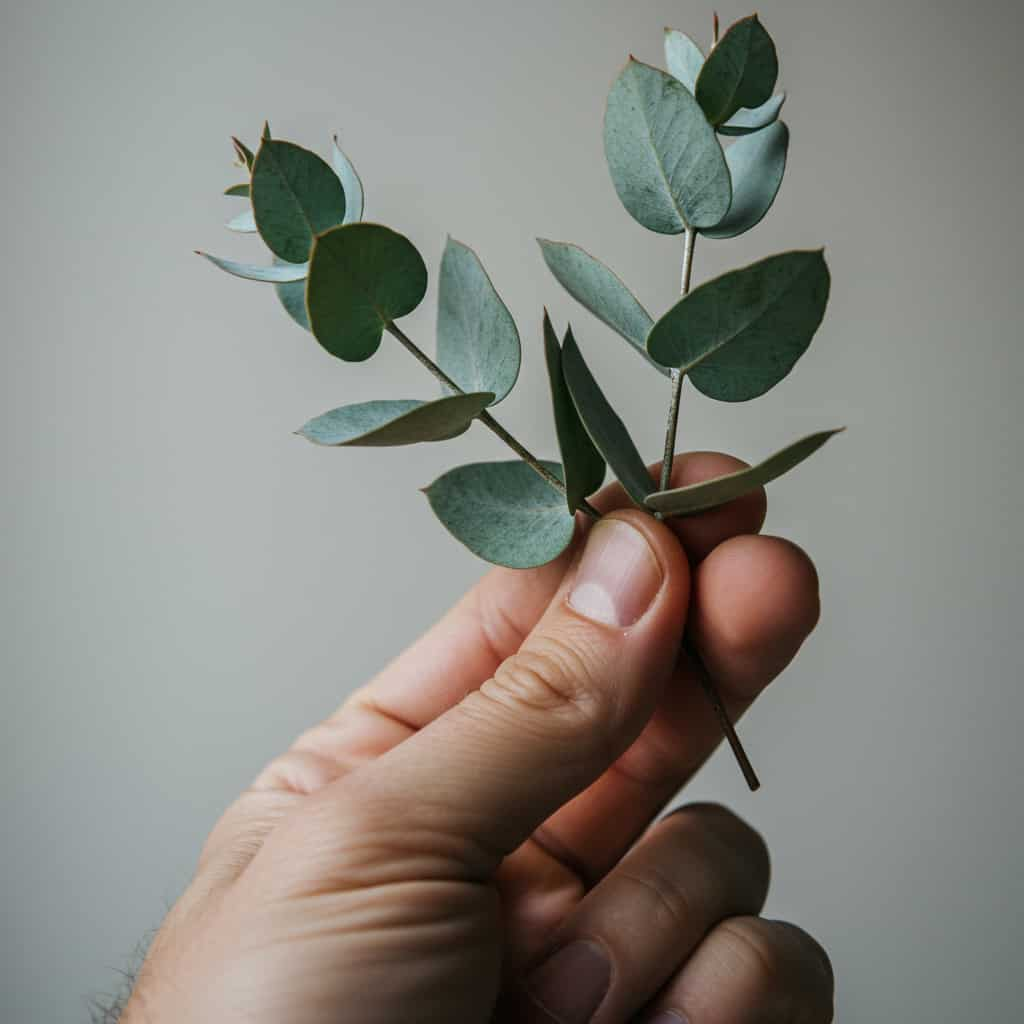
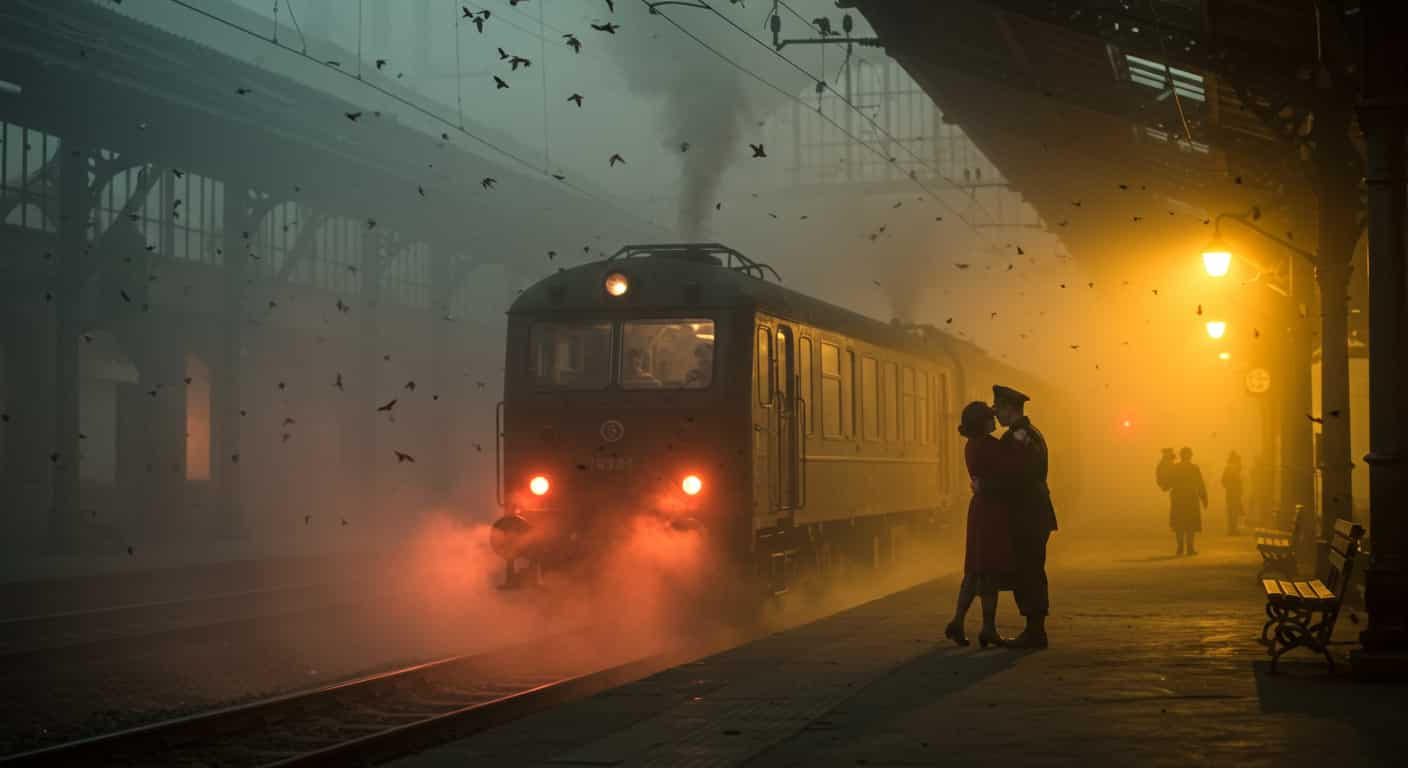

Stability AI · Text & image to image
Stable Diffusion 3.5 Large AI Image Generator
Stable Diffusion 3.5 Large is Stability AI's biggest Stable Diffusion 3.5 model: 8.1 billion parameters, open weights and a negative prompt that works. Use it online on ImageFX with nothing to install.
Real results
Discover What Stable Diffusion 3.5 Large Can Create
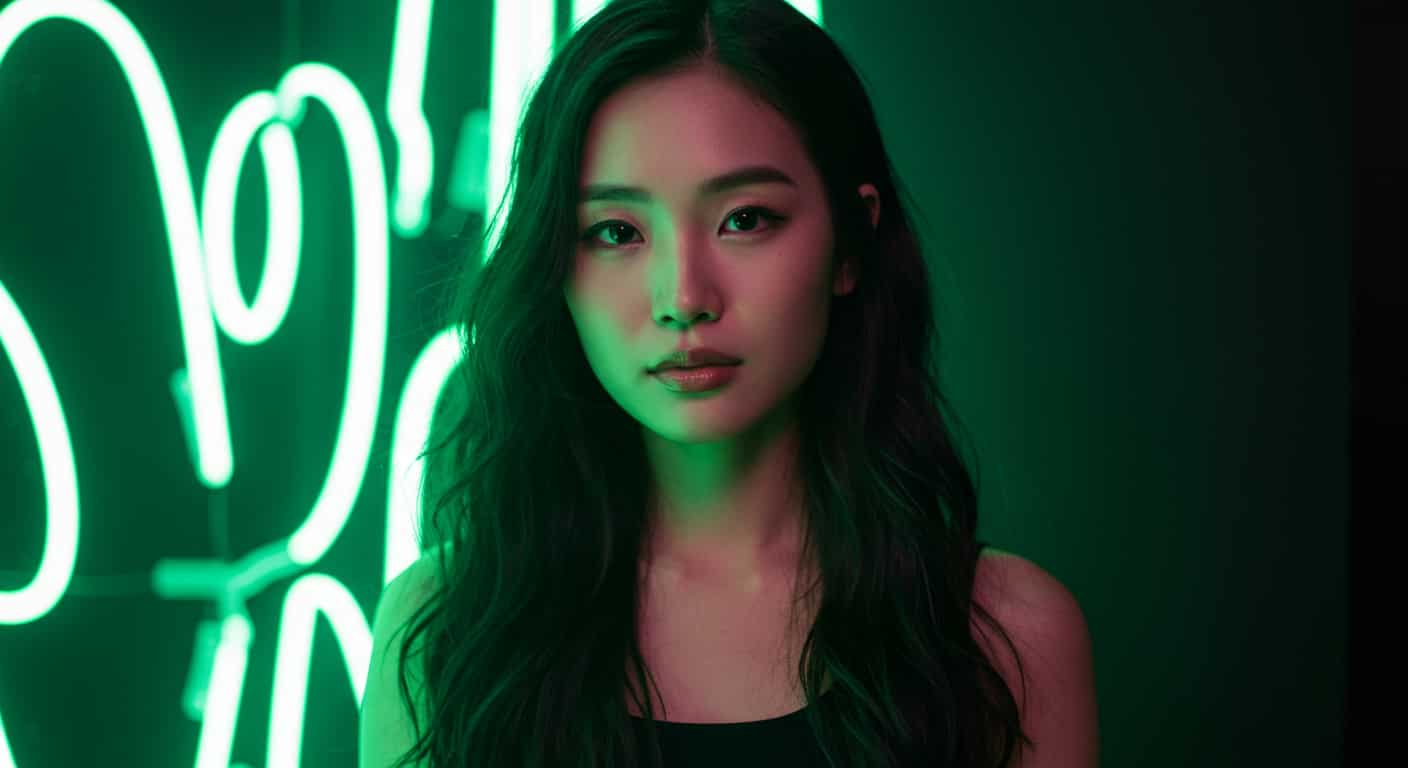
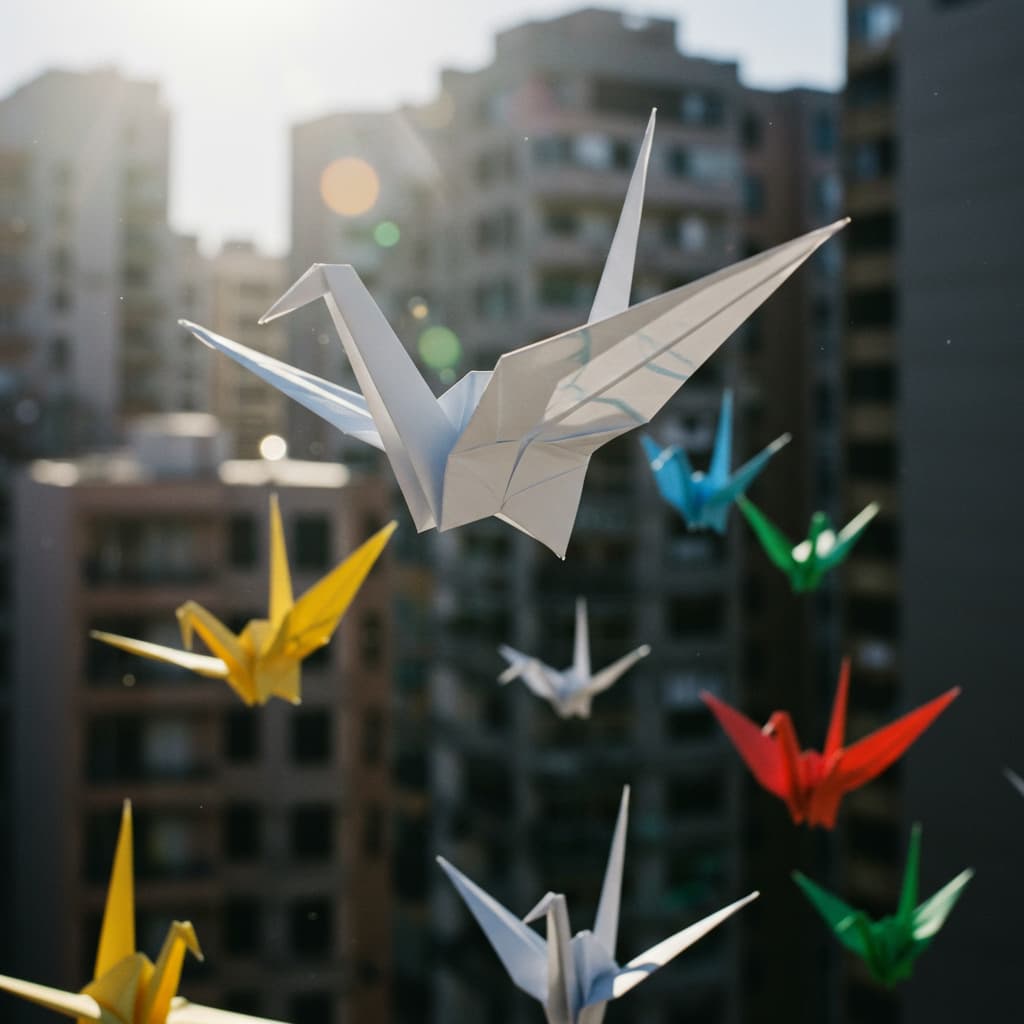
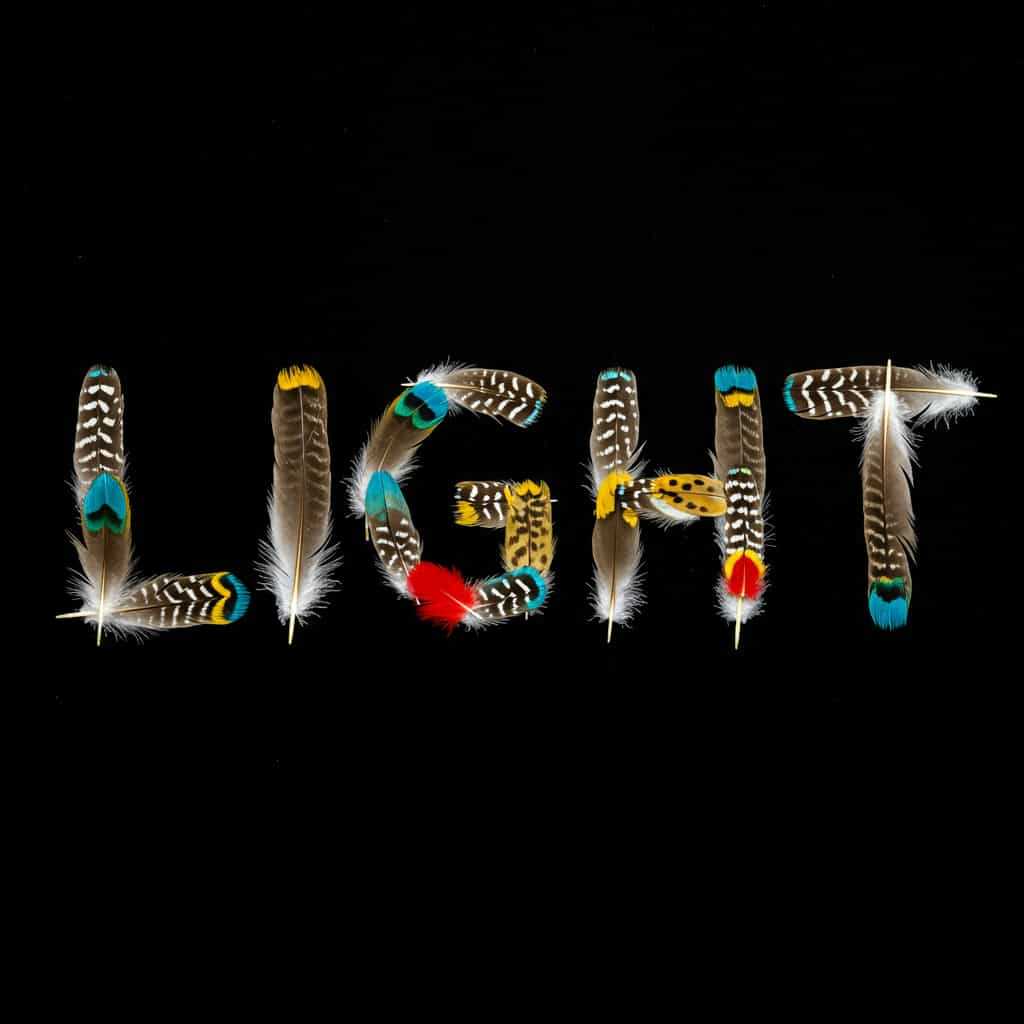
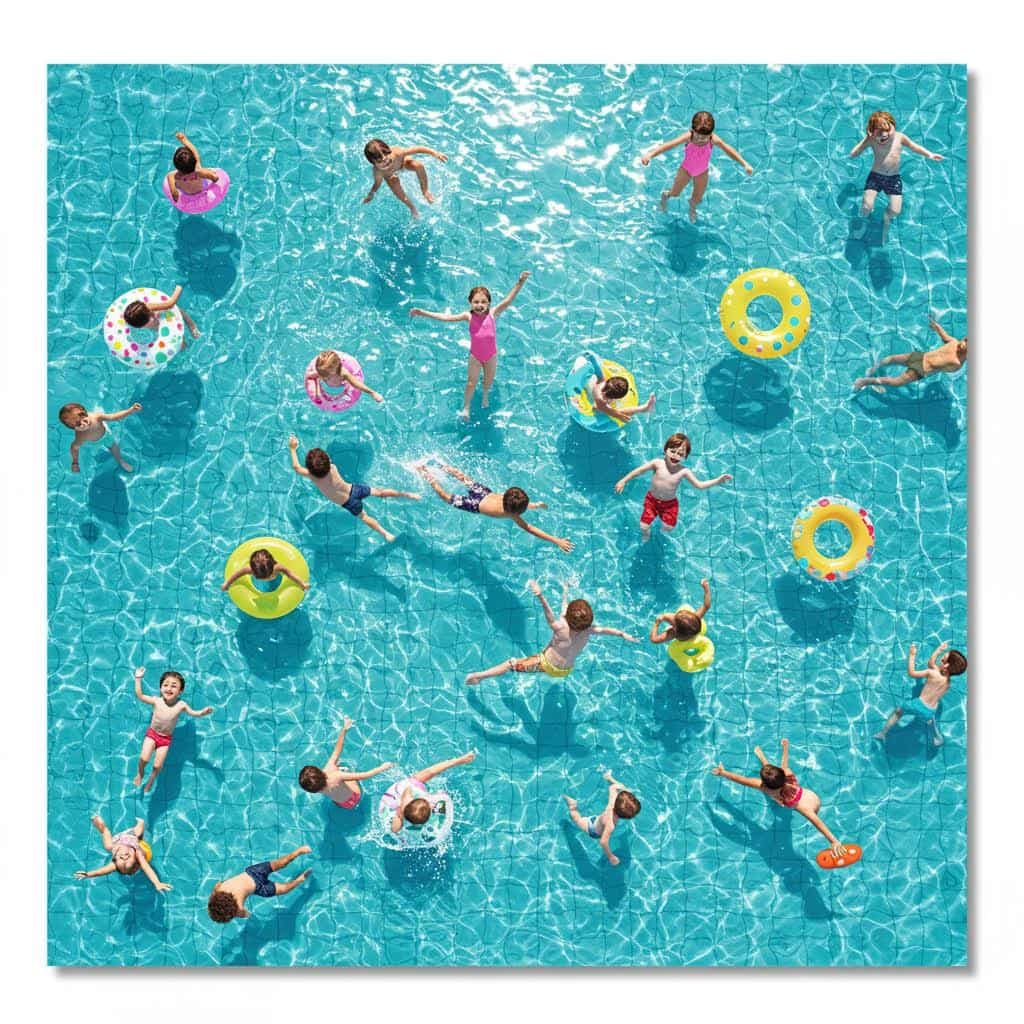
Paintings, product shots, matte paintings and anime art made with Stable Diffusion 3.5 Large. Unedited outputs from this page, with the prompt for each. The input photos are AI-generated people, not real ones.
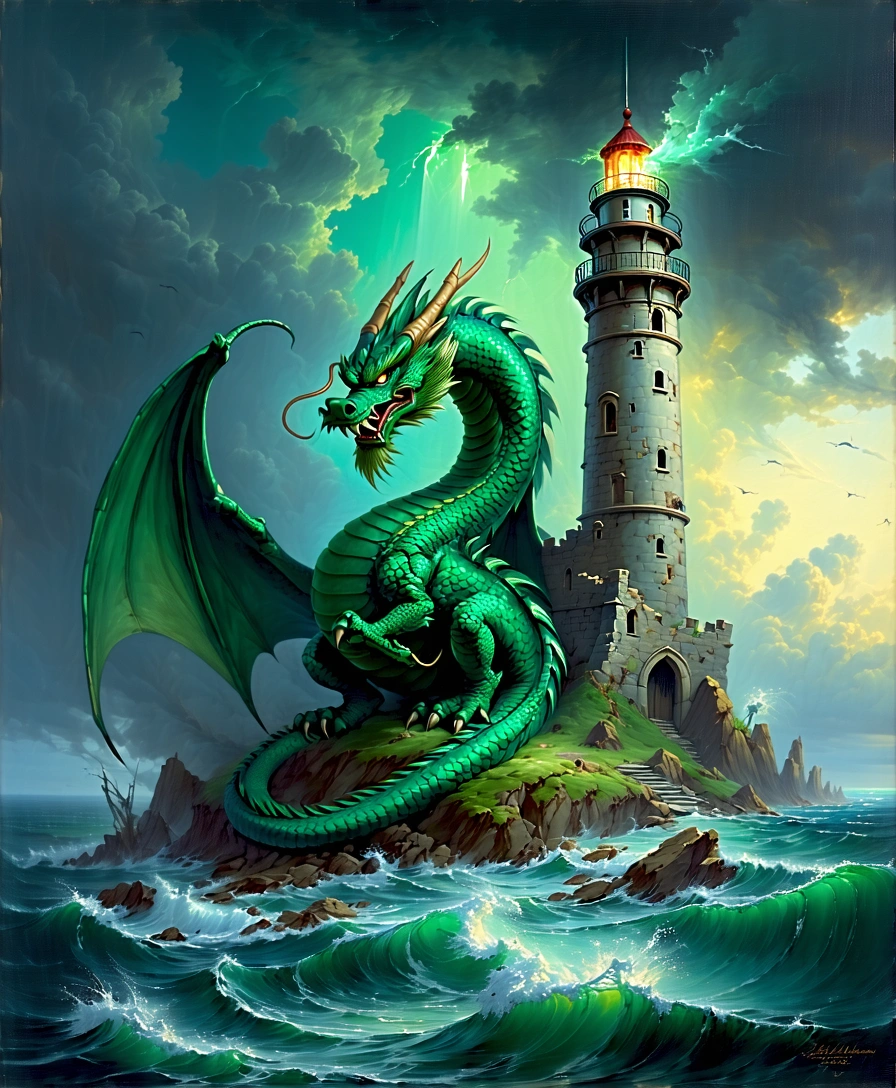
Oil painting with negative prompt · Stable Diffusion 3.5 Large
Prompt: oil painting of a green dragon curled around a ruined lighthouse, stormy sea, dramatic rim light, visible brush strokes. Negative: cartoon, text, signature
Key Features of Stable Diffusion 3.5 Large
Stable Diffusion 3.5 Large is the flagship of the Stable Diffusion 3.5 family that Stability AI released in October 2024, built on the MMDiT architecture introduced with Stable Diffusion 3. Its weights are open under the Stability AI Community License, which is why it has a large community of fine-tunes and a look anyone who has used Stable Diffusion will recognise.
01 / 05
A Negative Prompt That Works
Unlike FLUX or Ideogram, Stable Diffusion 3.5 Large was trained to use a negative prompt. Listing "blurry, extra fingers, watermark" actually steers results away from those problems. Keep it to a handful of concrete things to avoid.
Try Stable Diffusion 3.5 Large Now02 / 05
Wide Stylistic Range
Stability highlights the variety of Stable Diffusion 3.5 Large: the same prompt with different seeds gives noticeably different compositions. That is useful when you are brainstorming and want options, not one answer. Art-style names and medium words such as oil painting, matte painting or anime key visual steer it well.
Explore Styles with SD 3.5 Large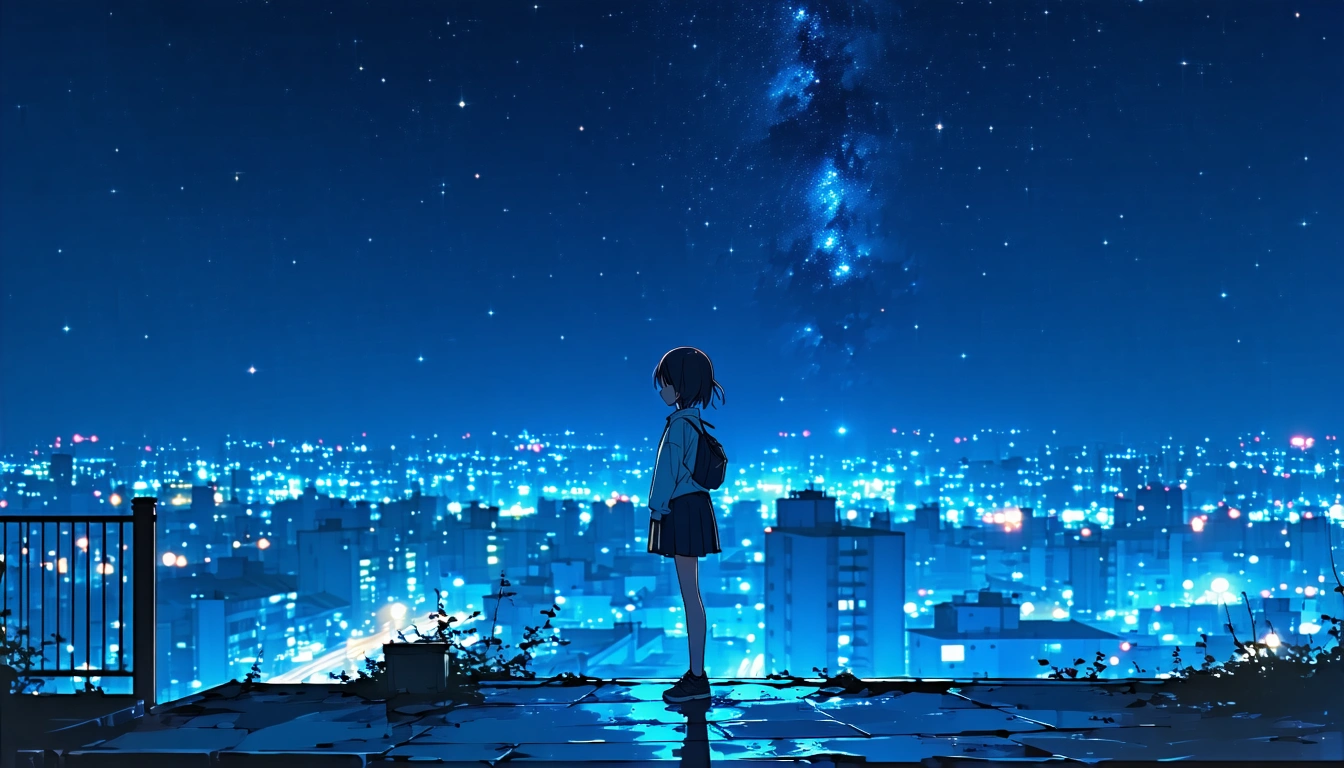
03 / 05
Ultra-Wide 21:9 Frames
Stable Diffusion 3.5 Large offers 21:9 alongside photo shapes such as 3:2 and 4:5. Use it for banners, website heroes and cinematic stills without cropping. Images come back at roughly one megapixel for the shape you choose.
Make a Banner with SD 3.5 Large
04 / 05
Start from Your Own Image
Switch to Image to Image, upload a picture and describe what you want: Stable Diffusion 3.5 Large uses it as the starting point. The result keeps your image's shape. It is a simple way to restyle a sketch or a photo with the negative prompt still in play.
Transform an Image with SD 3.5 Large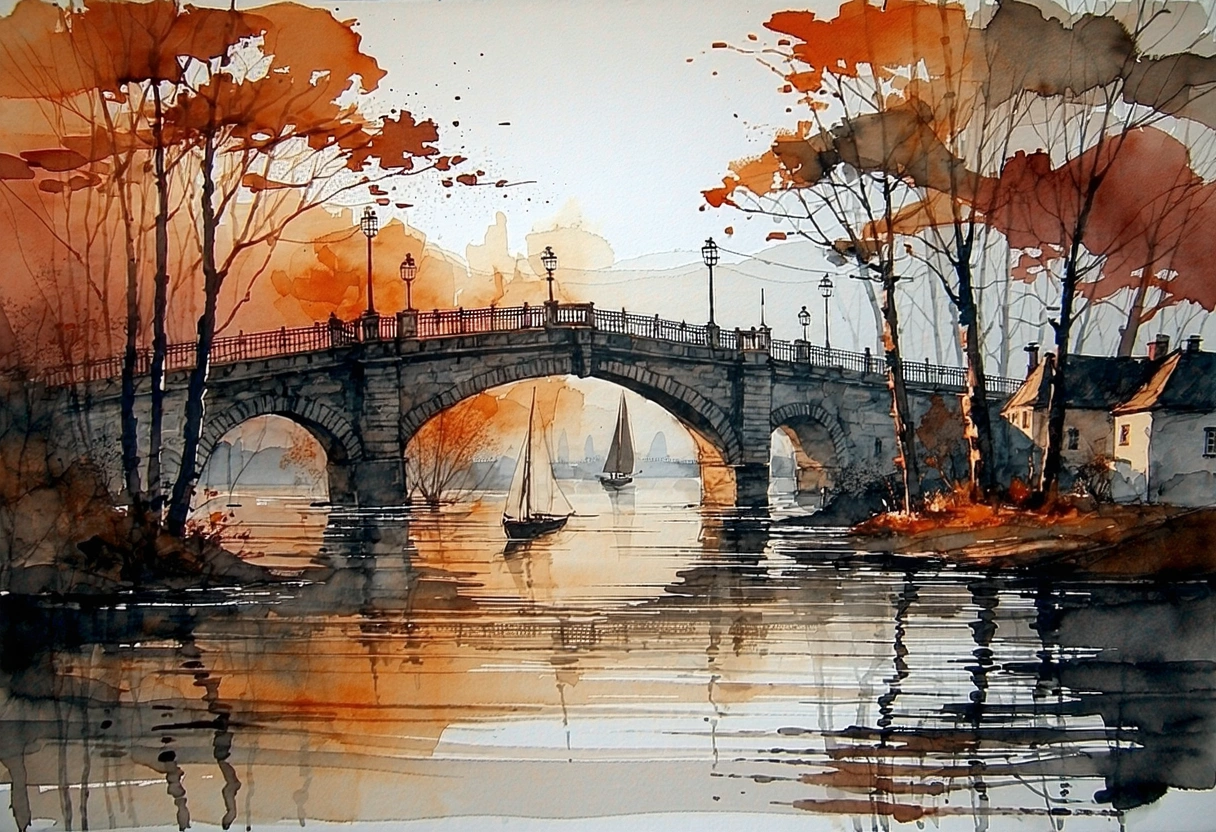
05 / 05
Open Weights, Mid-Range Price
Stable Diffusion 3.5 Large costs less than Flux Pro on ImageFX, which leaves room for the extra runs that exploring with seeds invites. Its open weights mean the look matches the community workflows you may already know. Set a seed to repeat a result and change one thing at a time.
Generate with Stable Diffusion 3.5 Large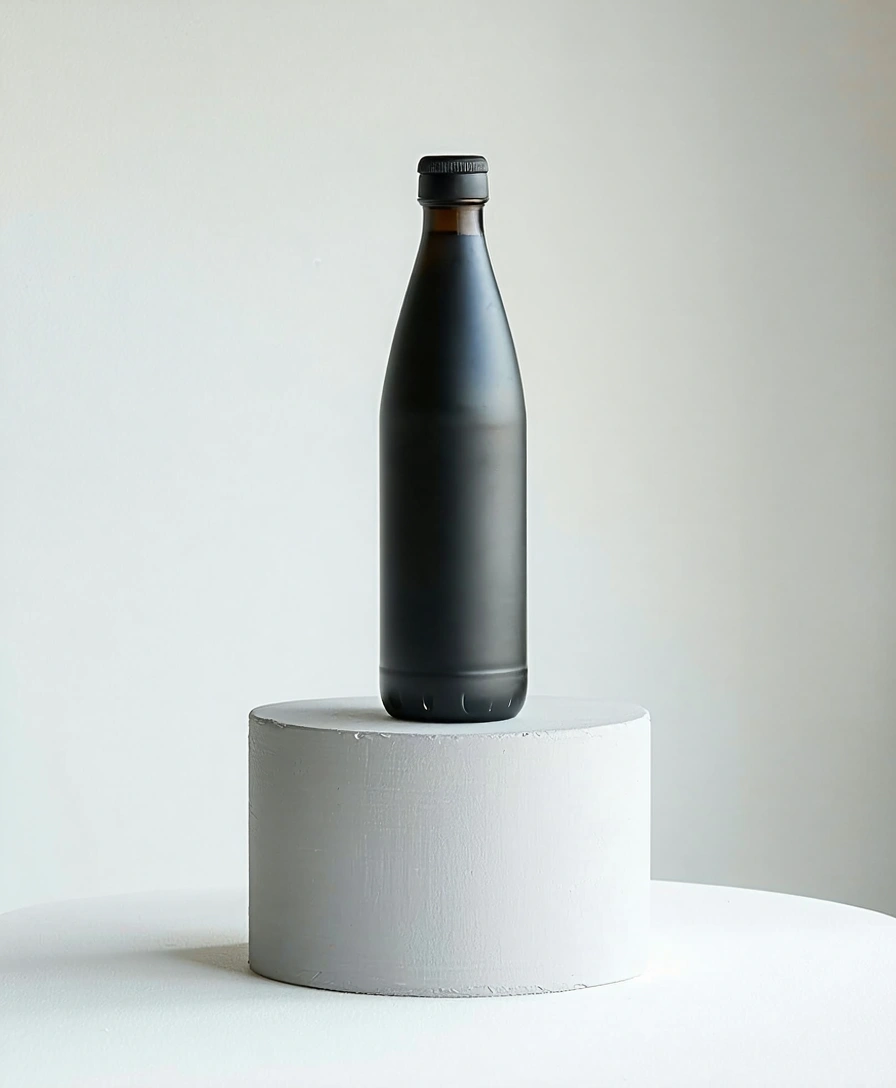
How to Use Stable Diffusion 3.5 Large on ImageFX
Describe the Image, or Upload One
In the Stable Diffusion 3.5 Large generator above, describe subject, style and light in a sentence or two. To start from a picture, switch to Image to Image and upload it.
Add a Negative Prompt and a Seed
Open More Options and list a few things to avoid, such as "text, watermark, blurry". Set a seed if you want to repeat a result, and pick an aspect ratio for text-to-image runs.
Generate and Compare Seeds
Click Generate and download the PNG. Try a few seeds on the same prompt; Stable Diffusion 3.5 Large gives quite different compositions each time.
A Stable Diffusion 3.5 Large run costs 5 credits; the Generate button shows the price first, and a failed run costs nothing. See plans and credit packs
Explore More AI Image Models on ImageFX
These models run in the same generator as Stable Diffusion 3.5 Large. Several also take a negative prompt.
- PrunaAI · Text-to-imageHiDream L1 FastAn open-weight (MIT) look at low cost, with a negative prompt.From 3 credits
- NVIDIA · Text-to-imageSanaCheap experiments with negative-prompt control.From 4 credits
- Bria AI · Text-to-imageBria Image 3.2Commercial work from a model trained on licensed data.From 5 credits
- Black Forest Labs · Text-to-imageFlux ProA dependable all-rounder for photos and illustration.From 8 credits
- Black Forest Labs · Text-to-imageFlux SchnellThe cheapest quick drafts and idea sketches.From 2 credits
- Alibaba Qwen · Text-to-image and image-to-imageQwen ImagePrompts with text, from Alibaba's Qwen team.From 2 credits
FAQs About Stable Diffusion 3.5 Large
What is Stable Diffusion 3.5 Large?
The largest model in Stability AI's Stable Diffusion 3.5 family, released in October 2024 with 8.1 billion parameters, an MMDiT architecture and open weights.
Does Stable Diffusion 3.5 Large support negative prompts?
Yes, and on ImageFX the negative prompt field is passed straight to Stable Diffusion 3.5 Large.
Can I use Stable Diffusion 3.5 Large images commercially?
ImageFX does not claim your generations. The model's Stability AI Community License allows commercial use for individuals and organisations under $1 million in annual revenue; larger companies need an enterprise licence from Stability.
Is Stable Diffusion 3.5 Large better than FLUX?
It depends on the job. FLUX models generally follow prompts more literally and render hands better. Stable Diffusion 3.5 Large is cheaper than Flux Pro, more varied per seed and offers a negative prompt.
How good is Stable Diffusion 3.5 Large at hands and text?
Better than SDXL, but behind FLUX and Ideogram. Use the negative prompt and try a few seeds.
How does Stable Diffusion 3.5 Large compare with HiDream L1 Fast?
Both are open-weight models with a negative prompt. HiDream is cheaper and speed-optimised; Stable Diffusion 3.5 Large gives more detail per image.
What size and shapes does Stable Diffusion 3.5 Large make?
About one megapixel at the shape you choose, from ultra-wide 21:9 to portrait 2:3. There is no 4:3 or 3:4. In Image to Image the output follows your uploaded picture's shape.
Try Stable Diffusion 3.5 Large on ImageFX
Use Stability AI's largest open model with a working negative prompt, seeds and wide frames, straight from your browser.
Create with Stable Diffusion 3.5 Large