



Edit with words · 6 models
AI Photo Editor
Upload a photo, type what to change and get the edited picture back in seconds. Swap backgrounds, remove objects, try a new hairstyle or restore an old print, with no layers, masks or brushes.
01 · Real results
AI Photo Editor examples
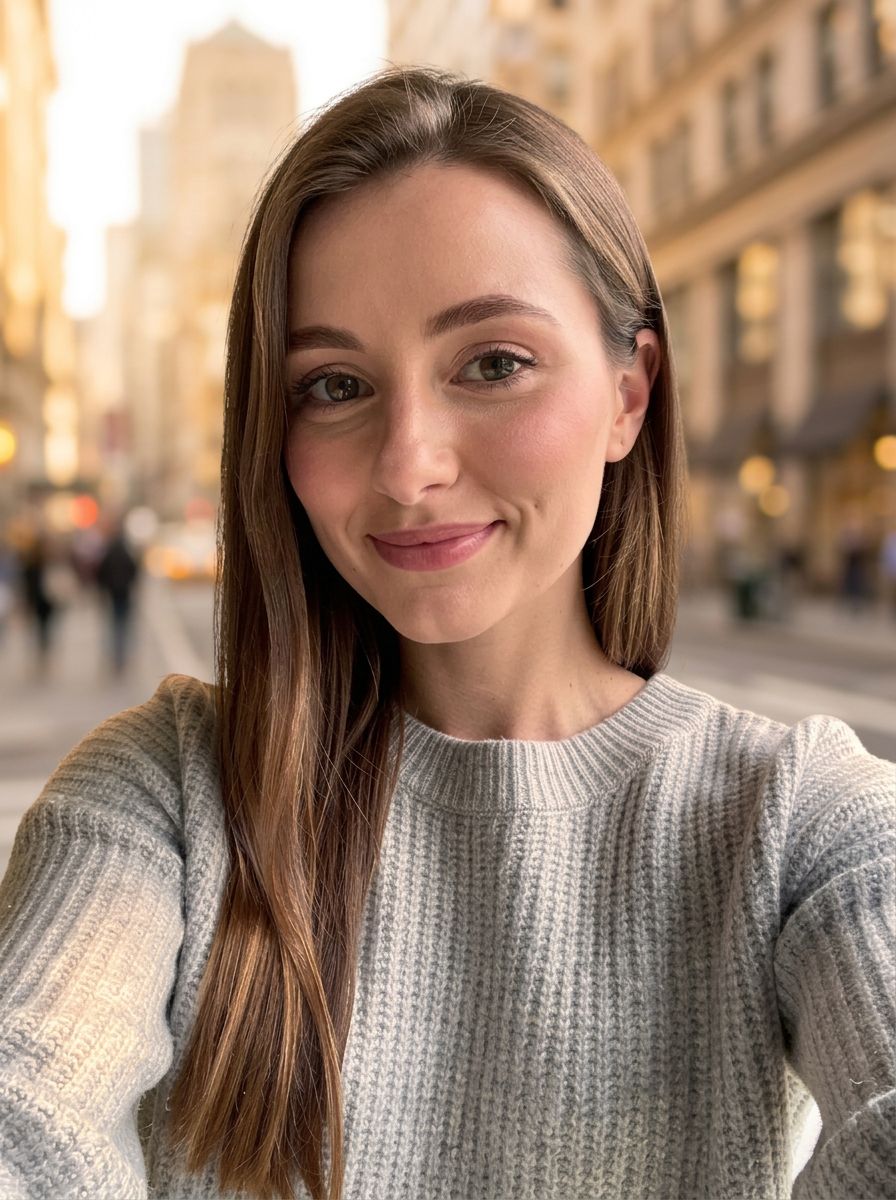
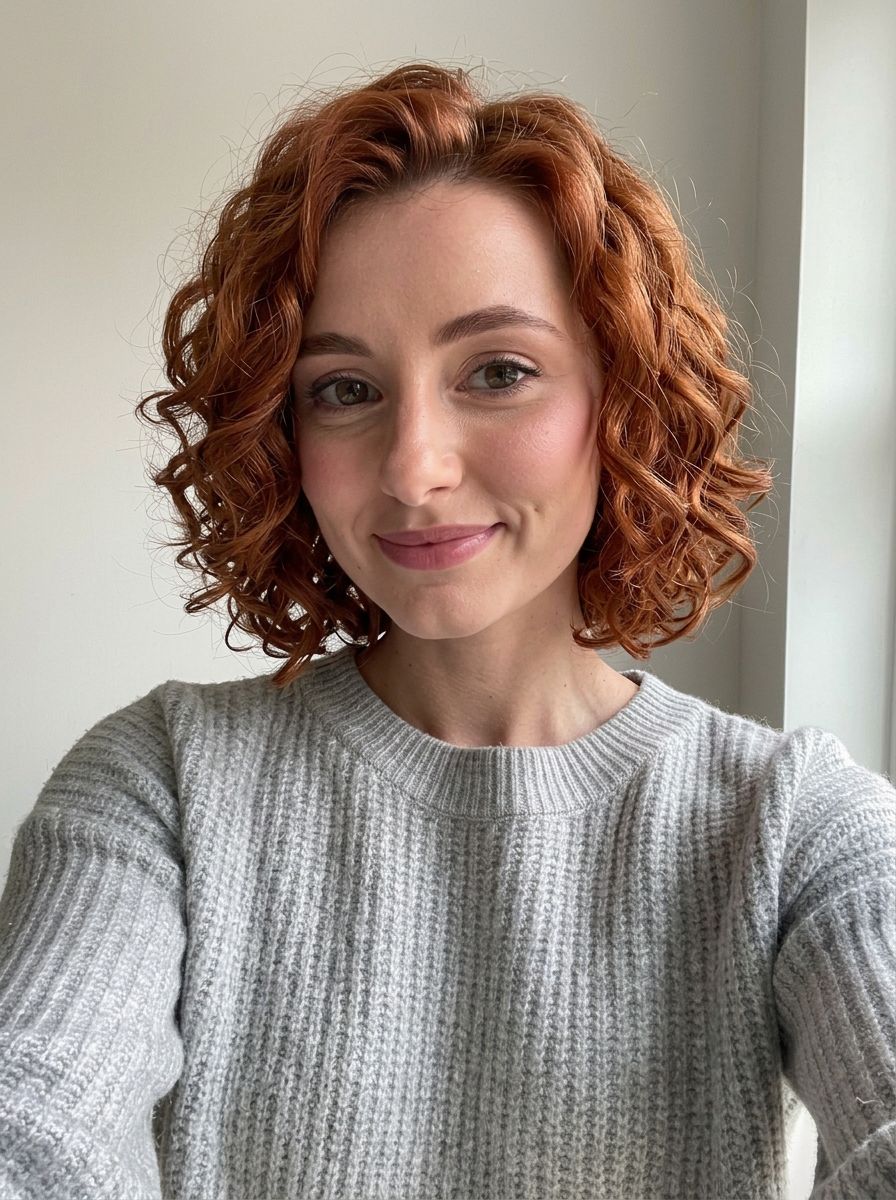
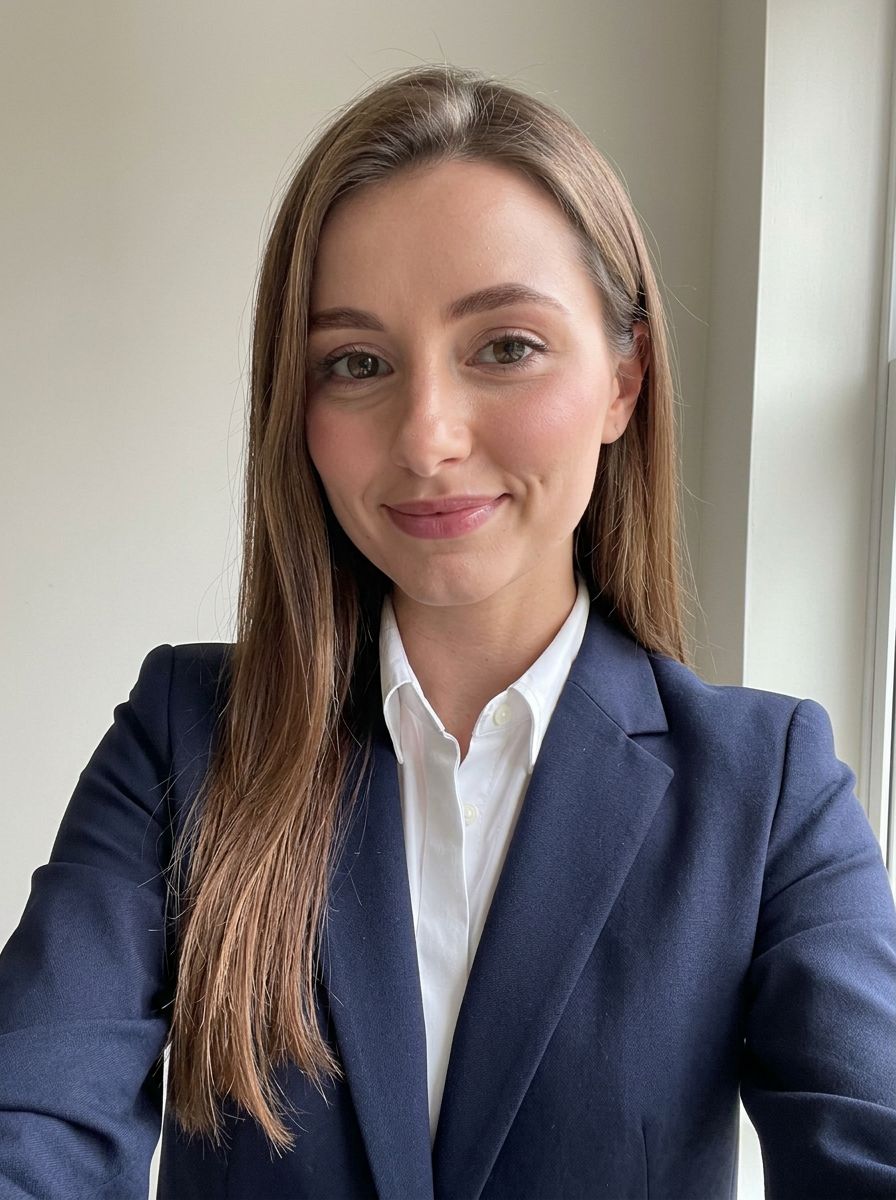
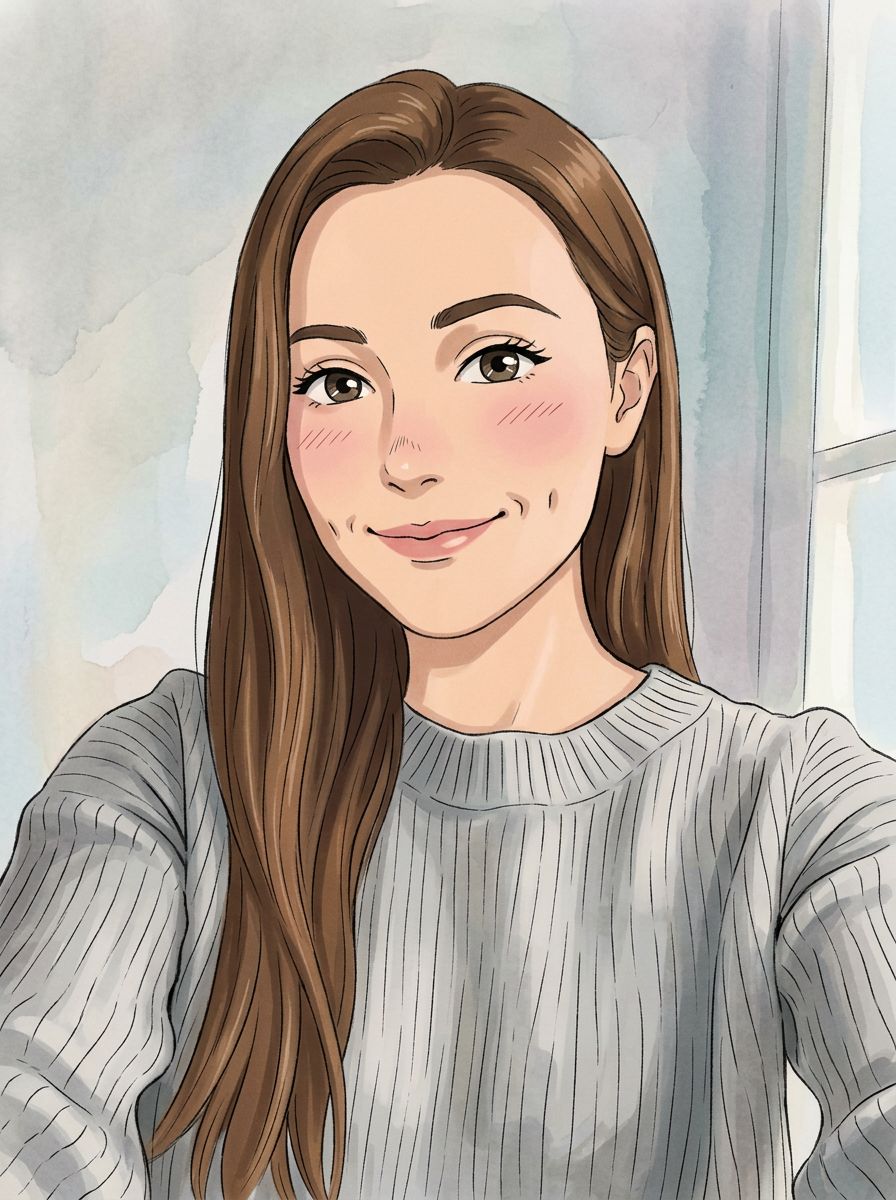
Made on this page with the presets below on Nano Banana 2, unedited. The input photos are AI-generated people, not real ones.
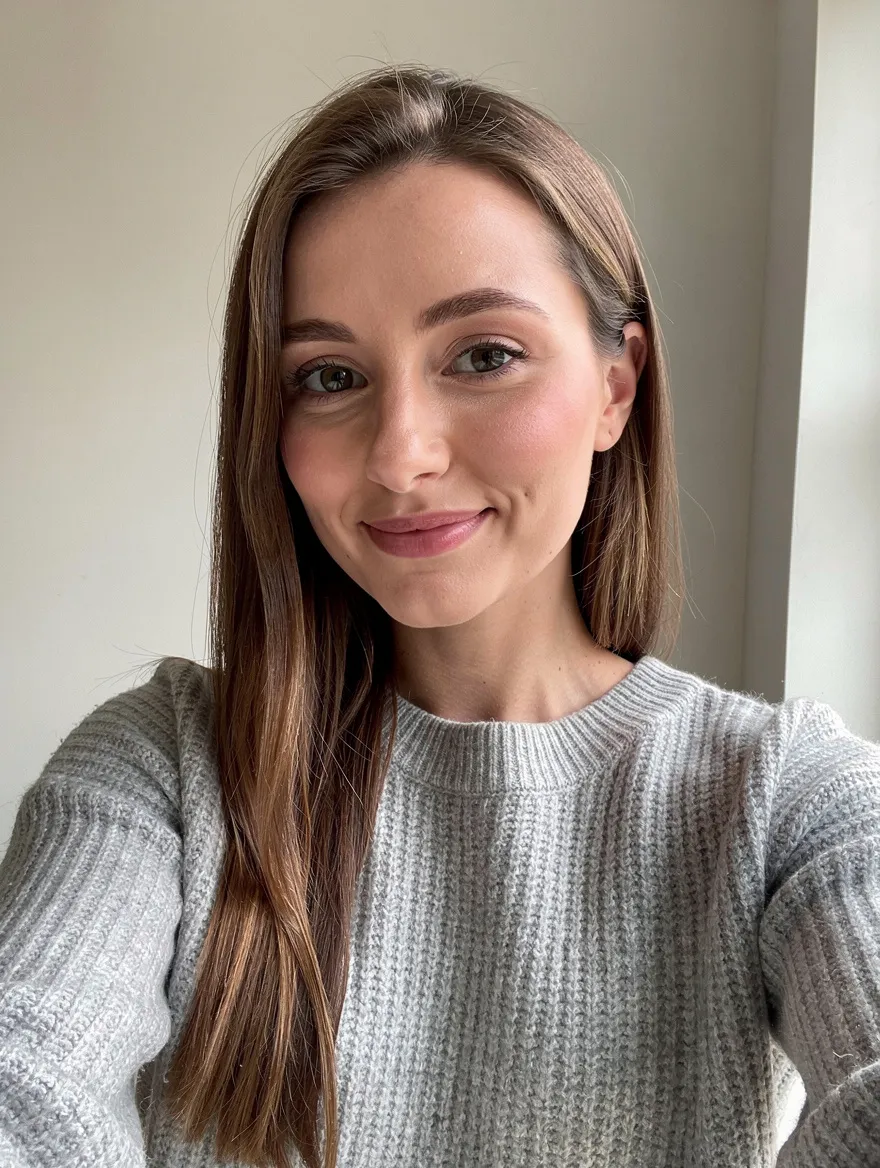
Change background · Nano Banana 2 · drag the handle to compare
Replace the background with a bright, softly blurred city street at golden hour. Keep the person, their pose, face and clothes exactly the same.
02 · What you can do
Edit photos online by describing the change
Each of these is a one-tap preset in the editor above. Tap it, change the details in the prompt, and run it on your photo.
Change the background
Put the subject on a beach, in a studio or on a plain white backdrop. The person, the light on their face and the edges of their hair stay as they were.
Remove objects and people
Name what should go ("the trash can on the left", "the tourists behind me") and the editor rebuilds the scene behind it, with no clone-stamp smudges.
Try a new hairstyle or hair colour
Preview a bob, a buzz cut, curtain bangs or platinum blonde on your own face before the salon. Describe the cut and the colour; your features stay yours.
Swap the outfit
Try a suit, a summer dress or a team jersey on the same photo. Say what to wear and what to keep, and the fit follows your pose.
Restore and colourise old photos
Scratches, creases, fading and blur come out, and black-and-white family photos get natural colour, while the faces stay the people you remember.
Make a professional headshot
A casual selfie becomes a clean studio portrait with a neutral backdrop and soft light, ready for LinkedIn, a CV or a team page.
Age filter: older or younger
See yourself at 70 or back at 20. The editor ages skin, hair and features while keeping you recognisable.
Restyle a photo as art
Anime, watercolour, oil painting, pencil sketch or 3D figurine: keep the composition and the people, change the medium.
03 · How to
How to edit a photo with AI
4 steps, all on this page.
- 1
Upload your photo
Drop a JPG or PNG of up to 10 MB into the editor above. Add up to ten when you want to combine people or products from several pictures.
- 2
Say what to change
Type the edit in plain words, or tap a preset like Change background or Restore old photo and adjust it. Say what must stay the same, too.
- 3
Pick a model and shape
Nano Banana 2 is loaded by default. Keep "Match input" to get the same proportions back, or choose a new shape for a story or a banner.
- 4
Edit and download
Press Generate. The edited photo appears beside the form in seconds with a Download button and stays in your history, so you can edit the result again.
04 · Why AI
An AI image editor instead of layers and brushes
No layers, no masks
A traditional photo editor needs selections, brushes and an hour of practice for a background swap. Here the instruction is the tool: one sentence does what a dozen Photoshop steps would.
It keeps you looking like you
Older AI filters redrew the whole face. The models in this editor change only what you ask for, so identity, expression and skin texture survive the edit.
Six models, one editor
Most AI photo editing apps lock you into one model. Switch between Nano Banana, GPT Image, Seedream and Flux on the same photo and keep the result you like best.
05 · Models
The AI models behind the photo editor
Switch models from the picker at the top of the generator. The price is per image and shows on the Generate button.
| Model | Best for | Credits from |
|---|---|---|
| Nano Banana 2default | Everyday edits that keep faces the same | 6 |
| Nano Banana 2 Lite | Quick, cheap drafts | 1 |
| Nano Banana Pro | Hardest edits, text in images, up to 4K | 30 |
| GPT Image | Following long, detailed instructions | 6 |
| Seedream 4.5 | Combining several photos into one scene | 8 |
| Flux 2 Max | Photoreal restyles and product shots | 15 |
06 · Who it’s for
AI photo editing for every job
Online sellers
Clean product photos, white backgrounds and lifestyle scenes without a reshoot.
Social media and creators
Thumbnails, story backgrounds and trend edits, sized for each platform.
Job seekers
A professional headshot from the selfie you already have.
Families
Restored, colourised prints of grandparents and old albums.
Estate agents and hosts
Decluttered rooms, brighter skies and staged interiors.
Anyone planning a change
A new haircut, colour or outfit, previewed on your own photo first.
07 · Prompting
Prompt tips for better results
Name the change, name what to keep, and be specific about where. Vague instructions make the model guess.
| Vague | Prompt that works |
|---|---|
| Make it better | Brighten the shadows on the face, remove the red cast, and sharpen the eyes slightly. Change nothing else. |
| Remove that | Remove the man in the blue jacket behind me on the right and fill the space with the same brick wall. |
| New background | Replace the background with a plain warm-white studio wall with a soft shadow behind me. Keep my hair edges. |
| Put us together | (Two photos) Put the woman from image 1 and the man from image 2 side by side on a park bench, same lighting on both. |
08 · FAQ
AI Photo Editor FAQ
What is an AI photo editor?
A photo editor you drive with words. You upload a picture, describe the change ("remove the car", "make it sunset", "give me a red jacket") and an image model makes that edit while keeping the rest of the photo.
Is the AI Photo Editor free?
New accounts get 5 free credits, and Nano Banana 2 Lite runs from 1 credit per image, so you can try it without paying. After that it runs on credits; the button shows the price before you run, and a failed run costs nothing.
Do I need to sign up?
You can try the presets and look at examples without an account. Signing in with Google is needed to run an edit, so your credits and edited photos are saved to your history.
Which model should I use?
Start with Nano Banana 2: it is fast and keeps faces faithful. Use Nano Banana Pro for difficult edits or text inside the image, GPT Image for long instructions, and Seedream 4.5 to merge several photos.
Will my face still look like me?
Usually, yes. Say what must stay ("keep my face, expression and hair") and keep edits focused. If a result drifts, run it again or switch to Nano Banana Pro.
Can I edit several photos together?
Yes. Upload up to ten images and refer to them in order ("the dog from image 2"). This is how you put people from different photos in one picture or try a product in a new scene.
Can I remove a background or a watermark?
Background changes and object removal are presets above. For watermarks and logos, the dedicated AI watermark remover is faster.
What can’t I edit?
Nudity, sexual edits, and edits that put real people in misleading or harmful situations are blocked. Only upload photos you have the right to edit, and get permission before editing someone else’s photo.
09 · More tools
More AI tools
Edit your photo now
One photo, one sentence. Try a background swap or a restore and see the result in seconds.
Open the AI photo editor