



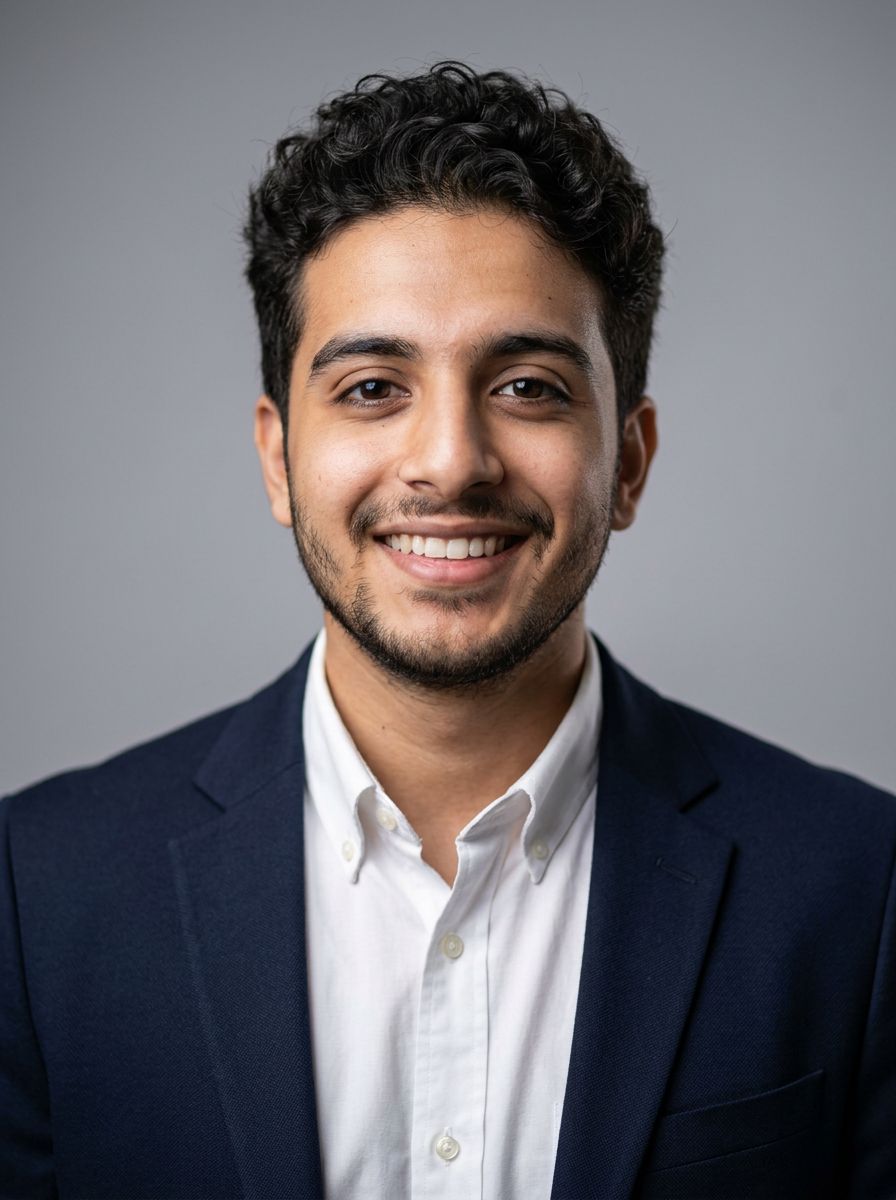
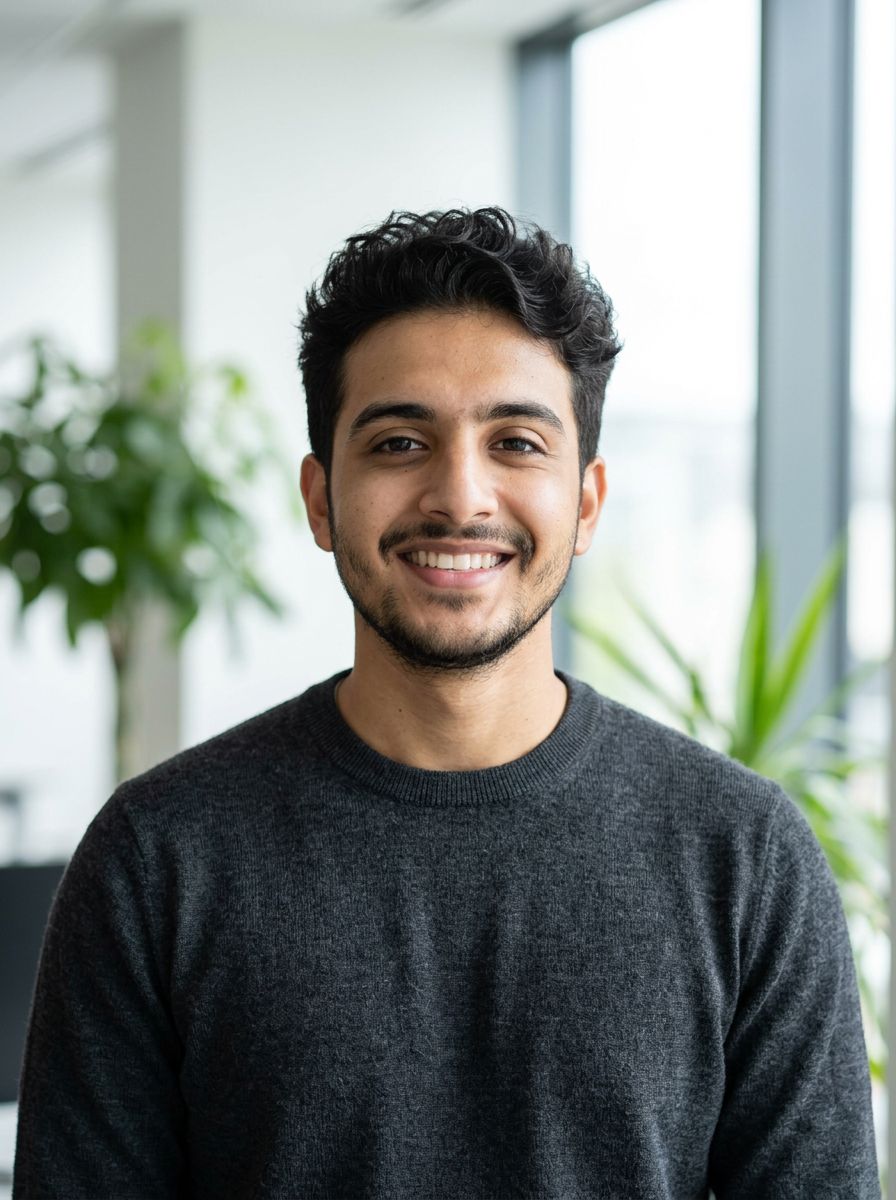
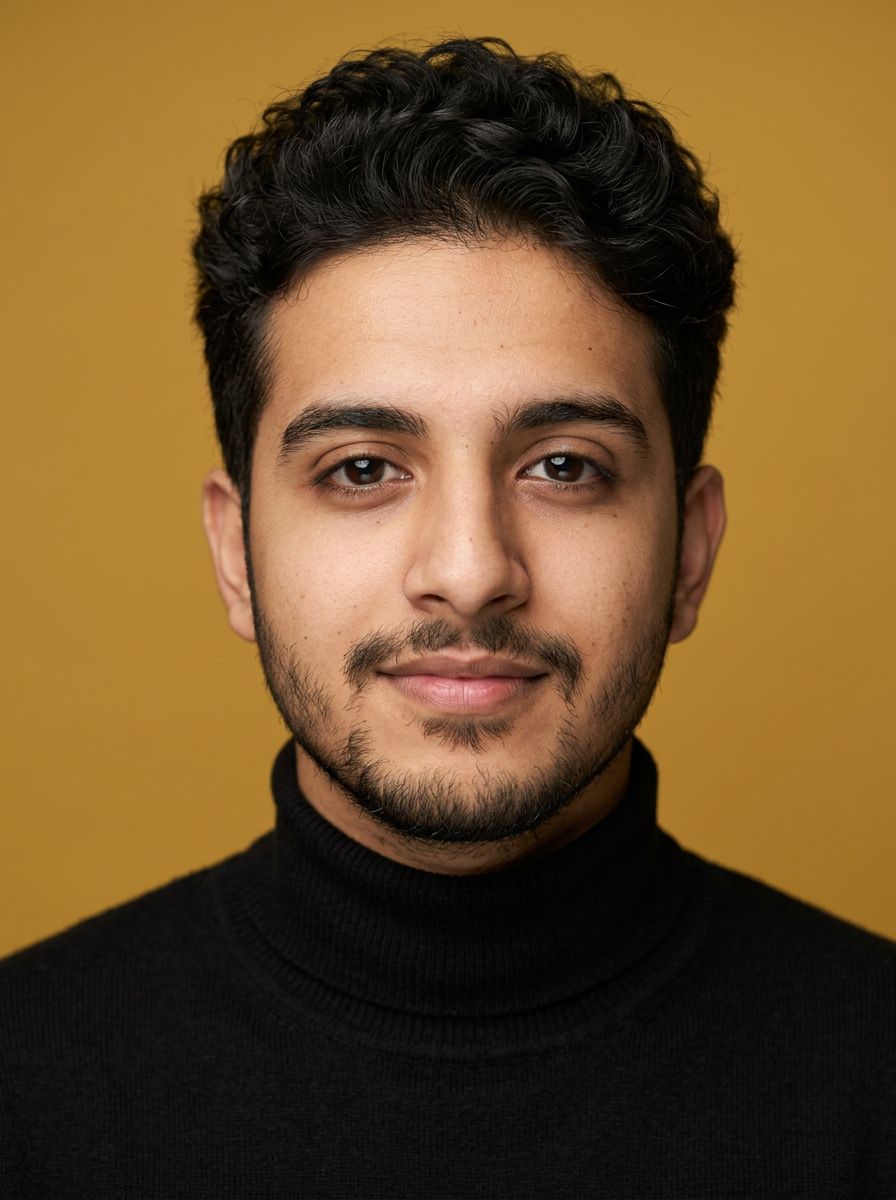
Selfie in · Headshot out
AI Headshot Generator
Upload a clear selfie and get back a professional headshot: a studio backdrop, soft light and a business outfit, with your face and expression kept as close to the photo as the model can. Ready for LinkedIn, a CV or a company page.
01 · Real results
AI Headshot Generator examples
Made on this page with the presets below on Nano Banana 2, unedited. The input photos are AI-generated people, not real ones.
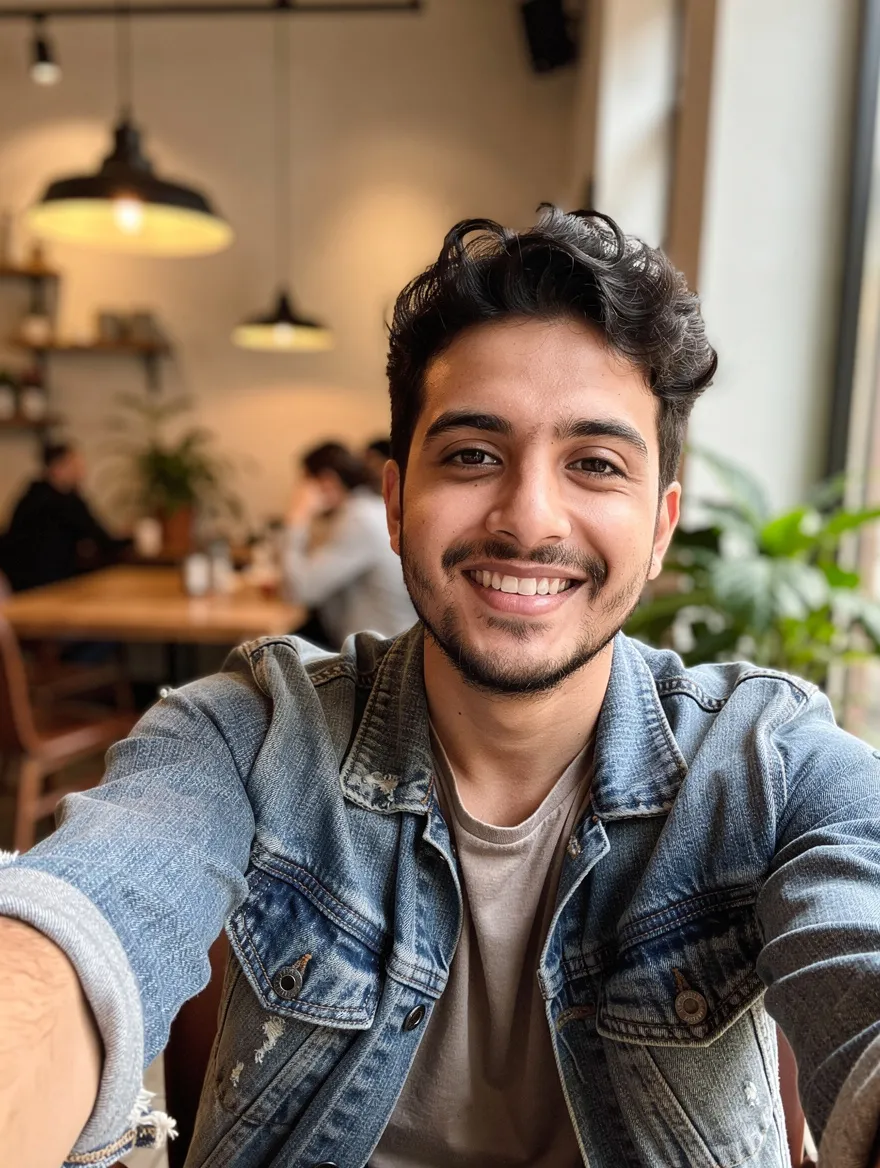
LinkedIn headshot · Nano Banana 2 · drag the handle to compare
Turn this selfie into a professional LinkedIn headshot: head and shoulders, plain soft gray studio background, soft key light, navy blazer over a white shirt, friendly natural smile. Keep the person’s face, features, skin tone and hair exactly the same.
02 · What you can do
Professional headshots for every kind of profile
Each look is a one-tap preset in the generator above. Tap it, change the outfit or backdrop if you like, and run it on your selfie.
LinkedIn and CV headshots
Head and shoulders, a neutral backdrop and a blazer: the safe, approachable look most profiles and CVs need.
Corporate and executive portraits
A dark suit, a gradient studio backdrop and classic lighting, for annual reports, board pages and speaker bios.
Natural-light office headshots
A softly blurred office or co-working space behind you, for startups and teams that want something warmer than a studio wall.
Actor and model headshot looks
A tight crop, plain top and soft light, to try the look before a shoot. Casting usually wants a real photo that shows you as you are today, so treat this as a preview.
Realtor and sales headshots
Friendly, bright and outdoors, for listing sites, business cards and yard signs where approachable beats formal.
Colorful backdrops for creatives
A bold solid color behind you, for designers, writers and podcasters who want a headshot with a bit of personality. Name your brand color.
Clinic and practice headshots
Bright, clean and reassuring, for clinic websites and booking profiles. Name your usual work clothes so it looks like you on a working day.
Polish the photo you already like
Already wearing the right thing? Keep the outfit and just fix the light, the background and the crop.
03 · How to
How to make a professional headshot with AI
4 steps, all on this page.
- 1
Upload a clear selfie
Drop a JPG or PNG of up to 10 MB: face the camera, in even light, with nothing covering your face. A sharp phone photo is enough.
- 2
Pick a look
Tap a preset like LinkedIn headshot or Corporate, or describe your own outfit and backdrop. Keep "keep my face the same" in the prompt.
- 3
Choose a model and shape
Nano Banana 2 is loaded by default. A square shape suits most profile pictures; 4:3 or 3:4 suits websites and CVs.
- 4
Generate and download
Press Generate. The headshot appears beside the form in seconds with a Download button and is saved to your history, so you can try other outfits on it.
04 · Why AI
Why use an AI headshot generator
No studio booking
A photographer’s headshot means booking a slot, travelling and waiting for edits. An AI headshot takes the selfie you can take now and gives you a studio-style result in seconds.
No training upload
Many AI headshot apps ask for 10 to 20 selfies and an hour of model training. Here one clear photo is the input, and you can try a new look straight away.
Try every look first
Compare a suit, a sweater, a studio wall and an office background on the same face, then keep the one that fits your job.
05 · Models
The AI models behind the headshot generator
Switch models from the picker at the top of the generator. The price is per image and shows on the Generate button.
| Model | Best for | Credits from |
|---|---|---|
| Nano Banana 2default | Headshots that keep your face closest | 6 |
| Nano Banana Pro | Finest skin and hair detail, up to 4K | 30 |
| GPT Image | Detailed outfit and background instructions | 6 |
| Flux 2 Max | Photoreal studio lighting | 15 |
| Seedream 4.5 | Team photos from several selfies | 8 |
| Nano Banana 2 Lite | Quick, cheap drafts to try looks | 1 |
06 · Who it’s for
AI professional headshots for work and profiles
Job seekers
A LinkedIn photo and a CV portrait from a selfie, the same day you apply.
Teams
Matching backgrounds and light for a company page when people work in different cities.
Freelancers
A profile picture for marketplaces, portfolios and pitch decks.
Speakers and authors
A bio photo for event pages, book jackets and press kits.
Agents and consultants
A friendly face for listings, cards and booking pages.
Anyone updating a profile
Swap the cropped holiday photo for something that looks like work.
07 · Prompting
Prompt tips for better results
Start from a sharp, front-facing photo, then name the outfit, the backdrop and the light, and say what must not change.
| Vague | Prompt that works |
|---|---|
| Make me look professional | Head-and-shoulders headshot, navy blazer, white shirt, plain light gray studio background, soft key light. Keep my face and hair exactly the same. |
| Better background | Replace the background with a softly blurred bright office with plants. Keep my outfit, face and the lighting on my face. |
| Make me look good | Even out the lighting and remove the shadow under my eyes, but keep my skin texture, freckles and features natural. |
| Team photo | (Three selfies) Make matching headshots of the people in images 1, 2 and 3: same gray backdrop, same light, each keeps their own face and hair. |
08 · FAQ
AI Headshot Generator FAQ
What is an AI headshot generator?
A tool that turns an everyday photo of you into a professional-looking headshot. You upload a selfie, choose an outfit, backdrop and lighting, and an AI image model redraws the photo as a studio-style portrait.
Is the AI Headshot Generator free?
New accounts get 5 free credits, and Nano Banana 2 Lite runs from 1 credit per image, so you can try it without paying. After that it runs on credits; the button shows the price before you run, and a failed run costs nothing.
Will the headshot look like me?
It aims to, and with a clear selfie it usually does. No AI model keeps a face perfectly, though, so check the result closely. If something drifts, run it again, use Nano Banana 2 or Nano Banana Pro, or ask it to change less. Use a headshot that honestly looks like you.
What kind of selfie works best?
A sharp, front-facing photo in soft, even light, with your whole face visible and no sunglasses, hats or heavy filters. Avoid wide-angle shots taken very close to the camera; they distort the face, and the model will keep that distortion.
Can I use it for LinkedIn?
Yes, that is the most common use. Tap the LinkedIn headshot preset and pick a square shape. Results download as PNG images you can upload as a profile photo.
Can I make a passport or ID photo with it?
No. Passport and ID photos have strict rules on size, background and expression, and many countries don’t accept photos that have been digitally altered. Use a photo booth, a pharmacy or your government’s official guidance for those.
Can I make headshots for my whole team?
Yes. Run each person’s selfie with the same preset and the same shape, so the backdrops and light match. You can also upload several selfies at once and ask for matching portraits.
Whose photos can I use?
Your own, or a colleague’s with their consent. Don’t upload photos of public figures or use a headshot to pass yourself off as someone else. Nudity and sexual edits are blocked.
09 · More tools
More AI tools
Make your headshot now
One selfie, one look. Try the LinkedIn preset and see the result in seconds.
Create my headshot