



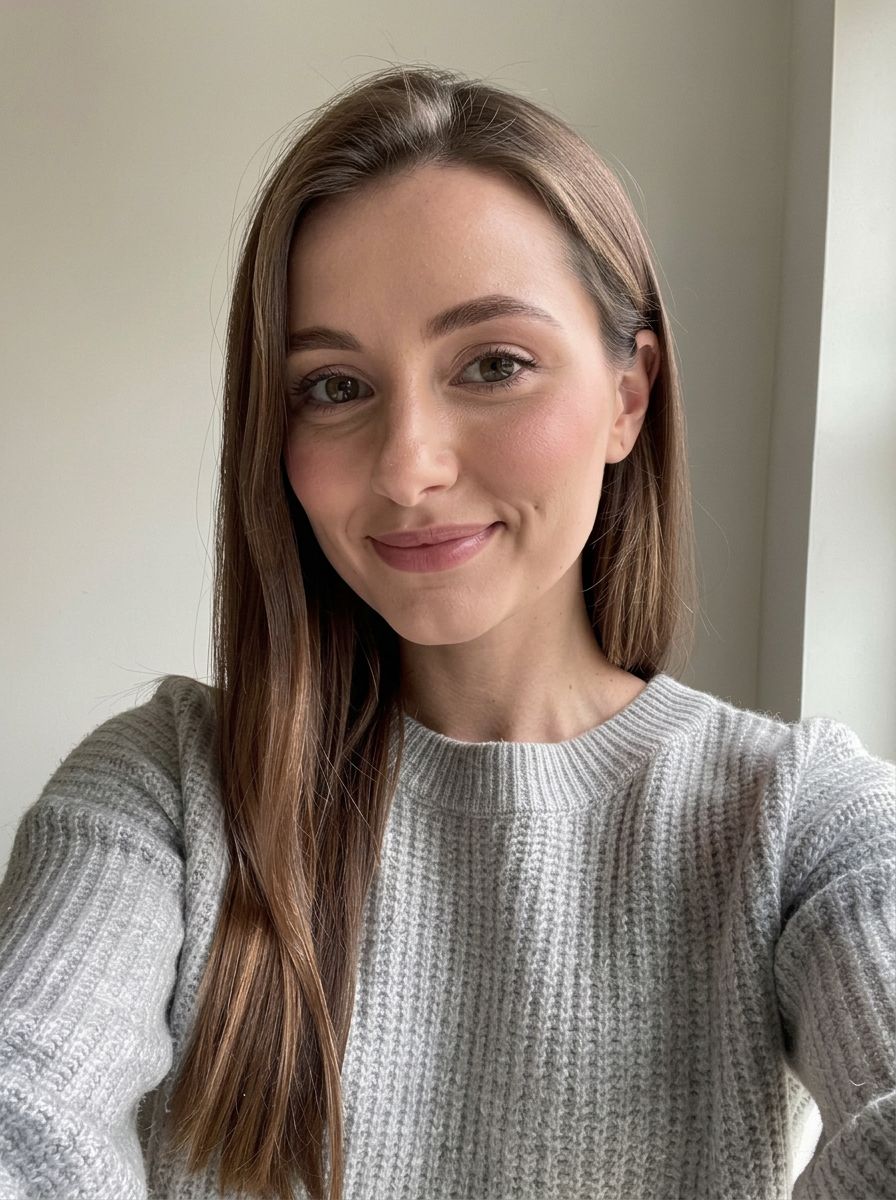
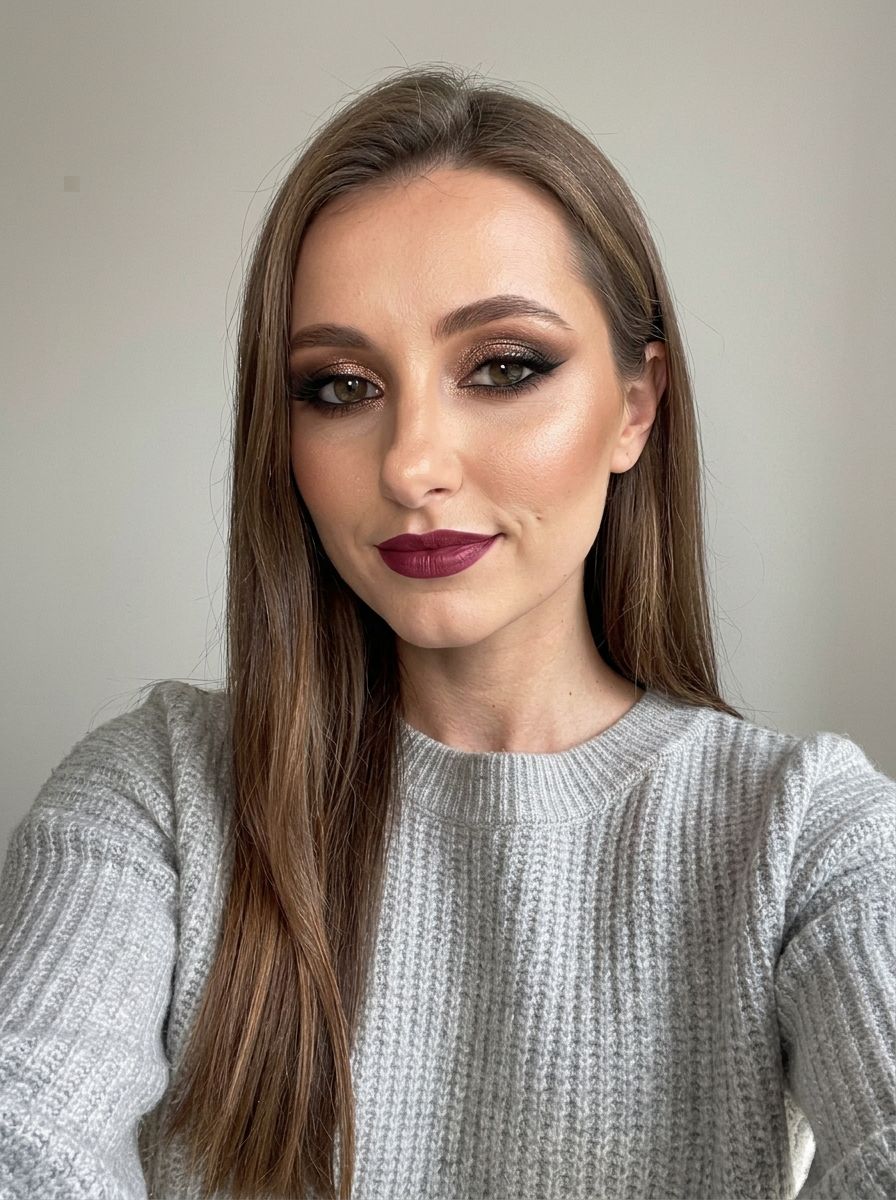
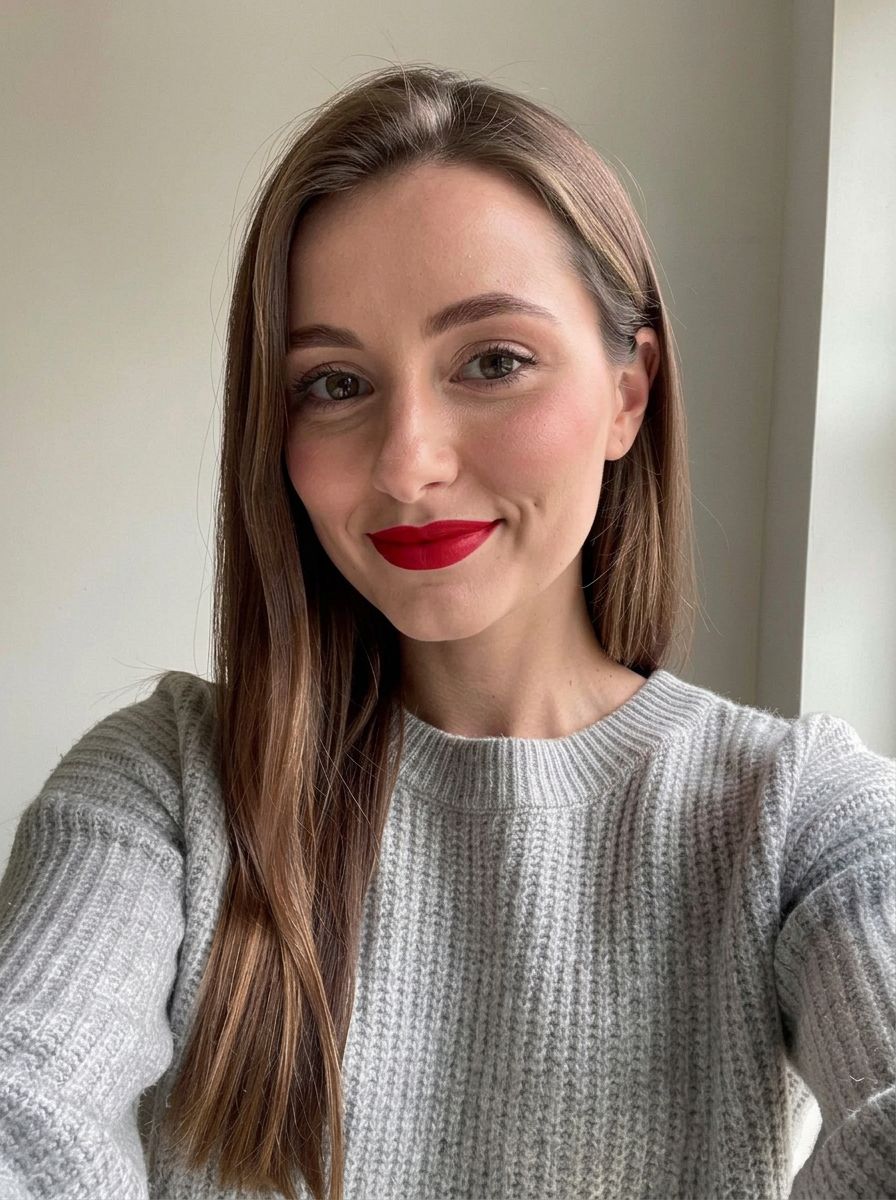
Virtual makeup try-on · 5 models
AI Makeup Filter
Upload a selfie and try a makeup look on your own face in seconds: a natural everyday look, full glam, bridal, a bold editorial eye or a new lipstick shade. Your features, skin tone and expression stay yours; only the makeup changes.
01 · Real results
AI Makeup Filter examples
Made on this page with the presets below on Nano Banana 2, unedited. The input photos are AI-generated people, not real ones.
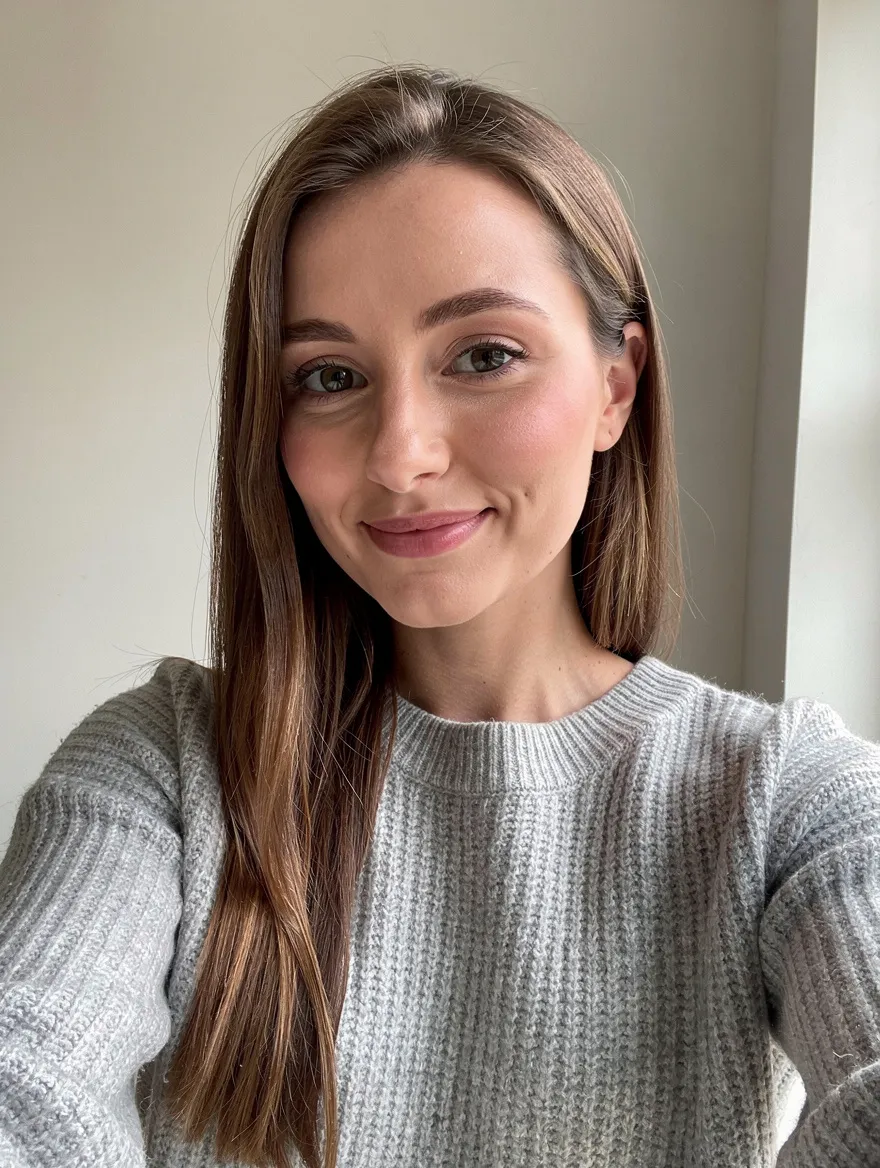
Natural look · Nano Banana 2 · drag the handle to compare
Apply a natural everyday makeup look to the person in this photo: light coverage that matches their own skin tone, soft brown mascara, groomed brows, a hint of peach blush and a nude lip. Keep their face, skin tone, skin texture, hair and the background the same.
02 · What you can do
Add makeup to a photo with one tap
Each one is a one-tap preset in the makeup generator above. Upload a front-facing selfie, tap a look, change the shades, and generate.
Natural, no-makeup makeup
A fresh everyday look with light coverage in your own shade, soft lashes and a nude lip, so you look like you on a good day.
Full glam
Smoky eyes, lashes, contour and a bold lip for a night out, previewed on your face before you spend an hour on it.
Bridal makeup try-on
Try a soft romantic look, a classic red lip or a dewy glow before your trial with the makeup artist.
Try lipstick colors
Classic red, nude, berry, coral or brown: change only the lip color and compare shades side by side.
Editorial and creative looks
Graphic liner, color blocking, glitter or a festival look, for when you want ideas, not just an everyday face.
Soft glam
The in-between look: warm neutrals, wispy lashes and a glossy lip that works for photos and dinners alike.
Bare-face version
Take an existing look off to start fresh, then try a different style on the clean version.
Costume and face paint
Sugar skulls, glitter cats and festival face paint, planned on a photo before the party.
03 · How to
How to try makeup on your photo with AI
4 steps, all on this page.
- 1
Upload a selfie
Drop a front-facing JPG or PNG of up to 10 MB. Even daylight and a bare or lightly made-up face show the new look most clearly.
- 2
Pick a look
Tap Natural look, Full glam, Bridal makeup or Red lipstick, or describe the products and shades you want. Ask to keep your skin tone the same.
- 3
Pick a model and shape
Nano Banana 2 is the default. Keep "Match input" for the same framing as your selfie, or choose portrait for a story.
- 4
Generate and compare
Press Generate. Your made-up photo appears beside the form with a Download button and stays in your history, so you can compare looks or tweak the shade.
04 · Why AI
An AI makeup editor, not a face-changing beauty filter
Makeup, not a new face
Many beauty filters slim noses, enlarge eyes and lighten skin. This one is set up to change only the makeup and to keep your features, skin tone and texture as they are.
Any look you can describe
Makeup apps limit you to their product list. Here you can name a shade, a technique or a reference look ("copper smoky eye, thin black liner") and see it on you.
A preview, not a shade match
Screens and lighting change how colors look, so treat results as a guide for style and color family. Swatch real products on your skin before you buy.
05 · Models
The AI models behind the makeup filter
Switch models from the picker at the top of the generator. The price is per image and shows on the Generate button.
| Model | Best for | Credits from |
|---|---|---|
| Nano Banana 2default | Makeup that keeps your face and skin tone | 6 |
| Nano Banana 2 Lite | Quick tries of many shades | 1 |
| Nano Banana Pro | Fine detail: liner, lashes, glitter, up to 4K | 30 |
| GPT Image | Long, product-by-product makeup briefs | 6 |
| Flux 2 Max | Photoreal skin texture and lighting | 15 |
06 · Who it’s for
Virtual makeup for every occasion
Brides and wedding guests
Compare looks before the trial with your artist.
Before you buy
See a lipstick or eyeshadow color family on your face first.
Makeup artists
Show a client two or three options on their own photo.
Content creators
Plan a tutorial look or a trend before filming.
Parties and festivals
Test face paint and costume makeup ahead of time.
Curious beginners
Find out which styles suit your face, with no products needed.
07 · Prompting
Prompt tips for better results
Name the products and the shades, and always say to keep your face and skin tone the same.
| Vague | Prompt that works |
|---|---|
| Make me pretty | Soft natural makeup: light coverage in my own shade, brown mascara, peach blush, nude gloss. Keep my face and skin tone. |
| Dramatic eyes | Black smoky eye blended up to the crease, tightlined lash line, full lashes. Change nothing else. |
| New lipstick | Change only my lipstick to a satin brick-red. Keep the rest of my makeup and face exactly the same. |
| Wedding makeup | Bridal look: dewy skin in my shade, rose-gold shimmer on the lids, soft lashes, rose lip. Same hair and background. |
08 · FAQ
AI Makeup Filter FAQ
What is an AI makeup filter?
A photo filter that adds makeup to a picture of your face. You upload a selfie, describe or pick a look, and an image model applies it while keeping your features, skin tone and background.
Is the AI Makeup Filter free?
New accounts get 5 free credits, and Nano Banana 2 Lite runs from 1 credit per image, so you can try it without paying. After that it runs on credits; the button shows the price before you run, and a failed run costs nothing.
Will it change my face or skin tone?
It shouldn’t: every preset asks to keep your face, skin tone and texture. If a result looks lighter, slimmer or smoother than you, run it again or add "keep my exact skin tone and features".
What makeup suits my face?
Try a few looks on the same photo and compare them. The filter shows how a style reads on your face; it does not judge or rate your looks.
Can I try a specific lipstick shade?
You can describe one ("a cool-toned matte mauve") and see the color family on your lips. It won’t match a brand’s exact shade, so swatch the real product too.
Do I need a makeup app?
No. It runs in the browser on phone or desktop. Signing in with Google is needed to generate, and your looks are saved to your history.
Can I use it on someone else’s photo?
Only with their permission, for example a makeup artist showing a client looks on the client’s own photo.
What isn’t allowed?
No photos of minors, celebrities or public figures, nothing sexual or revealing, and no edits meant to deceive or mock someone. Skin-lightening and face-reshaping requests are not what this tool is for.
09 · More tools
More AI tools
Try a makeup look on your photo
One selfie, one tap. Preview a natural look, full glam or a new lipstick in seconds.
Open the makeup filter