



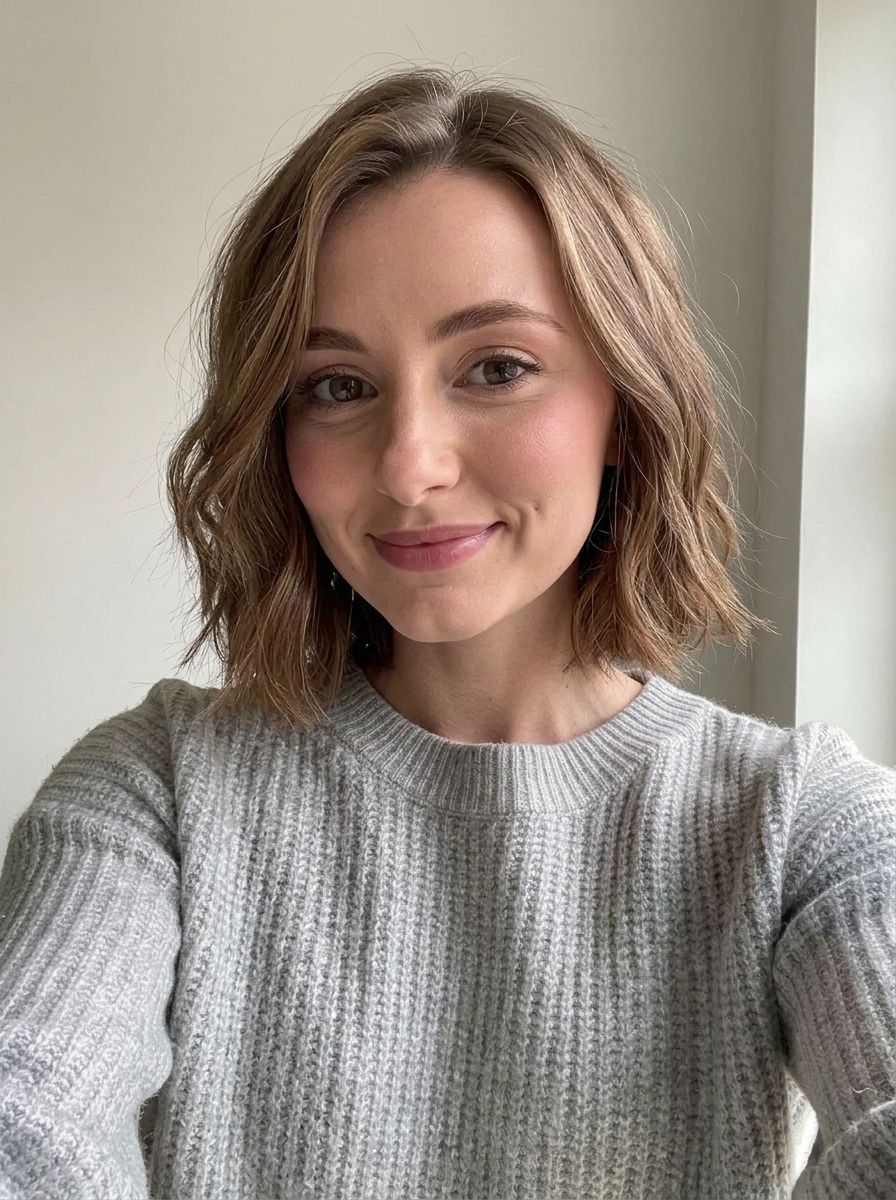
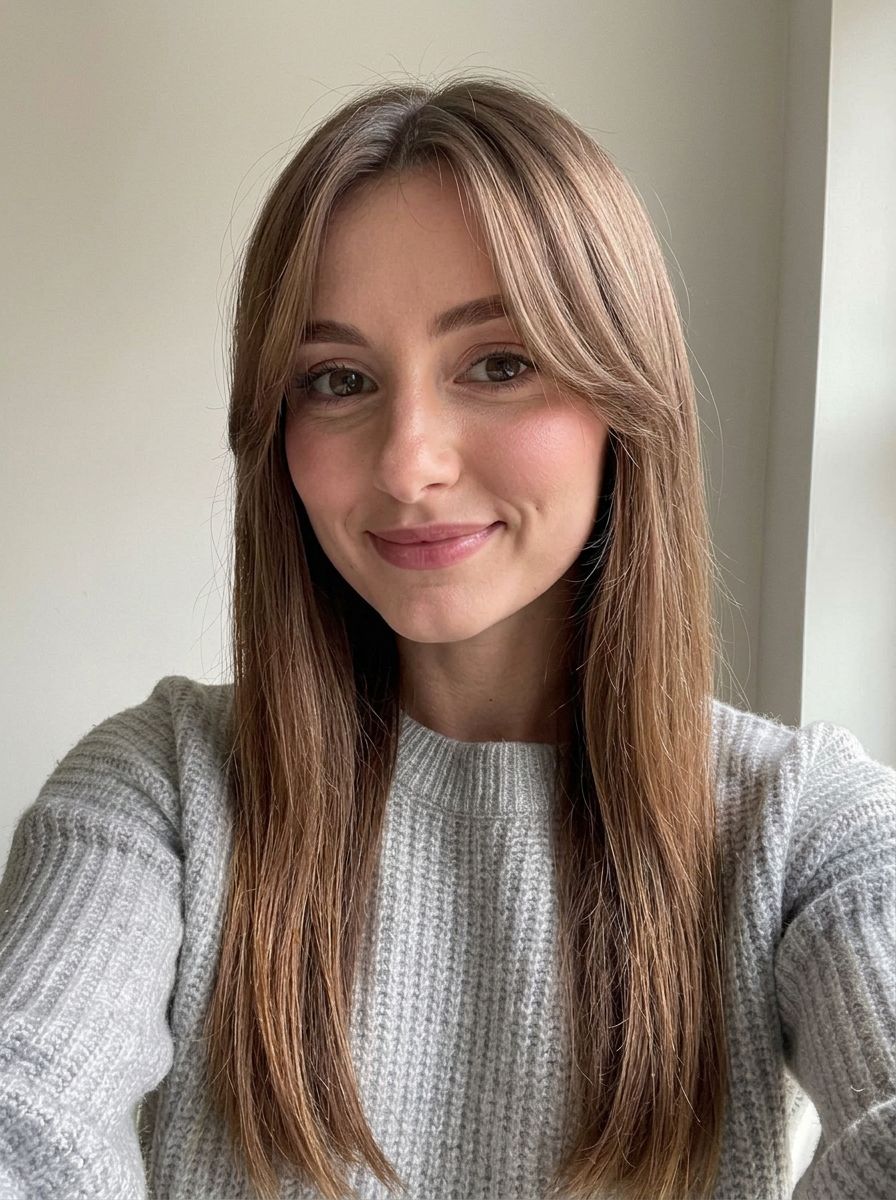
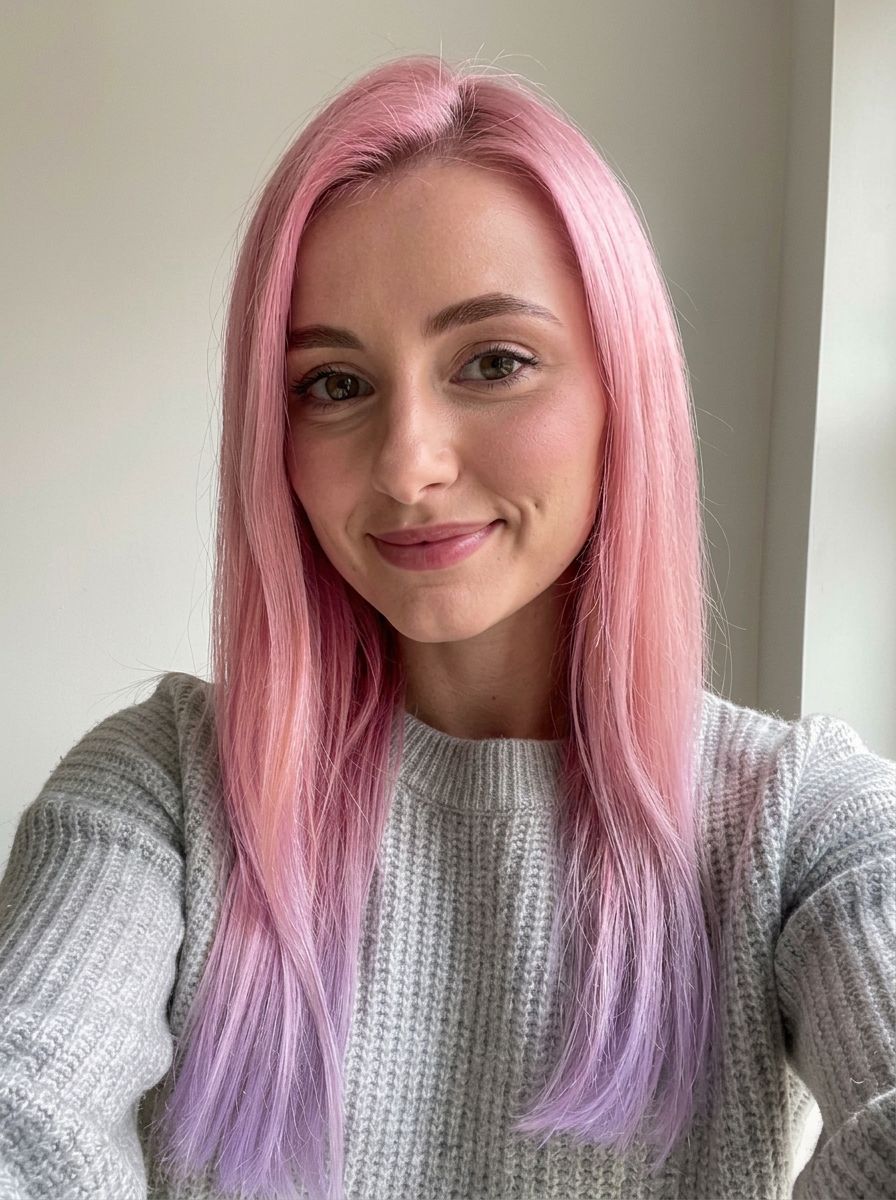
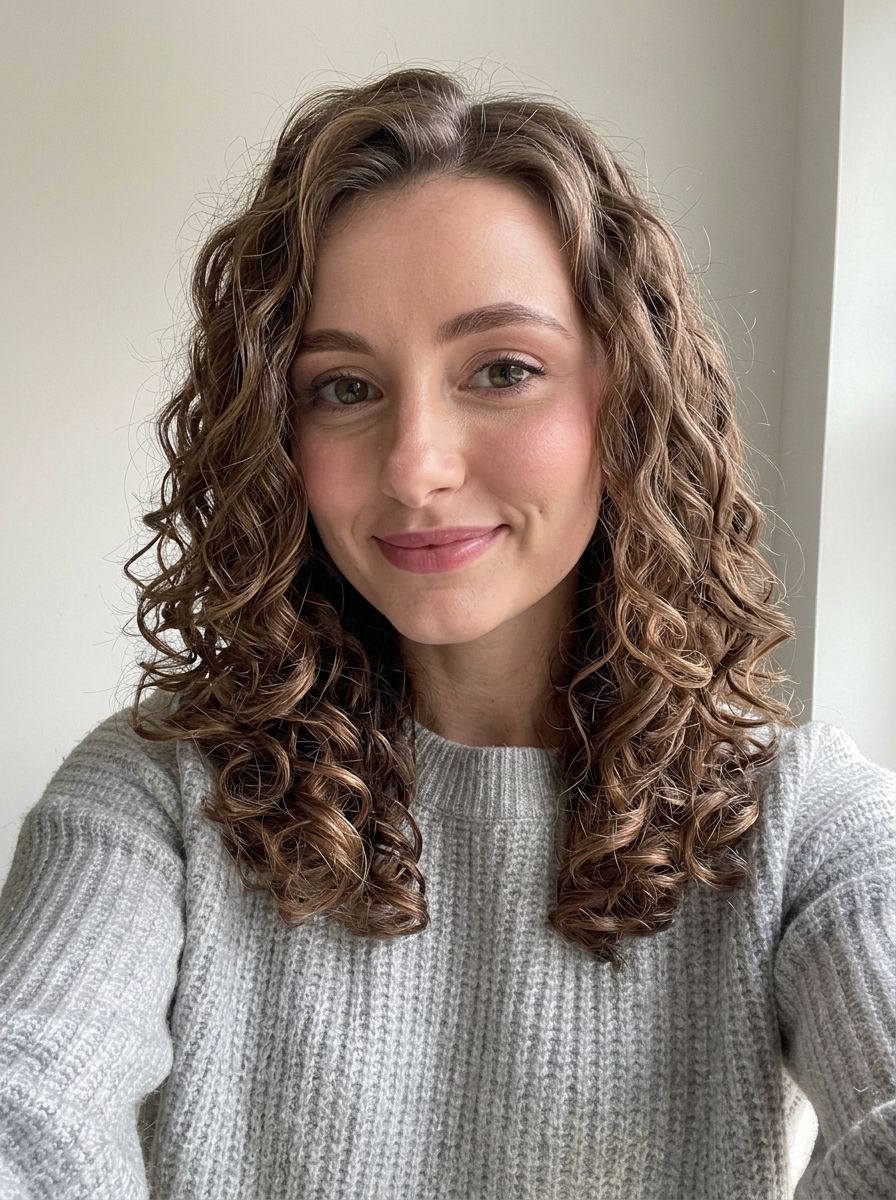
Haircuts · Hair color · Buzz cut & bald · 6 models
AI Hairstyle Changer
Upload a selfie and try on a new hairstyle before you book the salon. Describe the cut or the color, from curtain bangs to a buzz cut or platinum blonde, and the AI changes only your hair while your face, expression and background stay the same.
01 · Real results
AI Hairstyle Changer examples
Made on this page with the presets below on Nano Banana 2, unedited. The input photos are AI-generated people, not real ones.
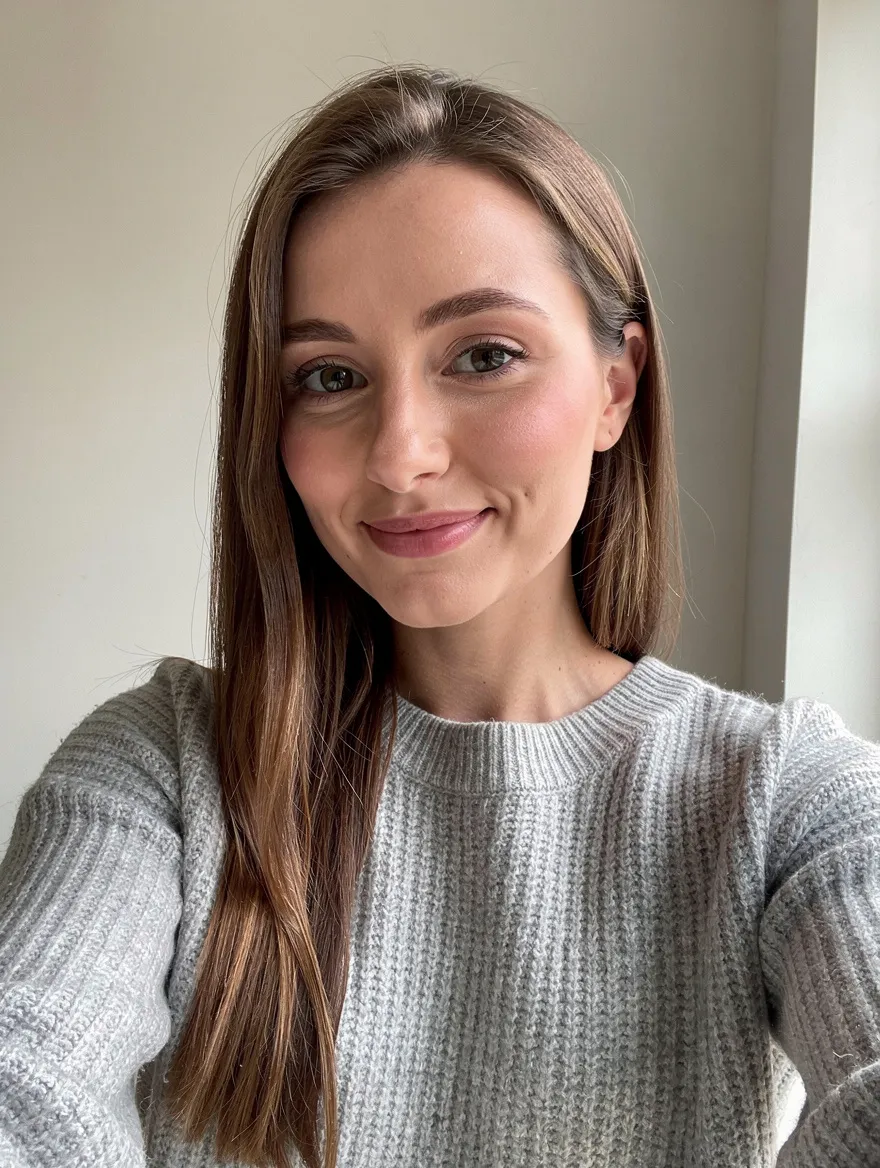
Short bob · Nano Banana 2 · drag the handle to compare
Give the person a chin-length textured bob with a soft side part, in their natural hair color. Keep their face, expression, skin, clothes and the background exactly the same.
02 · What you can do
Try on hairstyles and hair colors online
Each of these is a one-tap preset in the hairstyle changer above. Tap it, change the cut or shade in the prompt, and run it on your selfie.
Short hair and bobs
Wondering what you would look like with short hair? Try a bob, a pixie or a lob on your own face before you commit to the cut.
Buzz cut filter
See a number-two buzz cut on your head without picking up the clippers. The hairline and head shape stay realistic.
Bald filter
A clean shaved head that matches your skin tone. Useful before a big chop, or just for a laugh with friends.
Bangs and fringes
Curtain bangs, a blunt fringe or wispy bangs, blended into the hair you already have, so you see how they frame your face.
Hair color changer
Go blonde, black, copper or ash brown and keep your cut. Ask for roots, highlights or balayage to make it look like a real dye job.
Try bold hair colors
Pastel pink, electric blue or silver grey: test the shade on your photo before you bleach anything.
Long hair and extensions
See yourself with long layers, waves or extensions, the change that takes years to grow out.
Curls, waves and perms
Try tight curls, loose waves or a perm and see how the volume changes your face shape.
03 · How to
How to try on a hairstyle with AI
4 steps, all on this page.
- 1
Upload a selfie
Drop a JPG or PNG of up to 10 MB into the tool above. A front-facing photo with your hair visible and good light works best.
- 2
Describe the cut or color
Tap a preset like Buzz cut or Blonde hair, or type your own: length, texture, fringe, color. Add a second photo to copy a hairstyle from a reference.
- 3
Pick a model and shape
Nano Banana 2 is loaded by default. Keep "Match input" so the photo comes back the same size and shape.
- 4
Generate and compare
Press Generate. The new look appears beside the form with a Download button and is saved to your history, so you can compare cuts side by side.
04 · Why AI
Why use AI for a haircut try-on
See it before the scissors
A bad cut takes months to grow out. Trying the hairstyle on your photo first costs a few seconds, and you can show the result to your hairdresser.
Your face, not a template
Older hairstyle apps pasted a wig-like overlay on top of your head. These models redraw the hair around your real face, so the cut follows your head shape and hairline.
Any style you can describe
Hairstyle apps offer a fixed catalogue. Here you type what you want, from "wolf cut with copper ends" to "low fade with a textured top", or upload a reference photo.
05 · Models
The AI models behind the hairstyle changer
Switch models from the picker at the top of the generator. The price is per image and shows on the Generate button.
| Model | Best for | Credits from |
|---|---|---|
| Nano Banana 2default | Natural hair changes that keep your face | 6 |
| Nano Banana 2 Lite | Trying many cuts quickly and cheaply | 1 |
| Nano Banana Pro | Fine hair detail and tricky textures, up to 4K | 30 |
| GPT Image | Long, precise styling instructions | 6 |
| Seedream 4.5 | Copying a hairstyle from a reference photo | 8 |
| Flux 2 Max | Photoreal salon-style results | 15 |
06 · Who it’s for
Hairstyle AI for every decision
Before a salon visit
Bring a preview of the exact cut and color you want.
Big changes
Test a buzz cut, a shaved head or a pixie before going short.
Hair dye
Try blonde, black, red or pastel before you bleach.
Hairdressers and barbers
Show clients how a style could look on them.
Weddings and events
Compare updos and styles for the big day.
Just for fun
See yourself bald, with a mullet or with rainbow hair.
07 · Prompting
Prompt tips for better results
Describe the length, texture and color, and say that your face should stay the same. The more a stylist would understand it, the better the AI does.
| Vague | Prompt that works |
|---|---|
| Shorter hair | Cut my hair to a chin-length blunt bob with no fringe, same dark brown color. Keep my face and background. |
| Make me blonde | Change my hair to cool platinum blonde with a slightly darker root shadow. Keep my haircut, eyebrows and skin tone. |
| Cool men’s haircut | Give me a mid skin fade on the sides with a textured crop on top and a short fringe. Keep my beard and face unchanged. |
| This hairstyle | (Two photos) Give the person in image 1 the hairstyle and hair color from image 2. Keep the face and background of image 1. |
08 · FAQ
AI Hairstyle Changer FAQ
What is an AI hairstyle changer?
A tool that changes the hair in your photo and nothing else. You upload a selfie, describe the new haircut or hair color, and an image model redraws your hair while keeping your face, expression and background.
Is the AI Hairstyle Changer free?
New accounts get 5 free credits, and Nano Banana 2 Lite runs from 1 credit per image, so you can try it without paying. After that it runs on credits; the button shows the price before you run, and a failed run costs nothing.
Will my face stay the same?
Usually, yes. The prompt presets already say to keep the face, and Nano Banana 2 is good at it. If a result drifts, run it again or switch to Nano Banana Pro.
Can I just change my hair color?
Yes. Use the Blonde hair or Bold color preset, or write "change only my hair color to ..., keep the cut". You can ask for roots, highlights, ombré or balayage.
Is there a buzz cut or bald filter?
Both are presets. Tap Buzz cut or Bald look, run it on your photo, and you see the result in seconds with your real face and skin tone.
Can I copy a hairstyle from another photo?
Yes. Upload your selfie first and the reference second, then write "give the person in image 1 the hairstyle from image 2". Use a reference photo you are allowed to use.
How accurate is the preview?
It is a realistic preview, not a guarantee. Real hair depends on texture, density and how a stylist cuts it, so use the result as a guide to discuss with your hairdresser.
What isn’t allowed?
Sexual or revealing edits are blocked, and so are edits meant to mislead or harass. Only upload photos you have the right to edit, and ask before trying hairstyles on someone else’s photo.
09 · More tools
More AI tools
Try a new hairstyle now
One selfie, one sentence. Try a bob, a buzz cut or a new color and see it on your own face.
Open the AI hairstyle changer