



Your image *
PNG or JPG, up to 10 MB. Runs on Recraft Crisp Upscale.
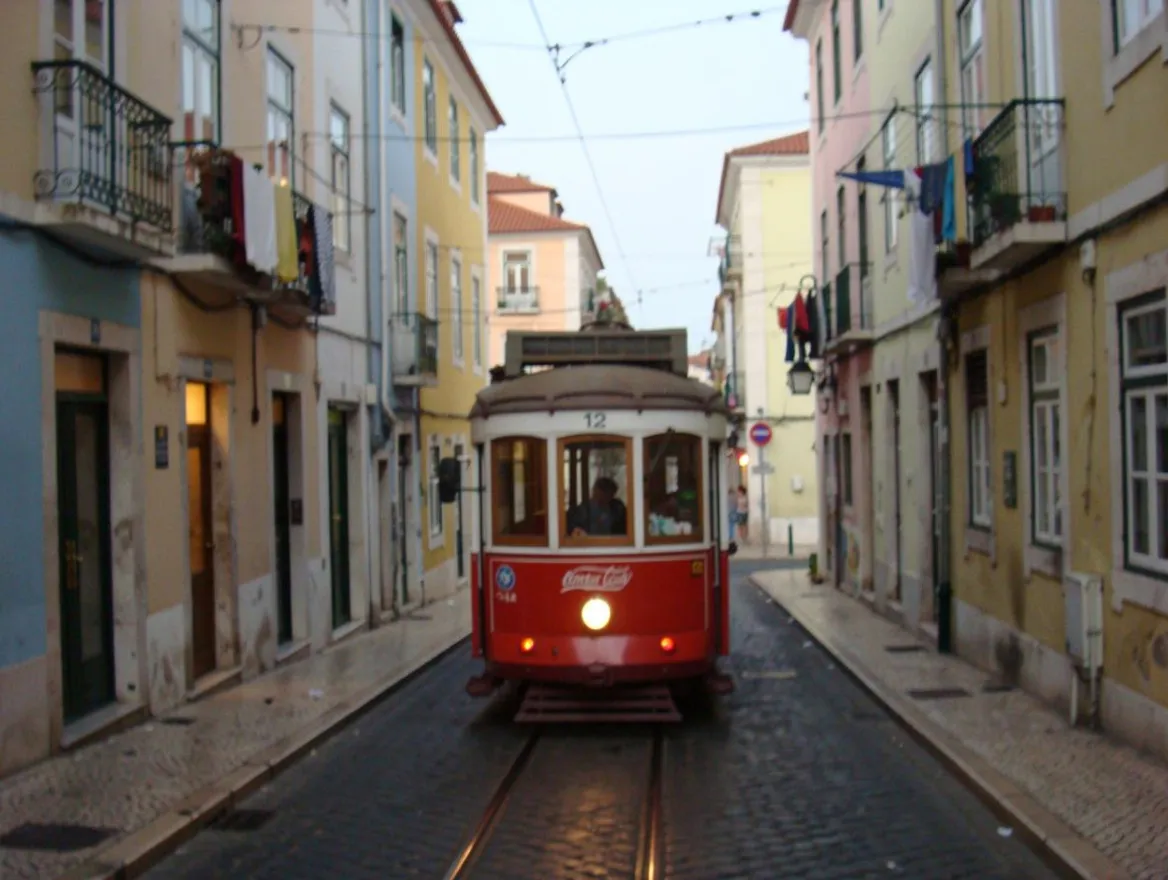
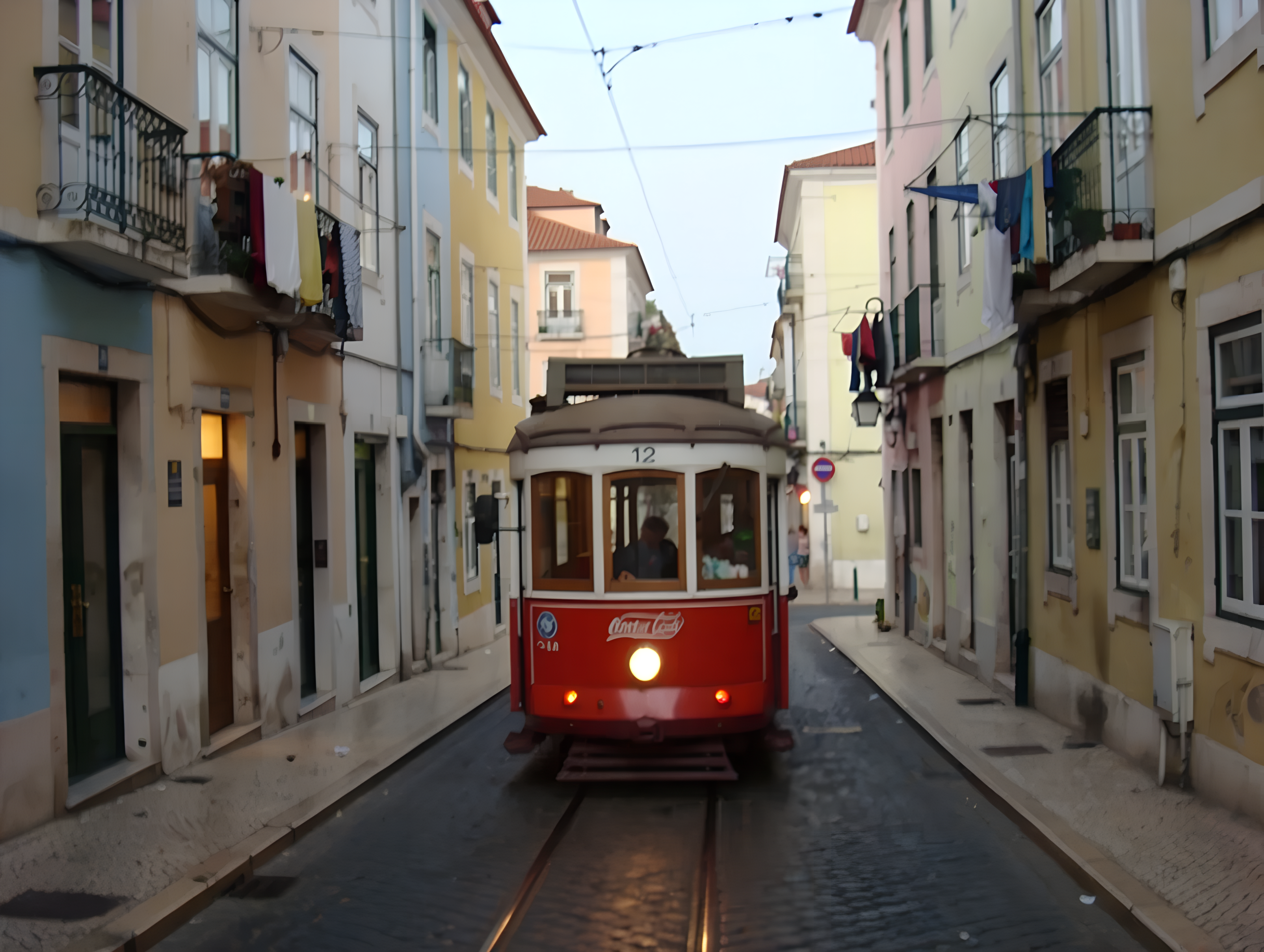
One click · Crisp upscale · Recraft
AI Image Upscaler
Upload a small, soft or low-resolution image and get it back larger and sharper. The upscaler adds clean detail to edges and textures while staying true to the original, so faces, text and products still look like themselves.
01 · Real results
AI Image Upscaler examples
Made on this page with the presets below on Recraft Crisp Upscale, unedited. The input photos are AI-generated people, not real ones.
Upscale image · Recraft Crisp Upscale · drag the handle to compare
02 · What you can do
Upscale images without making things up
Recraft Crisp Upscale is built to sharpen what is there rather than repaint it. Here is what that means for your images.
Larger and sharper
Your image comes back at a higher resolution with crisper edges and cleaner texture, so it holds up better on a big screen, in print or after a crop.
Faithful, not hallucinated
Some AI enhancers invent new eyes, teeth or skin when they sharpen a face. Crisp upscaling keeps the detail close to the source, so people still look like the people in your photo.
AI art and renders
Images from AI generators often come out smaller than you need. Upscale them for a poster, a wallpaper or a print-on-demand product.
Product and shop photos
Give a phone shot of a product more resolution and sharper edges for a listing, a zoom view or a banner.
Old and saved images
Pictures saved from chats, old websites or small screenshots get a cleaner, larger version you can reuse.
Compare before you download
The original and the upscaled result appear side by side, so you can check the gain before you save it. Past results stay in your history.
03 · How to
How to upscale an image with AI
4 steps, all on this page.
- 1
Upload your image
Drop one PNG or JPG of up to 10 MB into the tool above. Any photo, screenshot, illustration or AI render works.
- 2
Press Upscale image
There are no settings and no prompt. Sign in with Google if you have not yet, and the model starts on your image.
- 3
Compare original and result
The upscaled image appears next to your original, so you can see the added sharpness in edges, hair and text.
- 4
Download the image
Press Download image to save the larger version. It also stays in your history on this page.
04 · Why AI
Why use an AI upscaler instead of resizing
Resizing only stretches pixels
Making an image bigger in a normal editor spreads the same pixels over more space, so it turns blurry and blocky. An AI upscaler predicts the missing detail, so edges stay sharp.
Crisp, not over-processed
Heavy enhancers can smooth skin into plastic or redraw faces. This model is tuned to keep the original look, so the result reads as the same photo, only cleaner and larger.
One click, no software
No desktop app to install and no sliders to tune. Upload, press the button and download, from any browser.
05 · Models
The AI model behind the image upscaler
One model, picked for this job. The price is per image and shows on the button.
| Model | Best for | Credits from |
|---|---|---|
| Recraft Crisp Upscale | Larger, sharper images that stay faithful to the original | 2 |
06 · Who it’s for
Who needs to increase image resolution
Print and merch
More pixels for posters, canvases, T-shirts and mugs.
AI artists
Generated images sized up for wallpapers and prints.
Online sellers
Sharper product photos for listings and zoom views.
Designers
Usable versions of small images a client sent over.
Social media
Cleaner images that hold up after a platform’s compression.
Families
Larger copies of small saved photos to share and print.
07 · FAQ
AI Image Upscaler FAQ
What is an AI image upscaler?
A tool that makes an image larger and sharper at the same time. Instead of stretching the pixels like a normal resize, an AI model predicts the fine detail a higher-resolution version would have, so the bigger image stays crisp.
Is the AI Image Upscaler free?
New accounts get 5 free credits, and Recraft Crisp Upscale runs from 2 credits per image, so you can try it without paying. After that it runs on credits; the button shows the price before you run, and a failed run costs nothing.
How much bigger does the image get?
The model decides the output size for your image; you will see the result next to the original before you download. If you need a different exact size, resize the upscaled image afterwards, which loses far less quality than enlarging the original.
Will it change faces or add details that were not there?
It is designed not to. Crisp upscaling sharpens and cleans the detail already in the image rather than inventing new features, so faces and text stay faithful. Very tiny or heavily blurred faces can still only be recovered so far.
Can it fix a blurry photo?
It helps with soft, low-resolution and slightly blurry images. Strong motion blur or a photo that is badly out of focus will look cleaner and larger, but the model cannot recover detail that was never captured.
What file types can I upload?
One PNG or JPG at a time, up to 10 MB. Photos, screenshots, illustrations and AI-generated images all work.
Do I need to sign in?
Yes, signing in with Google is needed to run the upscaler, so your credits and results are saved. Your upscaled images then stay in your history on this page.
What can’t I upload?
Sexual or explicit images are not allowed. Only upload images you have the right to use, and ask before working on someone else’s photo.
08 · More tools
More AI tools
Upscale your image now
One image, one click. Upload a small picture and download a larger, sharper version.
Open the AI image upscaler