



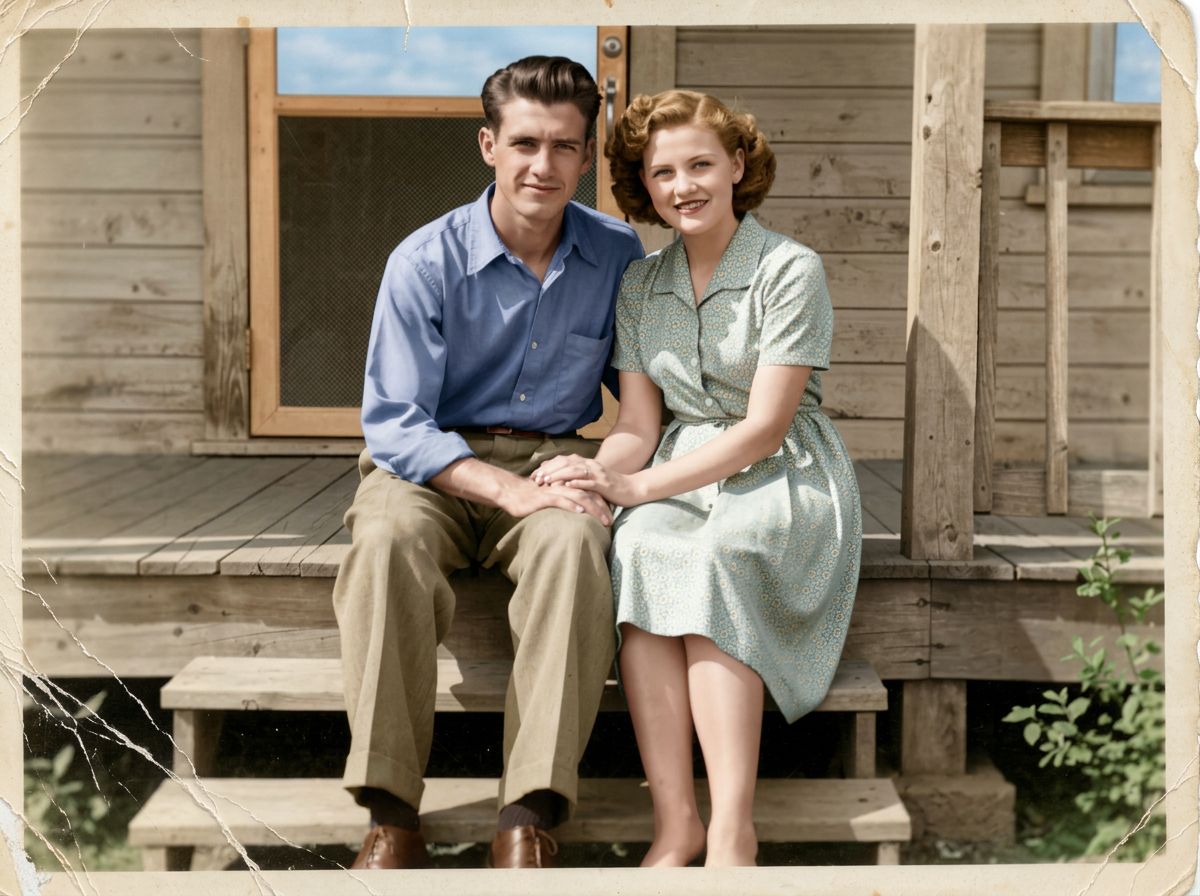
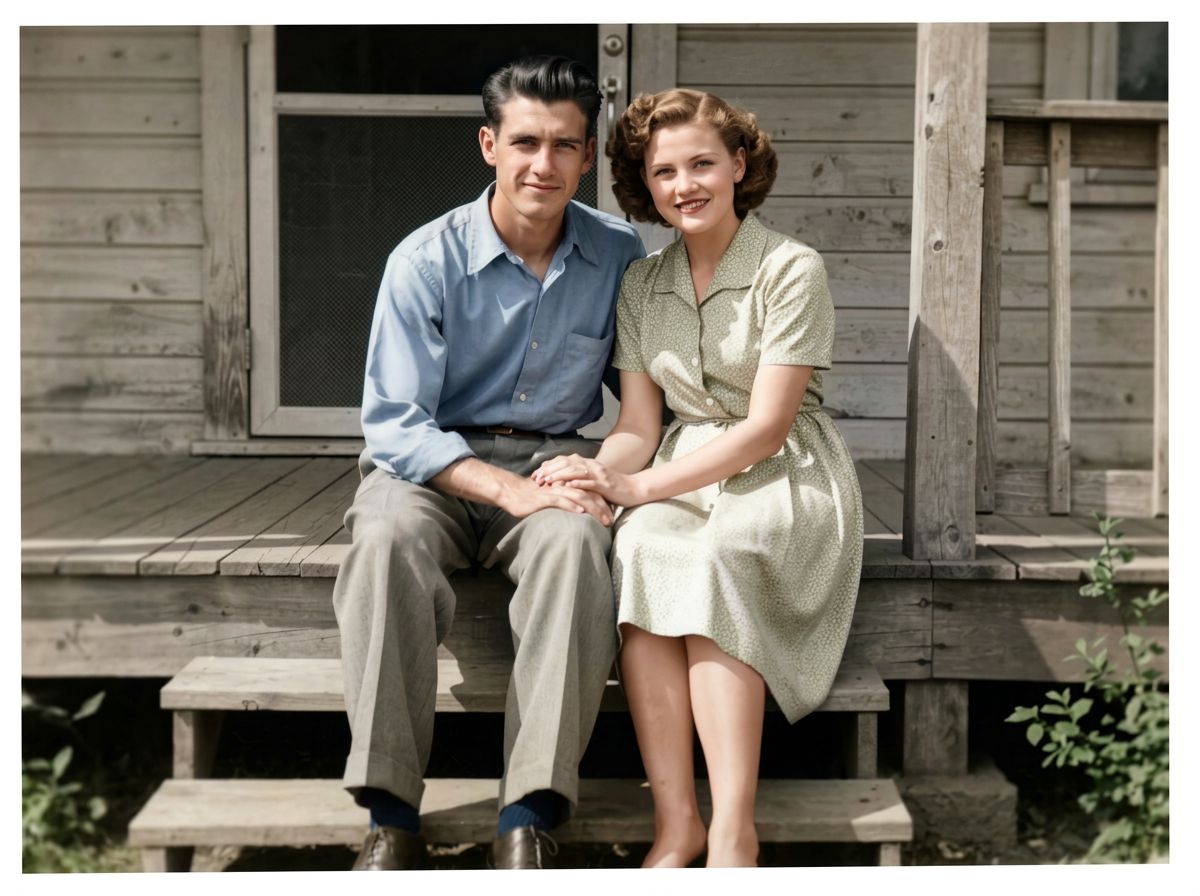
Colorize · restore · sharpen · 6 models
AI Photo Colorizer
Upload a black and white or faded photo and get it back in natural color in seconds. The colorizer can also take out scratches, dust and creases and sharpen blurry faces, while the people stay the people you remember.
01 · Real results
AI Photo Colorizer examples
Made on this page with the presets below on Nano Banana 2, unedited. The input photos are AI-generated people, not real ones.
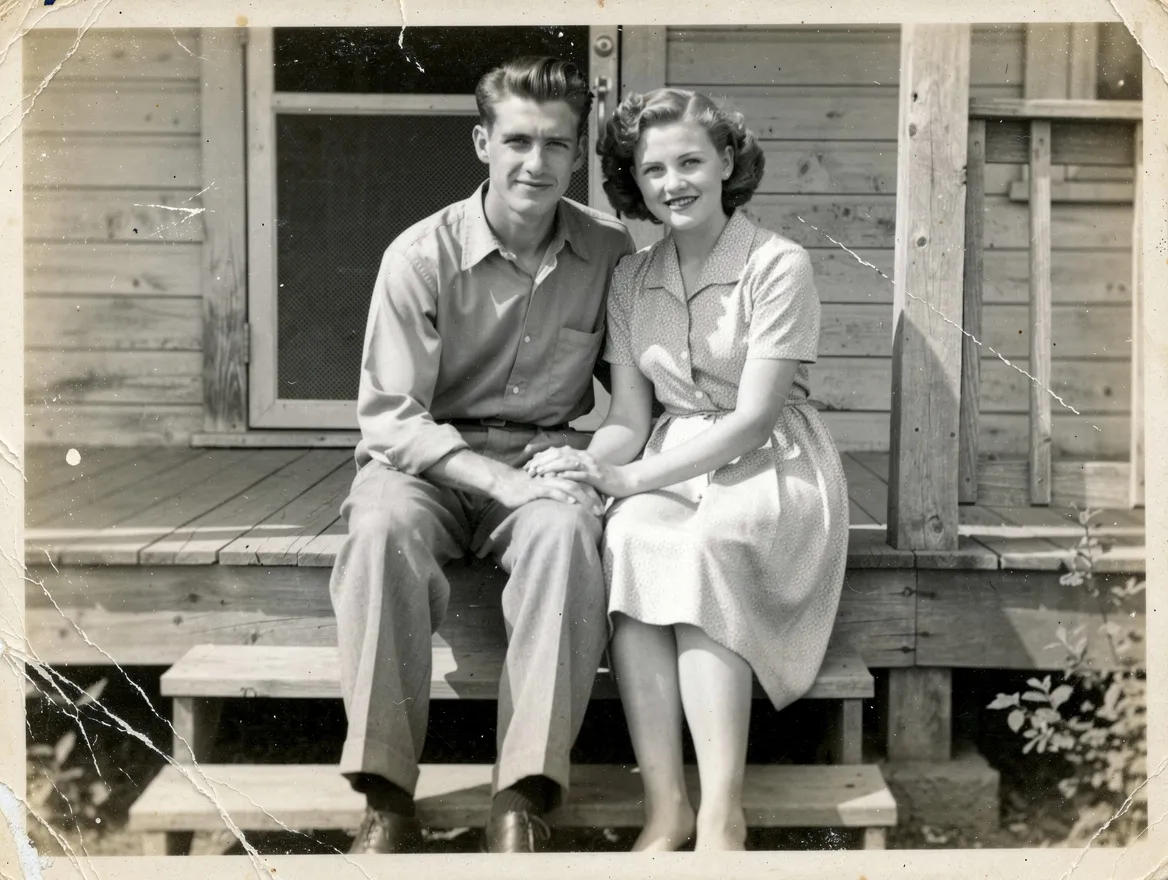
Colorize photo · Nano Banana 2 · drag the handle to compare
Colorize this black and white photo with natural, realistic colors: true-to-life skin tones, period-appropriate clothing colors and a natural sky. Keep every face, the composition and all details exactly the same.
02 · What you can do
Colorize black and white photos and restore old prints
Each one is a one-tap preset in the colorizer above. Upload a scan or a phone photo of the print, tap a preset, add what you know about the colors, and generate.
Colorize black and white photos
Grey becomes natural color: real skin tones, fabrics, grass and sky, with the people, poses and framing unchanged.
Restore old photos in one go
Repair damage, bring back contrast and add color in a single pass, for prints that have spent decades in a drawer.
Repair scratches and tears
Keep the black and white look and just fix the damage: cracks, dust, folds, torn corners and water stains.
Sharpen blurry faces
Soft, out-of-focus faces from old cameras come back clearer, while the expressions and features stay true to the original.
Fix faded color photos
Seventies and eighties prints that went orange, pink or washed out get their real colors and contrast back.
Family and wedding portraits
Grandparents’ wedding photos and studio portraits, colorized with the details you tell it: the dress, the suit, the flowers.
Historic places and street scenes
Old town squares, shop fronts and family homes in believable color, for local history projects and family trees.
Colorize a sketch or drawing
The colorizer works on line art too: add soft color to a pencil sketch without redrawing the lines.
03 · How to
How to colorize a black and white photo
4 steps, all on this page.
- 1
Upload the old photo
Drop a scan or a phone photo of the print (JPG or PNG, up to 10 MB). Shoot it flat, in even light and without glare for the best result.
- 2
Choose colorize or restore
Tap Colorize photo, Full restore or Remove scratches. Add any colors you know, like "her dress was pale blue", and say what must stay the same.
- 3
Keep the shape
Nano Banana 2 is the default. Keep "Match input" so the result has the same proportions as the original.
- 4
Generate and download
Press Generate. The colorized photo appears beside the form with a Download button and stays in your history, so you can restore the result further or try another model.
04 · Why AI
An AI colorizer instead of hours of hand coloring
Minutes, not evenings
Hand-coloring a photo in an editor means painting every face, sleeve and leaf on its own layer. The colorizer does the whole picture from one instruction, and you can steer it in words.
Restore and colorize together
Many colorize apps only add color and leave the scratches. Here the same request can repair damage, sharpen faces and add color, or just one of those.
Plausible, not historical record
AI picks believable colors; it cannot know the real color of a coat in 1952. If you know a detail, put it in the prompt, and keep the original next to the colorized copy.
05 · Models
The AI models behind the photo colorizer
Switch models from the picker at the top of the generator. The price is per image and shows on the Generate button.
| Model | Best for | Credits from |
|---|---|---|
| Nano Banana 2default | Natural color that keeps faces faithful | 6 |
| Nano Banana Pro | Badly damaged prints, sharp detail up to 4K | 30 |
| Nano Banana 2 Lite | Fast, cheap tries on a whole album | 1 |
| GPT Image | Exact color instructions for clothes and places | 6 |
| Flux 2 Max | Photoreal skin tones and textures | 15 |
| Qwen Image | Old photos with signs, captions or text | 2 |
06 · Who it’s for
Colorize photos online for every album
Family historians
Colorized ancestors for family trees and reunion albums.
Gifts
A grandparents’ wedding photo, restored and in color, to frame.
Memorials
A clear, colorized portrait for a service or a tribute.
Local history groups
Old street scenes in color for talks, books and posts.
Teachers
Historic photos that feel present to a class.
Creators
Before-and-after restorations for social posts and videos.
07 · Prompting
Prompt tips for better results
Say colorize or restore (or both), add any colors you know, and ask for the faces and composition to stay the same.
| Vague | Prompt that works |
|---|---|
| Colorize this | Colorize with natural 1940s colors: navy uniform, brown leather shoes, warm skin tones, overcast sky. Keep the faces exactly. |
| Fix this old photo | Remove the crease across the middle and the dust spots, restore contrast, keep it black and white. |
| Make it clearer | Gently sharpen the two faces on the left without changing their features. Leave the background soft. |
| Add color | Colorize: her dress was pale yellow, his tie dark red, the car light green. Everything else in natural colors. |
08 · FAQ
AI Photo Colorizer FAQ
What is an AI photo colorizer?
A tool that adds realistic color to black and white images. You upload an old photo and an image model paints in natural skin tones, clothes, sky and surroundings, keeping the people and the composition the same.
Is the AI Photo Colorizer free?
New accounts get 5 free credits, and Nano Banana 2 Lite runs from 1 credit per image, so you can try it without paying. After that it runs on credits; the button shows the price before you run, and a failed run costs nothing.
Are the colors historically accurate?
They are plausible, not proven. The model guesses colors from what the scene looks like. If you know the real color of something, say it in the prompt and it will follow.
Can it restore damaged photos too?
Yes. Tap Full restore to remove scratches, dust, creases and stains, fix fading and sharpen faces, with or without color. Nano Banana Pro handles the worst damage best.
Will the faces change?
They should stay the same people. Ask to "keep every face exactly the same" and avoid asking for heavy sharpening on very small faces. If a face drifts, run it again or switch models.
How do I get the best result from an old print?
Scan it, or photograph it flat in daylight with no glare and the print filling the frame. A sharp scan of a damaged print beats a blurry photo of a clean one.
Can I colorize a drawing or a video?
Drawings and sketches, yes: ask to keep every line the same. This tool is for still images; to animate an old portrait, use old photo animation.
What can’t I upload?
Only upload photos you have the right to use, such as your own family photos. Nothing sexual or harmful is allowed, and don’t present a colorized image as an untouched original.
09 · More tools
More AI tools
Bring an old photo back to color
One scan, one tap. Colorize or restore a family photo and see it in seconds.
Open the photo colorizer