



AI Hug
Video Generator
Two photos.
One hug you can watch again.
Upload two photos and AI brings the people together for a 8-second hug in a sunlit garden: they see each other, walk in and hold on. Hug a friend who lives far away, a grandparent from an old photo, or your younger self.
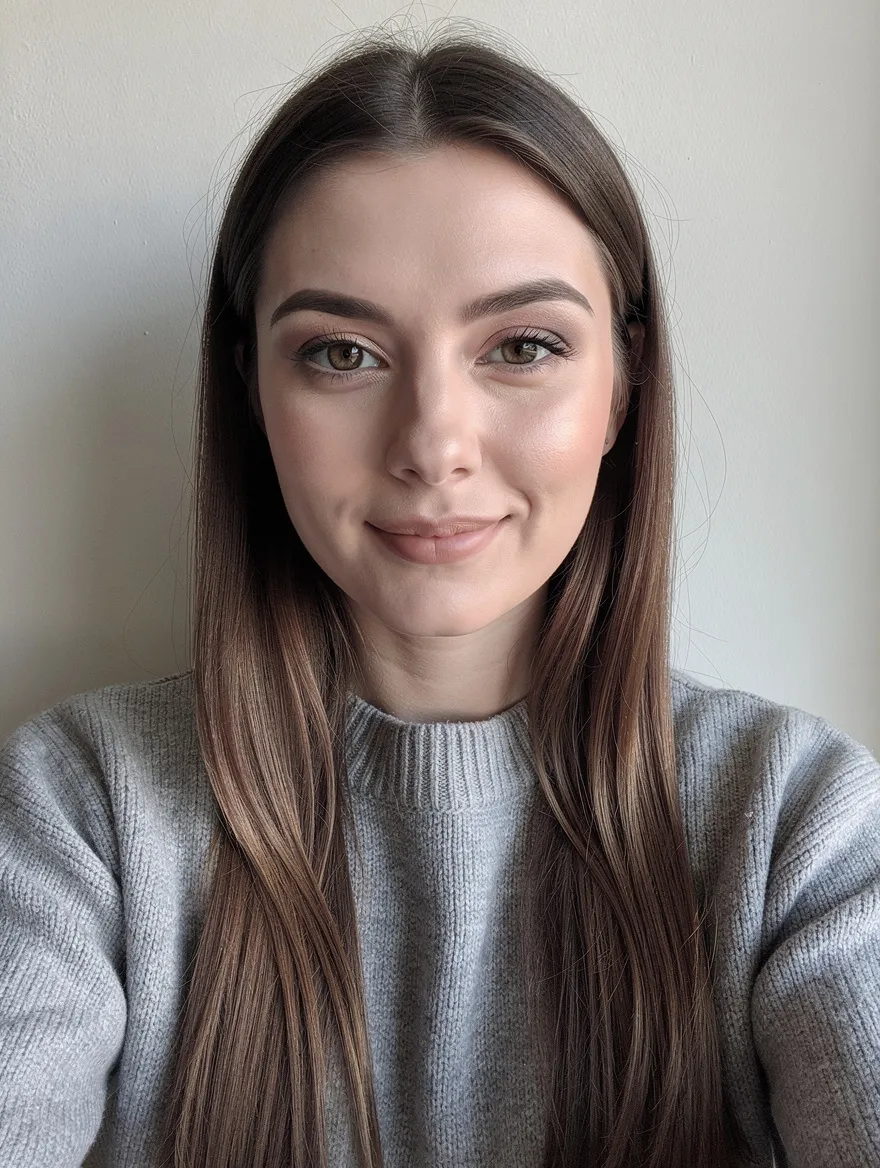
 MADE FROM THESE PHOTOS
Make your AI hug video
Two photos, one click. The scene is already directed.
Drop a photo or click
Reference image 1 · face clearly visible
Drop a photo or click
Reference image 2 · face clearly visible
✓One person per photo
✓Face clearly visible
✓Old or scanned photos work
✓Your own childhood photo, for the younger-self hug
✕Group shots, sunglasses or masks
✕Someone else’s photo without their OK
Credits are only charged when your video is delivered. Sound included.
Your clip lands here
8s · vertical 9:16 · with sound
The 8-second script
Four beats, already directed.
You don’t write a prompt. Every clip follows the same moment: you see each other across the garden, walk in with open arms, hold on in a long hug, then lean back and smile. Each person keeps the face and age from their photo, which is what makes the younger-self and memorial versions land.
- 0–2sYou see each otherA few steps apart, faces lighting up.
- 2–4sArms openWalking in, arms wide.
- 4–7sThe hugA long, tight hug, swaying in the sun.
- 7–8sSmileLeaning back, still holding on.
How to make an AI hugging video
4 steps, no editing.
- 01
Upload two photos
One person per photo. For the younger-self trend, put a photo of you today in slot 1 and one of you as a child in slot 2.
- 02
Pick a shape and resolution
Vertical 9:16 for TikTok, Reels and Shorts, landscape 16:9 for YouTube, or square for the feed. 480p is quick and cheap for a first try; 720p looks sharper.
- 03
Generate
Seedance 2.0 keeps both faces and ages and films the 8-second hug with soft guitar and birdsong. It takes a few minutes.
- 04
Download and share
You get an MP4 with sound in the shape you picked, ready to post or send.
AI hug prompts
Prefer another app? Copy the prompt for your tool. Or skip the setup: the generator above already runs the full 8-second version.
Seedance 2.0
Dreamina, CapCut and other apps that host Seedance 2.0
SETUPUpload both photos as reference images. Replace [photo 1] and [photo 2] with the way your app tags them (for example @Image1 and @Image2).
8-second emotional video, one continuous shot. Person A is [photo 1], Person B is [photo 2]; keep both faces, ages and outfits faithful.
Sunlit garden, soft afternoon light, gentle lens flare.
0-2s: A and B see each other a few steps apart, faces lighting up.
2-4s: they walk toward each other and open their arms.
4-7s: a long, tight, heartfelt hug, swaying slightly, eyes closed; camera slowly circles.
7-8s: they lean back, still holding each other, and smile.
Soft acoustic guitar and birdsong. No text.
FAQ
What is an AI hug video?+
A short video made from two photos in which the two people hug. The AI keeps each face from its photo and animates them walking together into an embrace.
How do I make an AI hug video?+
Upload one photo of each person above, pick vertical, landscape or square and 480p or 720p, then press Generate. Seedance 2.0 films the 8-second hug with music. Download the MP4 when it’s ready.
Can I hug my younger self?+
Yes. Put a recent photo of yourself in slot 1 and a childhood photo of yourself in slot 2. The AI keeps both ages, so the adult you hugs the child you. Please use only your own childhood photos.
Can I make a hug video with someone who has passed away?+
Many people use it that way, with an old family photo. Scanned prints work if the face is clear. Make sure the family is comfortable with it before you share it.
Is the AI hug generator free?+
It uses credits: 40 at 480p and 88 at 720p for the 8-second clip. You are only charged once your video is delivered; if generation fails, no credits are used.
What AI model does this use?+
ByteDance’s Seedance 2.0 in multi-reference mode, which keeps two faces consistent in one shot and generates the soundtrack with the video.
How long does it take?+
Usually two to five minutes. If you reload or come back to this page within 30 minutes, it picks the render back up.
Can I use a photo of someone else?+
Only with their permission, or their family’s. Don’t upload photos of public figures or of other people’s children, and don’t use the result to mislead or harass anyone.
Distance is just a photo away.
More trends: AI kiss · AI dance · all video effects