


POWERED BY GOOGLE IMAGEN 4
ImageFX AI Image Generator
ImageFX turns a written prompt into a photorealistic image with Google's Imagen 4, right in your browser, with free daily images on Imagen 4 Fast.
Free generations are queued
Your free Imagen 4 Fast image arrives in about 15 seconds (10/day). Upgrade to a paid plan for instant Fast generation with no waiting and no daily limit.
Click an image to load its prompt:
Discover What ImageFX Can Create
Real ImageFX images made with Imagen 4, each shown with the exact prompt that made it. Copy a prompt into the generator above and make it your own.

Prompt · “A close-up shot captures a winter wonderland scene - soft snowflakes fall on a snow-covered forest floor. Behind a frosted pine branch, a red squirrel sits, its bright orange fur a splash of color against the white. It holds a small hazelnut. As it enjoys its meal, it seems oblivious to the falling snow.”
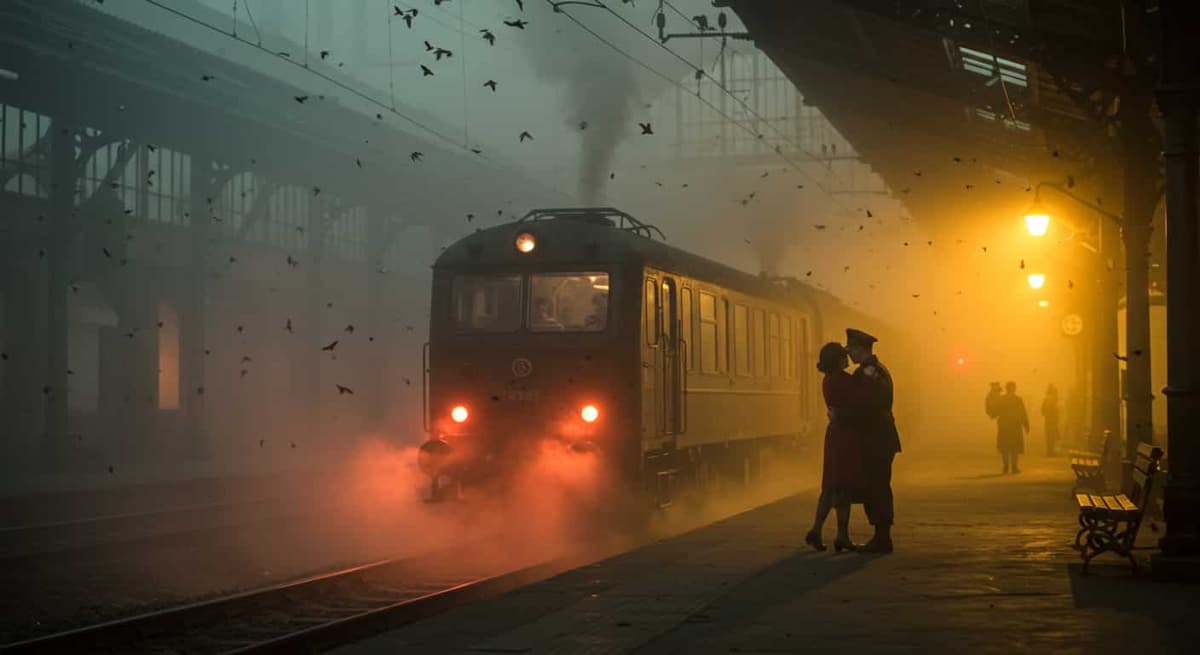
Prompt · “A foggy 1940s European train station at dawn, framed by intricate wrought-iron arches and misted glass windows. Steam rises from the tracks, blending with dense fog. Two lovers stand in an emotional embrace near the train, backlit by the warm, amber glow of dim lanterns. The departing train is partially visible, its red tail lights fading into the mist. The woman wears a faded red coat and clutches a small leather diary, while the man is dressed in a weathered soldier's uniform. Dust motes float in the air, illuminated by the soft golden backlight. The atmosphere is melancholic and timeless, evoking the bittersweet farewell of wartime cinema.”

Prompt · “A portrait of an Asian woman with neon green lights in the background, shallow depth of field.”

Prompt · “A close-up photo of an origami bird soaring through a cityscape, in a flock with others of different colors and patterns, casting intricate shadows on the buildings below”
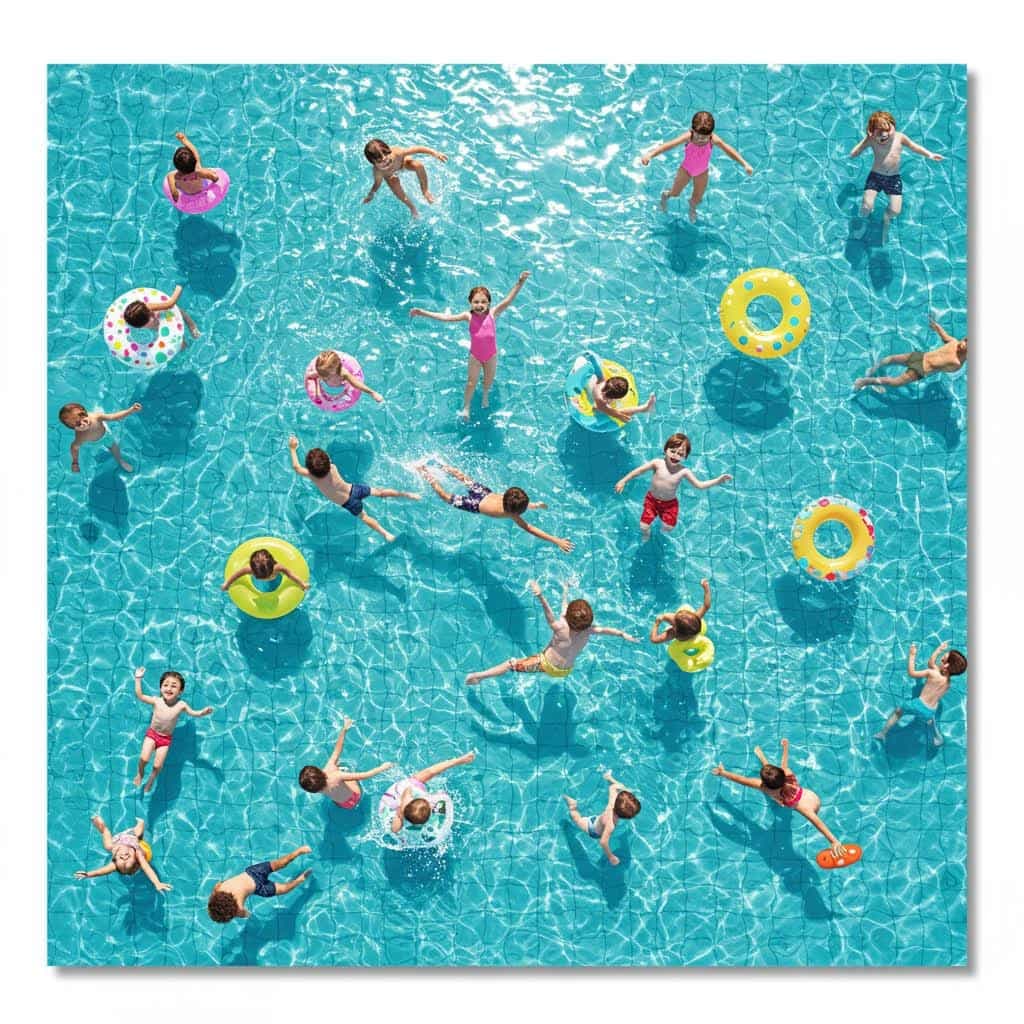
Prompt · “a huge swimming pool with many children swimming there, the water is clear to see the pool floor”
Key Features of ImageFX
ImageFX is a text-to-image generator built on Imagen 4, Google DeepMind's family of image models. You describe the picture in plain words and ImageFX handles the rest: no prompt engineering, no software to install.
01 / 05
Free Imagen 4 Fast Images Every Day
ImageFX gives signed-in users without a paid plan a daily allowance of free Imagen 4 Fast images, with no credit card needed. Free images are queued for a short wait before they appear, and ImageFX tells you how many free images you have left today. On a paid plan, Imagen 4 Fast runs instantly with no daily limit.
Make a Free Image with ImageFXA cozy reading nook beside a tall arched window at golden hour, classical oil painting style, worn leather armchair, stack of vintage books, steaming cup of tea, warm light through sheer curtains.
Try this prompt02 / 05
Three Imagen 4 Models in One Generator
Pick the Imagen 4 model that fits the job. Imagen 4 Fast is made for rapid drafts and iteration, Imagen 4 balances quality and speed, and Imagen 4 Ultra goes for maximum detail and fidelity. Draft an idea on Fast, then rerun the same prompt on Ultra when you want a finished image. The model picker shows each one's price before you generate.
Compare Imagen 4 Models on ImageFXMinimalist product photograph of a frosted glass water bottle on matte concrete, seamless light-grey background, soft key light from the upper left, crisp condensation droplets, 50mm lens.
Try this prompt03 / 05
Photorealistic Detail You Can Print
Imagen 4 leans toward genuine photorealism: natural lighting, believable textures and fine detail such as fabric folds, water droplets and animal fur. On Imagen 4 and Imagen 4 Ultra, ImageFX can render at 2K for presentations, posters and prints. Name the lens, the light and the depth of field, and ImageFX follows them.
Create a Photo with ImageFX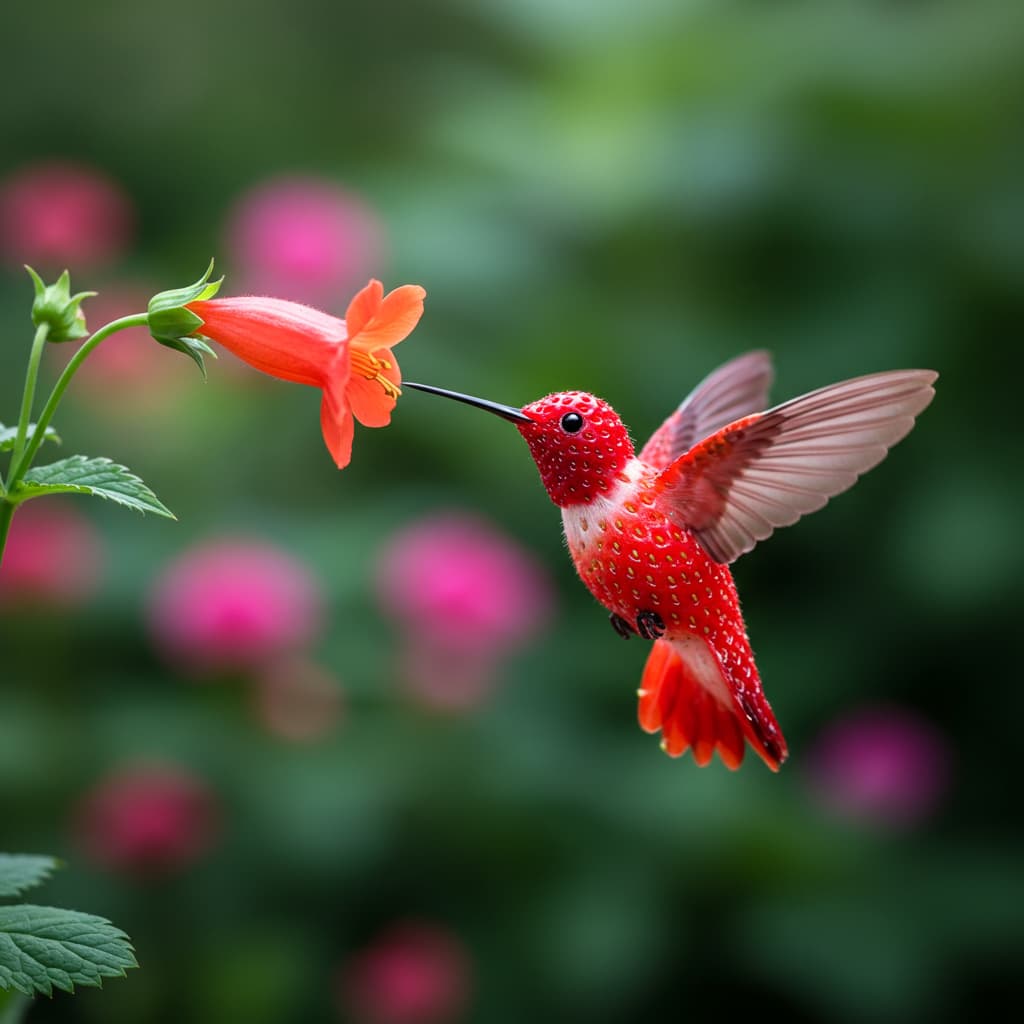
04 / 05
Readable Text Inside Your Images
Text is one of Imagen 4's strengths. ImageFX spells words correctly, handles longer strings and matches the lettering to the style around it, which makes it a strong pick for social graphics, posters, packaging mockups and greeting cards. Put the exact words in quotes in your prompt.
Add Text to an Image with ImageFX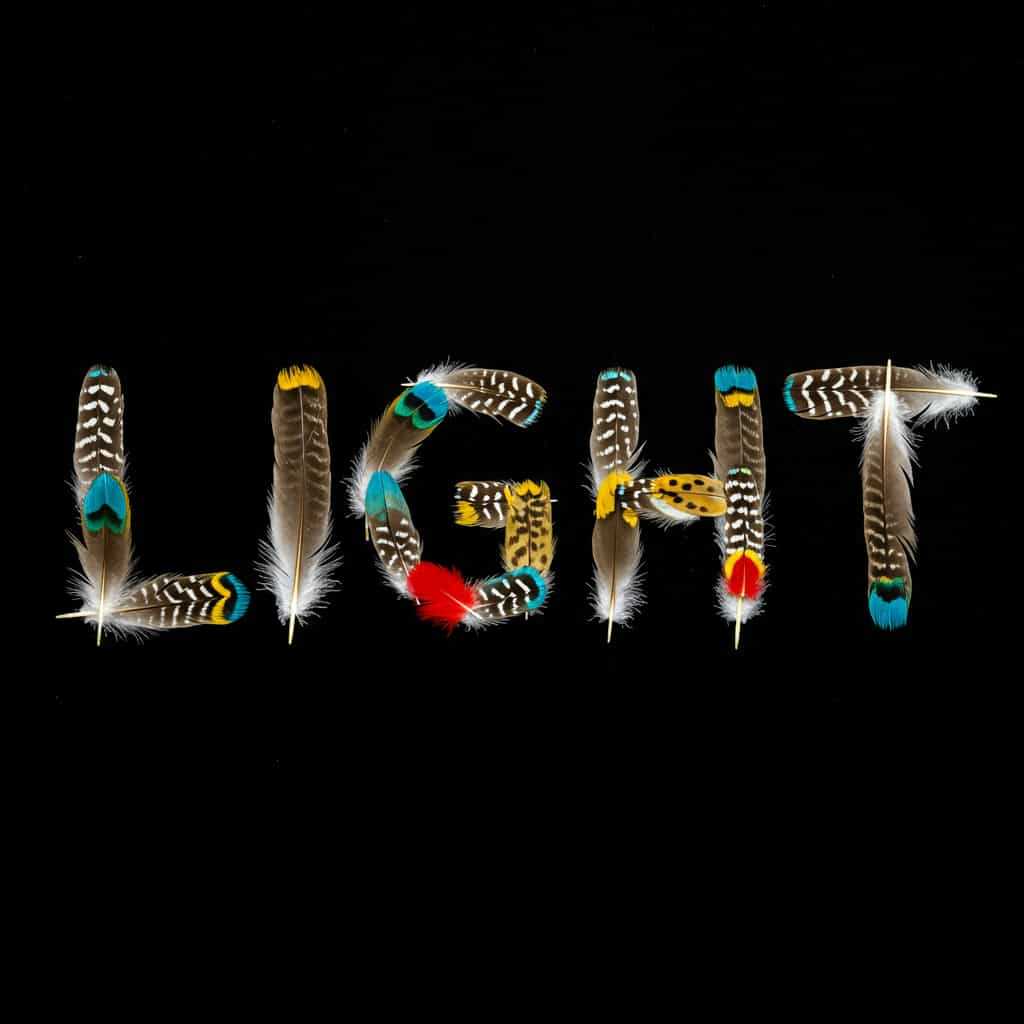
05 / 05
Square, Wide or Tall, in JPG or PNG
Choose the shape before you generate: square for feeds, widescreen for banners and slides, or tall for stories and phone wallpapers. ImageFX frames the scene for it. Under Advanced options you can pick JPG or PNG, set the resolution on Imagen 4 and Ultra, and choose how strict the safety filter is.
Pick a Shape and Generate with ImageFX
How to Use the ImageFX Generator
Pick an Imagen 4 Model
Open the ImageFX generator at the top of this page and choose Imagen 4 Fast, Imagen 4 or Imagen 4 Ultra.
Describe Your Image
Write the subject, style, mood, lighting and composition, or click a prompt idea to start from. Then pick the aspect ratio and, if you like, the advanced options.
Generate and Download
Click Generate and the image appears in your history beside the form. Download it as a file; your ImageFX history stays in your account.
Explore More AI Image Models on ImageFX
ImageFX runs on Imagen 4. These image models are on ImageFX too, each with its own generator, so you can compare them on the same prompt.
- GoogleNano Banana ProPremium Nano Banana with up to 4K resolution and studio-grade detail.From 30 credits
- GoogleNano Banana 2Next-generation Nano Banana with sharper detail and stronger prompt following.From 6 credits
- OpenAIGPT ImageOpenAI's image model, strong at prompt following and typography.From 6 credits
- ByteDanceSeedream 5.5ByteDance's newest Seedream: text to image and multi-image editing.From 4 credits
- Black Forest LabsFlux 2 MaxBlack Forest Labs' flagship text-to-image model.From 15 credits
- IdeogramIdeogram v3 QualityClean text rendering with high-quality image generation.From 10 credits
FAQs About ImageFX
What is ImageFX?
ImageFX is a browser-based text-to-image generator that runs on Imagen 4, Google DeepMind's family of image models. You type a prompt, pick Imagen 4 Fast, Imagen 4 or Imagen 4 Ultra, and ImageFX returns an image you can download.
Is ImageFX really free?
Yes, on Imagen 4 Fast. Signed-in users without a paid plan get a number of free Imagen 4 Fast images every 24 hours, and the generator shows how many are left after each one. Free images arrive after a short queue. Imagen 4 and Imagen 4 Ultra cost credits, and so does Imagen 4 Fast on a paid plan, where it runs instantly with no daily limit.
Do I need to sign up or install anything?
You need to sign in to generate, so ImageFX can keep your free allowance and your history. There is nothing to install: ImageFX runs in the browser on desktop and mobile. If you type a prompt before signing in, it is kept for you.
How many images does ImageFX make per prompt?
One image per click of Generate. To compare directions, change a few words or switch the Imagen 4 model and generate again; every result stays in your history.
Are there watermarks on ImageFX images?
ImageFX adds no visible logo. Imagen 4 images carry SynthID, Google's invisible watermark that marks the image as AI-generated.
Can I download high-resolution images?
Yes. With Imagen 4 or Imagen 4 Ultra, set the resolution to 2K under Advanced options. Imagen 4 Fast has no resolution setting. You can also choose JPG or PNG before you generate.
Can ImageFX edit a photo I upload?
No. ImageFX makes images from text only; there is no image upload. To edit or restyle a photo, use one of the image models with image input listed above, such as Nano Banana 2.
Can I use ImageFX images commercially?
ImageFX doesn't claim the images you generate, but commercial use is governed by Google's terms for Imagen, which can change. Check them before a commercial project, and see section 3 of our Terms of Service.
Try the ImageFX Generator Now
Turn your next idea into an image with Google's Imagen 4, starting with free Imagen 4 Fast images every day.
Create with ImageFX