


Model
The AI that will make it for you. Each one has its own look and price. Not sure? Keep the one that's already picked.
 Grok Imagine Video 1.5xAI12 Credits
 Veo 3.1 FastGoogle
- Veo 3.1Google
- Grok Imagine VideoxAI
 Sora 2 ProOpenAI
- Sora 2OpenAI
 Kling 3.0Kuaishou (Kling)
- Kling v2.6Kuaishou (Kling)
- Kling v2.5 Turbo ProKuaishou (Kling)
- ALWan 2.5 T2VAlibaba (Wan Video)
- ALWan 2.5 T2V FastAlibaba (Wan Video)
 Seedance 2.5ByteDance
- Seedance 2.0ByteDance
- Seedance 1 ProByteDance
- Seedance 1 Pro FastByteDance
- PIPixVerse v5PixVerse
- PIPixVerse v4.5PixVerse
- LURay 2 720pLuma Labs
- LURay Flash 2 720pLuma Labs
 Hailuo 2.3MiniMax
- Hailuo 2.3 FastMiniMax
First frame *
The video starts on exactly this picture, then the AI animates what happens next.
Your picture is the first moment of the video. Say what moves and how, e.g. "she turns and smiles, the camera slowly moves closer".
Aspect Ratio
The output follows the shape of your image.
Duration
How many seconds long the video will be. Longer videos cost more credits.
Resolution
How sharp the result is. Higher numbers look sharper but cost more credits and take longer. Try a lower one first to test your idea.



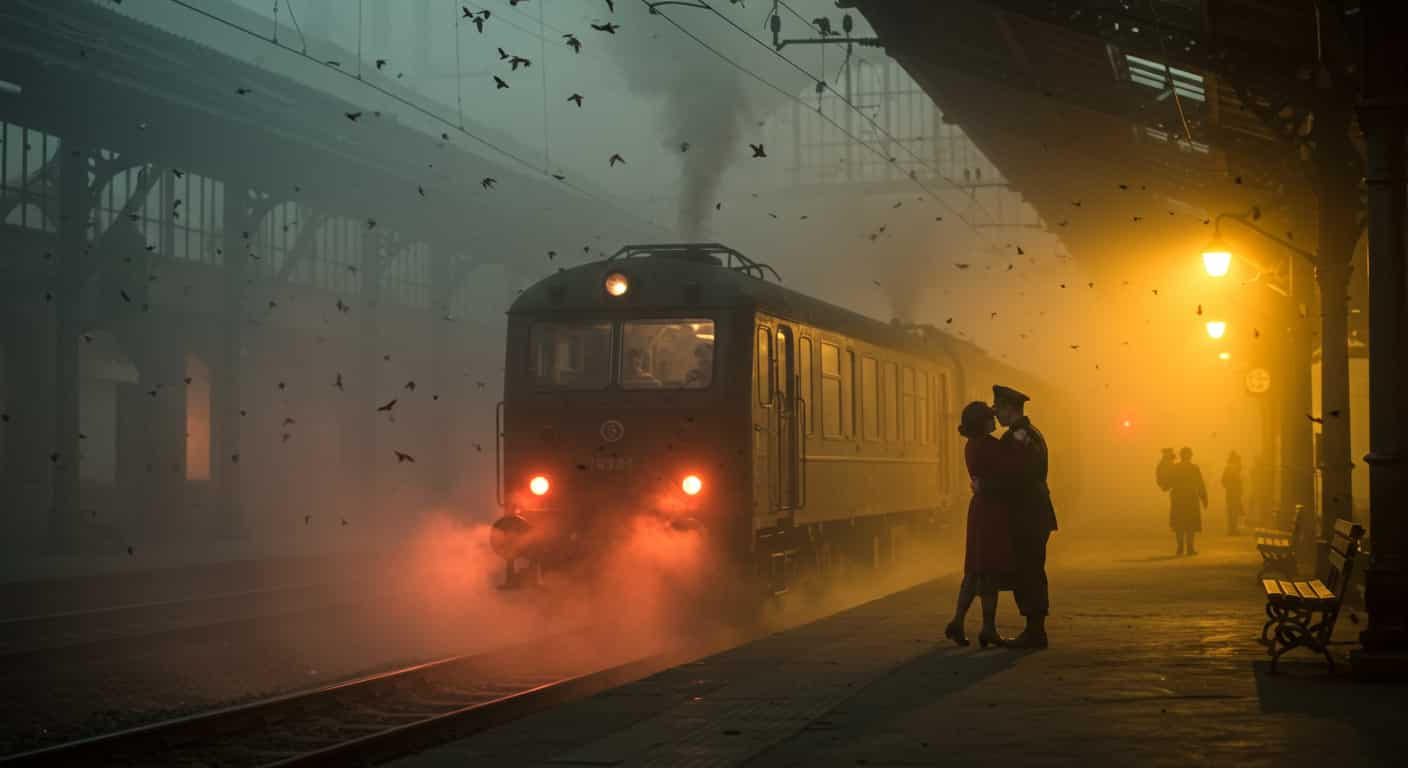
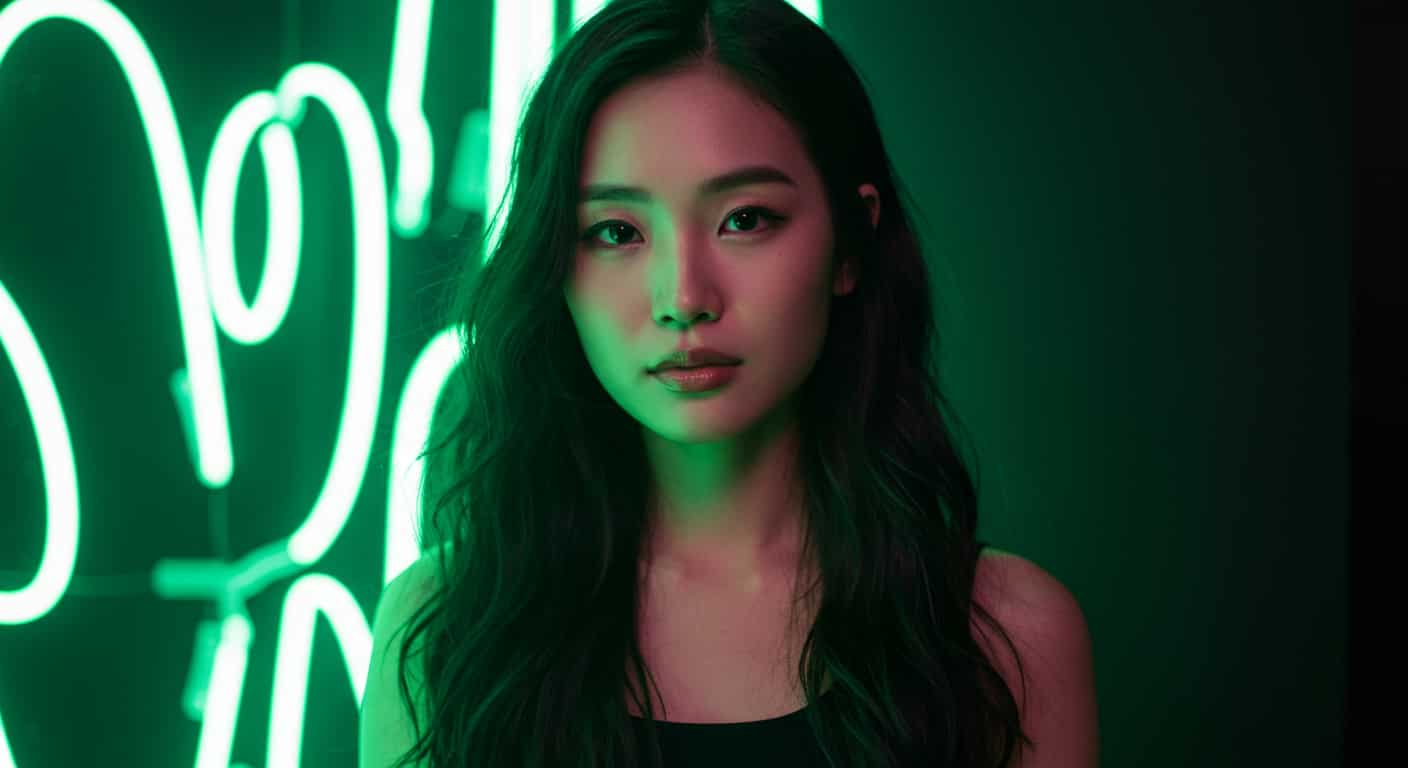



xAI · Image to video
Grok Imagine Video 1.5 AI Video Generator
Grok Imagine Video 1.5 turns one photo into a video with native audio and lip-synced speech. Upload a picture, write what happens and what people say, and xAI's newest video model does the rest.
Real results
Discover What Grok Imagine Video 1.5 Can Create
Talking portraits, product shots and short scenes, each made from a single photo with Grok Imagine Video 1.5. Unedited outputs from this page, with the prompt for each. The input photos are AI-generated people, not real ones.

Lip-synced dialogue · Grok Imagine Video 1.5
She looks into the camera, smiles and says, "Welcome back, let's get started." Slow push-in, soft room tone.
Key Features of Grok Imagine Video 1.5
Grok Imagine Video 1.5 is xAI's flagship video model. It makes the picture and the soundtrack in one run, so your photo can move, make sound and speak.
01 / 05
Lip-Synced Speech from a Single Photo
Write a line of dialogue in quotes and the person in your photo says it, with mouth movements that match every word. Grok Imagine Video 1.5 is the first Grok Imagine model with lip-synced speech; the earlier model only generated background audio. Use it for talking portraits, spokesperson clips and quick social videos without filming anyone.
Try Grok Imagine Video 1.5 Now02 / 05
Native Audio Made with the Picture
Footsteps, rain, traffic, music and voices are generated together with the video, timed to what happens on screen. You don't need a separate audio step or stock sound effects. Describe the sound you want in the prompt and Grok Imagine Video 1.5 adds it to the clip.
Make a Video with Sound03 / 05
Your Photo Becomes the First Frame
Grok Imagine Video 1.5 opens on exactly the image you upload, so faces, products and framing stay as you set them. The video keeps the photo's shape: a vertical portrait gives a vertical video and a wide landscape gives a wide one. You only describe what happens next.
Animate a Photo with Grok Imagine Video 1.504 / 05
Longer Clips, Up to 15 Seconds
Grok Imagine Video 1.5 makes clips of up to 15 seconds: enough for a full line of dialogue, a complete camera move or a small scene. Choose a shorter length for quick drafts and a longer one for the final cut. Every second keeps the look of your photo.
Try Grok Imagine Video 1.5 Now05 / 05
A Big Step Up from Grok Imagine Video
Compared with the first Grok Imagine Video, version 1.5 adds lip-synced speech and conversations between several people. On xAI's own API it also renders native 1080p and takes up to 14 reference images, 3 voice references and fixed first, last and middle frames. Those extra controls aren't on ImageFX yet; image-to-video with speech is.
Use Grok Imagine Video 1.5 on ImageFXHow to Use Grok Imagine Video 1.5 on ImageFX
Upload Your Photo
Open the Grok Imagine Video 1.5 generator at the top of this page and upload a JPG or PNG. It becomes the first frame of your video.
Describe the Motion and Sound
Write what moves, how the camera moves and what we hear. Put dialogue in quotes and say who speaks it. Then pick the length.
Generate and Download
Click Generate, watch the result beside the form, then download the MP4. Every video is saved to your account.
A Grok Imagine Video 1.5 run costs 12–36 credits depending on length; the Generate button shows the price first, and a failed run costs nothing. See plans and credit packs
Explore More AI Video Models on ImageFX
Grok Imagine Video 1.5 runs in the same generator as these models. Switch between them to compare results on the same photo.
- xAI · Text-to-video, image-to-videoGrok Imagine VideoxAI's first Grok Imagine model: text-to-video, image-to-video and editing your own clip.From 10 credits
- ByteDance · Text-to-video, image-to-videoSeedance 2.5Multi-shot clips with sound and dialogue, up to 30 seconds.From 45 credits
- Google · Text-to-video and image-to-videoVeo 3.1Top-end video with sound, from text or a first and last frame.From 40 credits
- Kuaishou (Kling) · Text-to-video and image-to-videoKling 3.0Cinematic motion with first and last frames.From 40 credits
- Kuaishou (Kling) · Text-to-video and image-to-videoKling v2.6Smooth, realistic motion from text or a start frame.From 20 credits
- MiniMax · Image-to-videoHailuo 2.3 FastQuick, low-cost drafts from a start image.From 35 credits
FAQs About Grok Imagine Video 1.5
What is Grok Imagine Video 1.5?
Grok Imagine Video 1.5 is xAI's flagship AI video model. It turns a photo into a video of up to 15 seconds and generates native audio with it, including speech that is lip-synced to the people on screen.
Can Grok Imagine Video 1.5 make people talk?
Yes. Put the words in quotes in your prompt and say who speaks them, for example: The woman says, "See you tomorrow." The voice comes out lip-synced to her mouth. Two or more people can talk to each other in the same clip.
How is Grok Imagine Video 1.5 different from Grok Imagine Video?
Version 1.5 adds lip-synced speech and native 1080p, and on xAI's API it takes more reference images (14 instead of 7), voice references and fixed frames. The first Grok Imagine Video can edit and extend existing clips, which 1.5 can't, and on ImageFX it also makes videos from text alone.
Can Grok Imagine Video 1.5 make a video from text only?
The model can on xAI's own API, but on ImageFX every Grok Imagine Video 1.5 run starts from a photo. To start from words alone, use Grok Imagine Video.
Does Grok Imagine Video 1.5 support 1080p, reference images or voice references?
xAI offers native 1080p, up to 14 reference images, up to 3 voice references and fixed first, last and middle frames on its own API. ImageFX runs Grok Imagine Video 1.5 as image-to-video; the generator above shows the resolutions you can pick here.
What is Grok Imagine Video 1.5 Lite?
A cheaper version from xAI for simple videos. It keeps lip-synced speech but reaches 1080p by upscaling 720p, and it has no reference images, voices or fixed frames. ImageFX runs the full Grok Imagine Video 1.5.
What shape will my Grok Imagine Video 1.5 video be?
The same shape as the photo you upload. Crop the photo before uploading to get a vertical, square or wide video.
Try Grok Imagine Video 1.5 on ImageFX
Bring a photo to life with motion, sound and lip-synced speech, made by xAI's newest video model.
Create with Grok Imagine Video 1.5