


Model
The AI that will make it for you. Each one has its own look and price. Not sure? Keep the one that's already picked.
ALWan 2.5 T2V FastAlibaba (Wan Video)20 Credits
 Veo 3.1 FastGoogle
- Veo 3.1Google
 Grok Imagine VideoxAI
- Grok Imagine Video 1.5xAI
 Sora 2 ProOpenAI
- Sora 2OpenAI
 Kling 3.0Kuaishou (Kling)
- Kling v2.6Kuaishou (Kling)
- Kling v2.5 Turbo ProKuaishou (Kling)
- ALWan 2.5 T2VAlibaba (Wan Video)
 Seedance 2.5ByteDance
- Seedance 2.0ByteDance
- Seedance 1 ProByteDance
- Seedance 1 Pro FastByteDance
- PIPixVerse v5PixVerse
- PIPixVerse v4.5PixVerse
- LURay 2 720pLuma Labs
- LURay Flash 2 720pLuma Labs
 Hailuo 2.3MiniMax
- Hailuo 2.3 FastMiniMax
Describe the video in your own words, as if telling a friend: who is in it, what they do, where it happens and what you hear. More detail gets you closer to what you imagine.
Aspect Ratio
The shape of the result. 16:9 is wide, like YouTube or a TV. 9:16 is tall, like TikTok or phone stories. 1:1 is square, like an Instagram post.
Duration
How many seconds long the video will be. Longer videos cost more credits.



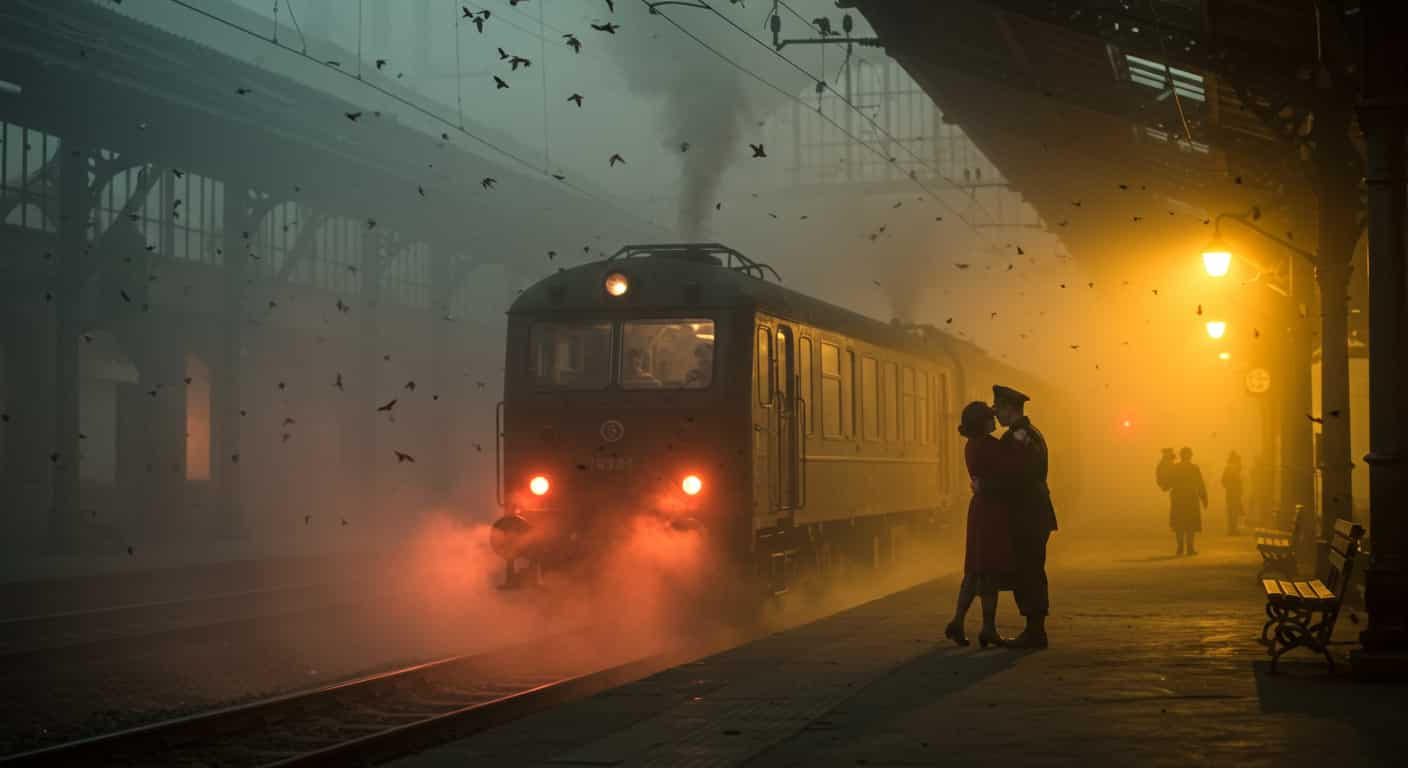





Alibaba (Wan Video) · Text to video
Wan 2.5 T2V Fast AI Video Generator
Wan 2.5 T2V Fast is the speed-optimised version of Alibaba's Wan 2.5 text-to-video model: 720p clips in widescreen or vertical, with a negative prompt, for fewer credits.
Key Features of Wan 2.5 T2V Fast
Wan 2.5 T2V Fast is the faster variant of Wan 2.5, the text-to-video model from Alibaba's Wan (Tongyi Wanxiang) team that arrived as a preview in September 2025. It keeps the same controls and returns results sooner for fewer credits.
01 / 04
Cheaper, Quicker Wan Drafts
Wan 2.5 T2V Fast costs less than the full Wan 2.5 for the same length and finishes sooner. That makes it the practical entry point to Wan: test prompts, motion and framing here, then switch to Wan 2.5 T2V if a shot needs a little more refinement. The Generate button shows the price before every run.
Try Wan 2.5 T2V Fast Now16:9 slow pan across a tall waterfall in a green jungle, mist rising, birds flying across the frame
Try this prompt02 / 04
A Negative Prompt for What to Leave Out
Wan 2.5 T2V Fast takes a negative prompt, so you can exclude watermarks, text overlays, people or other unwanted elements directly instead of rewriting the whole prompt. Keep it to a few concrete things. It is also the fix when prompt expansion adds a detail you didn't ask for.
Use a Negative Prompt with Wan 2.5 T2V Fast16:9: an empty beach at sunrise, waves breaking on the right, camera tracking slowly along the shore. Negative: people, text, watermark
Try this prompt03 / 04
Prompt Expansion Built In
Alibaba's prompt expansion is on, so Wan 2.5 T2V Fast turns a short, concrete prompt into a fuller description before it generates. Focus your words on the subject, the motion and the camera; the expander fills in the rest. Name anything that must not change so it stays as you wrote it.
Make a Video with Wan 2.5 T2V Fast9:16 close-up: milk poured into black coffee forming a swirl, steam rising, warm café light
Try this prompt04 / 04
Widescreen or Vertical 720p
Wan 2.5 T2V Fast renders 720p clips in 16:9 for YouTube and websites or 9:16 for Reels, Shorts and TikTok. Clips run up to 10 seconds, long enough for a complete movement. Use the short length to try a motion idea and the long one for the version you keep.
Create a Vertical Video with Wan 2.5 T2V Fast16:9: a runner jogs along a beach at sunrise, camera tracking beside her, waves breaking on the right
Try this promptHow to Use Wan 2.5 T2V Fast on ImageFX
Describe the Subject, Motion and Camera
Open the Wan 2.5 T2V Fast generator at the top of this page and write a short, concrete prompt. It works from text only, so there is no image to upload.
Add a Negative Prompt and Pick the Settings
Under more options, list anything to leave out, such as text or watermarks. Choose widescreen or vertical and the length.
Generate, Compare and Download
Click Generate and download the MP4 when it appears beside the form. To iterate, change one verb or camera move at a time and compare; every video is saved to your account.
A Wan 2.5 T2V Fast run costs 20–40 credits depending on length; the Generate button shows the price first, and a failed run costs nothing. See plans and credit packs
Explore More AI Video Models on ImageFX
Wan 2.5 T2V Fast runs in the same generator as these models. Try the same prompt on another to compare cost, sharpness and motion.
- Alibaba (Wan Video) · Text-to-videoWan 2.5 T2VThe full Wan 2.5 model, a step more refined, with the same controls.From 30 credits
- ByteDance · Text-to-video and image-to-videoSeedance 1 Pro FastLow-cost 1080p clips up to 12 seconds, in more shapes.From 10 credits
- PixVerse · Text-to-video and image-to-videoPixVerse v4.5Low-cost short clips for social feeds.From 10 credits
- Kuaishou (Kling) · Text-to-video and image-to-videoKling v2.6Cinematic motion with native audio.From 20 credits
- Luma Labs · Text-to-video and image-to-videoRay Flash 2 720pCheaper tests of Luma Ray 2's natural motion.From 12 credits
- MiniMax · Image-to-videoHailuo 2.3 FastQuick, low-cost drafts from a start image.From 35 credits
FAQs About Wan 2.5 T2V Fast
What is Wan 2.5 T2V Fast?
A faster, cheaper version of Alibaba's Wan 2.5 text-to-video model, which arrived as a preview in September 2025.
What is the difference between Wan 2.5 T2V Fast and Wan 2.5 T2V?
Wan 2.5 T2V Fast trades a little quality for speed and costs less. Fine detail and motion smoothness are a step below the full model, and prompts transfer between them unchanged.
Does Wan 2.5 T2V Fast support negative prompts?
Yes. Add them under more options in the generator.
What resolution is Wan 2.5 T2V Fast on ImageFX?
720p, in widescreen (16:9) or vertical (9:16). There is no square format.
Can Wan 2.5 T2V Fast animate a photo or follow an audio file?
No. On ImageFX it is text-to-video only, and audio-driven generation is not available on this page.
Why did Wan 2.5 T2V Fast add things I didn't write?
Prompt expansion rewrites your prompt into a more detailed description before generating, and it can add props or details. Remove them with the negative prompt.
Can I make a 10-second video with Wan 2.5 T2V Fast?
Yes. Choose 10 seconds under Duration; the price grows with the length.
Try Wan 2.5 T2V Fast on ImageFX
Draft 720p clips from text quickly, keep out what you don't want with a negative prompt, and take the best shot to Wan 2.5.
Create with Wan 2.5 T2V Fast