



Model
The AI that will make it for you. Each one has its own look and price. Not sure? Keep the one that's already picked.
 Seedance 2.5ByteDance45 Credits
 Veo 3.1 FastGoogle
- Veo 3.1Google
 Grok Imagine VideoxAI
- Grok Imagine Video 1.5xAI
 Sora 2 ProOpenAI
- Sora 2OpenAI
 Kling 3.0Kuaishou (Kling)
- Kling v2.6Kuaishou (Kling)
- Kling v2.5 Turbo ProKuaishou (Kling)
- ALWan 2.5 T2VAlibaba (Wan Video)
- ALWan 2.5 T2V FastAlibaba (Wan Video)
- Seedance 2.0ByteDance
- Seedance 1 ProByteDance
- Seedance 1 Pro FastByteDance
- PIPixVerse v5PixVerse
- PIPixVerse v4.5PixVerse
- LURay 2 720pLuma Labs
- LURay Flash 2 720pLuma Labs
 Hailuo 2.3MiniMax
- Hailuo 2.3 FastMiniMax
Start from words only. You describe the video and the AI makes it from scratch.
Describe the video in your own words, as if telling a friend: who is in it, what they do, where it happens and what you hear. More detail gets you closer to what you imagine.
Aspect Ratio
The shape of the result. 16:9 is wide, like YouTube or a TV. 9:16 is tall, like TikTok or phone stories. 1:1 is square, like an Instagram post.
Duration
How many seconds long the video will be. Longer videos cost more credits.
Resolution
How sharp the result is. Higher numbers look sharper but cost more credits and take longer. Try a lower one first to test your idea.
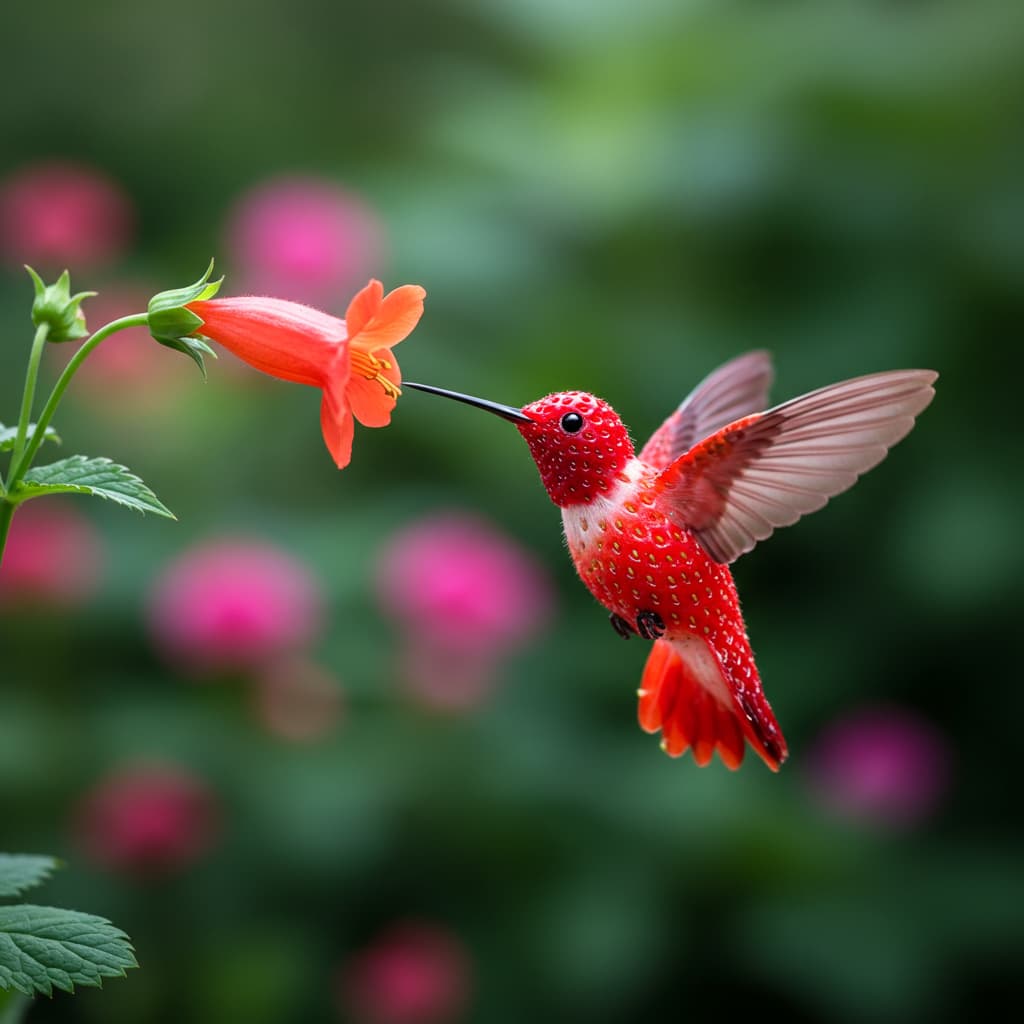
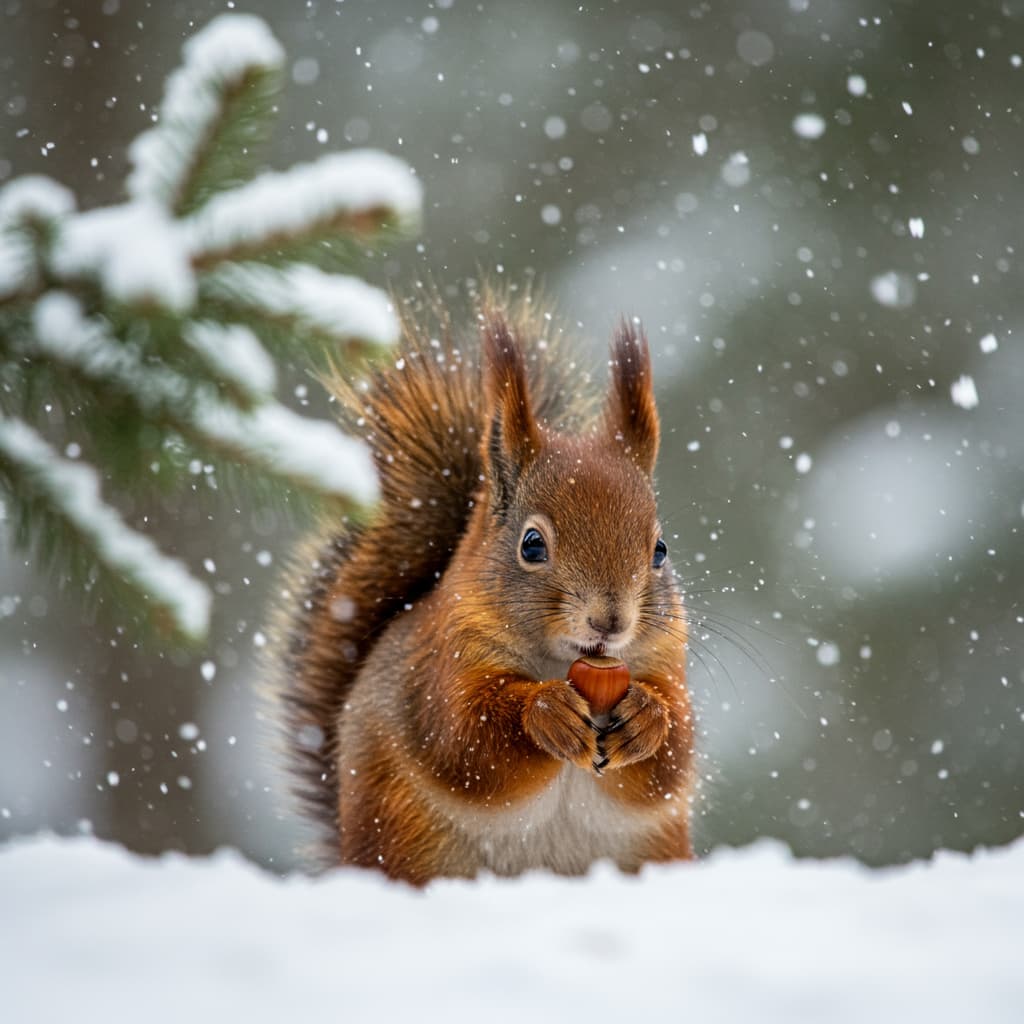
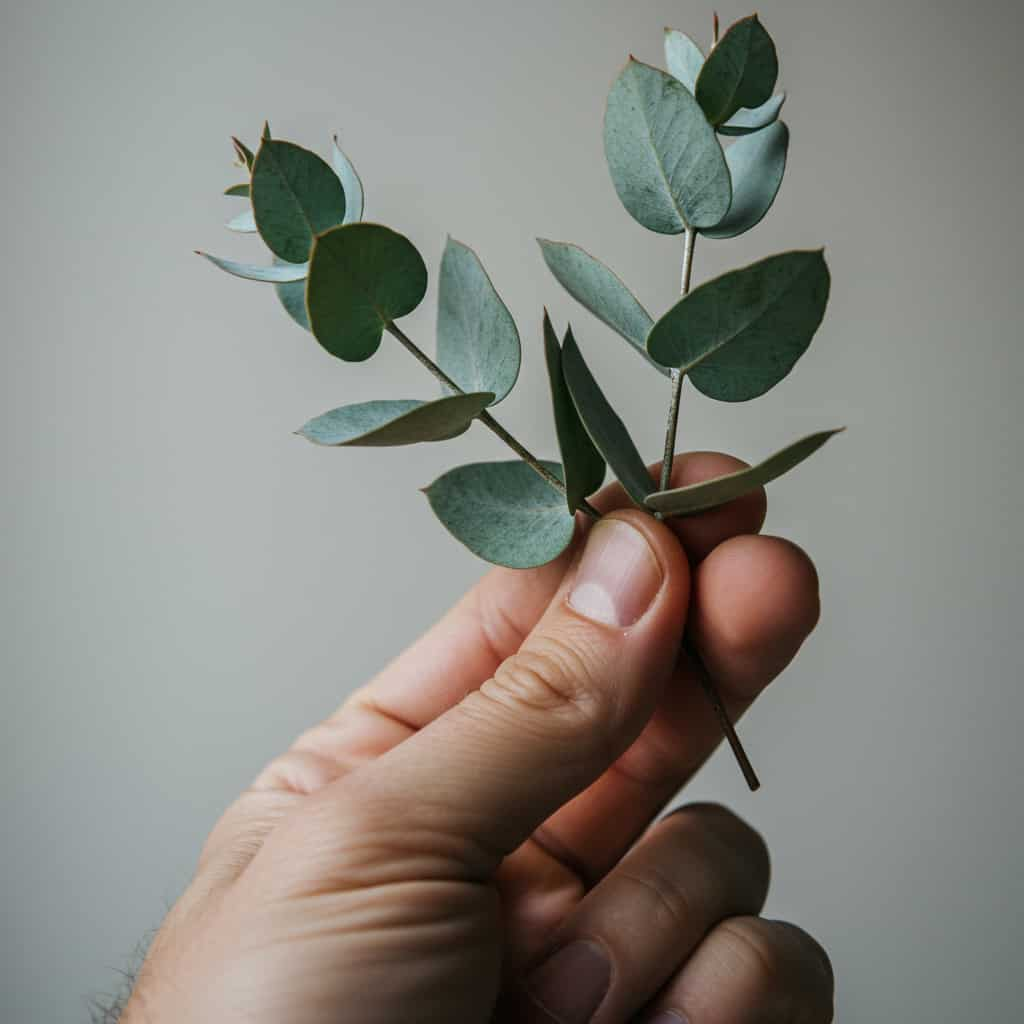
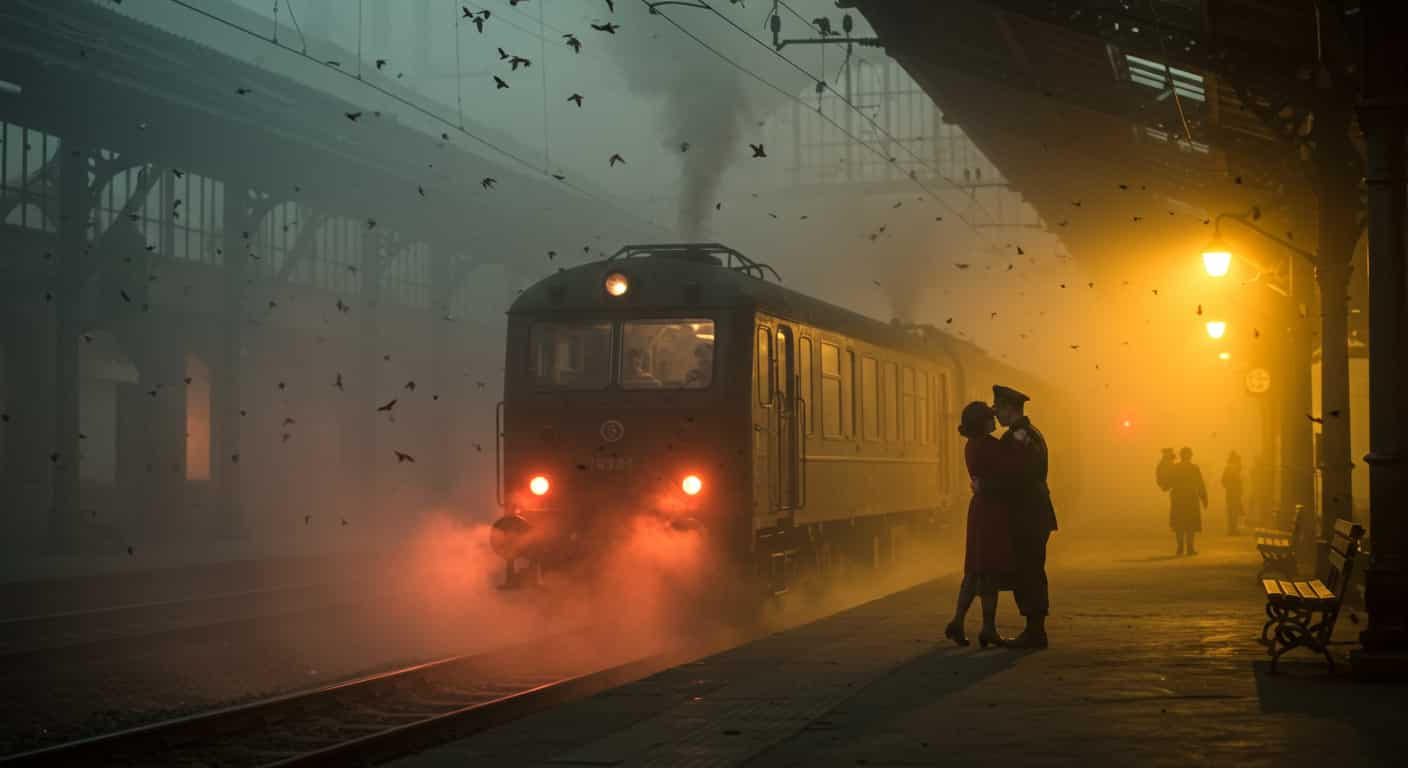
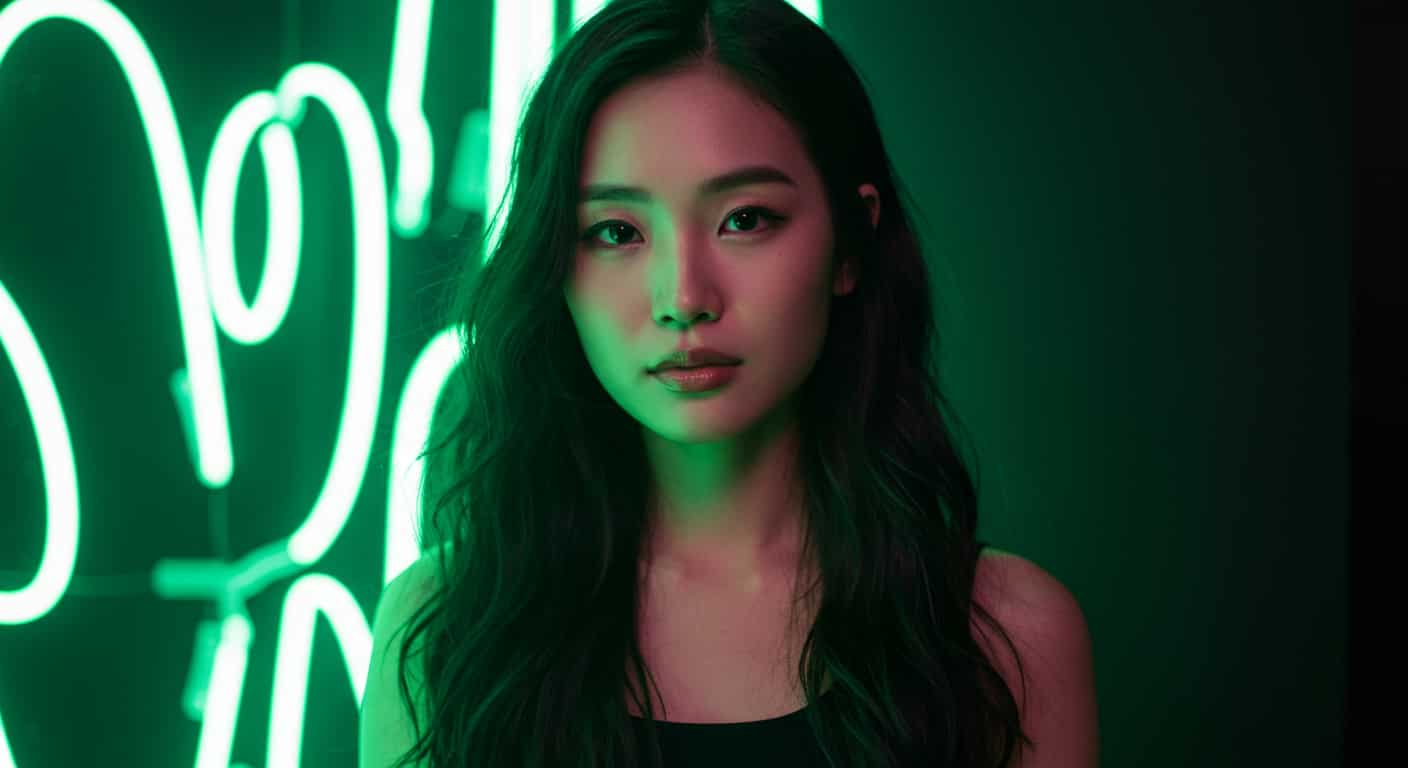
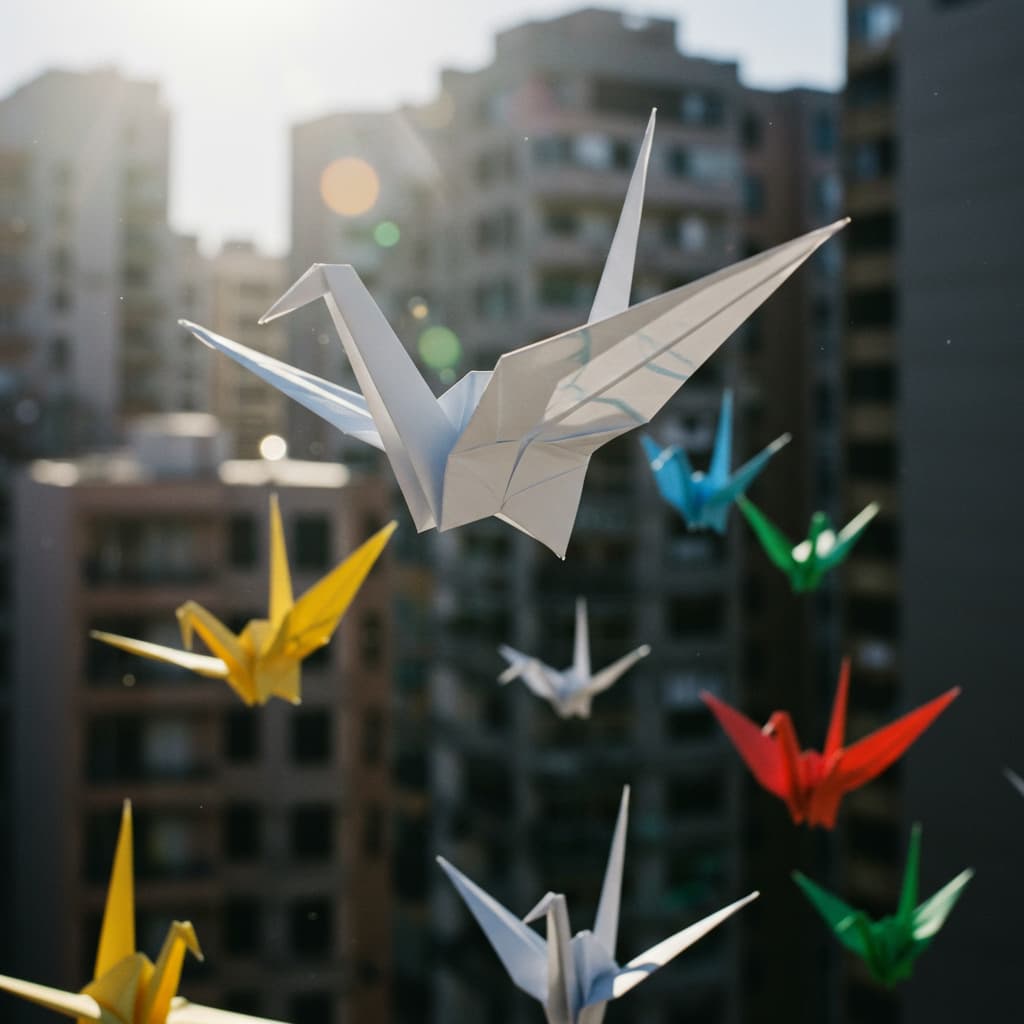

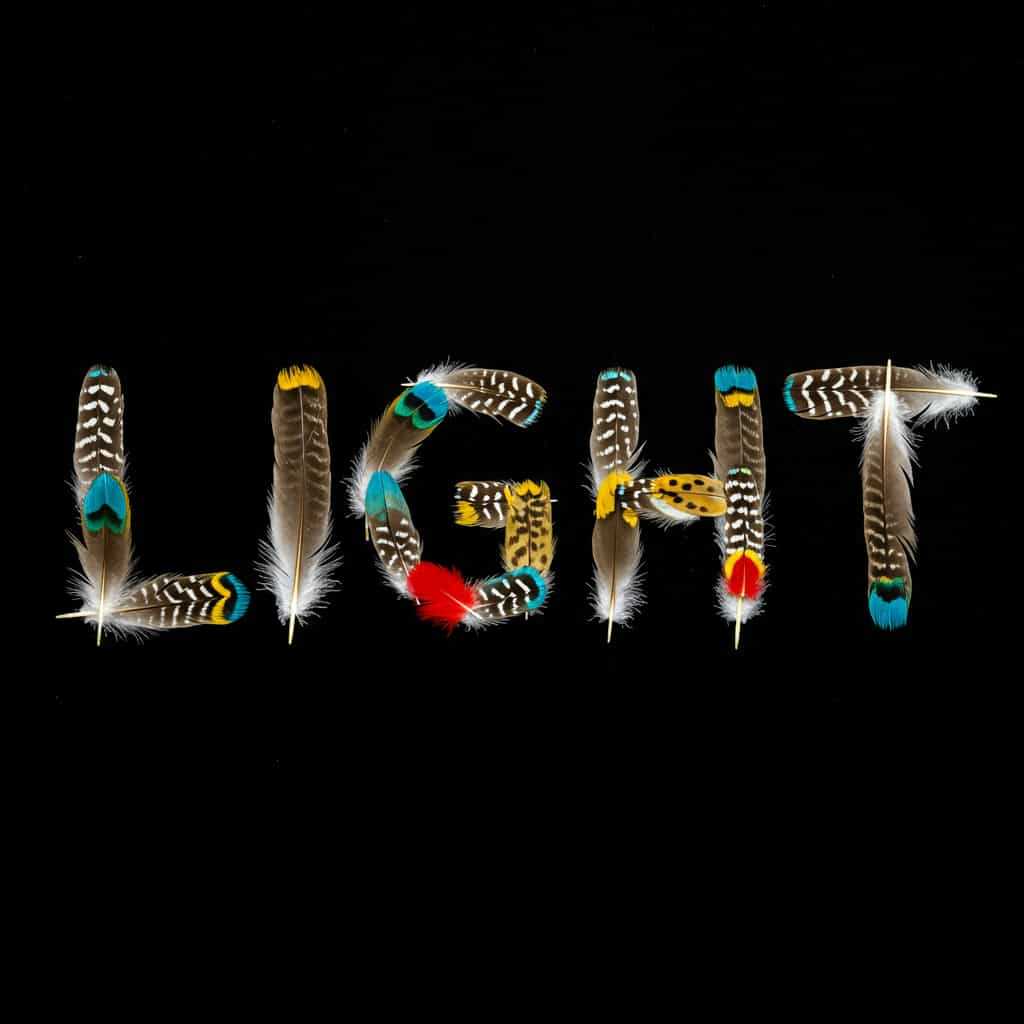
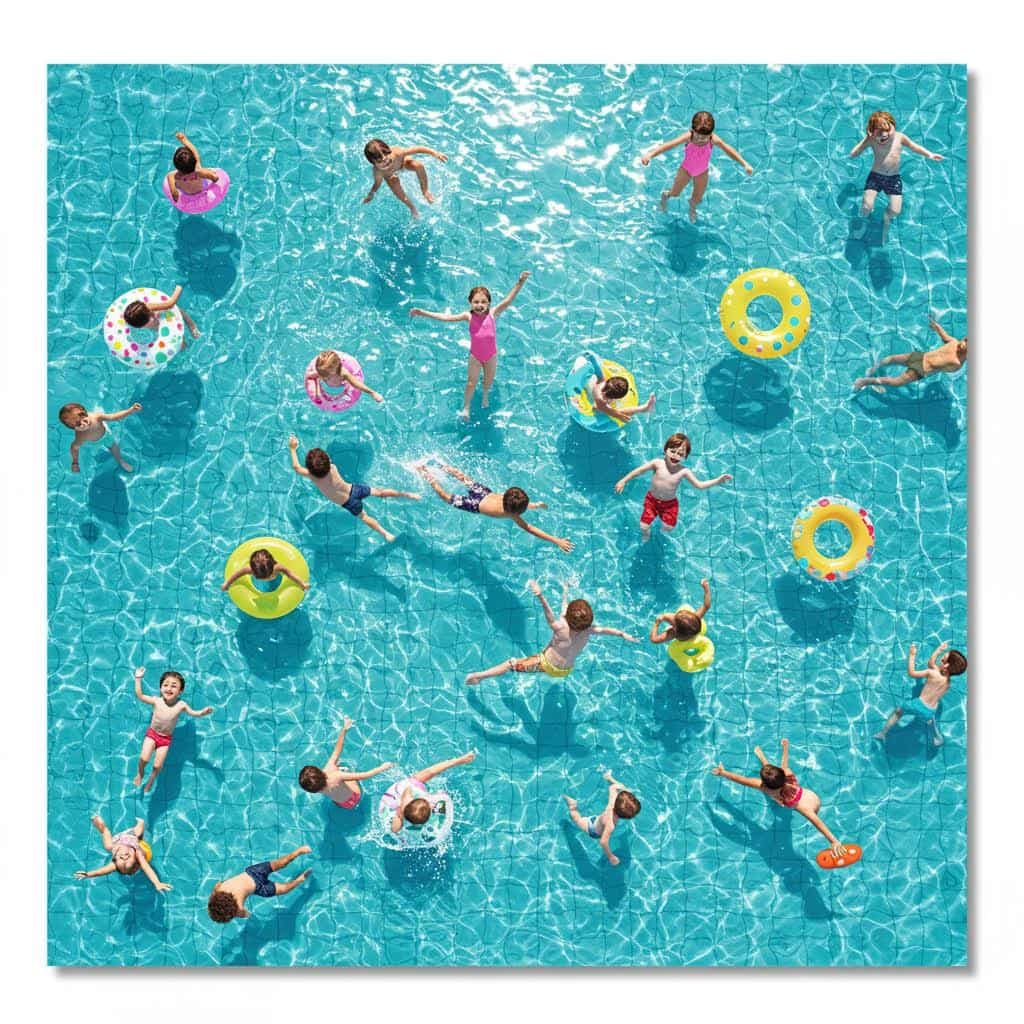
ByteDance · Text & image to video
Seedance 2.5 AI Video Generator
Seedance 2.5 is ByteDance's flagship video model: up to 30 seconds of cuts, dialogue, sound effects and music in one clip, from a prompt, a start frame, reference images or your own video.
Real results
Discover What Seedance 2.5 Can Create
Dialogue scenes, animated photos and a full 30-second short, each made in one run with Seedance 2.5, sound included. Unedited outputs from this page, with the prompt for each. The input photos are AI-generated people, not real ones.
Dialogue with sound · Seedance 2.5
Two old friends at a diner booth, morning light through the window. The man says "You came back." The woman smiles and says "I never left." Cut to a close-up of her hand sliding a key across the table. Cups clinking, quiet radio.
Key Features of Seedance 2.5
Seedance 2.5 is the flagship video model from ByteDance's Seed team and the successor to Seedance 2.0. It generates the soundtrack in the same pass as the picture, holds the same people and setting across every cut, and runs twice as long as Seedance 2.0.
01 / 05
Half-Minute Scenes in One Generation
One Seedance 2.5 clip can run to 30 seconds, twice Seedance 2.0's limit, while the same people, outfits and setting carry through every cut. That is long enough for a full ad spot, a trailer or a scene with a beginning, middle and end. Plan four to six shots for a 30-second clip.
Try Seedance 2.5 Now02 / 05
Dialogue and Sound in Sync
Footsteps, rain, crowd noise and music are generated with the frames, so every sound lands on the right moment. Put spoken lines in double quotes and Seedance 2.5 has the characters say them. Sound is on by default; switch off Generate Audio for a silent clip.
Make a Talking Scene with Seedance 2.503 / 05
Start and End Frames You Choose
On the Image tab, upload a start frame and Seedance 2.5 opens on exactly that picture; pick Start & end to fix the last frame as well. The clip keeps your image's shape. Describe what happens in between, including the sound.
Animate a Photo with Seedance 2.504 / 05
Reference Images for Consistent Characters and Products
Pick References on the Image tab, upload images of a character, product or place, and name them in the prompt as [Image1], [Image2] in upload order. Seedance 2.5 keeps them the same across shots without fixing the opening frame or the shape. Use it for a recurring mascot or a product placed in a new setting.
Use Reference Images in Seedance 2.5(References: [Image1] a sneaker, [Image2] a rooftop) Night, 16:9. A skateboarder in [Image1] lands a kickflip on the rooftop in [Image2]; slow-motion close-up of the sneaker as it hits the deck; city lights behind. Wheels on concrete, distant traffic
Try this prompt05 / 05
Edit, Extend or Reuse Your Own Video
Upload a clip on the Video tab and Seedance 2.5 can change one thing in it while keeping the rest (Edit), carry it on past its last frame (Extend), or borrow its motion and camera for a new scene (Reference). Fix a clip that ends too soon, change the weather in a shot you like, or reuse a drone move for a new location.
Edit a Video with Seedance 2.5(Video tab, Extend) The drone keeps flying forward over the coastline, rises above the cliffs and reveals the lighthouse at sunset. Wind, waves, gulls
Try this promptHow to Use Seedance 2.5 on ImageFX
Choose Text, Image or Video
Open the Seedance 2.5 generator at the top of this page. Write a prompt only, or use the Image tab for a start frame, start and end frames or reference images, or the Video tab to reference, edit or extend a clip.
Write It Like a Production Brief
Say who and where first, then each shot in order with its action and camera, then the sound, with dialogue in double quotes. Pick the shape, length and resolution.
Generate and Download
Click Generate and download the MP4 with sound when it appears beside the form. Long clips can take several minutes; every video is saved to your account.
A Seedance 2.5 run costs 45–270 credits depending on length; the Generate button shows the price first, and a failed run costs nothing. See plans and credit packs
Explore More AI Video Models on ImageFX
Seedance 2.5 runs in the same generator as these models. Try a short version of your prompt on a few of them before committing to a long clip.
- ByteDance · Text-to-video and image-to-videoSeedance 2.0Cheaper multi-shot clips with sound, up to 15 seconds.From 35 credits
- ByteDance · Text-to-video and image-to-videoSeedance 1 ProSilent 1080p with the widest choice of shapes.From 20 credits
- Kuaishou (Kling) · Text-to-video and image-to-videoKling 3.04K clips with audio.From 40 credits
- Google · Text-to-video and image-to-videoVeo 3.1Top-end 1080p single shots with dialogue.From 40 credits
- Kuaishou (Kling) · Text-to-video and image-to-videoKling v2.6Cinematic motion with native audio.From 20 credits
- xAI · Image-to-videoGrok Imagine Video 1.5Talking photos with lip-synced speech, up to 15 seconds.From 12 credits
FAQs About Seedance 2.5
What is Seedance 2.5?
ByteDance's flagship video model, the successor to Seedance 2.0. It generates video and synchronized sound together, cuts between shots and makes clips of up to 30 seconds.
Seedance 2.5 or Seedance 2.0?
Both make video with sound and cut between shots. Seedance 2.5 runs twice as long, goes up to 1080p, follows long prompts more closely and can work from a video. Seedance 2.0 costs less per second for short clips.
What resolution does Seedance 2.5 make?
480p, 720p or 1080p, with sound at every resolution. A 1080p clip costs several times the 720p price, so try the prompt at a lower resolution first and render the keeper in 1080p.
Can I use reference images and a start frame together in Seedance 2.5?
No. Seedance 2.5 takes reference images or a start (and end) frame in one run, never both. With a video on the Video tab, reference images can be added alongside it.
What video can I upload to Seedance 2.5?
An MP4 or MOV of 2 to 30 seconds at 480p or 720p; 1080p footage is not accepted. To edit a video it must be at least 4 seconds long. An edit or an extension keeps the video's shape, and you pay per second of your video plus the new one.
Why was my Seedance 2.5 start frame rejected?
ByteDance filters realistic human faces in uploaded images, as well as public figures and copyrighted characters, so a start frame showing a real-looking person is often rejected. Products, places, animals and illustrated characters work; for people, describe them in a text-to-video prompt instead.
Does a start frame change the shape of a Seedance 2.5 video?
Yes. With a start frame the clip keeps your image's proportions and the aspect ratio picker is ignored. Reference images do not set the shape: pick it as usual.
How do I write a good Seedance 2.5 prompt?
Write a short production brief: who and where, then each shot in order with its action and camera, then the sound, with any dialogue in double quotes. Keep each character's description identical from shot to shot, and add more shots, not more adjectives, for longer clips. Prompts can be up to 2,000 characters.
Try Seedance 2.5 on ImageFX
Turn a production brief, a photo or your own footage into a multi-shot clip with dialogue and music, up to 30 seconds long.
Create with Seedance 2.5