


Model
The AI that will make it for you. Each one has its own look and price. Not sure? Keep the one that's already picked.
 Seedream 4.5ByteDance8 Credits
 Nano Banana 2 LiteGoogle
- ImageFXImagen 4 · Google DeepMind
- Nano Banana ProGoogle
- Nano Banana 2Google
 GPT ImageOpenAI
 Qwen ImageAlibaba Qwen
- BLFlux Kontext ProBlack Forest Labs
- BLFlux 2 MaxBlack Forest Labs
- BLFlux ProBlack Forest Labs
- BLFlux SchnellBlack Forest Labs
- IDIdeogram v3 QualityIdeogram
- IDIdeogram v3 TurboIdeogram
- Seedream 5.5ByteDance
- RERecraft v3Recraft
- RERecraft v3 SVGRecraft
- STStable Diffusion 3.5 LargeStability AI
- LUPhotonLuma Labs
- LUPhoton FlashLuma Labs
- NVSanaNVIDIA
 MiniMax Image-01MiniMax
- TEHunyuan Image 3Tencent
- BRBria Image 3.2Bria AI
- PRP-ImagePrunaAI
- PRHiDream L1 FastPrunaAI
Start from words only. You describe the picture and the AI draws it from scratch.
Describe the picture in your own words: what's in it, the style (photo, cartoon, painting…), the colors and the mood. More detail gets you closer to what you imagine.
Aspect Ratio
The shape of the result. 16:9 is wide, like YouTube or a TV. 9:16 is tall, like TikTok or phone stories. 1:1 is square, like an Instagram post.
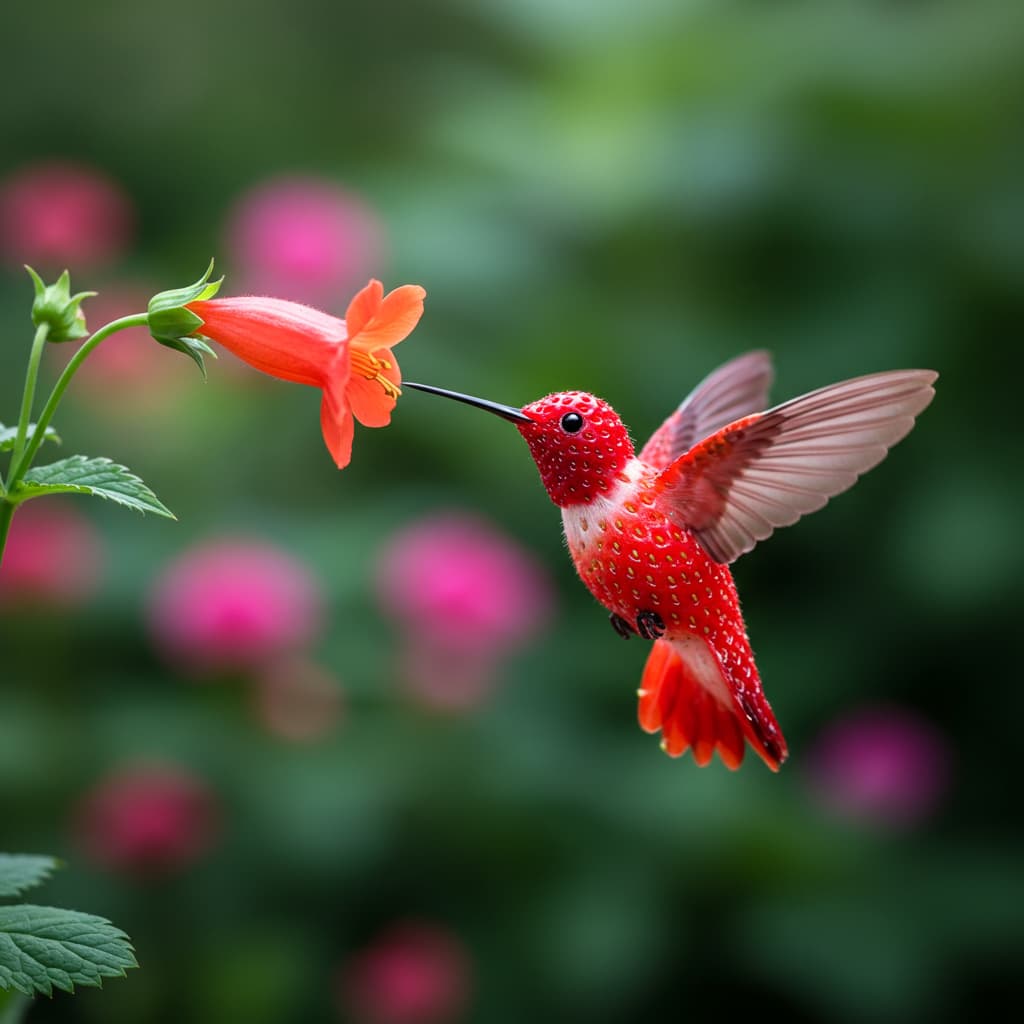
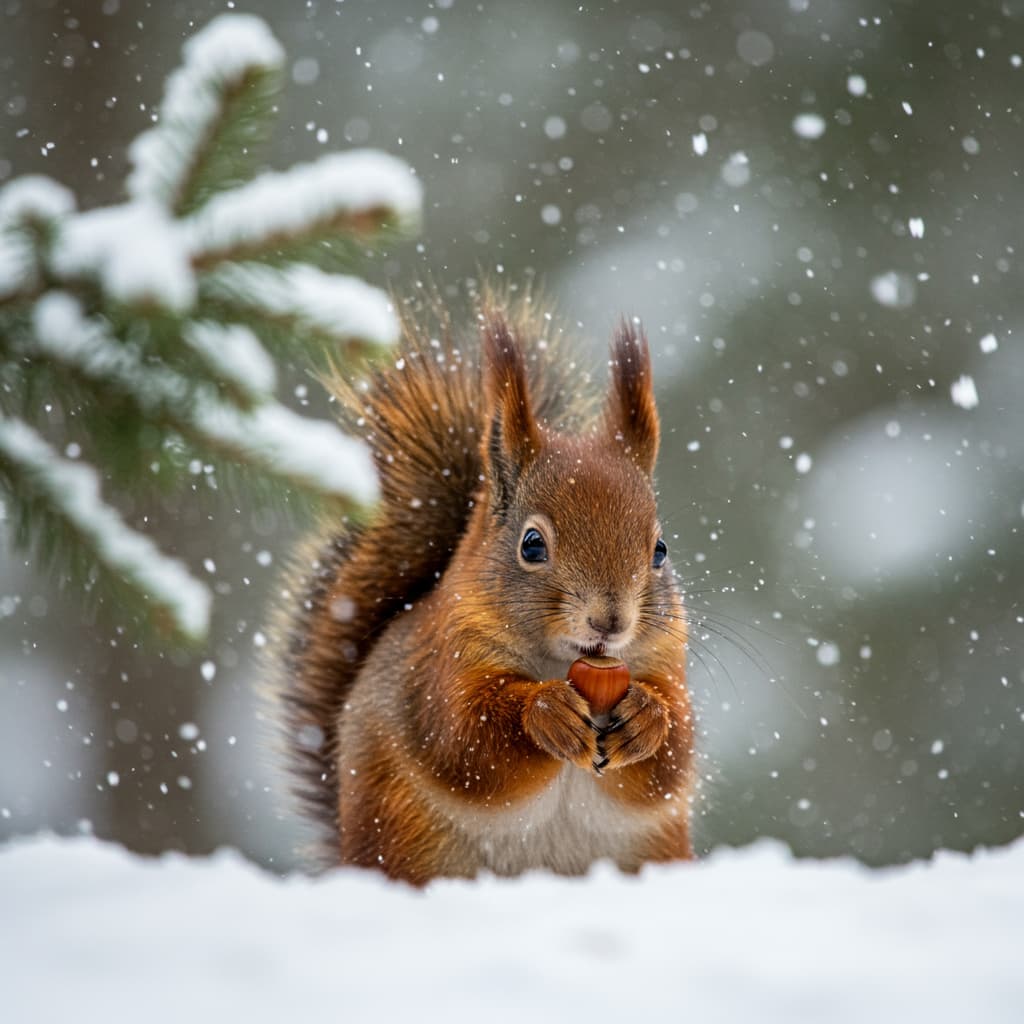
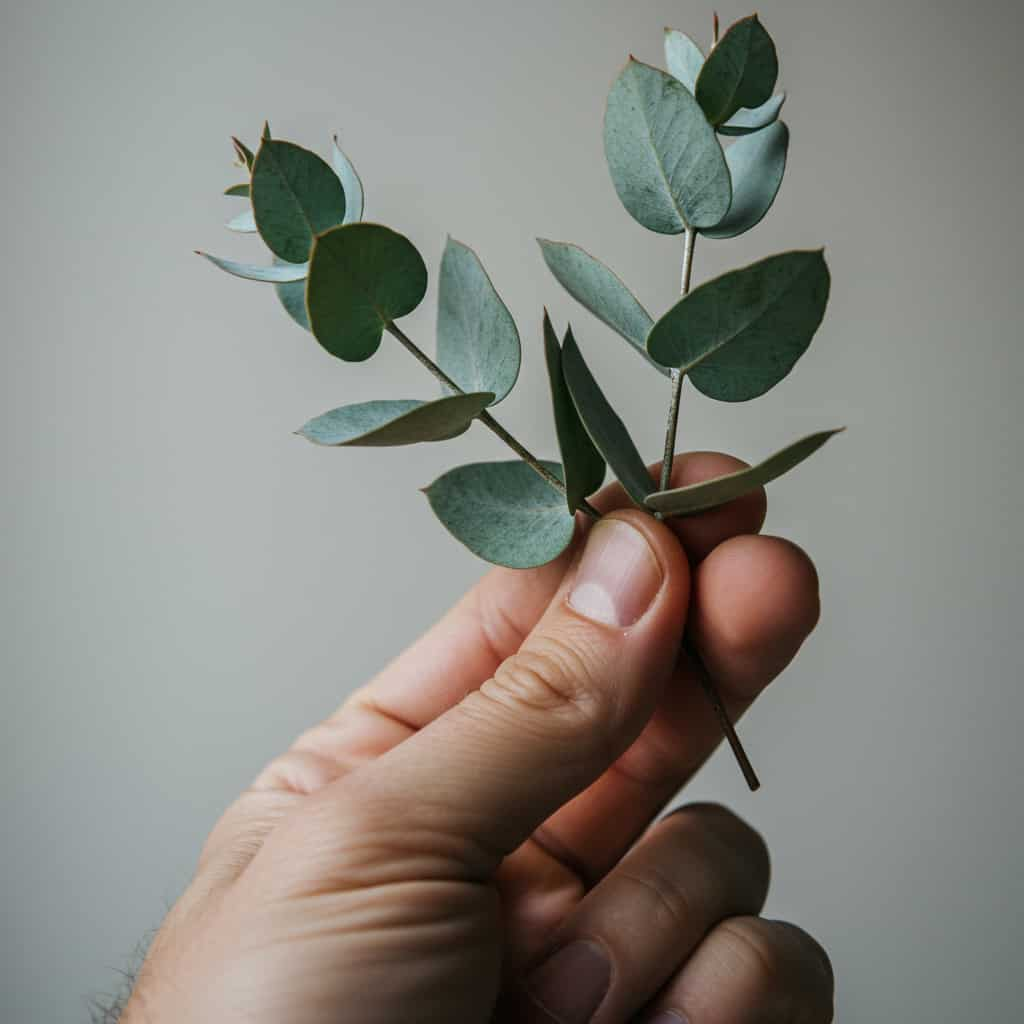
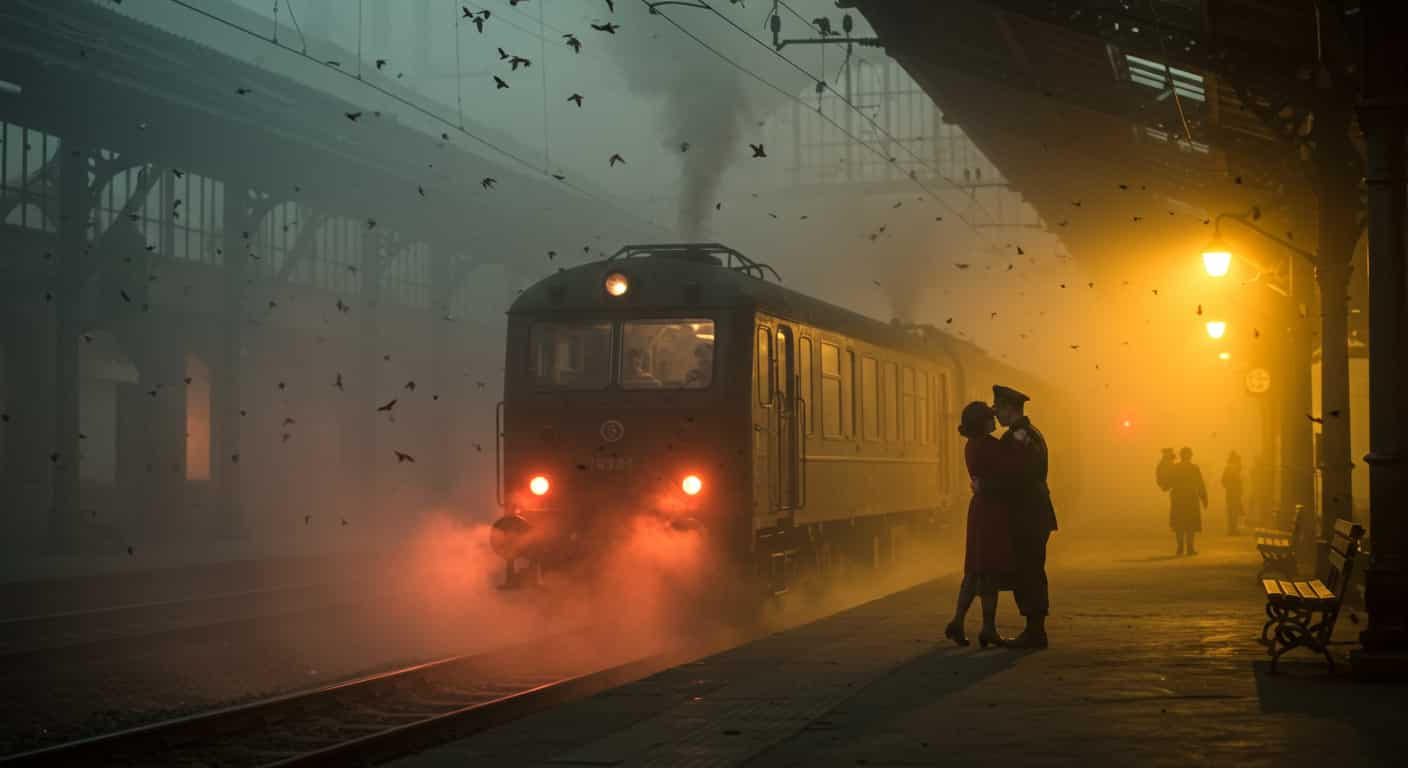
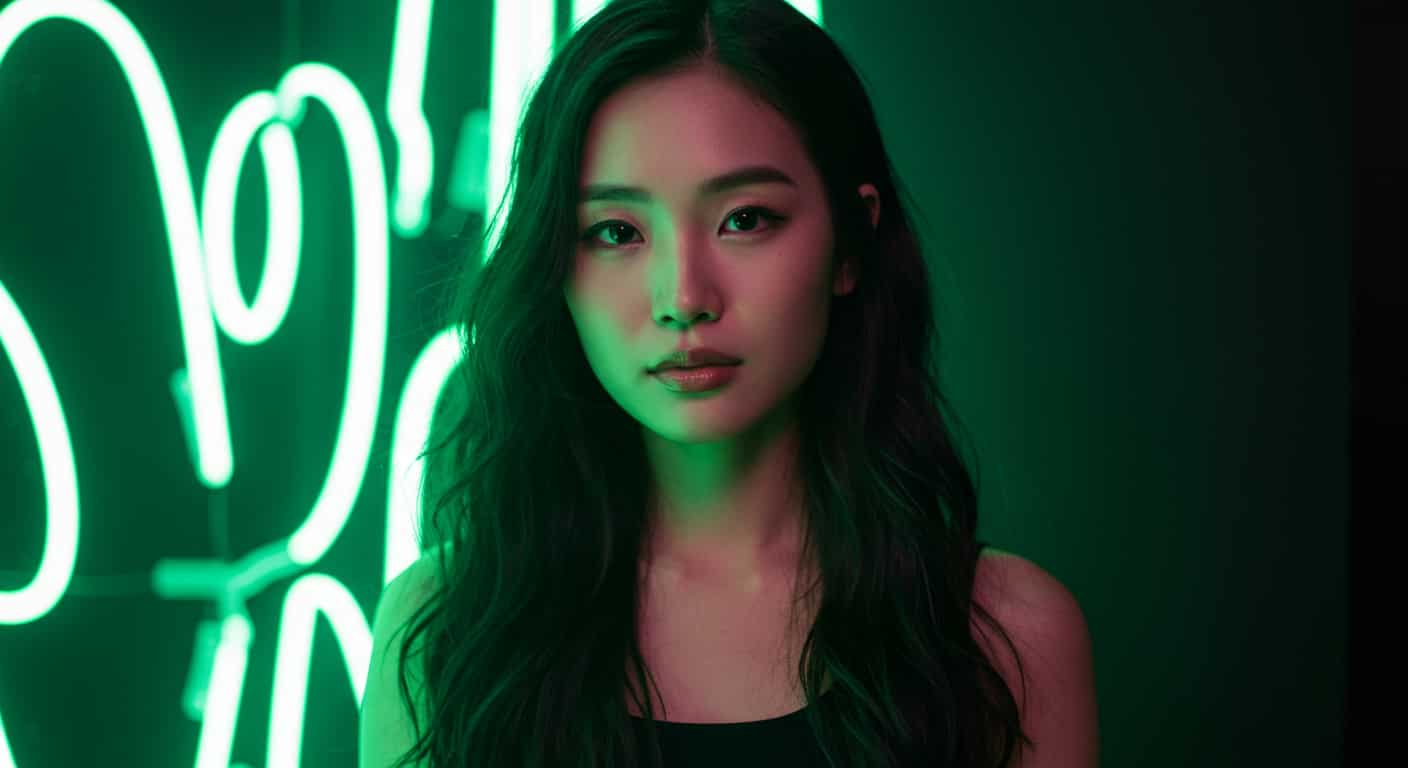
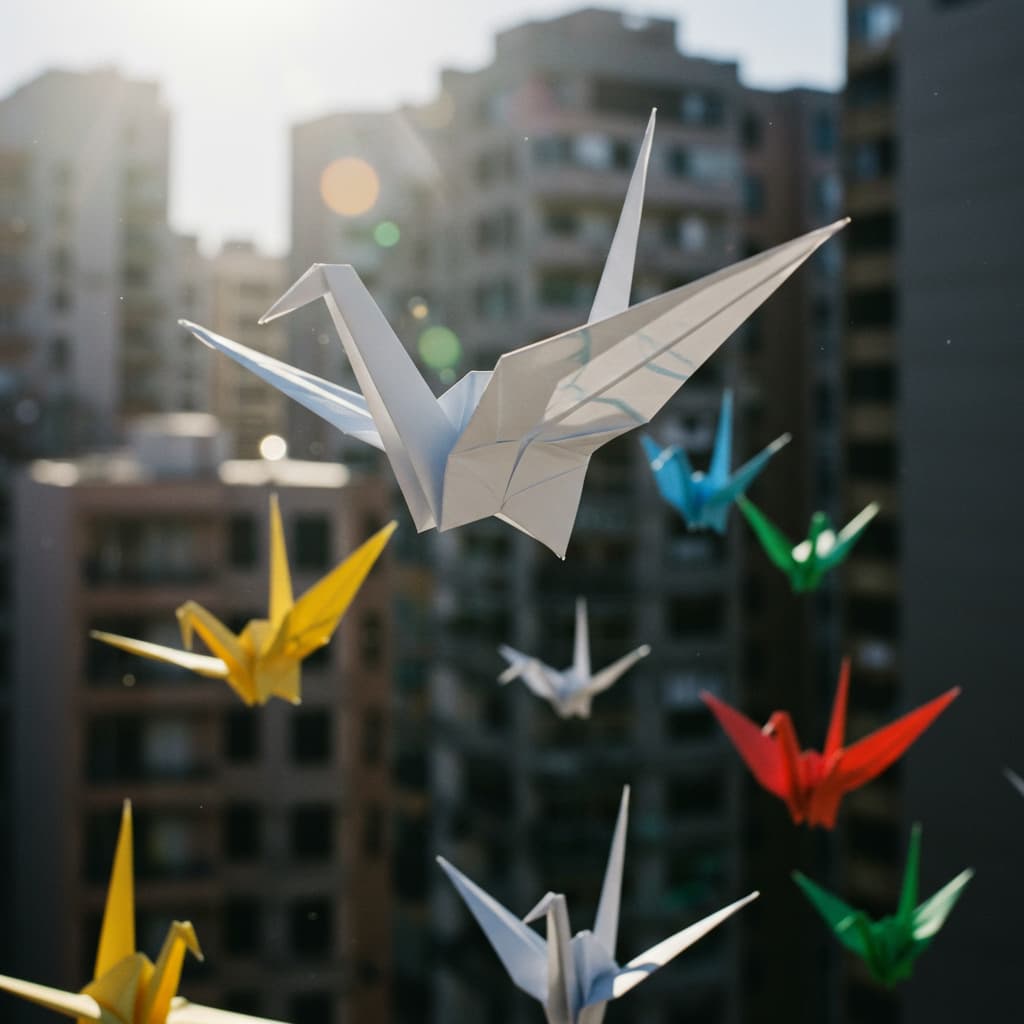

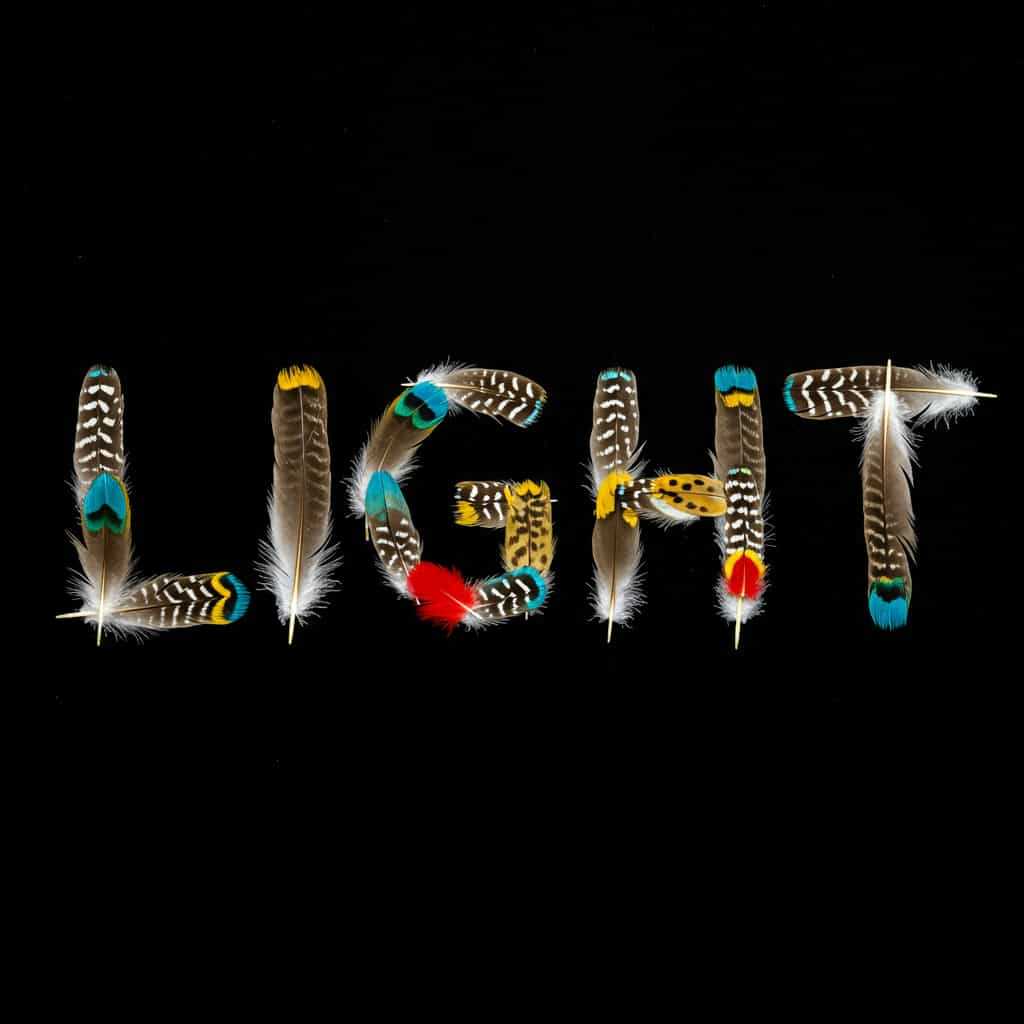
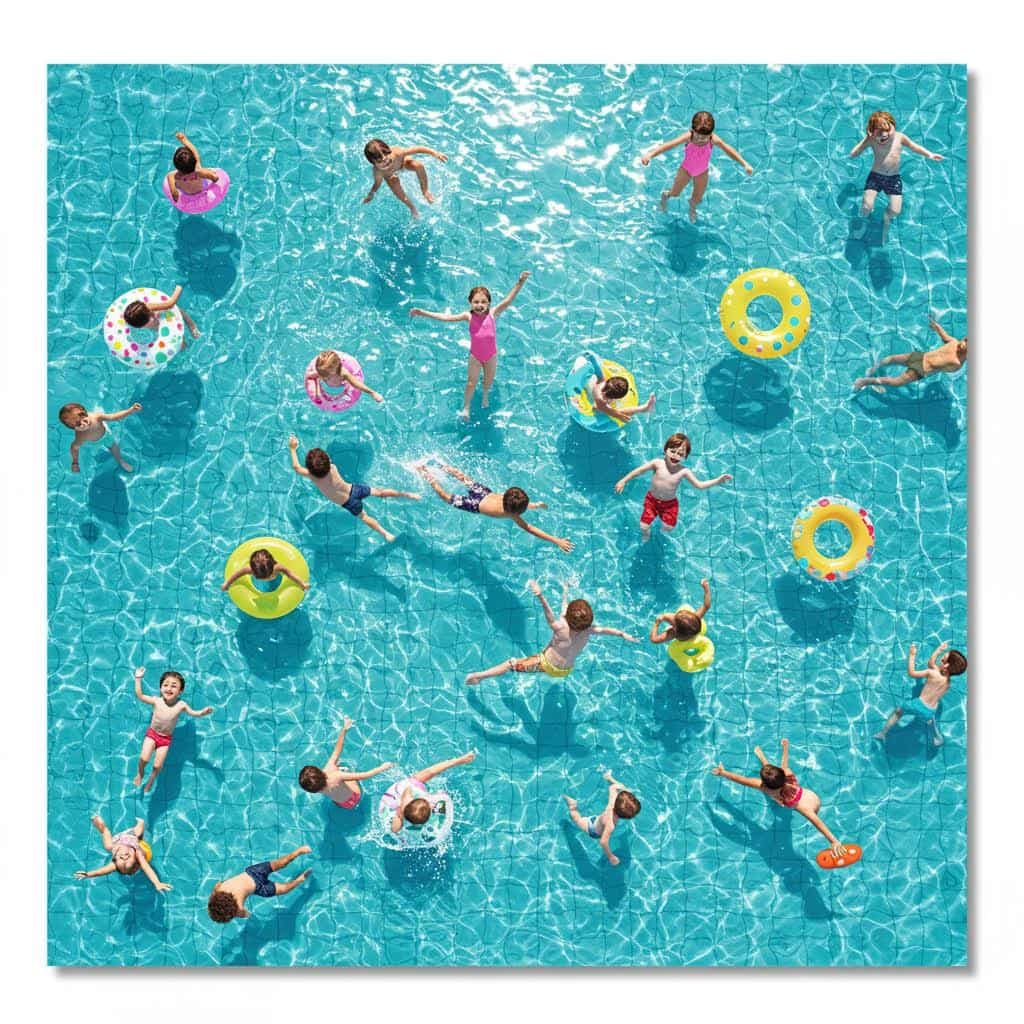
ByteDance · Text & image to image
Seedream 4.5 AI Image Generator
Seedream 4.5 is ByteDance's image model for posters, product shots and busy scenes, rendered at 2K with sharper text and layouts than Seedream 4.0. Describe the layout, or upload photos to edit and combine.
Real results
Discover What Seedream 4.5 Can Create
Posters, packaging, interiors and greeting cards made with Seedream 4.5. Unedited outputs from this page, with the prompt for each. The input photos are AI-generated people, not real ones.
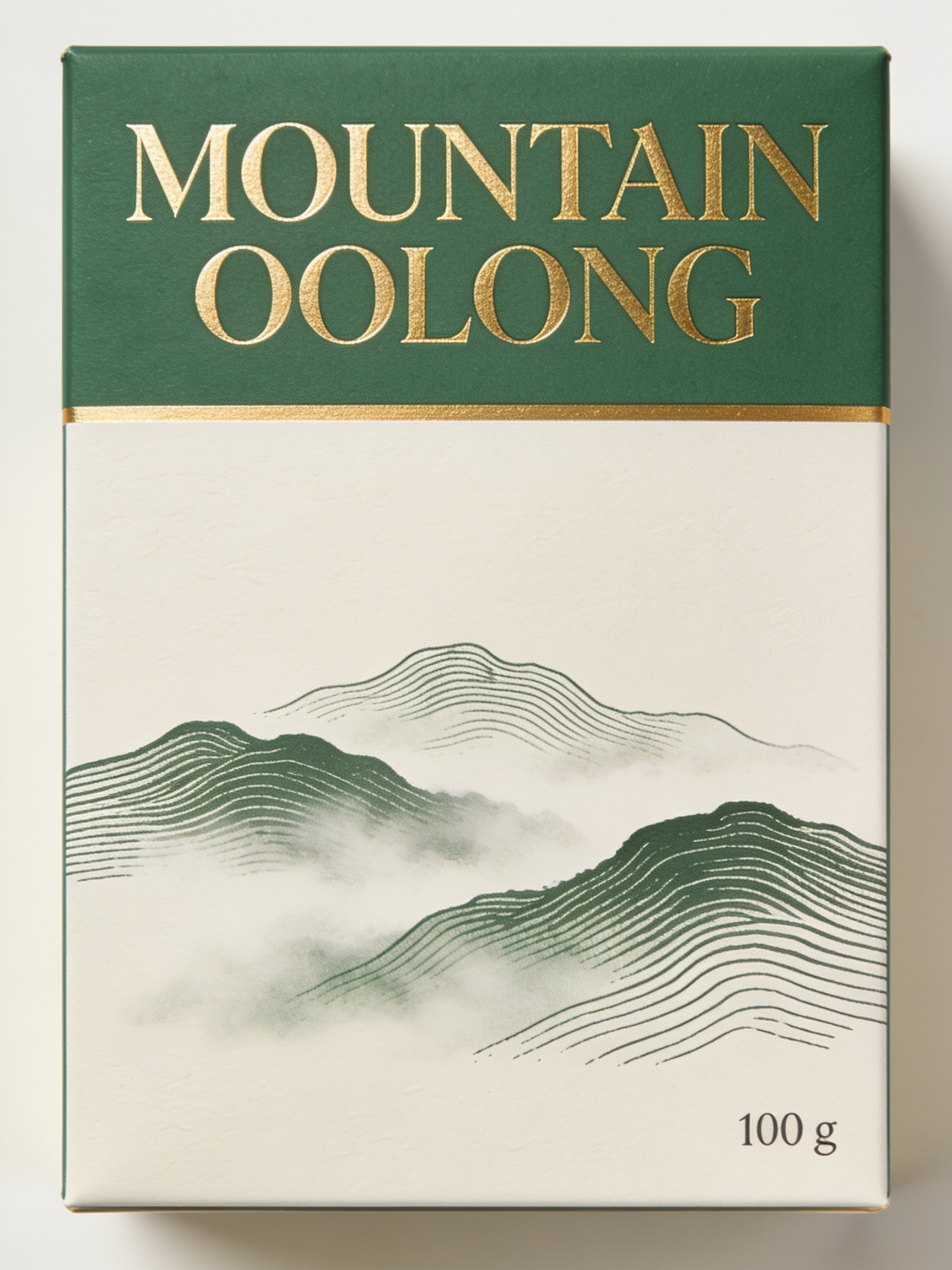
Tea packaging · Seedream 4.5
Front of a tea box, 3:4: title "MOUNTAIN OOLONG" in elegant serif at the top, a line drawing of misty hills in the middle, "100 g" small at the bottom right, jade green and gold on off-white
Key Features of Seedream 4.5
Seedream 4.5 is the December 2025 update to ByteDance Seed's image model, released through BytePlus. It improved on Seedream 4.0 in typography, spatial understanding and world knowledge, which shows most in posters, product shots and scenes where several objects must sit in the right places.
01 / 05
2K Images Out of the Box
On ImageFX, Seedream 4.5 returns a 2K image, 2048 pixels on the long side, rather than the one-megapixel default common to FLUX, Ideogram and Stable Diffusion. Larger images leave more room for small text, product labels and crops. You don't need a separate upscale step.
Try Seedream 4.5 Now02 / 05
Typography and Layout
Seedream 4.5 fixed much of Seedream 4.0's blurry or misplaced lettering. Posters with a headline, a subline and a date come out cleanly arranged. Describe the layout like a designer: format first, then the elements in reading order, then the style.
Design a Poster with Seedream 4.5
03 / 05
Objects Where You Put Them
Prompts like "a red mug left of the laptop, a plant behind it" are respected more often with Seedream 4.5. That spatial reasoning helps product and interior scenes, where placement matters. Say what sits where and Seedream 4.5 keeps to it.
Compose a Scene with Seedream 4.5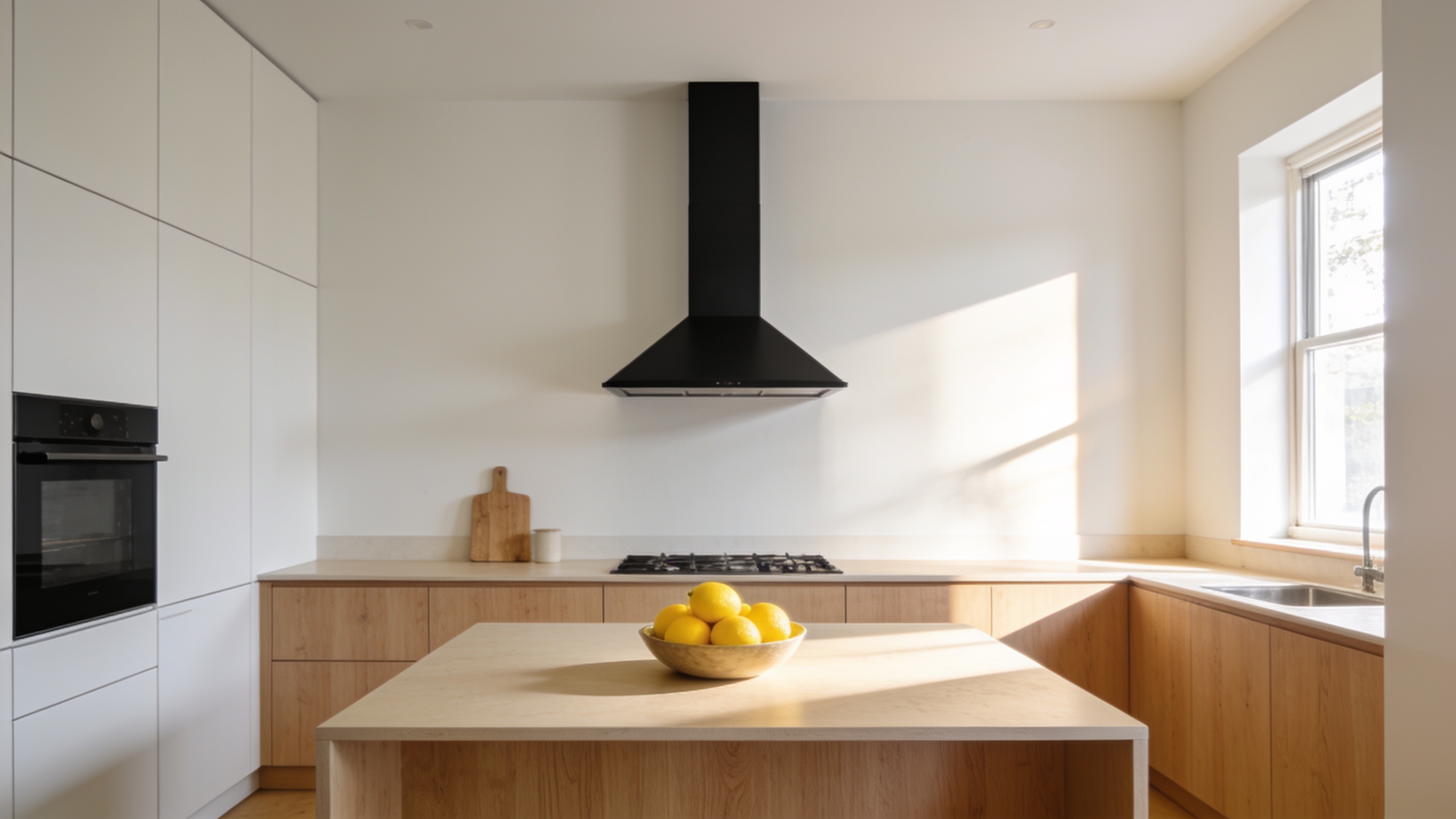
04 / 05
English and Chinese Text Together
Seedream 4.5 handles English and Chinese text in the same design. That is useful for packaging, greeting cards and ads that run in more than one market. Put each line in quotes and say where it goes.
Make a Bilingual Design with Seedream 4.5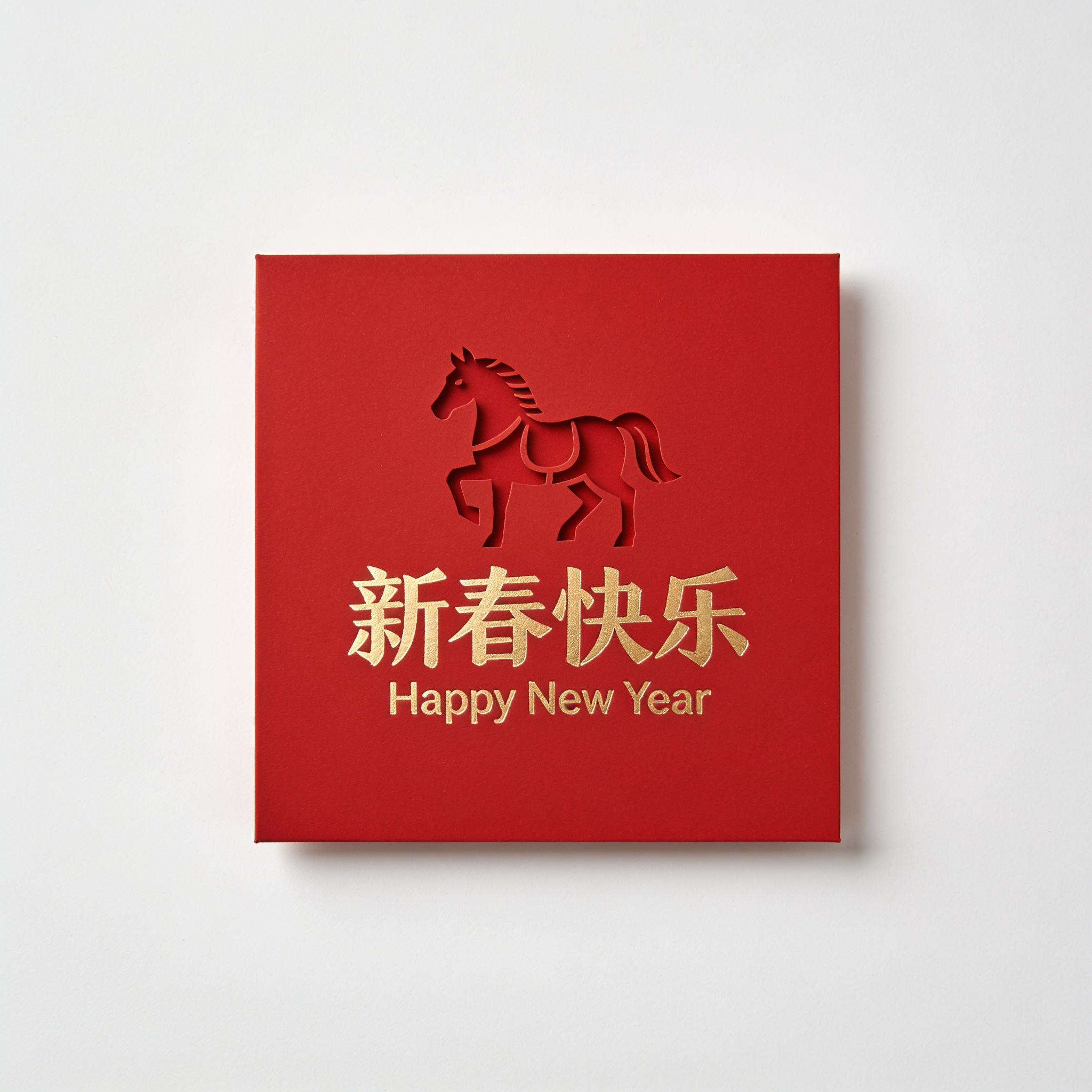
05 / 05
Edit and Combine Your Photos
Switch to Image to Image and upload one or more photos, then describe the change or how to combine them. Seedream 4.5 can keep the shape of your input or use the aspect ratio you pick. On ByteDance's own API it takes up to 14 reference images; the upload box here shows how many you can add.
Edit a Photo with Seedream 4.5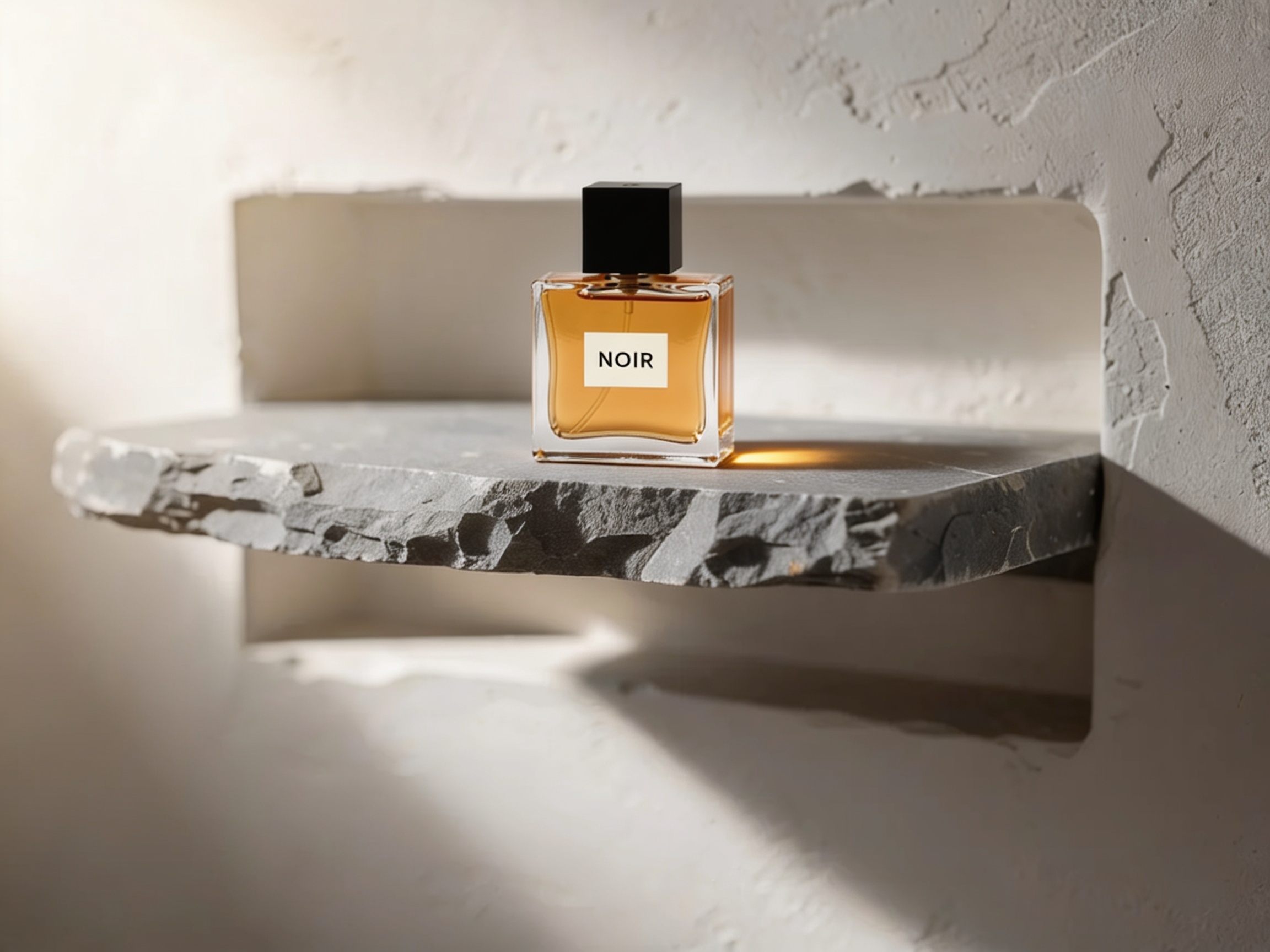
How to Use Seedream 4.5 on ImageFX
Describe the Layout, or Upload Photos
In the Seedream 4.5 generator above, write what sits where, what text appears (in quotes) and the style. To edit or combine pictures, switch to Image to Image and upload them.
Pick an Aspect Ratio
Choose the shape of your poster, card or scene. When editing, you can also keep the shape of your input photo.
Generate and Proofread
Click Generate and download the 2K PNG. Check small text before printing, and vary the prompt one phrase at a time for new versions.
A Seedream 4.5 run costs 8 credits; the Generate button shows the price first, and a failed run costs nothing. See plans and credit packs
Explore More AI Image Models on ImageFX
Seedream 4.5 sits between the FLUX models and the text specialists. These models run in the same generator, so you can compare them on one prompt.
- ByteDance · Text-to-image and image-to-imageSeedream 5.5ByteDance's newer Seedream: realistic shots, transparent PNGs and steadier edits.From 4 credits
- Ideogram · Text-to-imageIdeogram v3 QualityPosters, logos and layouts with words in them.From 10 credits
- Black Forest Labs · Text-to-image and image-to-imageFlux 2 MaxFinal images with photoreal detail and long, dense prompts.From 15 credits
- Recraft · Text-to-imageRecraft v3Brand illustration and longer text in images.From 6 credits
- Tencent · Text-to-imageHunyuan Image 3Knowledge-heavy prompts in English or Chinese.From 5 credits
- OpenAI · Text-to-image and image-to-imageGPT ImageClose prompt following and typography from OpenAI.From 6 credits
FAQs About Seedream 4.5
What is Seedream 4.5?
An image model from ByteDance's Seed team, released in December 2025 as the upgrade to Seedream 4.0, with better typography, spatial understanding and world knowledge.
What resolution does Seedream 4.5 produce on ImageFX?
2K, meaning 2048 pixels on the long side at the aspect ratio you choose.
Is Seedream 4.5 good for posters?
Yes. Clear layouts with a headline, supporting text and imagery are one of Seedream 4.5's strengths. At 2K small text is much better than at one megapixel, but still proofread before printing.
How does Seedream 4.5 compare with Ideogram v3 Quality and FLUX.2 [max]?
Ideogram is still the specialist for exact lettering, and FLUX.2 [max] is better at photoreal people and materials. Seedream 4.5 costs less than either, renders at 2K and is stronger on busy, layout-driven designs.
Can Seedream 4.5 edit my photos?
Yes. Switch to Image to Image, upload one or more photos and describe the edit. ByteDance's API takes up to 14 reference images; ImageFX accepts fewer per run.
Does Seedream 4.5 take a seed or a negative prompt?
Neither, so each run is a fresh roll. Save prompts that work and vary them one phrase at a time. Prompts can be long, but ByteDance recommends staying under about 600 words.
Can Seedream 4.5 make a set of images in one run?
Not here. Seedream's group mode, which returns a set of related images, isn't used on ImageFX; each run returns one image.
Seedream 4.5 or a newer Seedream?
Seedream 5.5 and Seedream 5.0 Pro are newer generations with their own pages on ImageFX. Seedream 4.5 remains a strong option for 2K posters and product shots, and for results that match earlier work.
Try Seedream 4.5 on ImageFX
Make 2K posters, packaging and product scenes with clean text and objects placed where you ask.
Create with Seedream 4.5