


Model
The AI that will make it for you. Each one has its own look and price. Not sure? Keep the one that's already picked.
 Kling v2.6Kuaishou (Kling)20 Credits
 Veo 3.1 FastGoogle
- Veo 3.1Google
 Grok Imagine VideoxAI
- Grok Imagine Video 1.5xAI
 Sora 2 ProOpenAI
- Sora 2OpenAI
- Kling 3.0Kuaishou (Kling)
- Kling v2.5 Turbo ProKuaishou (Kling)
- ALWan 2.5 T2VAlibaba (Wan Video)
- ALWan 2.5 T2V FastAlibaba (Wan Video)
 Seedance 2.5ByteDance
- Seedance 2.0ByteDance
- Seedance 1 ProByteDance
- Seedance 1 Pro FastByteDance
- PIPixVerse v5PixVerse
- PIPixVerse v4.5PixVerse
- LURay 2 720pLuma Labs
- LURay Flash 2 720pLuma Labs
 Hailuo 2.3MiniMax
- Hailuo 2.3 FastMiniMax
Start from words only. You describe the video and the AI makes it from scratch.
Describe the video in your own words, as if telling a friend: who is in it, what they do, where it happens and what you hear. More detail gets you closer to what you imagine.
Aspect Ratio
The shape of the result. 16:9 is wide, like YouTube or a TV. 9:16 is tall, like TikTok or phone stories. 1:1 is square, like an Instagram post.
Duration
How many seconds long the video will be. Longer videos cost more credits.






Kuaishou (Kling) · Text & image to video
Kling v2.6 AI Video Generator
Kling v2.6 from Kuaishou adds native audio to Kling's cinematic motion. Describe a scene, or upload a start image, and get a clip with sound that matches the action.
Real results
Discover What Kling v2.6 Can Create
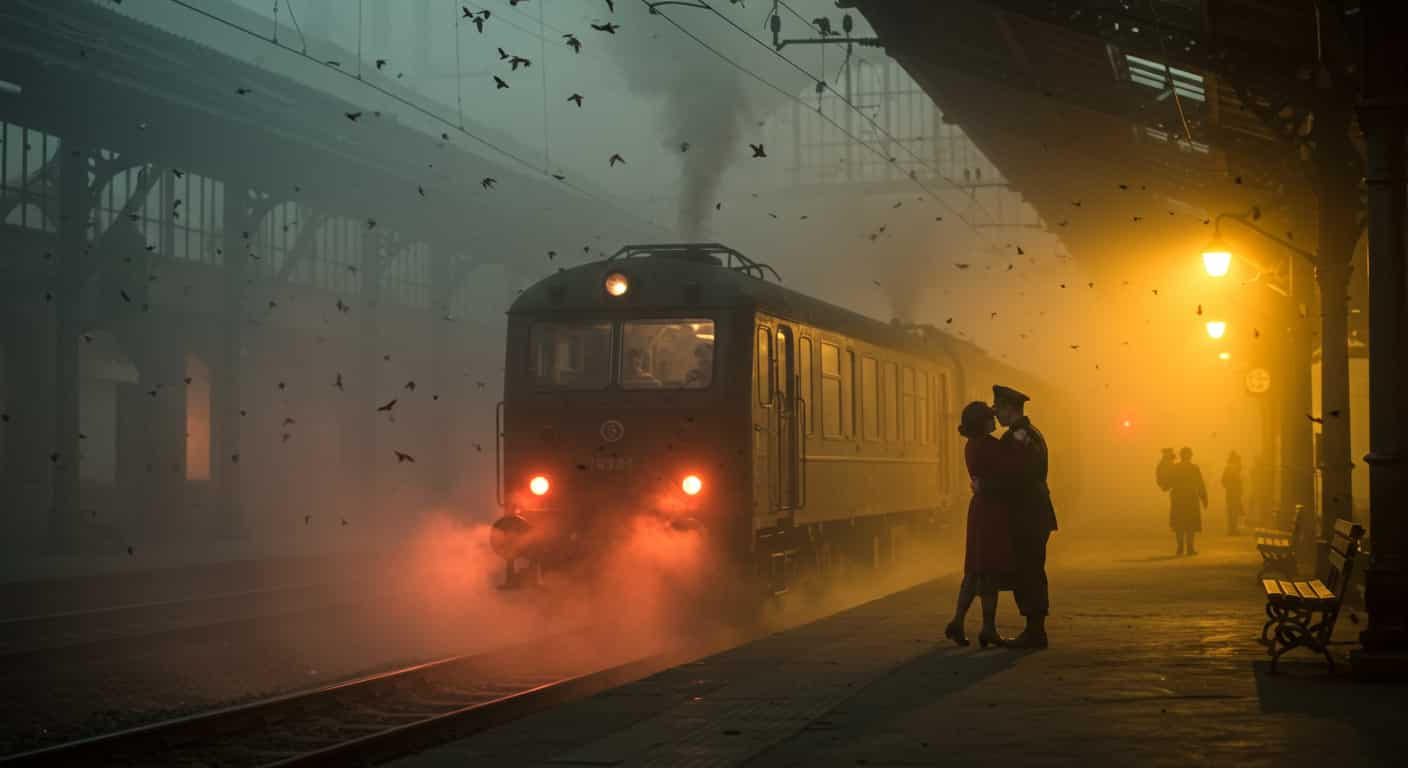
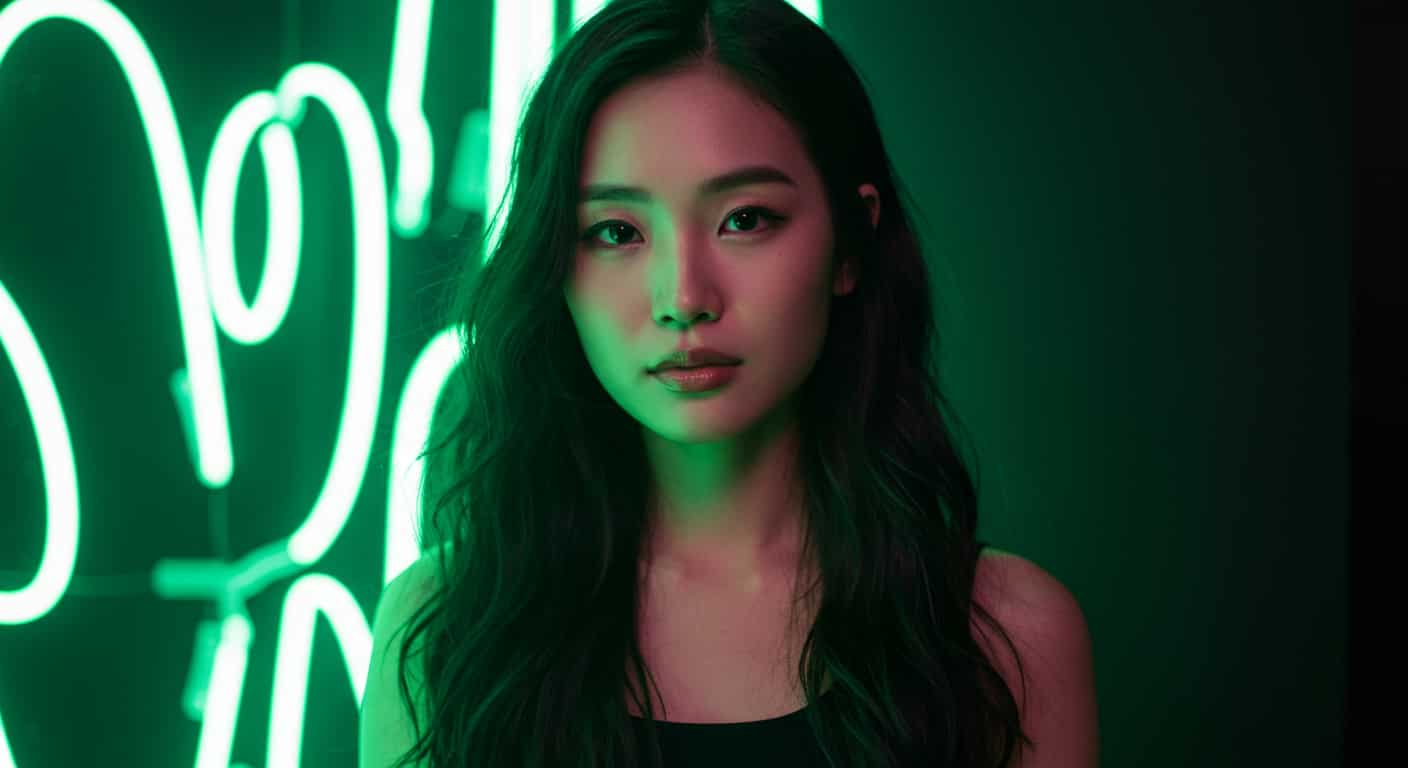
Dance clips, car shots and animal moments with sound, made with Kling v2.6. Unedited outputs from this page, with the prompt for each. The input photos are AI-generated people, not real ones.
Native audio · Kling v2.6
16:9 low tracking shot of a red sports car speeding along a coastal road at sunset, camera alongside the wheel. Sound: engine roar, wind
Key Features of Kling v2.6
Kling v2.6 is the December 2025 release of Kuaishou's Kling video line and the first Kling model to generate audio together with the picture. It keeps what made Kling popular, fluid cinematic motion and good prompt adherence, at the Pro quality tier.
01 / 05
Motion and Sound in One Pass
Kling v2.6 generates speech, sound effects and ambience together with the video, in English or Chinese, so footsteps, splashes and voices line up with the action. Describe the sound after the picture. Sound is on for every Kling v2.6 clip here.
Make a Video with Sound on Kling v2.602 / 05
Cinematic Camera and Body Movement
Kling is known for smooth camera moves and fluid body motion, especially in action and dance. Kling v2.6 follows movement instructions closely, so be specific: "slowly turns her head toward the camera" works better than "moves".
Try Kling v2.6 Now03 / 05
Square, Vertical or Widescreen
Kling v2.6 makes square social posts as well as widescreen and vertical clips. Pick the shape before you generate, or upload a start image and the video takes its proportions.
Make a Square Video with Kling v2.604 / 05
Animate Your Own Image
Choose Image to Video and upload a start frame: Kling v2.6 opens on your picture and adds motion and sound. It is the quickest way to keep a face, product or setting exactly as you want it.
Animate a Photo with Kling v2.605 / 05
Negative Prompt Against Artifacts
Kling v2.6 takes a negative prompt, so you can push away text overlays, watermarks, warped hands or extra limbs. Keep the main prompt and adjust only the negative prompt between runs.
Try Kling v2.6 NowSame prompt. Negative prompt: text, watermark, distorted faces, extra limbs
Try this promptHow to Use Kling v2.6 on ImageFX
Start from Text or an Image
In the Kling v2.6 generator above, write a prompt with Text to Video, or switch to Image to Video and upload a start frame.
Describe Action, Camera and Sound
Write the subject, how it moves, the camera move and then the sound. Add a negative prompt under More Options if you need one, and pick the shape and length.
Generate and Download
Click Generate, play the clip with sound beside the form and download the MP4. Every video is saved to your account.
A Kling v2.6 run costs 20–40 credits depending on length; the Generate button shows the price first, and a failed run costs nothing. See plans and credit packs
Explore More AI Video Models on ImageFX
Kling v2.6 runs in the same generator as these models. Compare them on the same prompt to find the right look and sound.
- Kuaishou (Kling) · Text-to-video and image-to-videoKling 3.0Kuaishou's newest Kling generation, with first and last frames.From 40 credits
- MiniMax · Text-to-video and image-to-videoHailuo 2.3Expressive faces and full-body motion from MiniMax.From 50 credits
- Kuaishou (Kling) · Text-to-video and image-to-videoKling v2.5 Turbo ProFaster, lower-cost Kling clips with first and last frames.From 15 credits
- Google · Text-to-video and image-to-videoVeo 3.1 FastVeo 3.1 quality and sound for less.From 30 credits
- xAI · Image-to-videoGrok Imagine Video 1.5Turning a photo into a talking video with lip-synced speech.From 12 credits
- Alibaba (Wan Video) · Text-to-videoWan 2.5 T2V720p clips with a negative prompt.From 30 credits
FAQs About Kling v2.6
What is Kling v2.6?
Kling v2.6 is a video model from Kuaishou's Kling AI, released in December 2025. It is the first Kling model with native audio, generated in the same pass as the picture.
Does Kling v2.6 generate audio?
Yes. Kling v2.6 makes speech, sound effects and ambience in English or Chinese, and clips on ImageFX always include sound. Mute it in your editor if you only want the picture.
Can Kling v2.6 animate my own image?
Yes. Choose Image to Video and upload a start image; the video opens on it and follows its shape.
Can I use a negative prompt with Kling v2.6?
Yes. The negative prompt field is passed to the model.
Kling v2.6 or Kling 3.0?
Kling 3.0 is the newer generation, released in early 2026, with its own page on ImageFX. Kling v2.6 remains a capable, lower-cost option with audio.
How does Kling v2.6 compare with Veo 3.1 Fast?
Veo 3.1 Fast is stronger at dialogue and camera language. Kling v2.6 is cheaper per second, offers a square shape and makes longer clips.
Who makes Kling v2.6?
Kuaishou, the Chinese short-video company, through its Kling AI unit.
Try Kling v2.6 on ImageFX
Make cinematic clips with matching sound, from a prompt or your own start image, with Kuaishou's Kling v2.6.
Create with Kling v2.6