



Two photos · Face swap · Consent first · 6 models
AI Face Swap
Upload a photo of your face and a target picture, and the AI puts your face onto the person in that picture while keeping their pose, outfit and lighting. Try yourself in a costume shot, a painted portrait or a group photo, using only faces you have permission to use.
01 · Real results
AI Face Swap examples
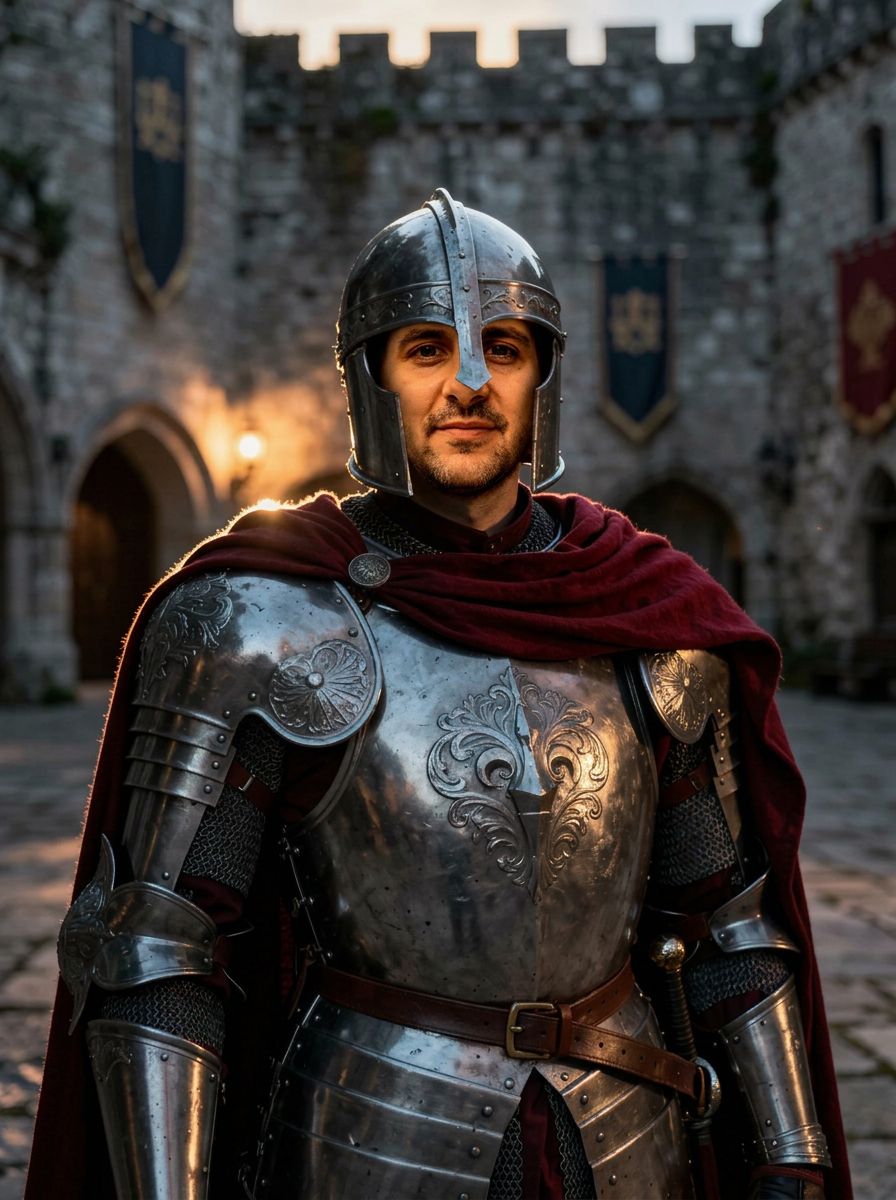
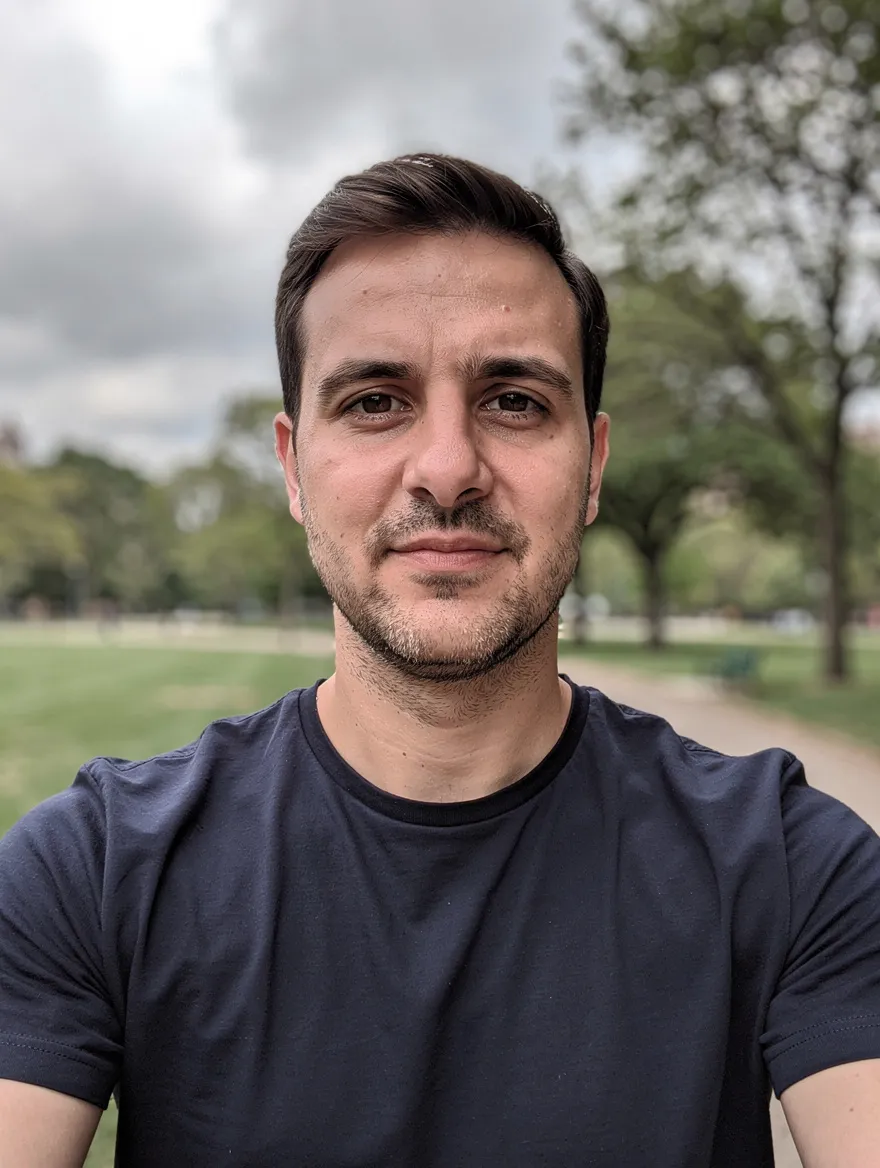
Made on this page with the presets below on Nano Banana 2, unedited. The input photos are AI-generated people, not real ones.
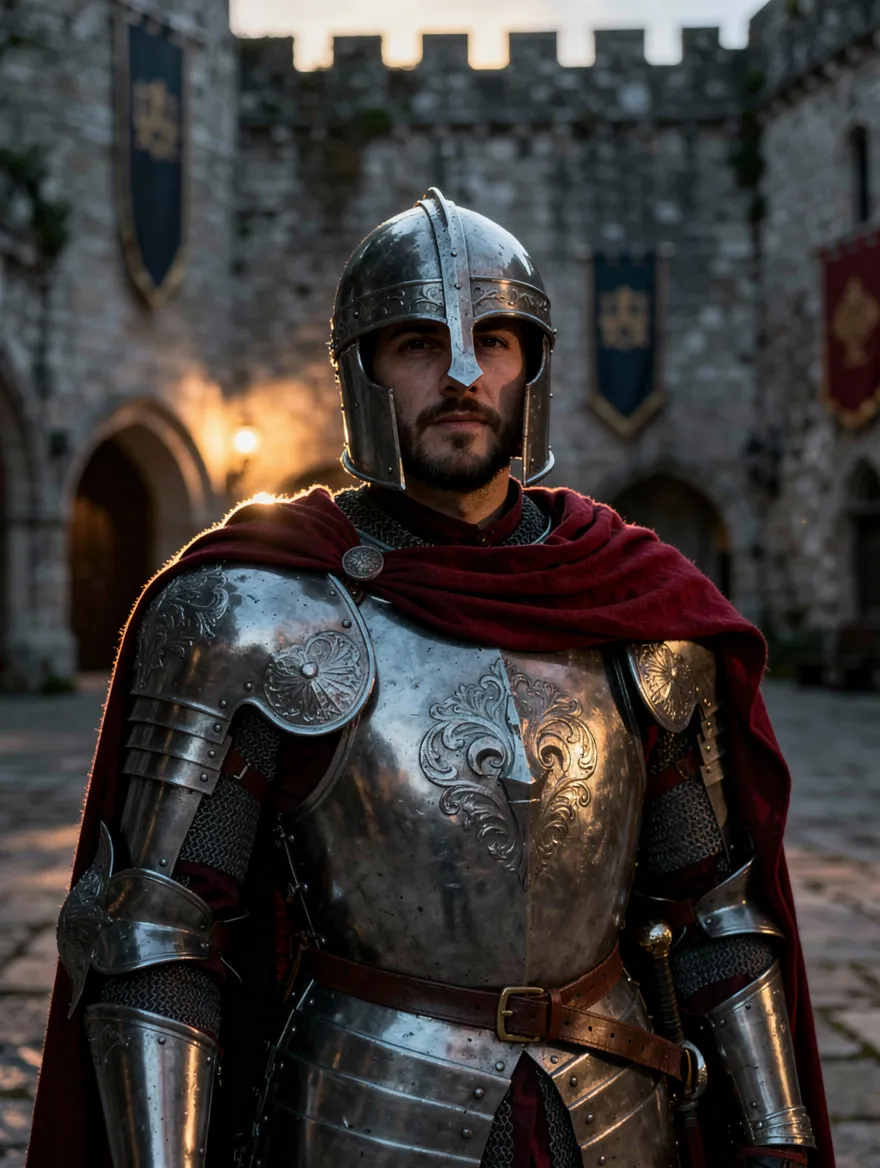
Costume scene · Nano Banana 2
Put the face from image 1 onto the person in image 2. Keep image 2’s pose, costume, hair, body, lighting, camera angle and background exactly the same, and match the skin tone and light direction so the face blends in naturally.
02 · What you can do
Face swap ideas you can run in one tap
Upload your face first and the target photo second, then tap a preset. Each prompt says which image gives the face and which gives everything else.
Swap into a costume or movie-style shot
Took a photo in a costume, or have a cinematic shot of yourself where the expression is off? Put your best face into it while the costume, set and lighting stay as they are.
Fix a group photo
The best group shot is the one where someone blinked. Swap in their face from another photo of the same moment and keep the rest of the picture untouched. Ask your friends first.
Become the subject of a painting
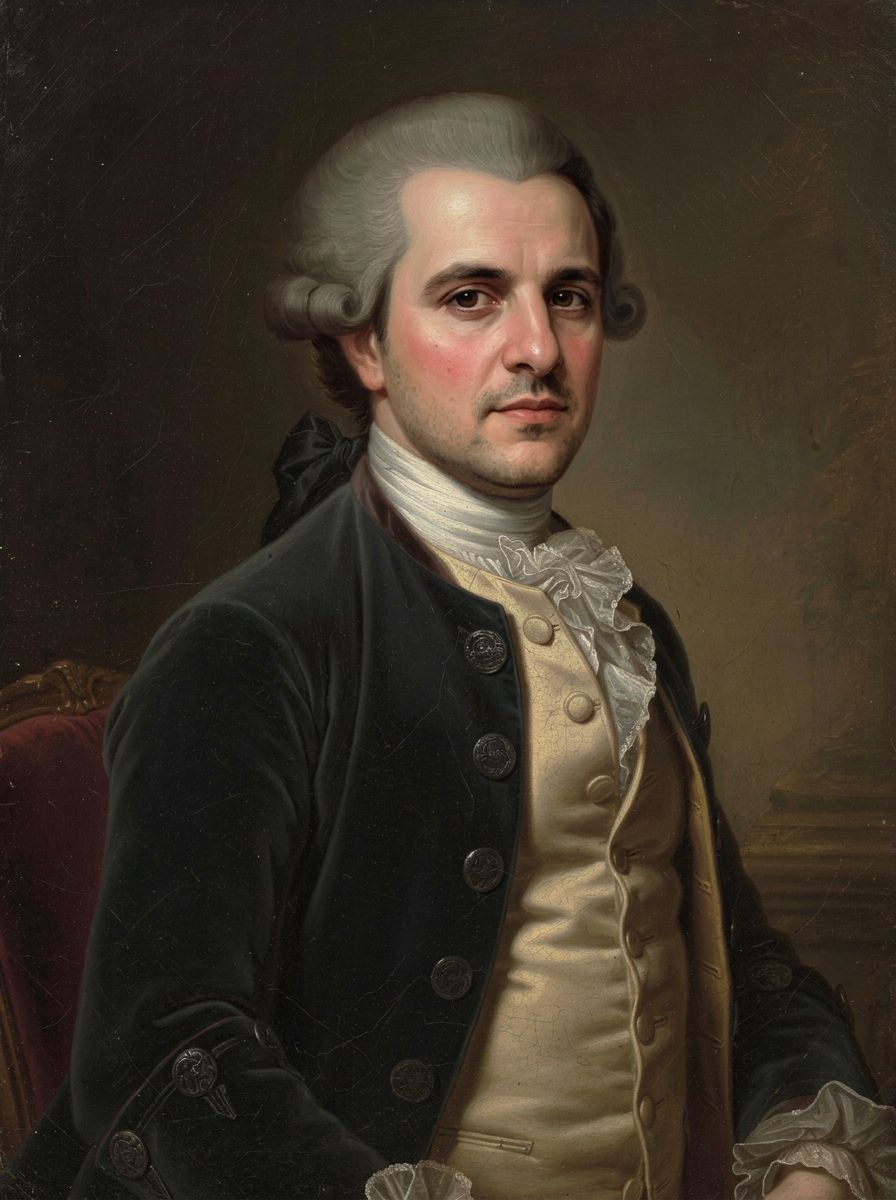
Use a classic portrait style, or a painting you have the rights to, and become its subject. The face is repainted in the same brushwork, so it reads as part of the canvas.
Superhero and fantasy outfits
Start from a photo of an original costume, an armor set or a fantasy outfit, and see your own face in the role. Use costumes you created or own, not a real actor’s photo.
Step into a vintage photo
Put yourself into a 1920s studio portrait or a family album photo, with the grain and tone matched so the face looks as old as the print.
Swap faces with a friend
The classic face swap: upload one photo of the two of you and trade faces. Fun for a laugh, and only with a friend who is in on it.
Into an illustration or poster
Put your face onto a character in a travel poster, a comic panel or a storybook scene. The face is redrawn in the artwork’s style instead of pasted on top.
03 · How to
How to swap faces with AI
4 steps, all on this page.
- 1
Upload the face photo first
Drop a clear, front-facing JPG or PNG of the face you want to use, up to 10 MB. It must be your own face, or someone who has agreed to this.
- 2
Add the target photo second
Upload the picture whose pose, outfit and scene you want to keep. The order matters: the prompts call the face "image 1" and the target "image 2".
- 3
Pick a preset or write the swap
Tap a preset like Costume scene, or say which face goes where and what to keep. Nano Banana 2 is loaded by default; keep "Match input" to get the target photo’s shape back.
- 4
Generate and download
Press Generate. The swapped photo appears beside the form with a Download button and is saved to your history. If the face drifts, run it again or try another model.
04 · Why AI
Why use AI for a face swap
Blended, not pasted
Old face swap apps cut out a face and stuck it on top, with mismatched skin and lighting. These image models redraw the face into the target photo, so the light, angle and color match.
You say what stays
Most face swap apps decide for you. Here the prompt controls it: keep the hair from image 2, the expression from image 1, the background exactly as it is.
Six models, one page
Some swaps work better on one model than another. Switch between Nano Banana, Seedream, GPT Image and Flux on the same two photos and keep the result you like.
05 · Models
The AI models behind the face swap
Switch models from the picker at the top of the generator. The price is per image and shows on the Generate button.
| Model | Best for | Credits from |
|---|---|---|
| Nano Banana 2default | Natural swaps that keep both photos’ details | 6 |
| Nano Banana 2 Lite | Quick, cheap test swaps | 1 |
| Nano Banana Pro | Hardest swaps and fine detail, up to 4K | 30 |
| Seedream 4.5 | Blending people from separate photos into one scene | 8 |
| GPT Image | Long, precise instructions about what to keep | 6 |
| Flux 2 Max | Photoreal skin and lighting | 15 |
06 · Who it’s for
Photo face swap for fun, with permission
Party and costume photos
Your face in a costume shot or a themed photo booth picture.
Group shot rescues
Swap in a better take of someone who blinked, with their OK.
Friends
Trade faces for a laugh, when everyone is in on the joke.
Art and illustration
Yourself as the subject of a painting, poster or comic panel.
Cosplayers
Preview a character costume with your own face.
Family albums
You in a vintage-style portrait, toned to match the old print.
07 · Prompting
Prompt tips for better results
Say which image gives the face, which gives everything else, and what must stay the same. Clear, well-lit faces at a similar angle swap best.
| Vague | Prompt that works |
|---|---|
| Swap the faces | Put the face from image 1 onto the woman in image 2. Keep image 2’s hair, pose, dress, lighting and background unchanged. |
| Make it look real | Match the face to image 2’s warm evening light and soft shadows, same skin tone as the neck and hands, slight film grain. |
| Put me in this | Replace the face of the person in the middle of image 2 with my face from image 1. Keep the other people exactly as they are. |
| Keep my smile | Use the face and smile from image 1, but keep the hairstyle and head angle from image 2. |
08 · FAQ
AI Face Swap FAQ
What is an AI face swap?
A photo edit that puts the face from one picture onto a person in another. You upload two photos, say which face goes where, and an AI image model redraws the face into the target picture while keeping its pose, outfit and lighting.
Is the AI Face Swap free?
New accounts get 5 free credits, and Nano Banana 2 Lite runs from 1 credit per image, so you can try it without paying. After that it runs on credits; the button shows the price before you run, and a failed run costs nothing.
Is this a deepfake video tool?
No. It works on still photos only and makes one edited image at a time. It is an image model following your instructions, not a face-tracking video swapper, and it should never be used to make someone appear to do or say something they did not.
Whose face can I use?
Your own, or that of an adult who has clearly agreed to it. Do not upload strangers, ex-partners, coworkers or anyone who has not said yes. Get consent from everyone in the target photo, too.
What is blocked?
Sexual, nude or revealing swaps are blocked. Faces of children, celebrities, politicians and other public figures are not allowed, and neither is any swap meant to impersonate, defraud, harass, embarrass or deceive, such as fake IDs, fake evidence or fake endorsements.
Will the result look exactly like the face I uploaded?
Often close, but not guaranteed. The model redraws the face to fit the new photo, so likeness varies with angle, lighting and resolution. Clear front-facing photos help; if a result drifts, run it again or switch to Nano Banana Pro.
How do I tell the AI which photo is which?
By upload order. The first photo is image 1 and the second is image 2. The presets assume image 1 is the face and image 2 is the scene, so upload them in that order or edit the prompt.
Can I swap faces within one photo?
Yes. Upload one picture of two people and use the Swap two friends preset, which trades their faces and keeps everything else. Both people need to be happy with it.
Can I share the results?
Share them only with the agreement of everyone whose face appears, and never pass an edited photo off as real. When in doubt, label it as an AI edit.
09 · More tools
More AI tools
Try a face swap now
Two photos, one sentence. Put your own face into a costume shot, a painting or a group photo.
Open the AI face swap