



Your image *
PNG or JPG, up to 10 MB. Runs on Bria Background Removal.
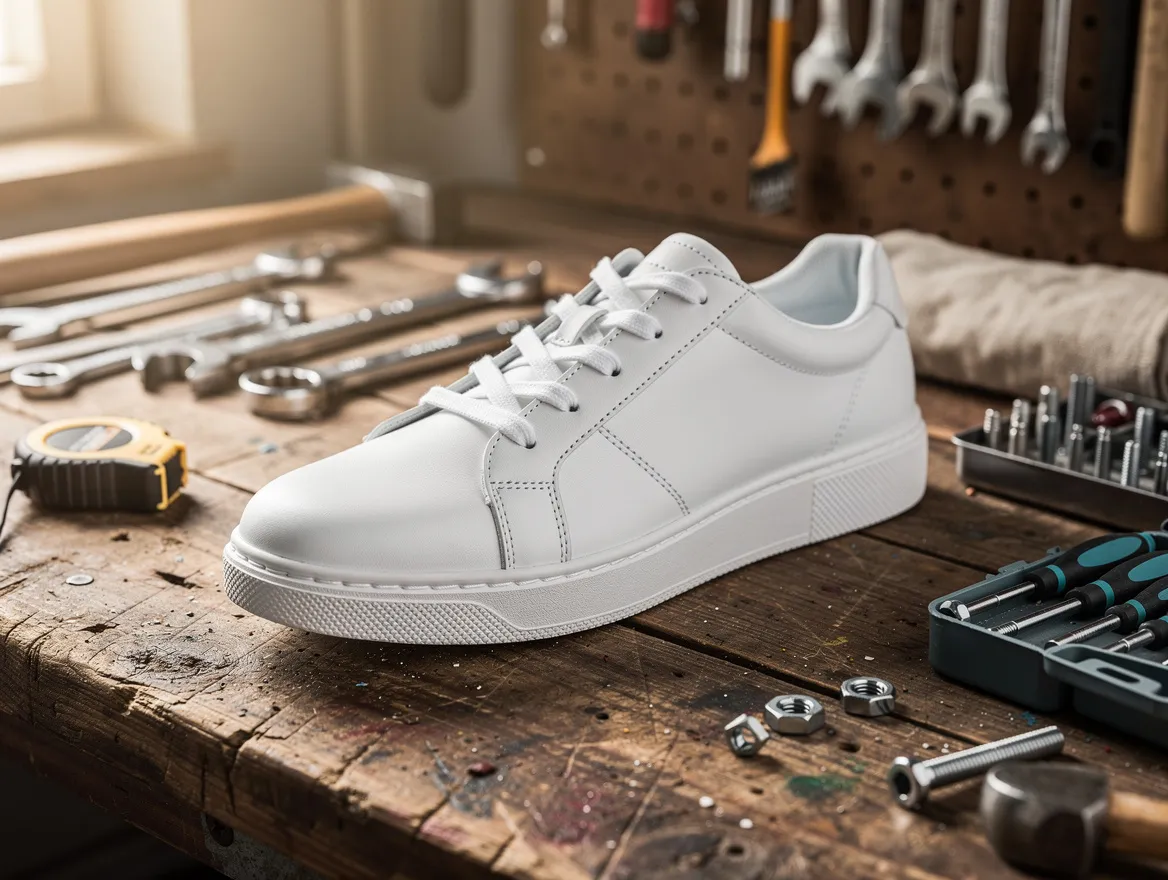
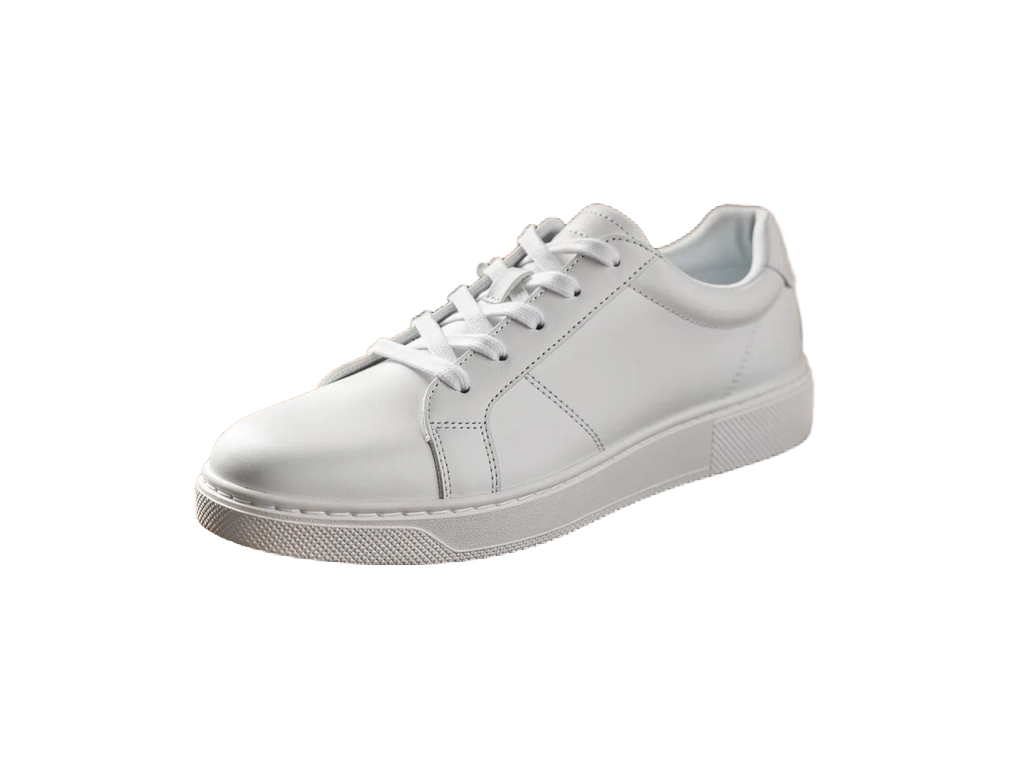
One click · Transparent PNG · Bria
AI Background Remover
Upload a photo, press one button and get the subject back on a transparent background. No selections, no brushes, no prompt to write: download the cut-out as a PNG and drop it onto any color, design or slide.
01 · Real results
AI Background Remover examples
Made on this page with the presets below on Bria Background Removal, unedited. The input photos are AI-generated people, not real ones.
Remove background · Bria Background Removal · drag the handle to compare
02 · What you can do
Remove the background from any image
One model, one button. Here is what the background remover handles and what you get back.
Transparent PNG output
The result keeps an alpha channel, so the background is truly gone, not painted white. It sits cleanly on any color, photo or layout you place it on.
People and portraits
Cut yourself out of a selfie for a profile picture, a CV, a thumbnail or a team page. The model follows the outline of hair and shoulders instead of a hard box.
Product photos
Take the kitchen table out of a product shot and get a clean cut-out ready for a marketplace listing, a white-background catalog image or an ad.
Pets and objects
Dogs, cats, shoes, plants, furniture: anything with a clear subject in the foreground comes out on its own, ready for a sticker, a card or a collage.
Logos and graphics
Got a logo saved as a JPG on a white box? Remove the background to get a transparent PNG you can place on a colored header or a dark slide.
Compare before you download
The original and the result appear side by side, the result on a checkerboard so you can see exactly what is transparent. Past cut-outs stay in your history.
03 · How to
How to remove the background from an image
4 steps, all on this page.
- 1
Upload your image
Drop one PNG or JPG of up to 10 MB into the tool above. A photo where the subject stands out from the background gives the cleanest edge.
- 2
Press Remove background
There is nothing to set and no prompt to write. Sign in with Google if you have not yet, and the model starts on your image.
- 3
Compare original and result
The cut-out appears next to your original on a checkerboard, so you can check the edges, the hair and any gaps before you save it.
- 4
Download the PNG
Press Download PNG to save the transparent image. It also stays in your history, so you can come back to it later.
04 · Why AI
Why use an AI background remover
Seconds instead of a pen tool
Cutting out a subject by hand in a photo editor means tracing edges, refining masks and fixing hair strand by strand. Here one button does the job, and you only touch it up if you need to.
A real transparent background
Some quick fixes only paint the background white. This tool returns a PNG with transparency, so the same cut-out works on white, black, a gradient or another photo.
Nothing to learn
No layers, no settings and no prompt. If you can upload a photo, you can remove its background, and the result is ready to drag into Canva, Figma, Slides or a store listing.
05 · Models
The AI model behind the background remover
One model, picked for this job. The price is per image and shows on the button.
| Model | Best for | Credits from |
|---|---|---|
| Bria Background Removal | Clean cut-outs of people, products and pets as transparent PNGs | 4 |
06 · Who it’s for
Who removes backgrounds, and why
Online sellers
Clean product cut-outs for marketplace listings and catalogs.
Designers
Subjects ready to drop into posters, ads and mockups.
Social media and creators
Thumbnail cut-outs and sticker-style photos of yourself.
Job seekers
A tidy profile picture on a plain color of your choice.
Teachers and presenters
Images that sit cleanly on a slide without a white box.
Pet owners
Your dog or cat cut out for cards, stickers and collages.
07 · FAQ
AI Background Remover FAQ
What is an AI background remover?
A tool that finds the main subject of a photo and deletes everything behind it. You upload an image, an AI model separates the foreground from the background, and you get the subject back as a PNG with a transparent background.
Is the AI Background Remover free?
New accounts get 5 free credits, and Bria Background Removal runs from 4 credits per image, so you can try it without paying. After that it runs on credits; the button shows the price before you run, and a failed run costs nothing.
Is the result really transparent?
Yes. The download is a PNG with an alpha channel. The checkerboard behind the result on this page shows which parts are transparent; it is not part of the image.
Which images work best?
Photos with one clear subject in focus: a person, a product, a pet, a logo. Busy scenes, subjects that blend into the background, or several overlapping objects can leave rough edges or remove more than you wanted.
What file types and sizes can I upload?
One PNG or JPG at a time, up to 10 MB. The result always comes back as a PNG, since JPG cannot store transparency.
Can I put a new background behind the subject?
The background remover only removes. To place the subject in a new scene, place the PNG in your design tool, or use the AI photo editor and describe the background you want.
Do I need to sign in?
Yes, signing in with Google is needed to run the tool, so your credits and results are saved. Your cut-outs then stay in your history on this page.
What can’t I upload?
The model runs with content moderation, so sexual or explicit images are refused. Only upload photos you have the right to use, and ask before editing someone else’s picture.
08 · More tools
More AI tools
Remove a background now
One photo, one click. Upload an image and download the subject on a transparent background.
Open the background remover