



Emoji, stickers and caricatures · 6 models
AI Emoji & Sticker Maker
Describe the emoji or sticker you want and get it drawn in seconds, with a bold outline on a plain background, ready to cut out. Or switch to Image to Image, upload a photo, and turn a face into a custom emoji or a funny caricature.
01 · Real results
AI Emoji & Sticker Maker examples
Made on this page with the presets below on Nano Banana 2, unedited.
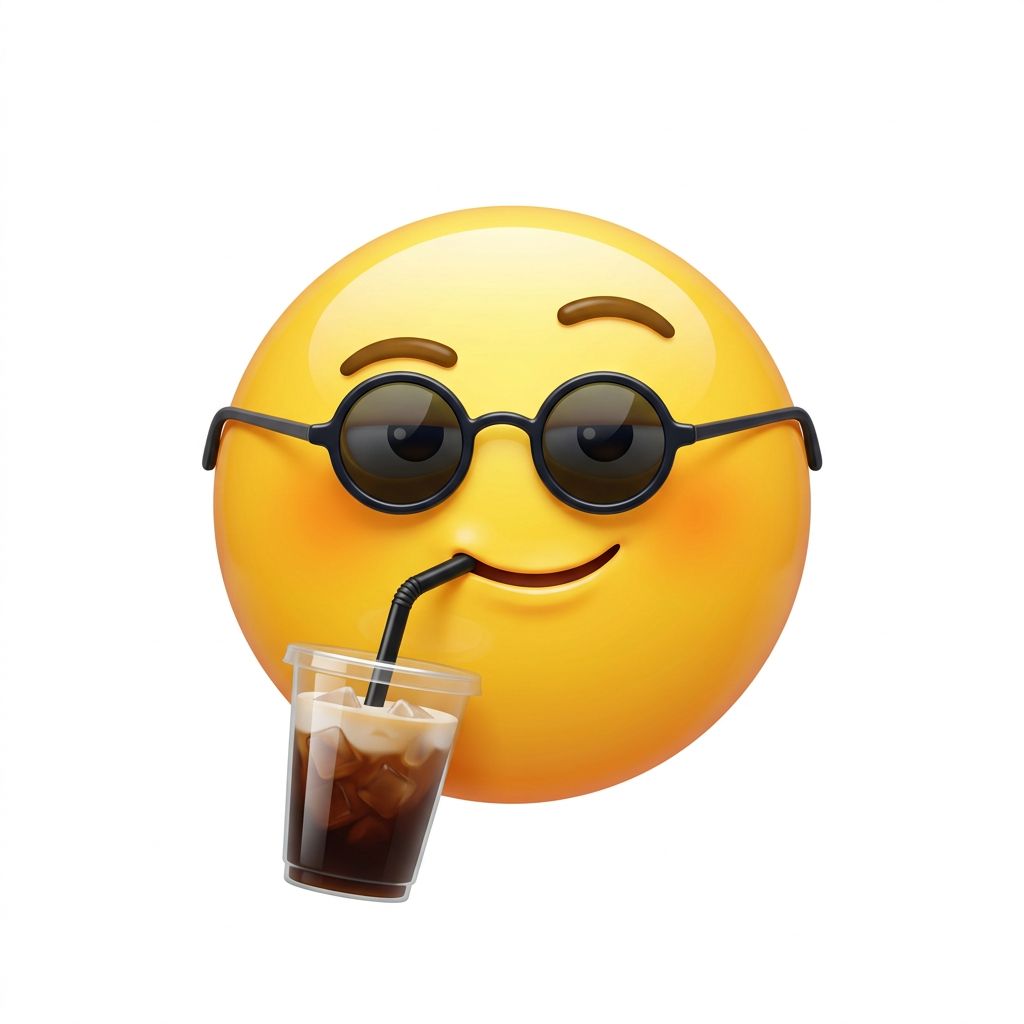
Custom emoji · Nano Banana 2
A custom emoji in the glossy round yellow emoji style: a face wearing tiny sunglasses and sipping an iced coffee through a straw, smug expression, simple shapes, centered, plain white background.
02 · What you can do
Create your own emoji, stickers and caricatures
Each of these is a one-tap preset in the maker above. Tap it, change the subject, and generate. The photo presets need Image to Image and an uploaded picture.
Emoji maker
A new emoji for a feeling the keyboard doesn’t have. Keep it to one face or object and simple shapes so it reads at tiny sizes.
Discord emoji maker
Server emotes with thick outlines and big expressions. Generate in Square, cut out the background and scale it down to the size Discord asks for.
Sticker maker online
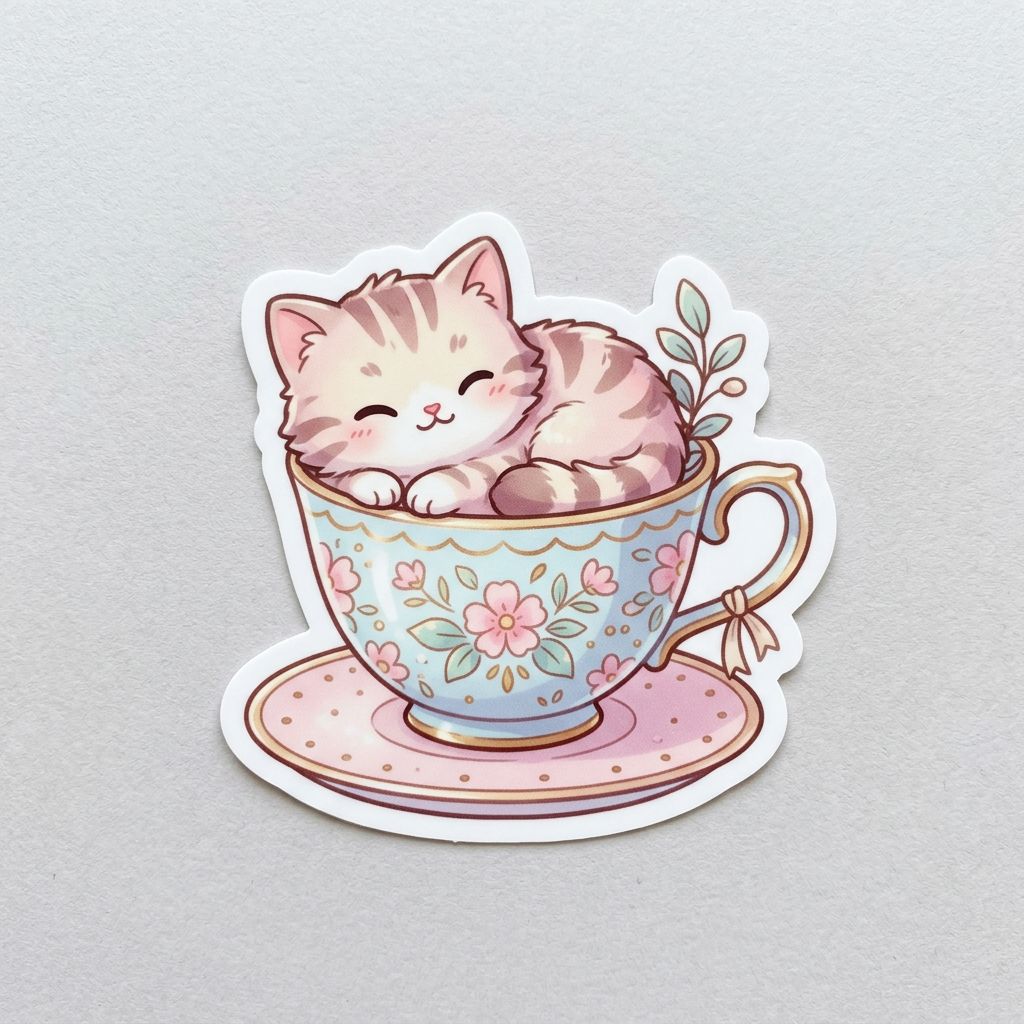
Kawaii animals, food and plants with a white die-cut border, the look of a printed vinyl sticker.
Sticker packs for WhatsApp and Telegram
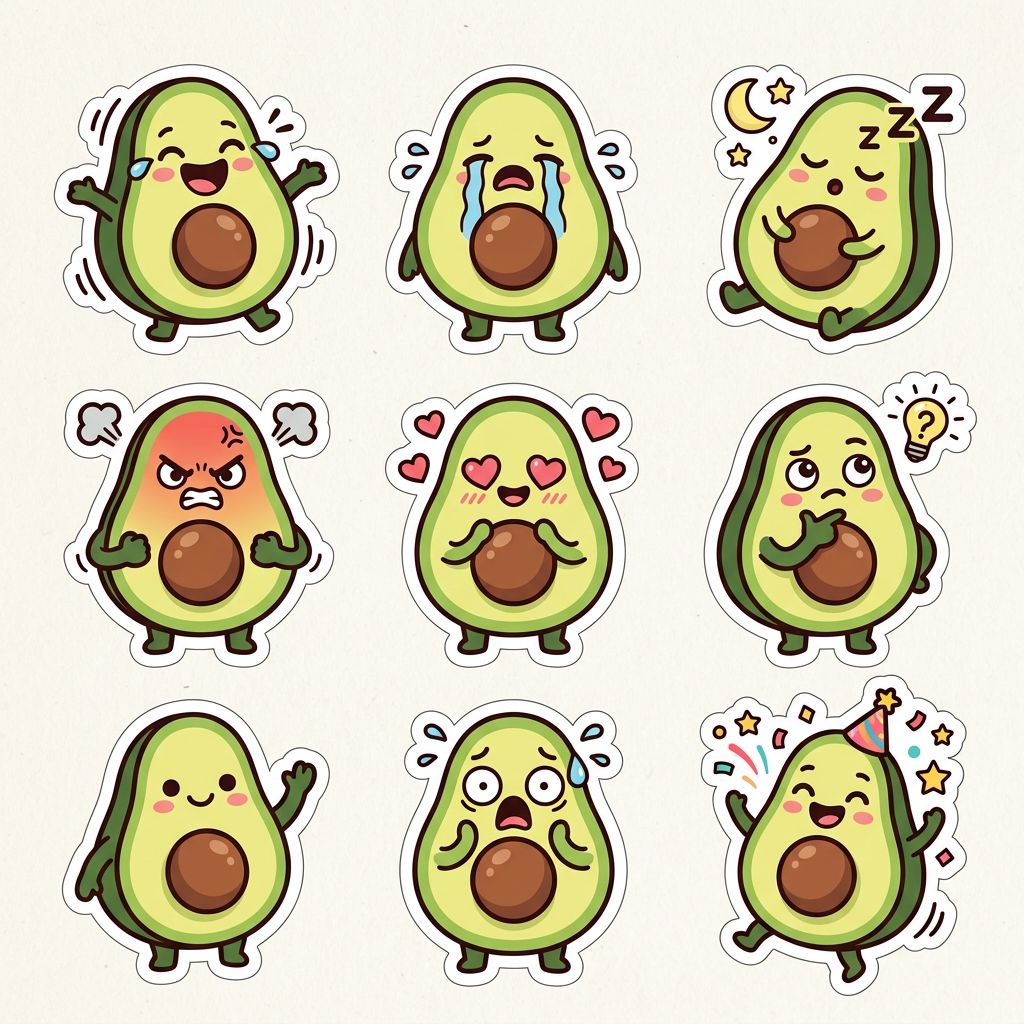
One character, many moods on one sheet. Crop each sticker out to build a pack in your messaging app. GPT Image keeps the character consistent best.
Text and reaction stickers
One word or a short phrase in bubble letters. Ideogram 3 Turbo spells short words cleanly.
Make an emoji from a photo
Upload a clear selfie in Image to Image and get an emoji version of yourself, with your hair, glasses and smile.
Caricature maker
The boardwalk caricature, from a photo. A big head, a playful exaggeration and a prop that says something about the person. Kind, not cruel.
Pet stickers
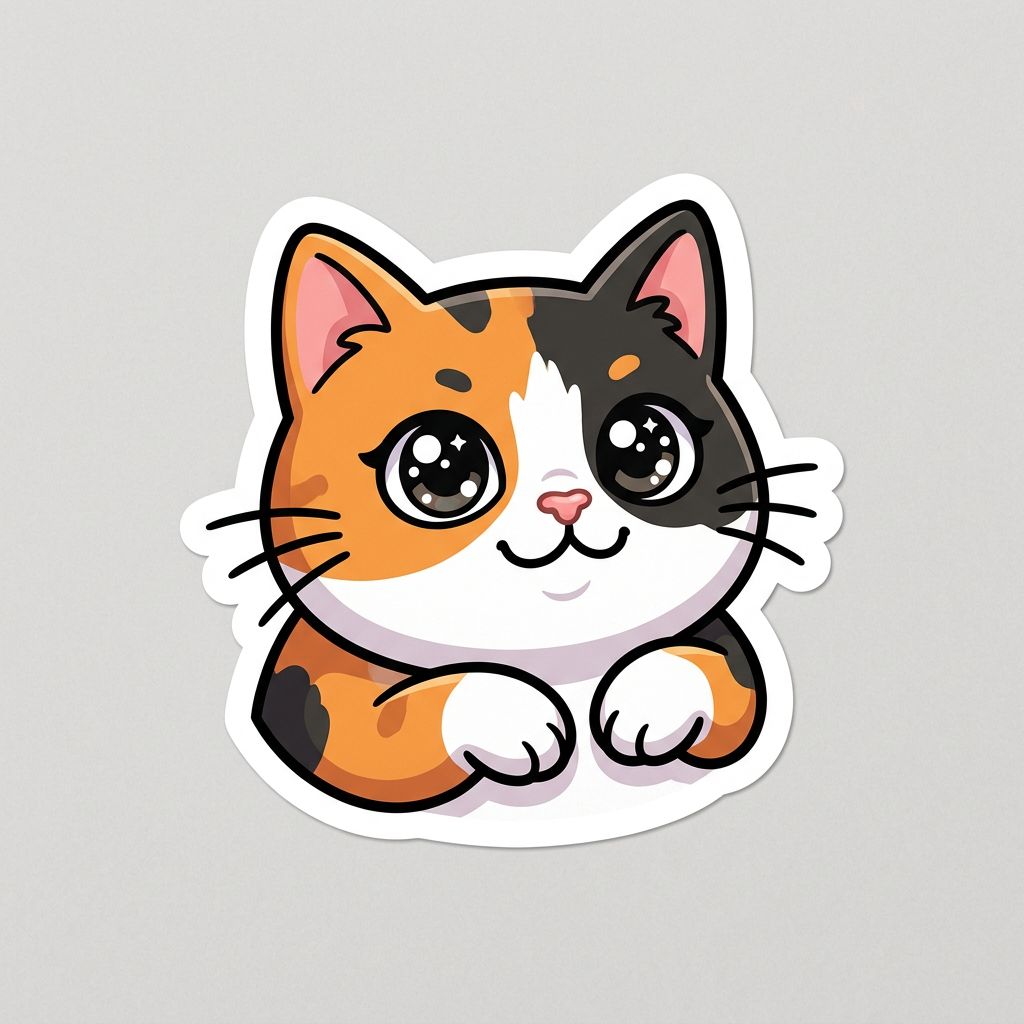
Your dog or cat as a sticker, keeping the markings that make them yours. Use Image to Image with a clear photo.
03 · How to
How to make an emoji or sticker with AI
4 steps, all on this page.
- 1
Describe it, or add a photo
Type the emoji or sticker you want, or tap a preset. For a face or a pet, switch to Image to Image and upload a JPG or PNG of up to 10 MB.
- 2
Pick a model
Nano Banana 2 is loaded by default and works with text or a photo. Choose Recraft v3 SVG for vector stickers, Ideogram for words.
- 3
Keep it Square
Square suits emoji, emotes and single stickers. Use Portrait or Widescreen for a full sticker sheet.
- 4
Generate and cut out
Press Generate and download the result from beside the form. Remove the plain background in your sticker app or editor, then add it to your pack.
04 · Why AI
An AI emoji creator instead of a parts kit
Any emoji you can describe
Emoji and avatar apps let you combine preset eyes, mouths and hats. Here you describe the whole thing, so a frog in a cowboy hat crying with joy is one sentence.
From a real photo
Classic caricature apps stretch and warp a photo. The models here redraw the face as an emoji or caricature while keeping the hair, glasses and smile that make it recognizable.
Vector when you print
For vinyl stickers, laptop decals and cutting machines, Recraft v3 SVG gives you an SVG that scales cleanly, instead of a small pixel image.
05 · Models
The AI models behind the emoji & sticker maker
Switch models from the picker at the top of the generator. The price is per image and shows on the Generate button.
| Model | Best for | Credits from |
|---|---|---|
| Nano Banana 2default | Emoji and stickers from text, and from a photo of you | 6 |
| Recraft v3 SVG | Vector SVG stickers and icons for printing and cutting | 6 |
| Recraft v3 | Flat, consistent sticker pack styles | 6 |
| Ideogram v3 Turbo | Stickers with a word or short phrase on them | 4 |
| GPT Image | Full sticker sheets and detailed caricatures | 6 |
| Nano Banana 2 Lite | Quick, cheap drafts | 1 |
06 · Who it’s for
What people make with an AI sticker generator
Discord and Slack servers
Custom emotes and reactions for the community or team.
WhatsApp and Telegram
Sticker packs of friends, pets and inside jokes.
Streamers
Channel emotes and sub badges with a consistent style.
Small shops
Vinyl sticker designs for Etsy, markets and packaging.
Parties and weddings
Caricatures of the couple or the birthday guest for invites and favors.
Planners and journals
Cute themed stickers for notebooks and digital planners.
07 · Prompting
Prompt tips for better results
Name one subject, one expression, the style, the outline and the background. Simple shapes and thick outlines survive being shrunk to emoji size.
| Vague | Prompt that works |
|---|---|
| Funny emoji | Glossy yellow emoji face melting into a puddle while holding a tiny fan, sweat drops, simple shapes, plain white background. |
| Sticker of my dog | (Image to Image) Turn this dog into a kawaii sticker with a big head, the same brown and white patches, a red bandana, thick white border. |
| Caricature of me | (Image to Image) Friendly caricature of the person in this photo as a chef with an oversized hat, gently exaggerated grin, marker style, keep them recognizable. |
| Make a sticker pack | Nine stickers of the same panda character in a 3 by 3 grid, each with a different mood, same colors and outline thickness on every one. |
08 · FAQ
AI Emoji & Sticker Maker FAQ
What is an AI emoji and sticker maker?
A tool that draws custom emoji, stickers and caricatures from a description or a photo. You describe what you want, or upload a picture, and an image model creates it in a sticker or emoji style you can download.
Is the AI Emoji & Sticker Maker free?
New accounts get 5 free credits, and Nano Banana 2 Lite runs from 1 credit per image, so you can try it without paying. After that it runs on credits; the button shows the price before you run, and a failed run costs nothing.
Do the stickers have a transparent background?
No. They come back as PNG images on the plain background you ask for. Ask for a white or light grey background and a thick outline, then remove it in your sticker app or a background remover before uploading.
Can I make an emoji from my photo?
Yes. Switch to Image to Image, upload a clear, well-lit selfie and use the Emoji from photo preset. Nano Banana 2 keeps your hair, glasses and expression best.
Can I use them on Discord, WhatsApp or Telegram?
Yes. Download the image, cut out the background, and resize it to the size and file type each app asks for, then add it as a server emoji or to a sticker pack.
Can I print the stickers?
Yes. For printing and cutting machines, use Recraft v3 SVG to get a vector SVG that scales without blurring. PNGs from the other models work for small stickers.
How do I make a caricature?
Switch to Image to Image, upload a photo of yourself or someone who has agreed, and use the Caricature preset. Say what to exaggerate gently and add a prop or hobby.
What isn’t allowed?
Sexual content, hateful or bullying stickers, and caricatures of celebrities, public figures or anyone who hasn’t agreed are not allowed. Only upload photos you have permission to use.
09 · More tools
More AI tools
Make your emoji or sticker now
Describe one face, one mood, one style. Try the Custom emoji preset, or upload a selfie for a caricature.
Open the AI emoji and sticker maker