


Model
The AI that will make it for you. Each one has its own look and price. Not sure? Keep the one that's already picked.
NVSanaNVIDIA4 Credits
 Nano Banana 2 LiteGoogle
- ImageFXImagen 4 · Google DeepMind
- Nano Banana ProGoogle
- Nano Banana 2Google
 GPT ImageOpenAI
 Qwen ImageAlibaba Qwen
- BLFlux Kontext ProBlack Forest Labs
- BLFlux 2 MaxBlack Forest Labs
- BLFlux ProBlack Forest Labs
- BLFlux SchnellBlack Forest Labs
- IDIdeogram v3 QualityIdeogram
- IDIdeogram v3 TurboIdeogram
 Seedream 5.5ByteDance
- Seedream 4.5ByteDance
- RERecraft v3Recraft
- RERecraft v3 SVGRecraft
- STStable Diffusion 3.5 LargeStability AI
- LUPhotonLuma Labs
- LUPhoton FlashLuma Labs
 MiniMax Image-01MiniMax
- TEHunyuan Image 3Tencent
- BRBria Image 3.2Bria AI
- PRP-ImagePrunaAI
- PRHiDream L1 FastPrunaAI
Describe the picture in your own words: what's in it, the style (photo, cartoon, painting…), the colors and the mood. More detail gets you closer to what you imagine.
Aspect Ratio
The shape of the result. 16:9 is wide, like YouTube or a TV. 9:16 is tall, like TikTok or phone stories. 1:1 is square, like an Instagram post.
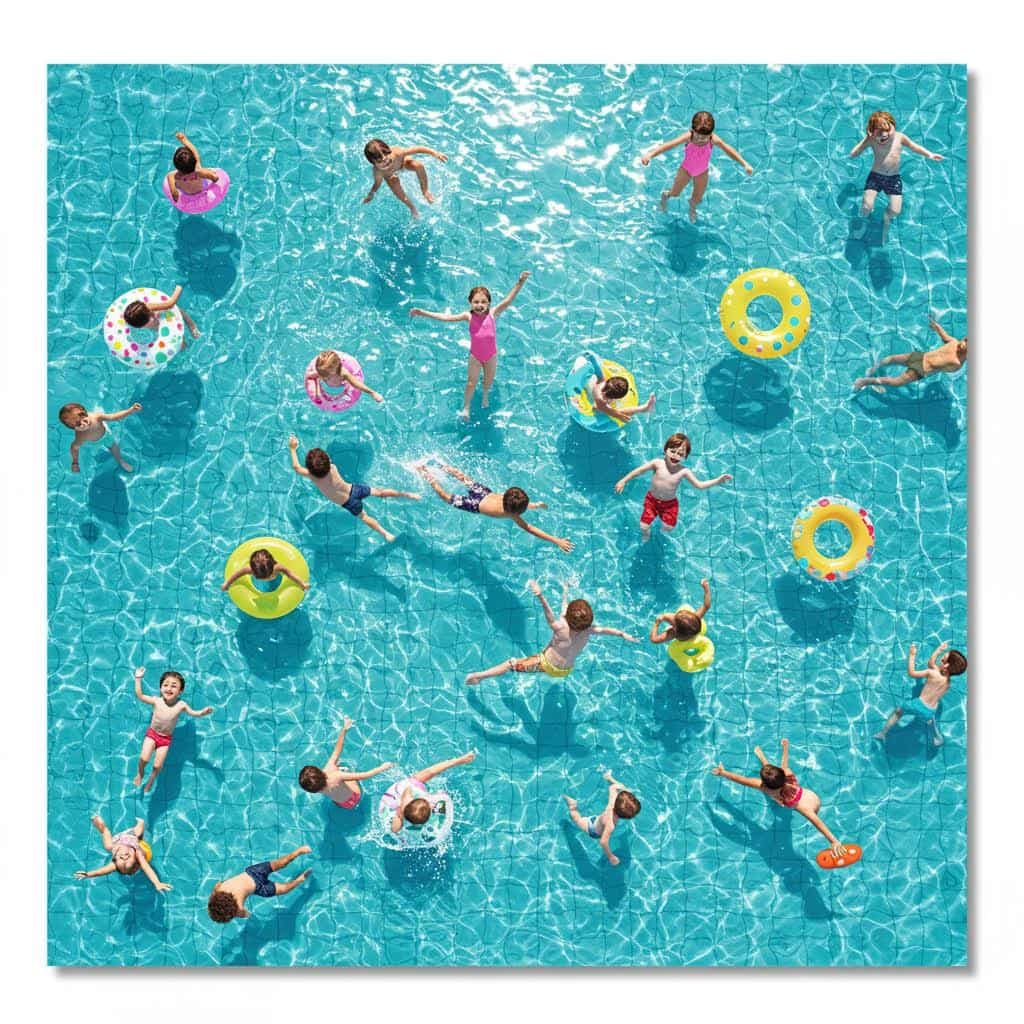
NVIDIA · Text to image
Sana AI Image Generator
Sana is NVIDIA's small, very efficient image model, built for speed, with a negative prompt and a seed. Use Sana to compare styles for the same subject quickly and at low cost.
Real results
Discover What Sana Can Create
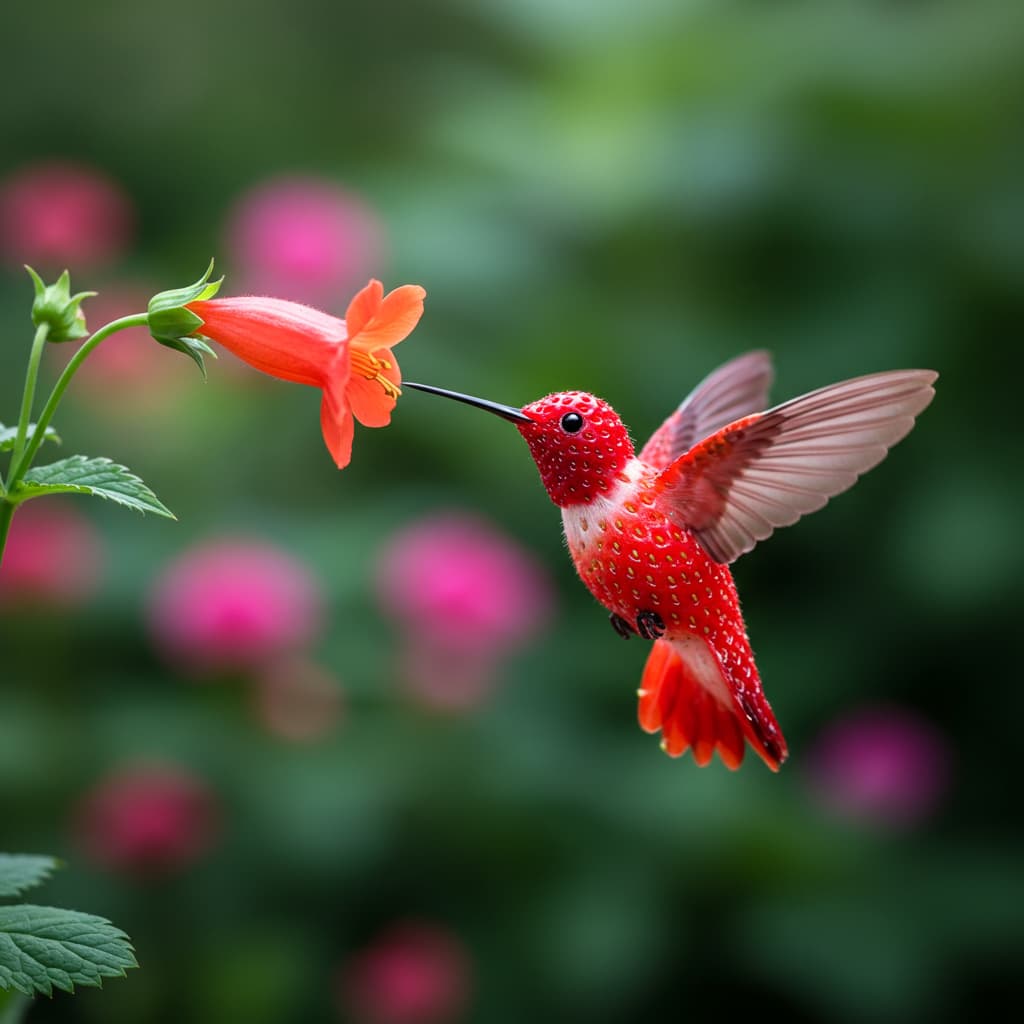
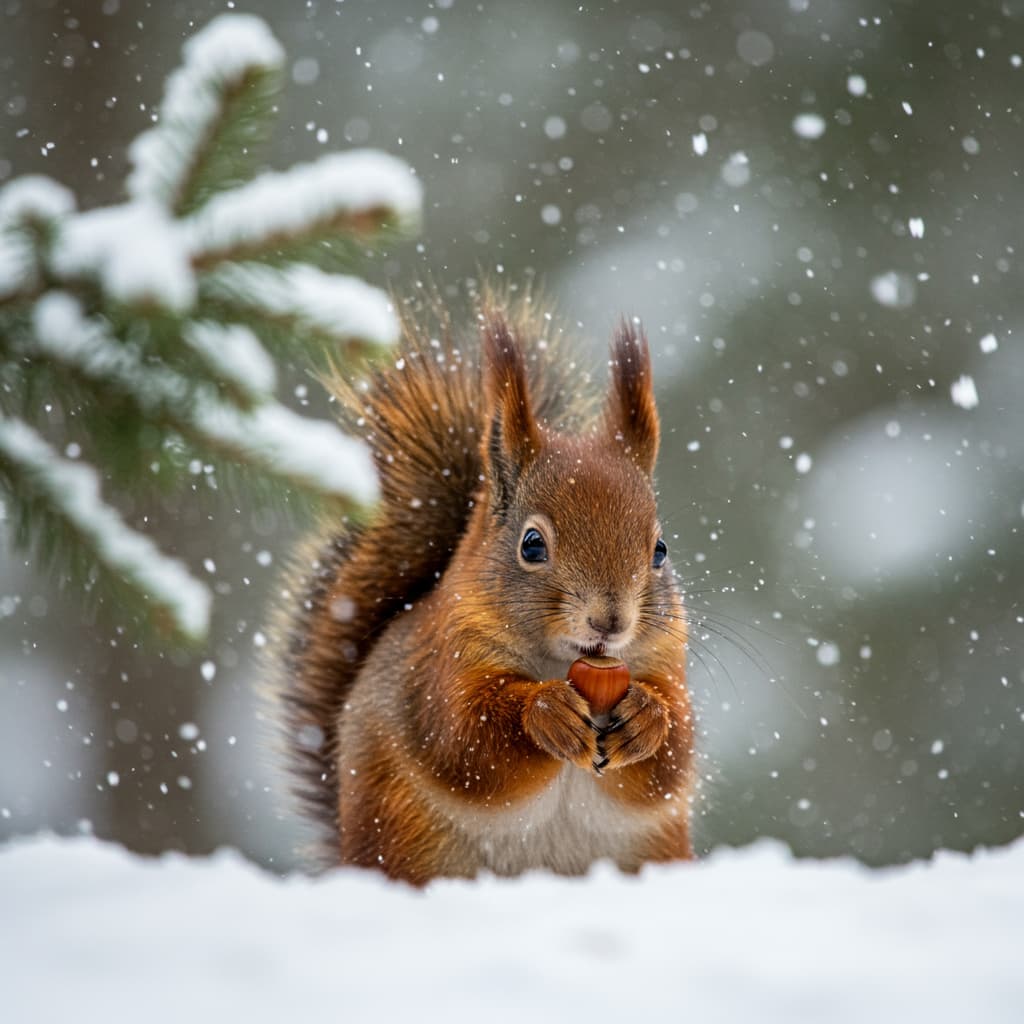
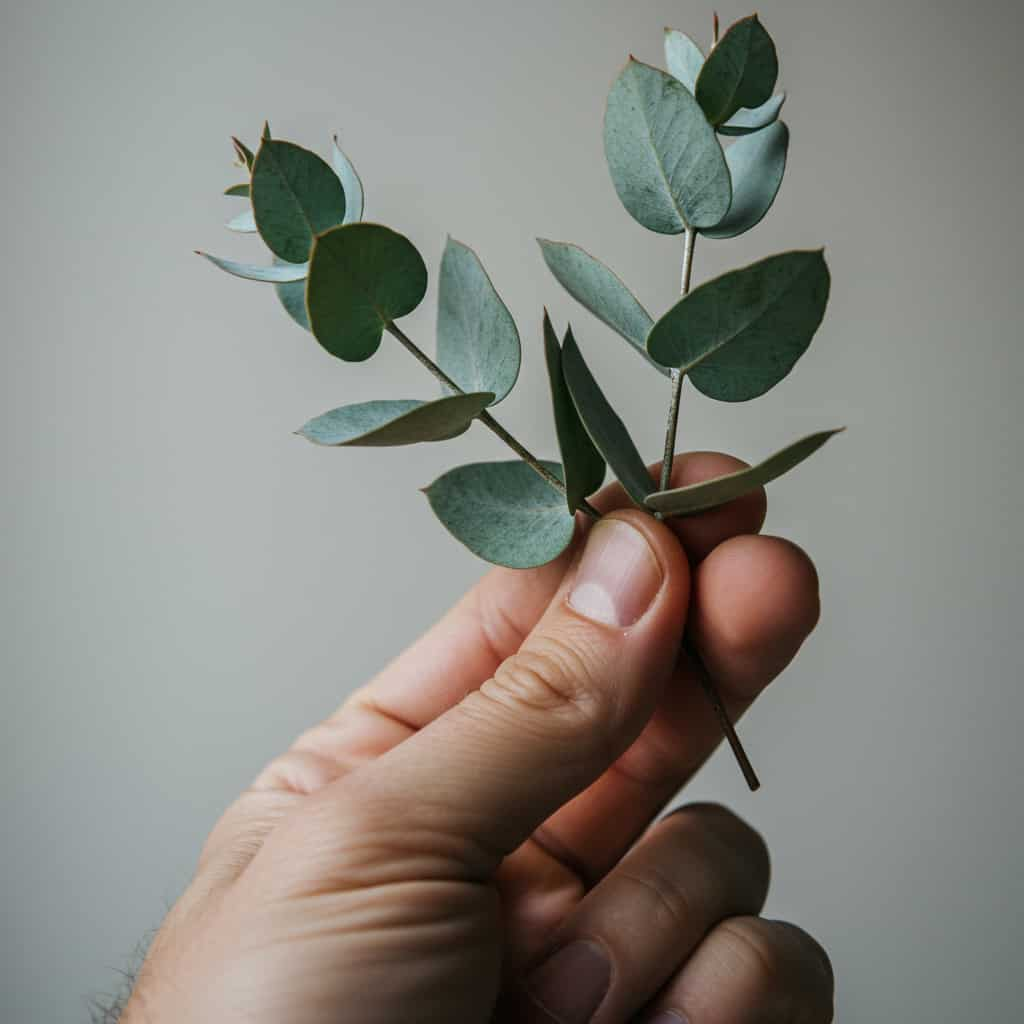
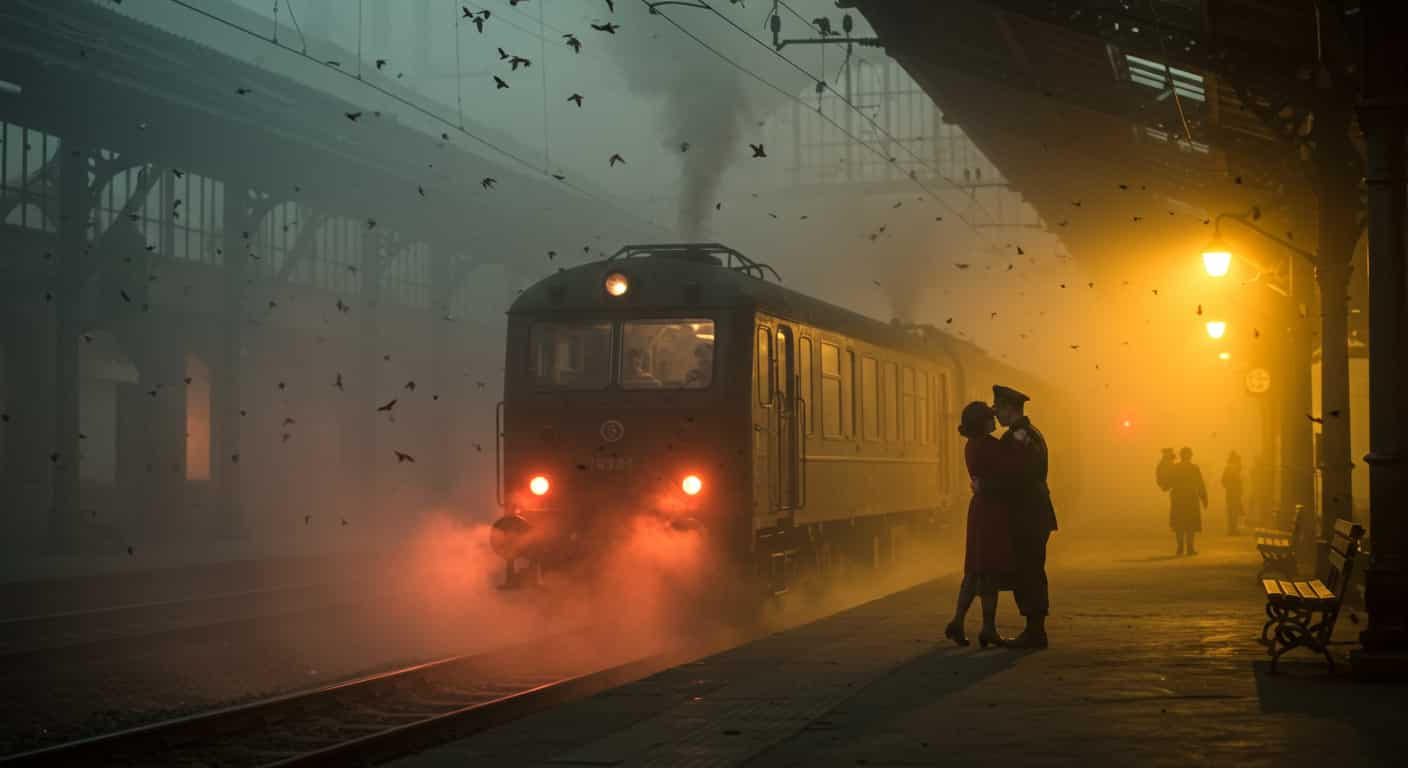
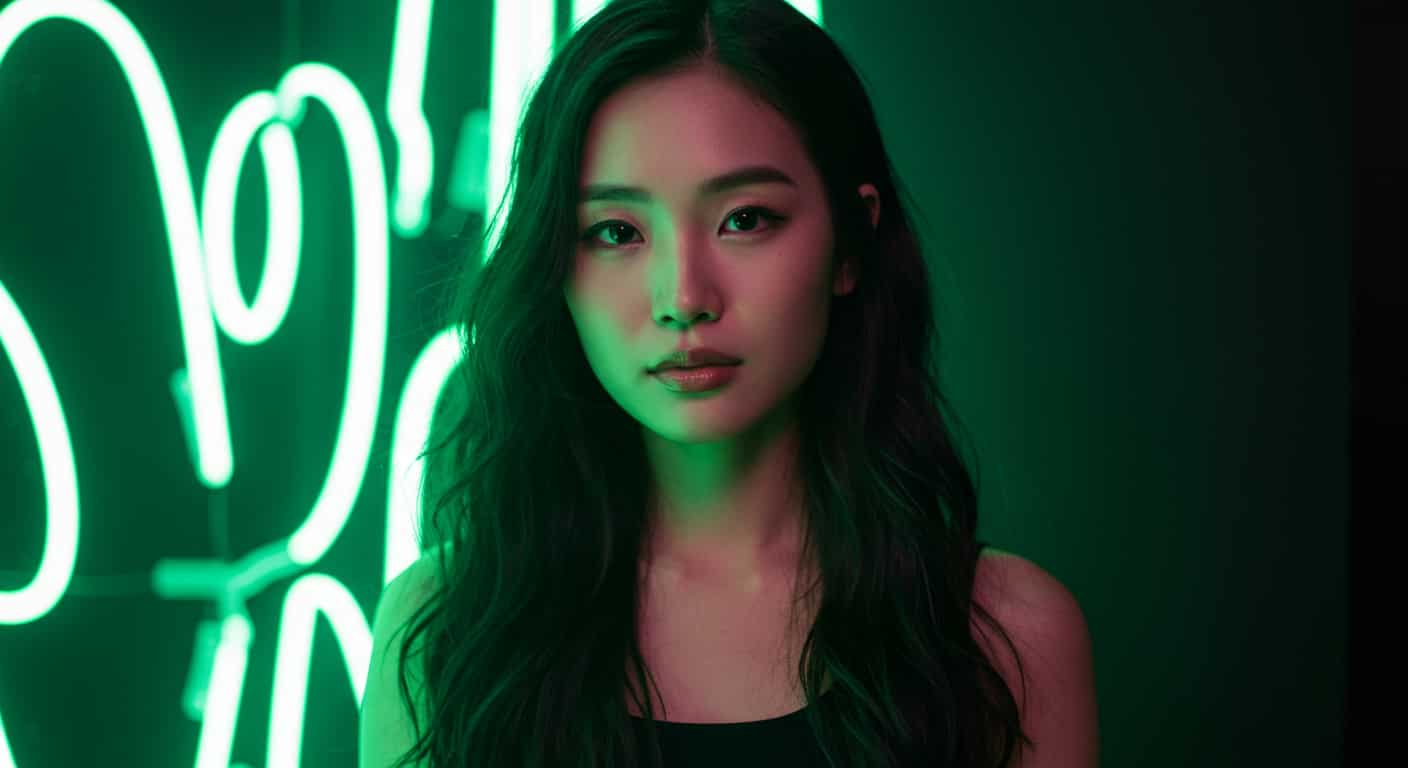
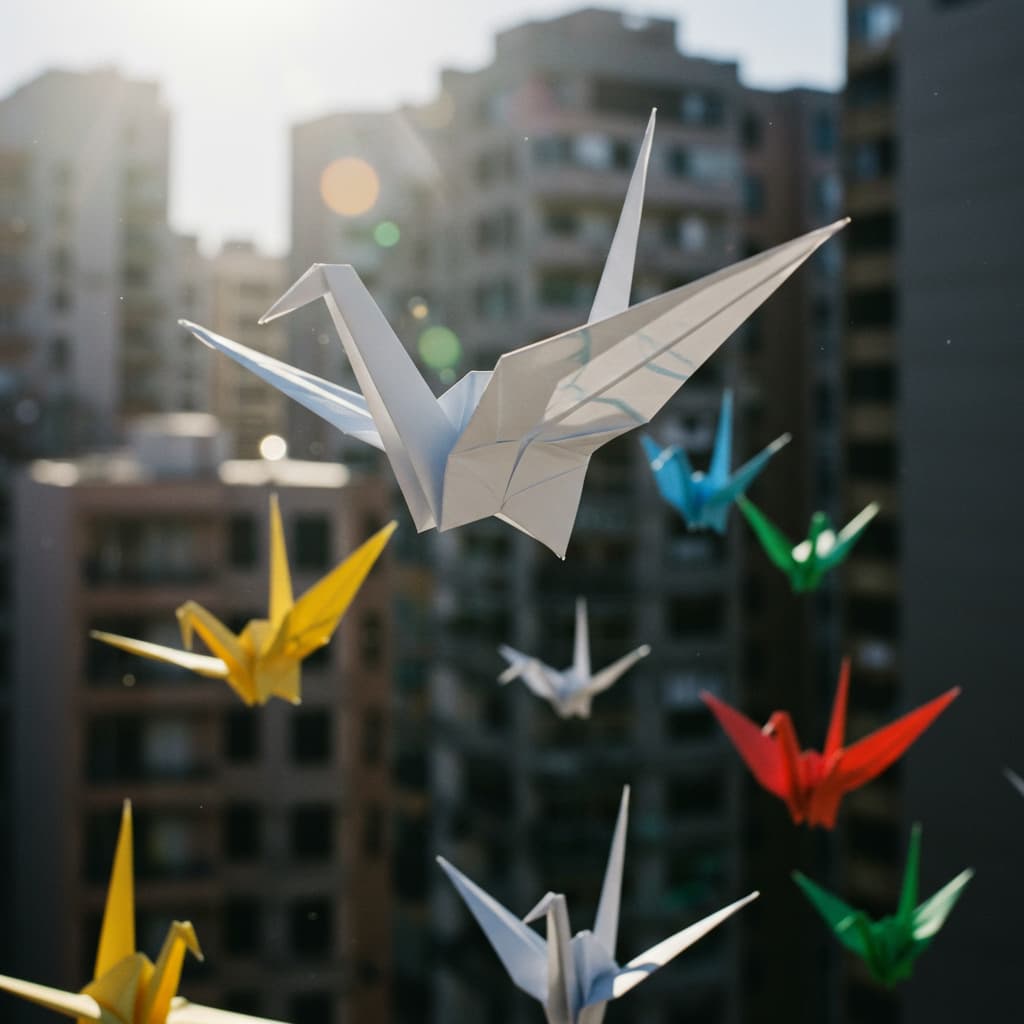
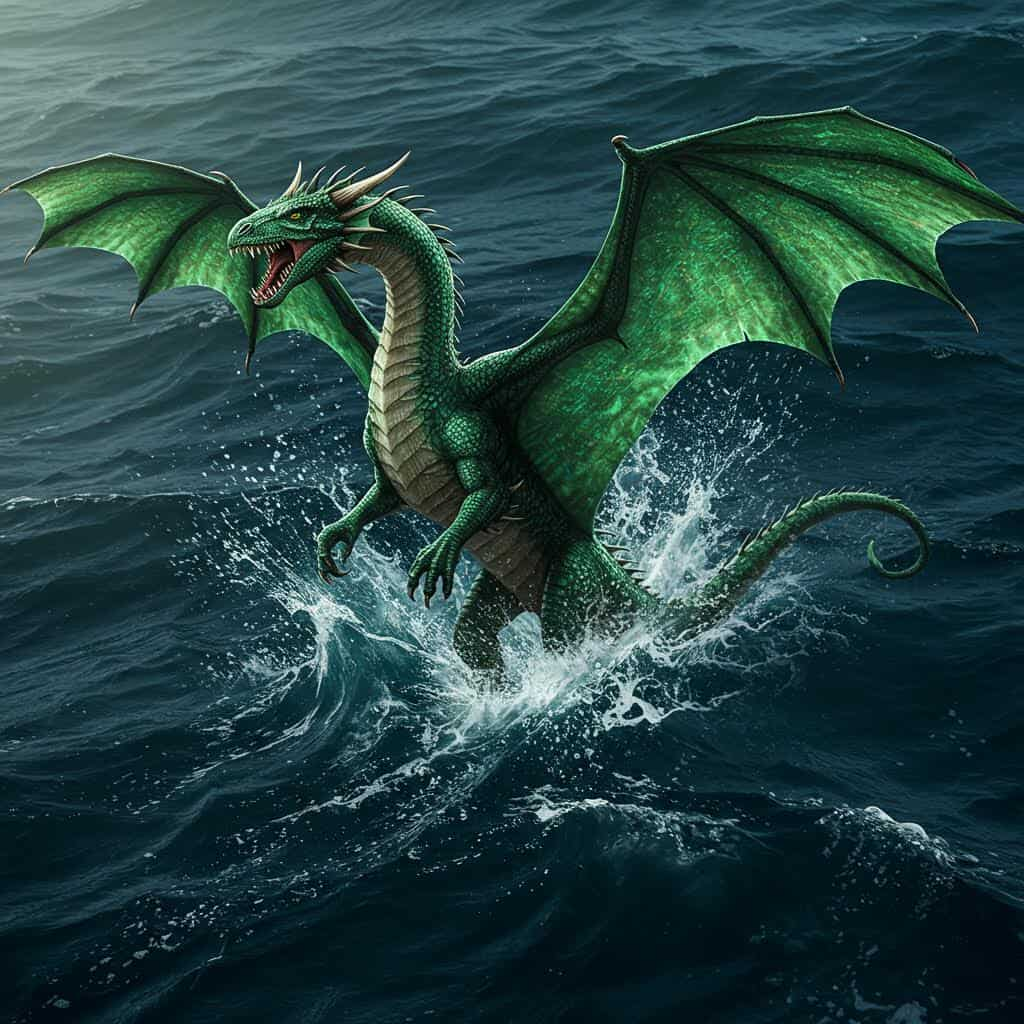
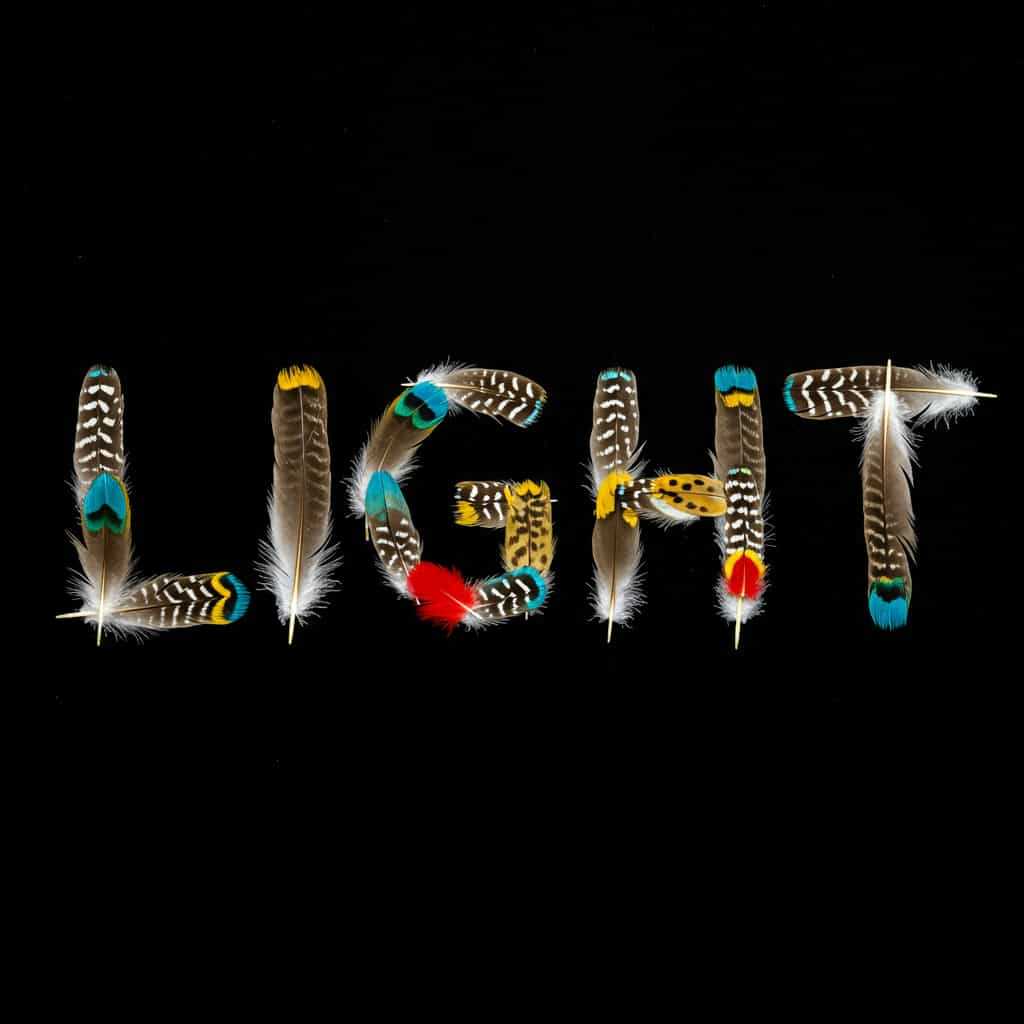
Posters, watercolours, storybook art and wallpapers, each made from one prompt with Sana. Unedited outputs from this page, with the prompt for each.
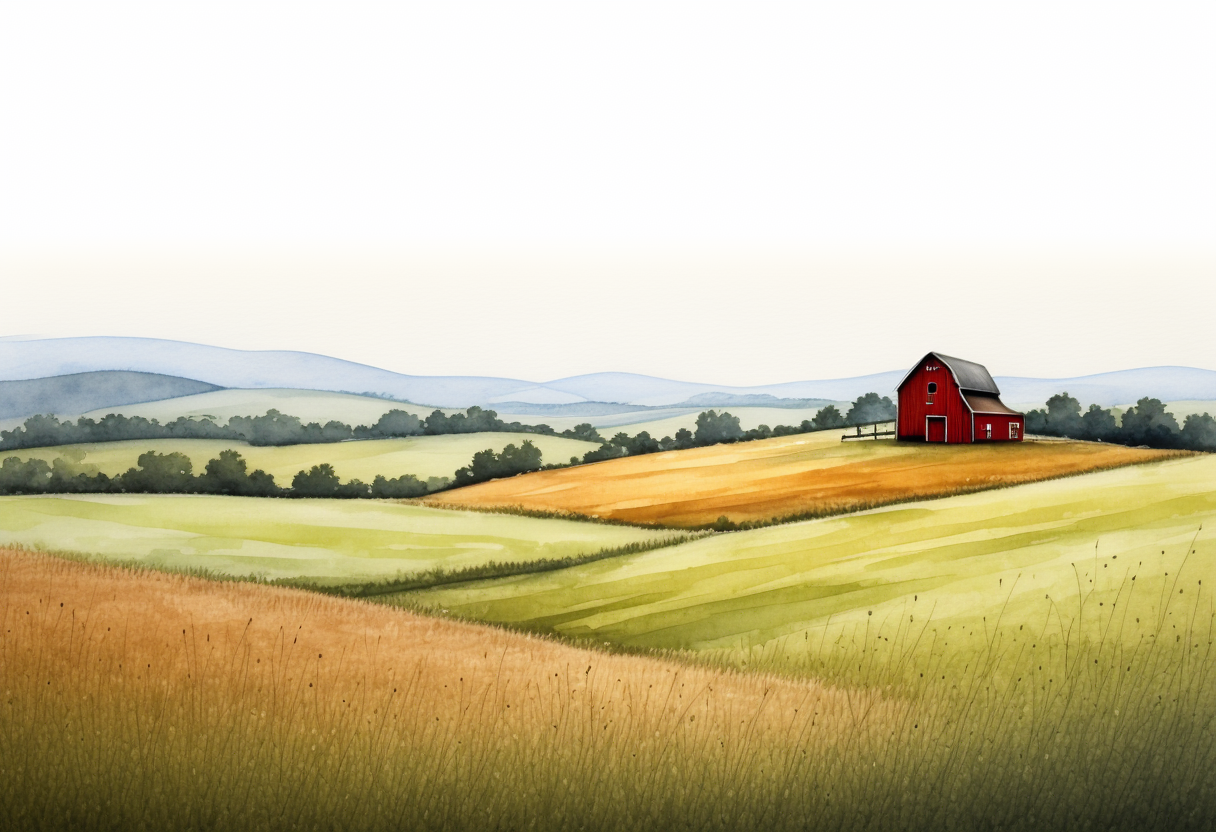
Watercolour landscape · Sana
Loose watercolour landscape of rolling hills with a red barn, wet-on-wet sky, white paper showing through
Key Features of Sana
Sana comes from NVIDIA researchers working with MIT, published in late 2024. It is a linear-attention diffusion transformer that generates high-resolution images with far fewer parameters and far less compute than models like FLUX, small enough to run on a laptop GPU. ImageFX runs Sana 1.6B, the larger of the two released sizes, at 1024-pixel resolution.
01 / 04
Efficiency by Design
Sana generates at high resolution with a fraction of the parameters of larger models, which keeps it fast and cheap to run. That makes Sana a good sandbox: try a subject in five styles before you commit to a bigger model.
Try Sana Now02 / 04
Wide Artistic Range
NVIDIA highlights Sana's range of styles: painterly, graphic, photographic and fantasy prompts all land reasonably well. Lead with an explicit style word such as "watercolour", "neon cyberpunk poster" or "pencil sketch", and keep the scene itself simple.
Explore Styles with Sana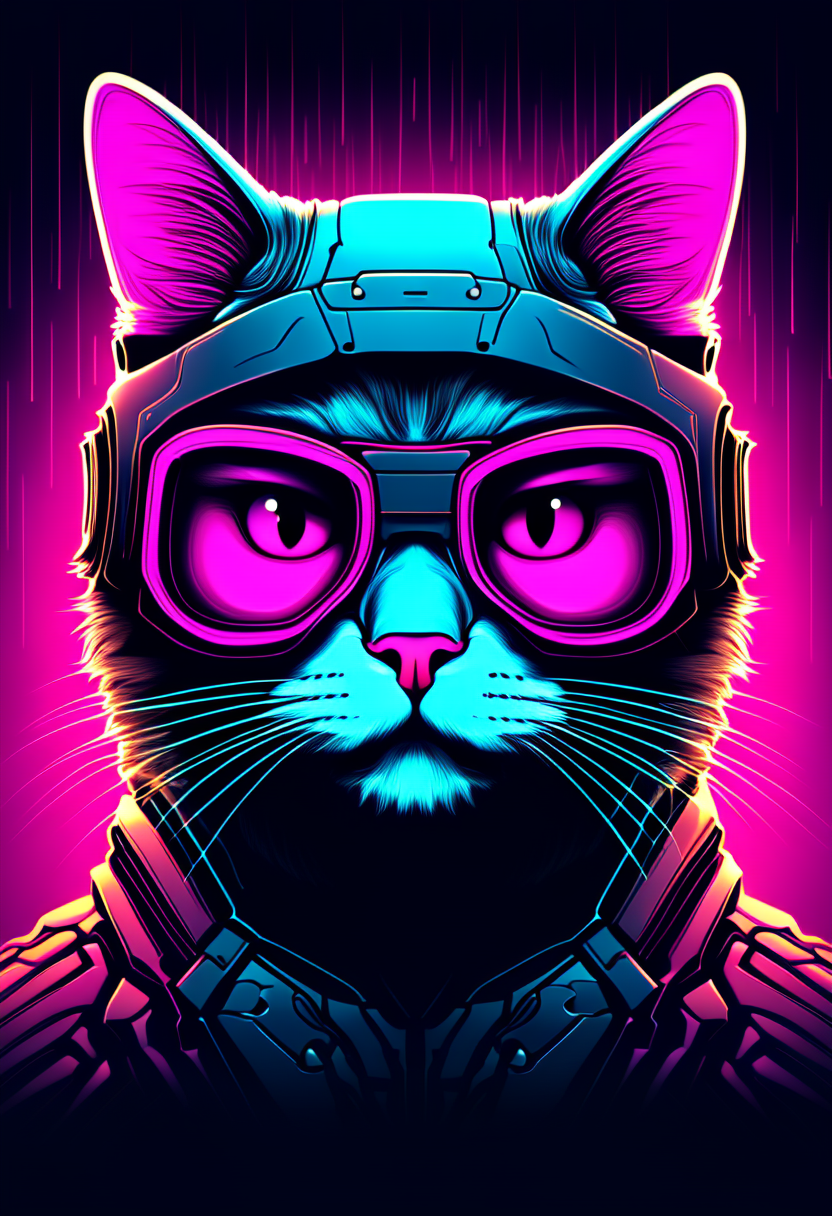
03 / 04
Negative Prompt and Seed
Sana takes both a negative prompt and a seed on ImageFX, so you can push away unwanted elements and repeat results. Use the negative prompt for the one or two things that keep going wrong, such as text or people.
Use a Negative Prompt with Sana
04 / 04
Illustration for Stories and Books
Soft, stylised illustration is where Sana is most at home. Describe one character, one action and the texture you want, and Sana keeps the look consistent with the style words.
Make an Illustration with Sana
How to Use Sana on ImageFX
Lead with the Style
Open the Sana generator at the top of this page. Give it a clear subject and an explicit style, and keep the scene simple.
Add a Negative Prompt and Pick the Shape
Under More Options, list what you don't want in the negative prompt and set a seed if you want to repeat a result. Then choose an aspect ratio.
Generate and Download
Click Generate, compare a few runs, then download the PNG. Every image is saved to your account.
A Sana run costs 4 credits; the Generate button shows the price first, and a failed run costs nothing. See plans and credit packs
Explore More AI Image Models on ImageFX
These low-cost and fast image models run in the same generator as Sana. Try the same prompt on each.
- Stability AI · Text-to-image and image-to-imageStable Diffusion 3.5 LargeAn open-model look with a negative prompt and more detail.From 5 credits
- PrunaAI · Text-to-imageHiDream L1 FastAn open-weight (MIT) look at low cost.From 3 credits
- Black Forest Labs · Text-to-imageFlux SchnellThe cheapest quick drafts and idea sketches.From 2 credits
- PrunaAI · Text-to-imageP-ImageNear-instant, low-cost drafts with short text.From 2 credits
- Luma Labs · Text-to-image and image-to-imagePhoton FlashLow-cost photographic drafts.From 3 credits
- Black Forest Labs · Text-to-imageFlux ProA dependable all-rounder for photos and illustration.From 8 credits
FAQs About Sana
Who made Sana?
Researchers at NVIDIA, working with MIT. Sana was published in late 2024.
Which Sana version runs on ImageFX?
Sana 1.6B, the 1.6-billion-parameter model, at 1024-pixel resolution.
Does Sana support negative prompts?
Yes. The negative prompt field is passed to Sana, and you can also set a seed.
What size are Sana images?
Each aspect ratio maps to a set size around one megapixel, for example 1024 × 1024 for a square image.
Is Sana good for photorealism?
Sana can do it, but Photon or FLUX models are the better choice for realistic photos.
Can Sana put text in images?
Not reliably. Treat any lettering from Sana as decorative, and use Ideogram or Recraft when the words matter.
What are Sana's limits?
At 1.6 billion parameters, fine detail and complex scenes are not Sana's strength. Several subjects with specific positions can get mixed up; simplify the prompt, or use a FLUX model.
How does Sana compare with Flux Schnell and SD 3.5 Large?
Flux Schnell costs less and is stronger on photographic prompts; Sana adds a negative prompt and is the better stylist. SD 3.5 Large is a much bigger model with more detail; Sana is lighter and quicker for style tests.
Try Sana on ImageFX
Test styles and ideas quickly with NVIDIA's efficient image model, with a negative prompt and a seed when you need them.
Create with Sana