



Uncrop · Zoom out · Outpaint
AI Image Extender
Turn a tight portrait into a wide banner, or a landscape photo into a tall phone story. Pick the new shape, tell the AI to extend the scene, and it paints in the sky, floor, walls or background that the camera didn’t catch.
01 · Real results
AI Image Extender examples
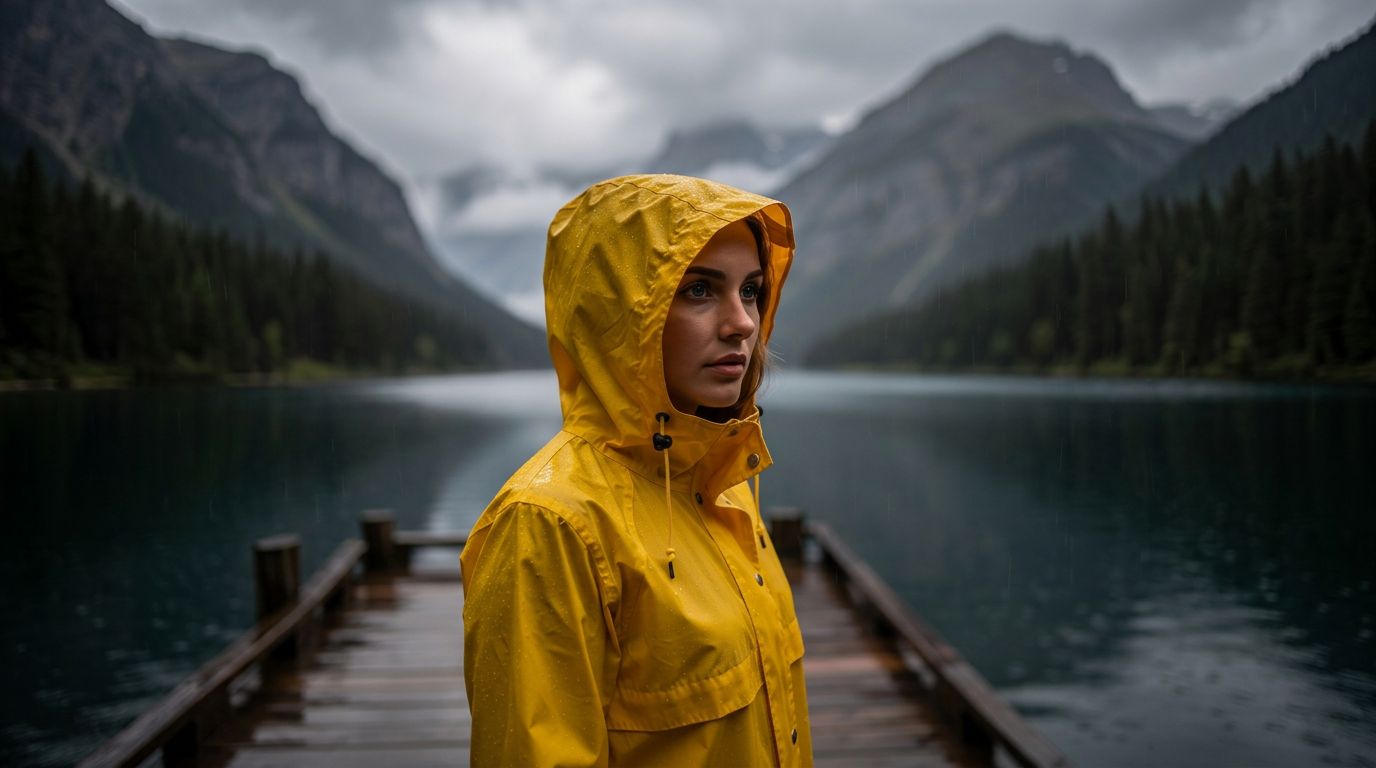
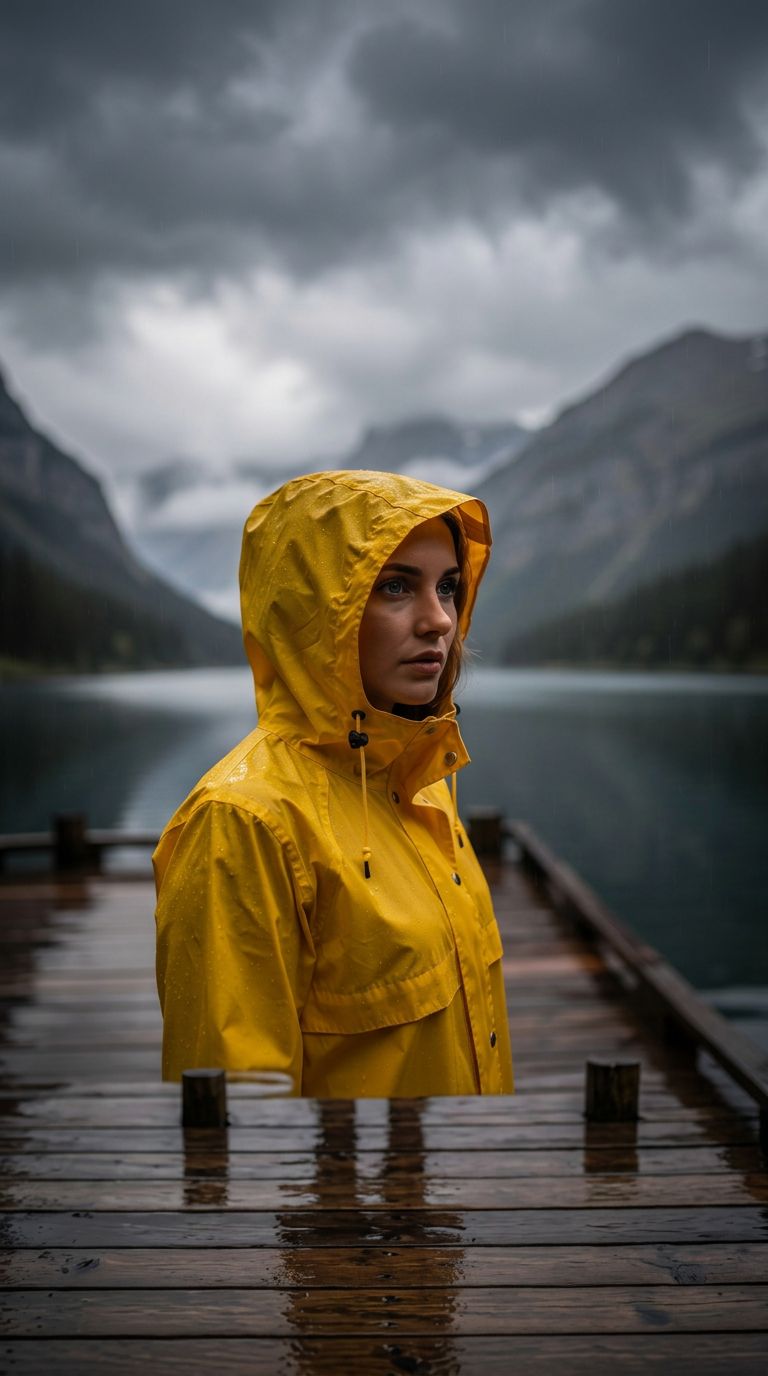
Made on this page with the presets below on Nano Banana 2, unedited. The input photos are AI-generated people, not real ones.
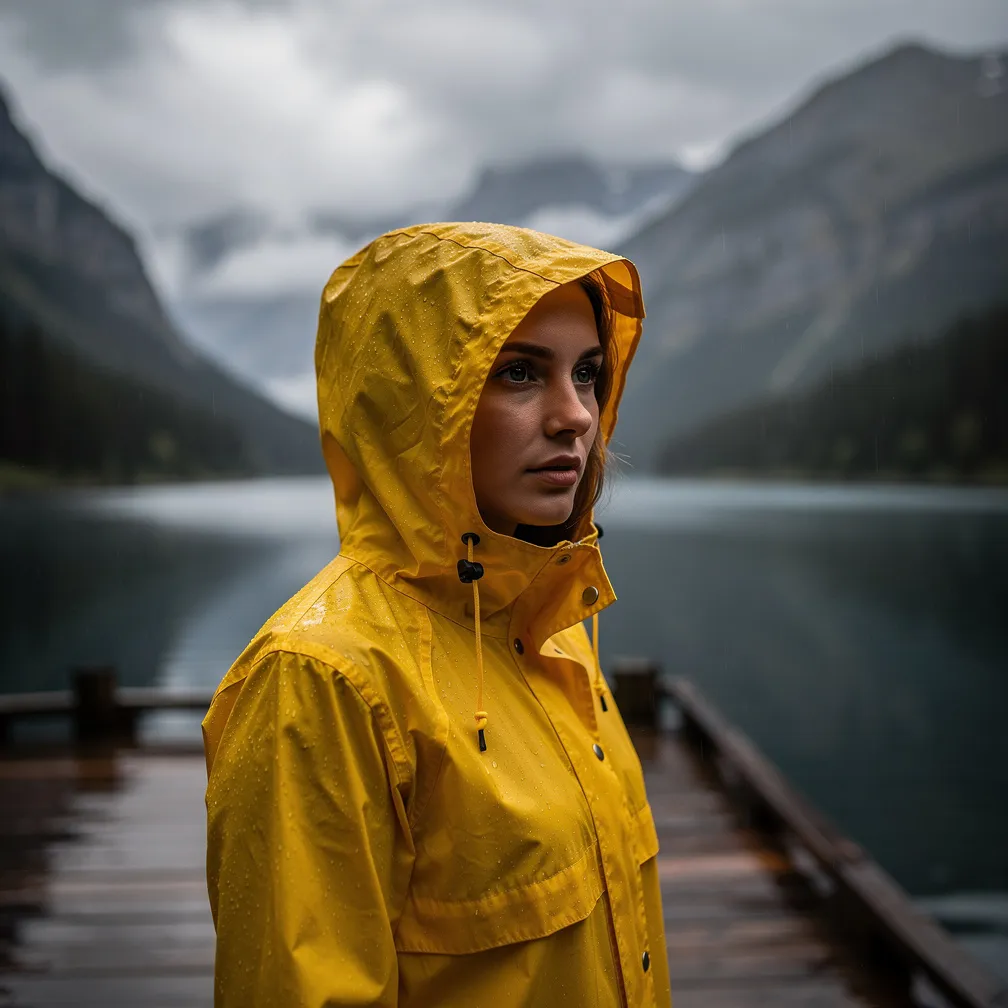
Widen to 16:9 · Nano Banana 2
Extend this photo outward on the left and right into a wide 16:9 scene. Continue the background, ground and lighting naturally. Keep the original subject, faces, colors and composition exactly as they are, centered.
02 · What you can do
Extend an image in any direction
Each one is a one-tap preset in the extender above. Pick the new shape in the aspect ratio picker first, then tap a preset and generate.
Widen to a banner or desktop shape
Choose 16:9 and the scene grows sideways, for YouTube thumbnails, website headers, slides and wallpapers.
Make it tall for stories and reels
Choose 9:16 to turn a landscape shot into a phone-screen story or wallpaper, with new sky above and ground below.
Zoom out of a photo
A cropped-in shot becomes a wider one, as if you had stepped back. Good for close-ups that cut off heads, feet or the view.
Uncrop a cut-off portrait
Restore the shoulders, arms or background that a tight crop cut away. The new parts are invented to fit, so check hands and clothing.
Fit any photo into a square
Choose 1:1 and a tall or wide photo gets filled out to a square, instead of losing its edges to a crop.
Room for text on product photos
Add clean backdrop beside a product so there is space for a headline, a price or a banner layout.
More sky for prints and covers
Choose a taller shape and add sky above a landscape, for a poster, a book cover or a magazine-style layout.
Fix photos cut off at the edges
Someone half out of frame at the edge of a group photo? Widen the shot and the model fills in the background around them.
03 · How to
How to extend an image with AI
4 steps, all on this page.
- 1
Upload your photo
Drop a JPG or PNG of up to 10 MB into the extender above. Sharp photos with simple backgrounds extend most convincingly.
- 2
Choose the new shape
Pick the aspect ratio you want, such as 16:9 for wide, 9:16 for tall or 1:1 for square. Don’t pick "Match input": that keeps the old shape.
- 3
Say to extend the scene
Tap a preset like Widen to 16:9 or Zoom out, or describe what should appear in the new space. Always say to keep the original as it is.
- 4
Generate and download
Press Generate. The extended image appears beside the form with a Download button and is saved to your history, so you can extend it again.
04 · Why AI
An AI photo extender instead of cloning by hand
No clone stamp, no canvas resizing
Extending a photo by hand means enlarging the canvas and cloning texture for an hour. Here you pick a shape, write one line, and the new space is painted in to match.
Generative fill in the browser
Desktop generative fill tools need a subscription and an install. This runs in the browser with several models to choose from, so you can retry a tricky scene with another one.
Honest about how it works
The model redraws the whole picture at the new shape, keeping the original as closely as it can. It is great for backgrounds and scenery; for pixel-exact originals, check fine details like text and faces.
05 · Models
The AI models behind the image extender
Switch models from the picker at the top of the generator. The price is per image and shows on the Generate button.
| Model | Best for | Credits from |
|---|---|---|
| Nano Banana 2default | Extending while keeping people and details close | 6 |
| Nano Banana Pro | Hardest scenes and large outputs up to 4K | 30 |
| Flux 2 Max | Photoreal skies, landscapes and textures | 15 |
| Seedream 4.5 | Wide scenes with lots of new space to fill | 8 |
| GPT Image | Detailed instructions for what to add | 6 |
| Nano Banana 2 Lite | Quick, cheap drafts | 1 |
06 · Who it’s for
Uncrop and zoom out photos for every format
Social media
One photo, resized for a feed post, a story and a banner without cropping.
YouTubers
Wide 16:9 thumbnails and channel art from vertical phone shots.
Online sellers
Product shots with room for text and a consistent backdrop.
Designers
Extra bleed and background for layouts, covers and print.
Photographers
Rescue shots framed too tight, or add sky for a print.
Wallpapers
Favorite photos widened for a desktop or heightened for a phone.
07 · Prompting
Prompt tips for better results
Pick the new shape first, then say where to extend, what to put in the new space, and that the original must stay as it is.
| Vague | Prompt that works |
|---|---|
| Make it bigger | Extend this photo left and right to 16:9, continuing the beach and the sea. Keep the people and the original scene unchanged. |
| Fill the sides | Add more of the same white marble countertop and blurred kitchen on both sides. Keep the coffee cup and its shadow exactly the same. |
| Zoom out | Zoom out to reveal the rest of the café around the table: other tables, the counter and the windows, same warm light. |
| More background | Extend upward into 9:16 with more blue sky and soft clouds, matching the color at the top of the photo. |
08 · FAQ
AI Image Extender FAQ
What is an AI image extender?
A tool that makes a picture bigger by adding new content around it, also called outpainting or uncropping. You pick a wider or taller shape, and an AI model paints in the parts of the scene outside the original frame.
Is the AI Image Extender free?
New accounts get 5 free credits, and Nano Banana 2 Lite runs from 1 credit per image, so you can try it without paying. After that it runs on credits; the button shows the price before you run, and a failed run costs nothing.
Does it keep my original photo exactly?
Not pixel for pixel. The model regenerates the image at the new shape and keeps the original as closely as it can, so most photos come back looking the same, but small details, text and faces can shift. Say "keep the original exactly as it is" and compare before you use it.
How do I change the aspect ratio?
Use the aspect ratio picker next to the prompt: 16:9, 3:2 and 4:3 for wide, 9:16, 2:3 and 3:4 for tall, or 1:1 for square. "Match input" keeps the photo’s current shape, so choose a different one to extend it.
Can I uncrop a portrait or a group photo?
Yes. Tap Uncrop portrait or Fix tight framing. The model invents what was outside the frame, so look closely at hands, feet and clothing, and run it again if something looks off.
Which model is best for extending images?
Start with Nano Banana 2, which keeps people and details closest. Use Nano Banana Pro for hard scenes or a large print, and Flux 2 Max for photoreal skies and landscapes.
Is this the same as Photoshop generative fill?
It does a similar job, extending a scene with AI, but it works differently: there is no canvas or selection, and the whole image is regenerated at the new shape. That makes it fast and simple, while Photoshop keeps untouched pixels exactly.
What photos can I extend?
Your own photos, or ones you have the right to edit. Get consent before editing photos of other people, and don’t upload photos of public figures. Nudity and sexual content are blocked.
09 · More tools
More AI tools
Extend your image now
Pick a new shape, say "extend the scene", and get the bigger picture in seconds.
Extend my image