



Line art · Print · Color
Coloring Page Generator
Describe any scene, from a dinosaur at the beach to a detailed mandala, and get a clean black-and-white coloring page to print. Or switch to Image to Image and turn your own photo of a pet, a child or a house into one.
01 · Real results
Coloring Page Generator examples
Made on this page with the presets below on GPT Image, unedited.
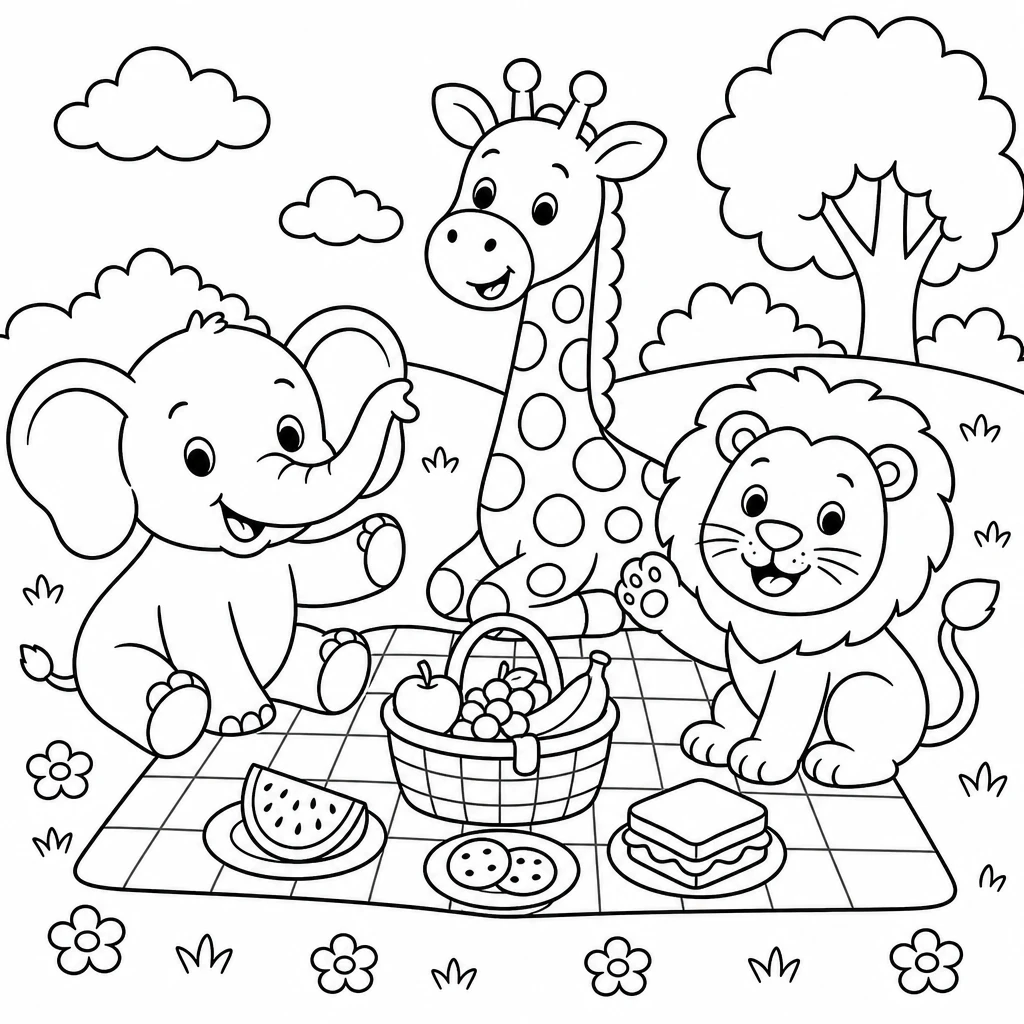
Cute animals · GPT Image
A coloring page for young kids: a smiling baby elephant, a giraffe and a lion having a picnic in a meadow. Thick, clean black outlines on a pure white background, large simple shapes, no shading, no gray, no color.
02 · What you can do
Make coloring pages for kids and adults
Each idea is a one-tap preset in the generator above. Tap it, change the subject or the detail level, and generate a page.
Simple pages for young kids
Thick outlines and big shapes that small hands can color inside. Name the animals or characters your child loves and ask for "large simple shapes".
Dinosaurs, space and dragons
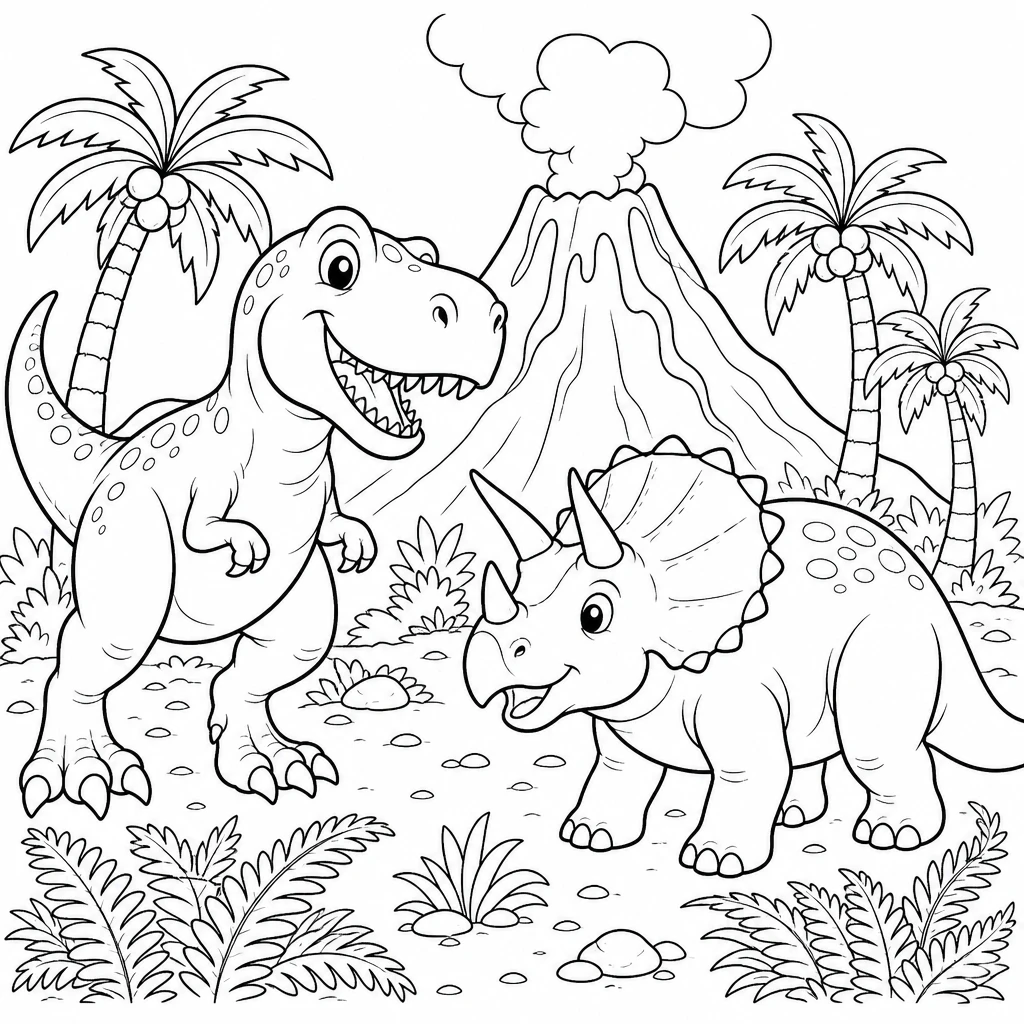
Themed pages for a rainy afternoon or a classroom: dinosaurs, rockets and planets, castles and dragons, trucks and trains.
Detailed mandalas for adults
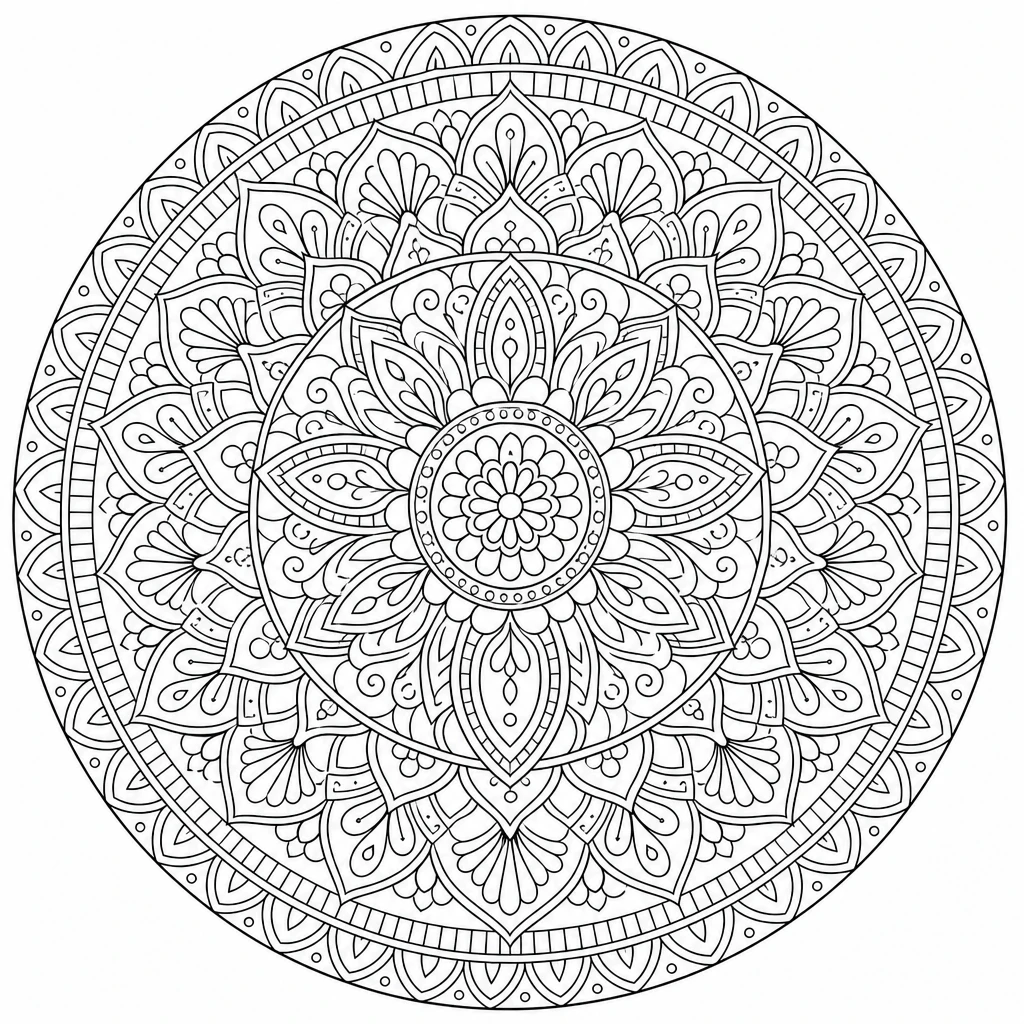
Symmetrical mandalas, florals and patterns with many small areas, for relaxing adult coloring. Ask for "fine lines" and "high detail".
Name and birthday pages
A child’s name in big outlined letters with their favorite things around it, for party favors and place cards. Ideogram is the best pick when the page has words.
Turn a photo into a coloring page
Switch to the Image to Image tab, upload a photo and use this preset. Your pet, your kids at the beach or your house becomes a page to print and color.
Cozy scenes and cottagecore
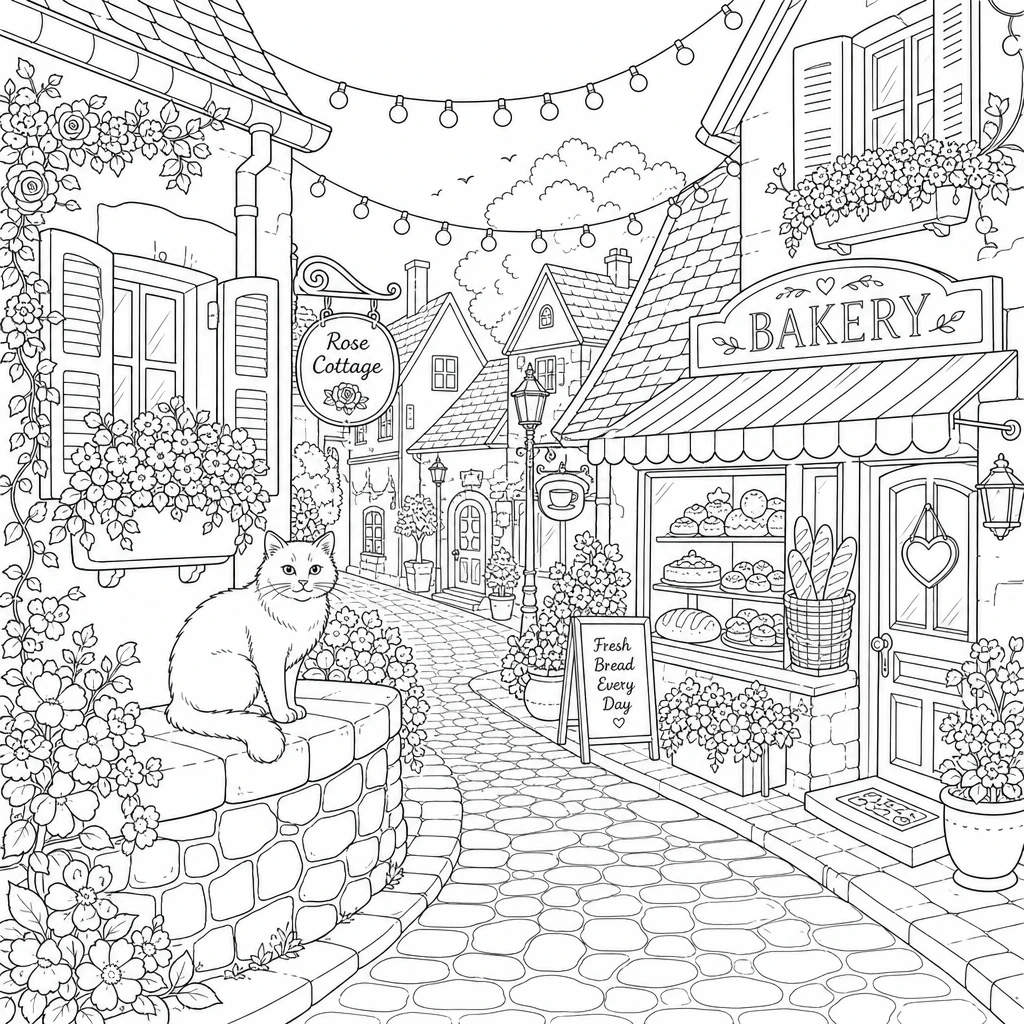
Little streets, cafés, bookshops and gardens, with enough detail for an evening of coloring but not so much that it feels like work.
Nature and animal worlds
Oceans, jungles, forests and farms, packed with animals. Change the habitat in the prompt to make a whole set on one theme.
Seasonal and holiday pages
Pumpkins for Halloween, snowmen for winter, eggs and bunnies for spring. Swap the holiday in the prompt and print a stack for the class.
03 · How to
How to make a coloring page with AI
4 steps, all on this page.
- 1
Describe the page, or upload a photo
Type the scene in the prompt field, or tap a preset. To turn a picture into a coloring page, switch to Image to Image and drop in a JPG or PNG of up to 10 MB.
- 2
Ask for line art
Keep "black outlines on a pure white background, no shading, no color" in the prompt, and say how detailed it should be: simple for kids, fine for adults.
- 3
Pick a model and a portrait shape
GPT Image is loaded by default. Choose a portrait shape like 3:4 or 2:3 so the page fills a printed sheet, or square for a mandala.
- 4
Generate, download and print
Press Generate. The page appears beside the form with a Download button and is saved to your history. Print it at "fit to page" and start coloring.
04 · Why AI
A coloring page maker for exactly the page you want
The page your kid asked for
Printable coloring sites have what they have. Here you can make "a unicorn astronaut riding a skateboard" or a page of your own dog, in about the time it takes to search for one.
Real line art, not a photo filter
Outline filters trace every edge in a photo and leave noisy gray lines. These models redraw the picture as clean, closed outlines that are easy to color inside.
Any detail level, any age
One sentence changes a page from big simple shapes for a three-year-old to fine, intricate patterns for adults, so one tool covers the whole family.
05 · Models
The AI models behind the coloring page generator
Switch models from the picker at the top of the generator. The price is per image and shows on the Generate button.
| Model | Best for | Credits from |
|---|---|---|
| GPT Imagedefault | Clean outlines from a description or a photo | 6 |
| Nano Banana 2 | Photo to coloring page that keeps faces and shapes | 6 |
| Recraft v3 | Tidy illustration-style line art from text | 6 |
| Recraft v3 SVG | Vector line art (SVG) that scales for any print size | 6 |
| Ideogram v3 Turbo | Pages with a name or words in them | 4 |
| Nano Banana 2 Lite | Quick, cheap drafts | 1 |
06 · Who it’s for
Turn pictures into coloring pages for every occasion
Parents
Pages of your kids’ own favorite things, or of their own photos, for quiet time.
Teachers
Themed sheets for a lesson, a holiday or a reading unit, printed for the whole class.
Parties
Name pages and photo coloring pages as birthday favors and table activities.
Adult colorists
Mandalas, florals and cozy scenes at the detail level you like.
Pet owners
A coloring page made from a photo of your dog or cat, as a gift.
Coloring book makers
Drafts and ideas for a themed book, made page by page.
07 · Prompting
Prompt tips for better results
Always ask for black outlines on white with no shading, then say how detailed the page should be and who it’s for.
| Vague | Prompt that works |
|---|---|
| A cat coloring page | A coloring page of a fluffy cat asleep in a basket of yarn. Thick black outlines on pure white, simple shapes for a 5-year-old, no shading. |
| Make my photo a coloring page | Turn this photo into a coloring page: clean black outlines only on white, drop the busy background, keep the two kids and the dog recognizable. |
| Hard coloring page | An intricate floral mandala for adults, many small closed areas, fine black lines on pure white, no shading or gray. |
| Birthday page | A coloring page with "HAPPY 7TH BIRTHDAY LEO" in big outlined letters, with balloons, cake and a soccer ball around it. |
08 · FAQ
Coloring Page Generator FAQ
What is a coloring page generator?
A tool that draws printable coloring pages for you. You describe the picture, or upload a photo, and an AI image model draws it as black outlines on a white background, ready to print and color.
Is the Coloring Page Generator free?
New accounts get 5 free credits, and Nano Banana 2 Lite runs from 1 credit per image, so you can try it without paying. After that it runs on credits; the button shows the price before you run, and a failed run costs nothing.
How do I turn a photo into a coloring page?
Switch to the Image to Image tab, upload the photo and tap the Photo to page preset, then press Generate. Photos with one clear subject and a simple background give the cleanest outlines; ask it to drop the background if it’s busy.
Which model should I use?
GPT Image is the default and handles both descriptions and photos well. Nano Banana 2 keeps faces closest when you start from a photo, Ideogram is best for pages with words, and Recraft v3 SVG gives vector outlines.
Why does my page have shading or gray areas?
Models like to add depth. Keep "no shading, no gray, no color, pure white background" in the prompt, and run it again if a result still comes back shaded. Simpler subjects also give cleaner pages.
What size should I use for printing?
Pick a portrait shape such as 3:4 or 2:3 and print with "fit to page". The page downloads as a PNG; for a page you want to scale up without blur, use Recraft v3 SVG, which outputs a vector file.
Can I make a whole coloring book?
Yes, page by page. Keep the same style words in every prompt ("thick outlines, simple shapes, no shading") and change only the subject, so the pages look like a set. Every page is saved to your history.
What can’t I make?
Pages are meant to be family-friendly: violent, sexual and hateful content is blocked. Only upload photos you have the right to use, get permission before using other people’s photos, and don’t upload pictures of public figures.
09 · More tools
More AI tools
Make a coloring page now
Describe it or upload a photo. A clean page to print in seconds.
Create a coloring page