



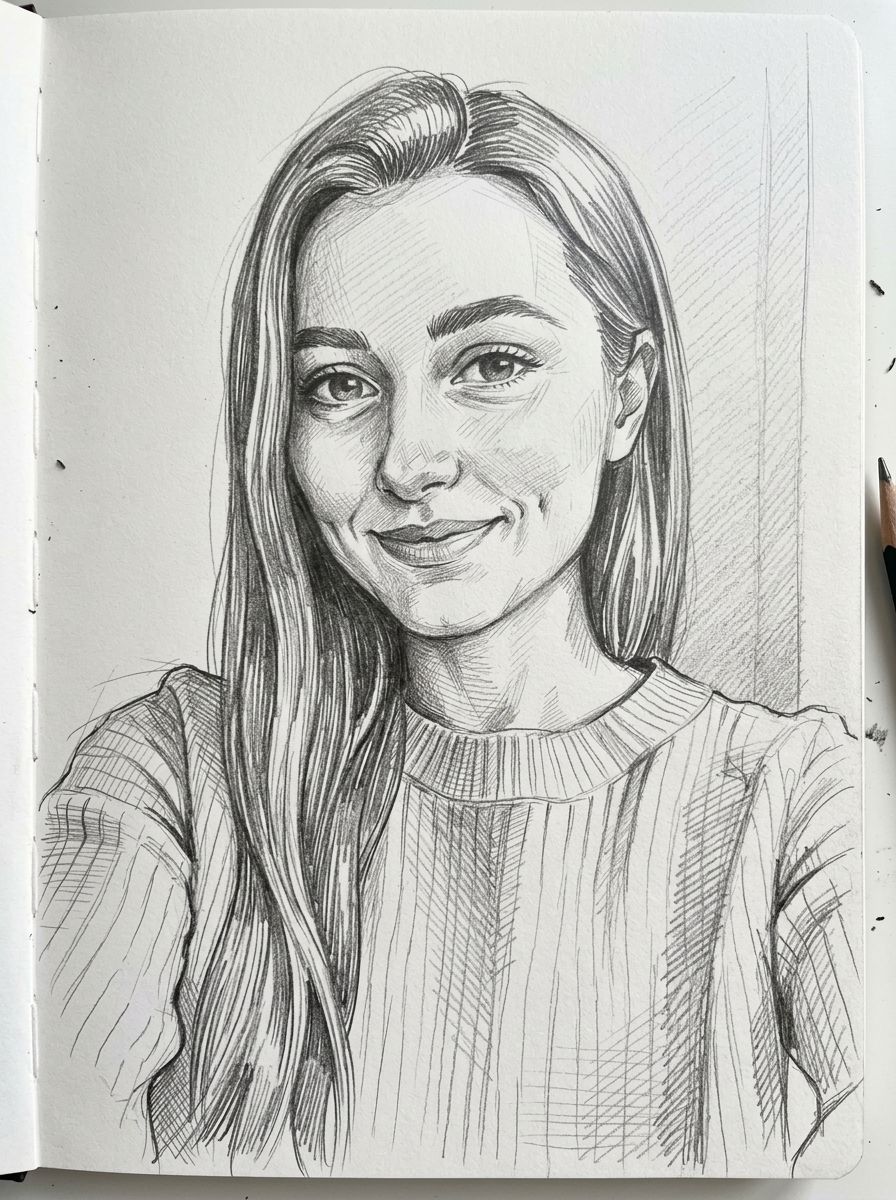
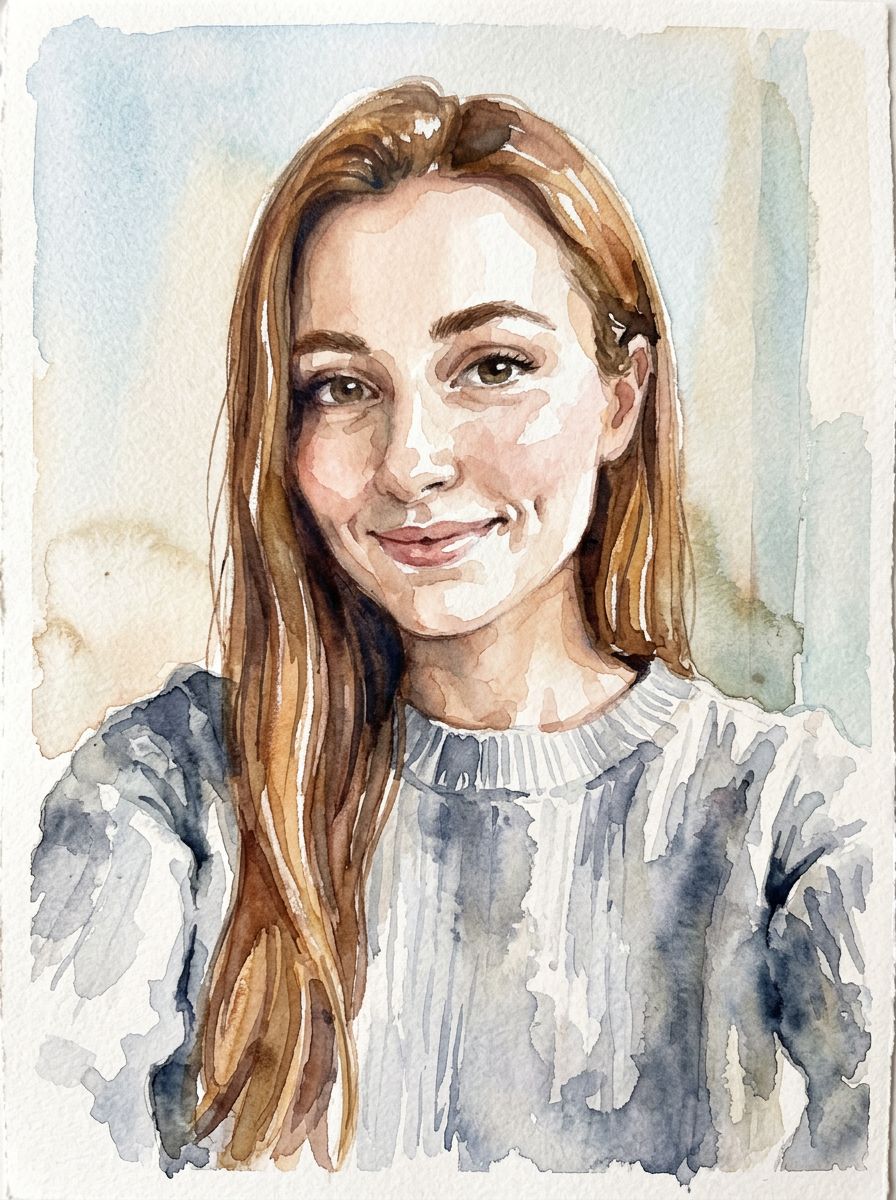
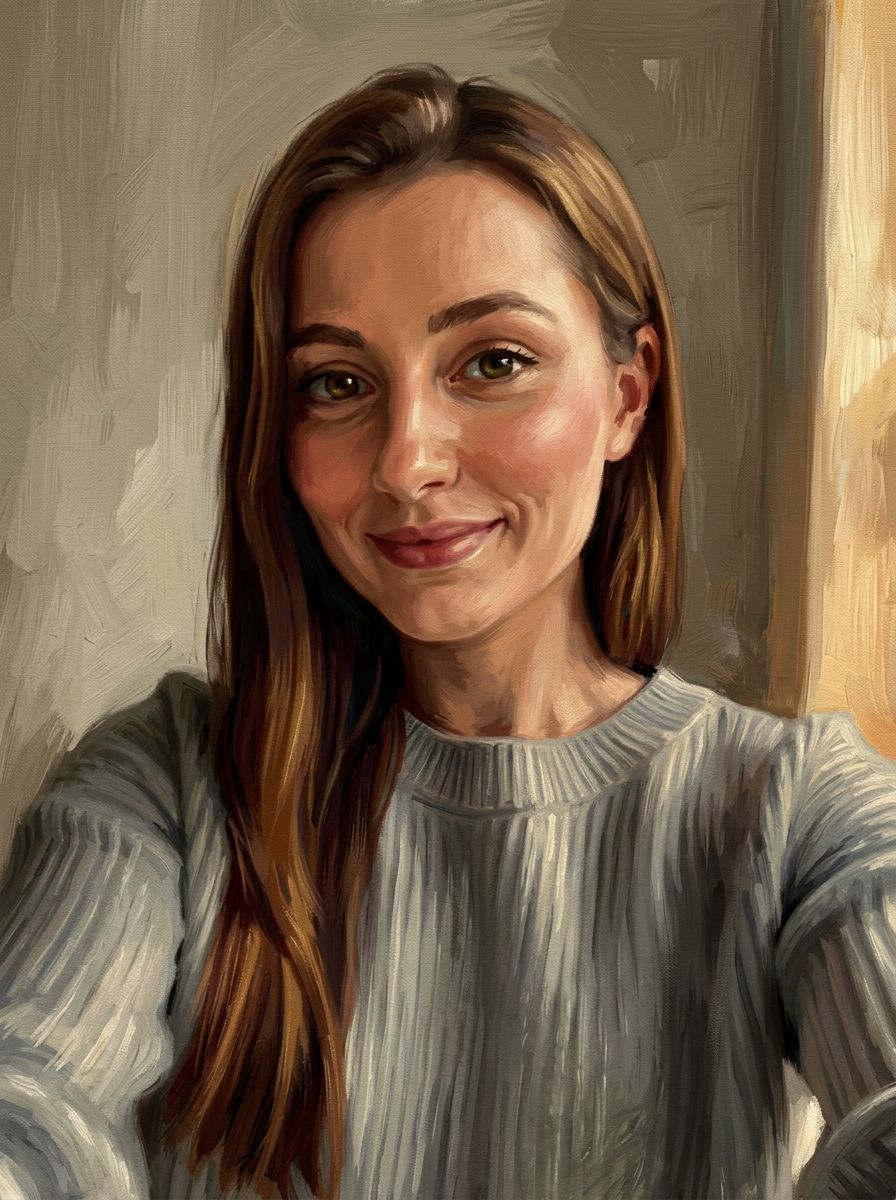
Sketch · Paint · Pixel art
Photo to Sketch
Upload a photo and get it back as a pencil sketch, a watercolor, an oil painting, clean line art or pixel art. The people, pose and composition stay; only the medium changes. No drawing skills, filters or brushes needed.
01 · Real results
Photo to Sketch examples
Made on this page with the presets below on Nano Banana 2, unedited. The input photos are AI-generated people, not real ones.
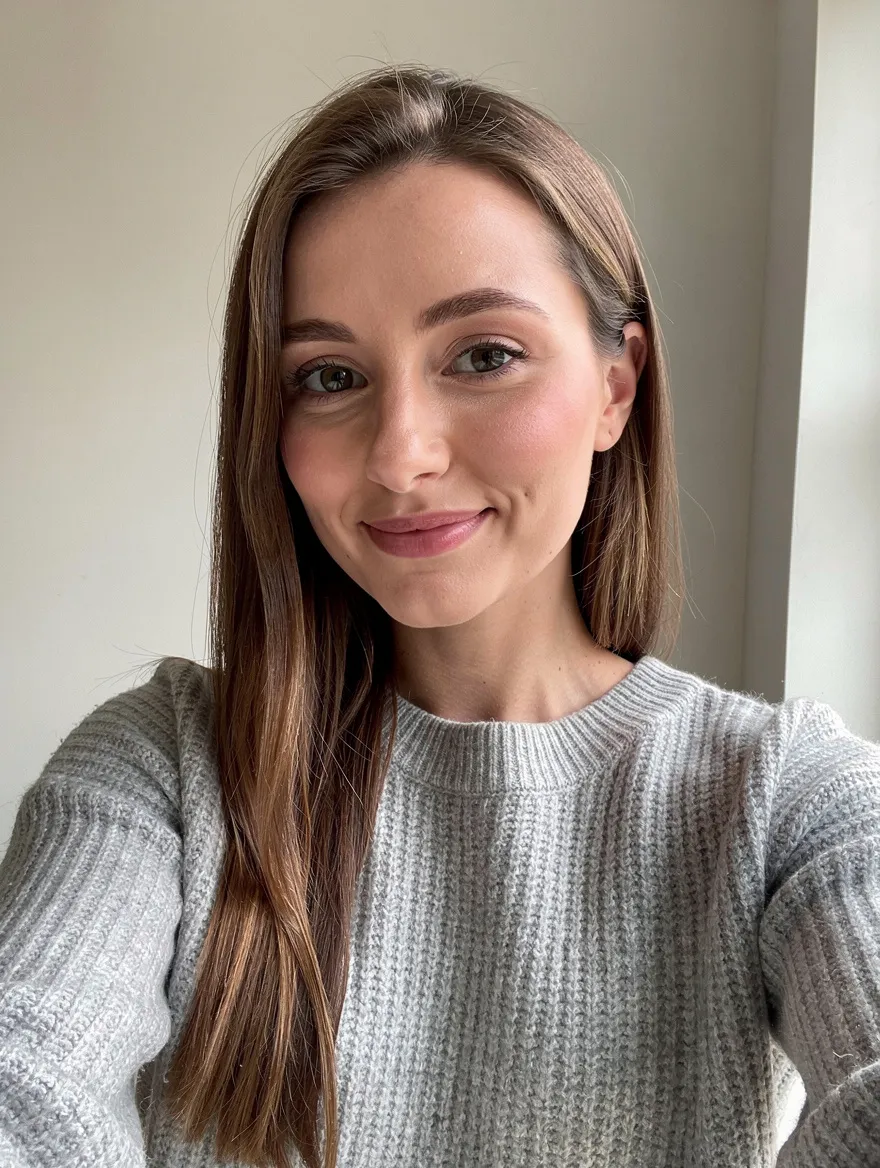
Pencil sketch · Nano Banana 2 · drag the handle to compare
Turn this photo into a detailed graphite pencil sketch on white sketchbook paper, with fine hatching for the shadows and visible pencil strokes. Keep the same people, faces, pose and composition.
02 · What you can do
Turn a picture into a drawing or painting
Each style is a one-tap preset in the tool above. Tap it, adjust the details if you like, and run it on your photo.
Photo to pencil sketch
Graphite on paper, with hatching in the shadows and soft shading on faces. It reads as a hand-drawn portrait, not an edge filter.
Charcoal and ink drawings
Bold, smudged blacks for dramatic portraits and street scenes. Swap "charcoal" for "ink pen" or "ballpoint" in the prompt for a different hand.
Turn a photo into a watercolor
Soft washes, bleeding edges and paper showing through. A good fit for travel photos, houses, pets and wedding portraits.
Photo to oil painting
Thick brushwork and canvas texture, in a classic portrait look or an impressionist one. Say which painter-era style you want, such as "impressionist" or "Dutch Golden Age".
Clean line art from a photo
Crisp black outlines on white, for tattoos, laser cutting stencils, embroidery patterns or tracing. For pages to print and color in, use the coloring page generator.
Picture to pixel art
A pixel art generator for your own photos: 8-bit or 16-bit, a limited palette and hard pixel edges, for avatars, game sprites and profile pictures.
Pet portraits from a snapshot
A phone photo of your dog or cat becomes a framed-portrait drawing, with the markings and expression that make it yours.
Comic and cartoon styles
Bold ink outlines, halftone dots and flat color. For anime and manga looks, the photo to anime tool has presets of its own.
03 · How to
How to turn a photo into a sketch or painting
4 steps, all on this page.
- 1
Upload your photo
Drop a JPG or PNG of up to 10 MB into the tool above. A clear, well-lit photo with one main subject gives the cleanest drawing.
- 2
Pick a medium
Tap a preset like Pencil sketch, Watercolor or Pixel art, or describe your own style. Say what must stay the same, such as faces and pose.
- 3
Choose a model and shape
Nano Banana 2 is loaded by default. Keep "Match input" for the photo’s own proportions, or choose a portrait or square shape for a frame.
- 4
Generate and download
Press Generate. The artwork appears beside the form in seconds, with a Download button, and is saved to your history so you can try another medium on it.
04 · Why AI
Convert photos to paintings without a filter look
Redrawn, not filtered
Classic photo to sketch apps run an edge-detection filter, which gives grey outlines and noise. These models redraw the picture in the medium you name, with real hatching, washes and brushstrokes.
Any medium in one place
Most converters do one look. Here a pencil sketch, a watercolor, an oil painting and pixel art are the same tool with a different sentence, and you can run them all on the same photo.
Hours of drawing in seconds
A commissioned portrait takes an artist days, and learning to draw takes years. This is a fast way to preview an idea, make a gift, or get a reference to paint from yourself.
05 · Models
The AI models behind the photo to sketch
Switch models from the picker at the top of the generator. The price is per image and shows on the Generate button.
| Model | Best for | Credits from |
|---|---|---|
| Nano Banana 2default | Restyles that keep faces and composition | 6 |
| GPT Image | Precise style instructions, mixed media | 6 |
| Nano Banana Pro | Fine pencil and brush detail, up to 4K for prints | 30 |
| Seedream 4.5 | Rich, painterly color | 8 |
| Flux 2 Max | Realistic paint and paper textures | 15 |
| Nano Banana 2 Lite | Quick, cheap drafts to compare styles | 1 |
06 · Who it’s for
What people turn their photos into art for
Gifts
A watercolor of a first home, a pencil portrait of grandparents, a painting of the family dog.
Wall art
Travel photos as oil paintings or sketches, sized for a frame.
Profile pictures
A sketch or pixel art avatar for social media, games and forums.
Artists and students
A reference drawing to study or paint over, in the medium you are learning.
Weddings and events
Illustrated portraits for invitations, thank-you cards and save-the-dates.
Crafts
Line art from a photo for tattoos, embroidery, wood burning and stencils.
07 · Prompting
Prompt tips for better results
Name the medium, the paper or canvas, and what must stay the same. The more you say about the materials, the less it looks like a filter.
| Vague | Prompt that works |
|---|---|
| Make it a drawing | Turn this into a graphite pencil sketch on cream paper, fine hatching in the shadows. Keep the faces and pose. |
| Painting style | Turn this into an impressionist oil painting with thick, visible brushstrokes and warm evening light. Keep the composition. |
| Pixel it | Turn this into 16-bit pixel art, 32-color palette, crisp square pixels, plain dark background. Keep the pose recognizable. |
| Make it artistic | Turn this into a loose watercolor with soft washes, leave the background as white paper, keep the house and the tree. |
08 · FAQ
Photo to Sketch FAQ
What is a photo to sketch converter?
A tool that turns a picture into a drawing or painting. You upload a photo, choose a medium such as pencil sketch, watercolor or oil painting, and an AI image model redraws the same scene in that style.
Is the Photo to Sketch free?
New accounts get 5 free credits, and Nano Banana 2 Lite runs from 1 credit per image, so you can try it without paying. After that it runs on credits; the button shows the price before you run, and a failed run costs nothing.
How do I turn a picture into a pencil sketch?
Upload the photo, tap the Pencil sketch preset and press Generate. To change the look, edit the prompt: "soft shading", "heavy hatching", "ballpoint pen" or "colored pencil" all give different results.
Can I turn a photo into a painting?
Yes. Watercolor and Oil painting are presets, and you can ask for acrylic, gouache, pastel or an art movement like impressionism. Say "keep the faces and composition" so the painting still shows your scene.
Does it work as a pixel art generator?
Yes, from your photo. Tap Pixel art and say the look you want, such as 8-bit or 16-bit and a palette size. The result is an image in a pixel art style, not an exact pixel grid, so redraw it in a pixel editor if you need a precise sprite sheet.
Will the people still look like themselves?
Usually, yes, though a drawing always simplifies. Nano Banana 2 keeps faces closest; say "keep the faces the same" in the prompt and run it again if a result drifts. Loose styles like charcoal change more than a fine pencil sketch.
Can I print the result?
Yes. Results download as PNG images. For larger prints, use Nano Banana Pro, which can render up to 4K, and pick a portrait or square shape that fits your frame.
What photos can I use?
Your own photos, or photos you have permission to use. Get consent before turning someone else’s picture into art, and don’t upload photos of public figures. Nudity and sexual content are blocked.
09 · More tools
More AI tools
Turn your photo into art
One photo, one medium. Try a pencil sketch or a watercolor and see it in seconds.
Convert my photo