



Tattoo designs from text · 6 models
AI Tattoo Generator
Describe the idea, the style and where it goes, and get tattoo designs drawn as clean flash on a plain background. When you like one, switch to Nano Banana 2, upload a photo of your arm or back, and preview it on your own skin before you book.
01 · Real results
AI Tattoo Generator examples
Made on this page with the presets below on Ideogram v3 Quality, unedited.
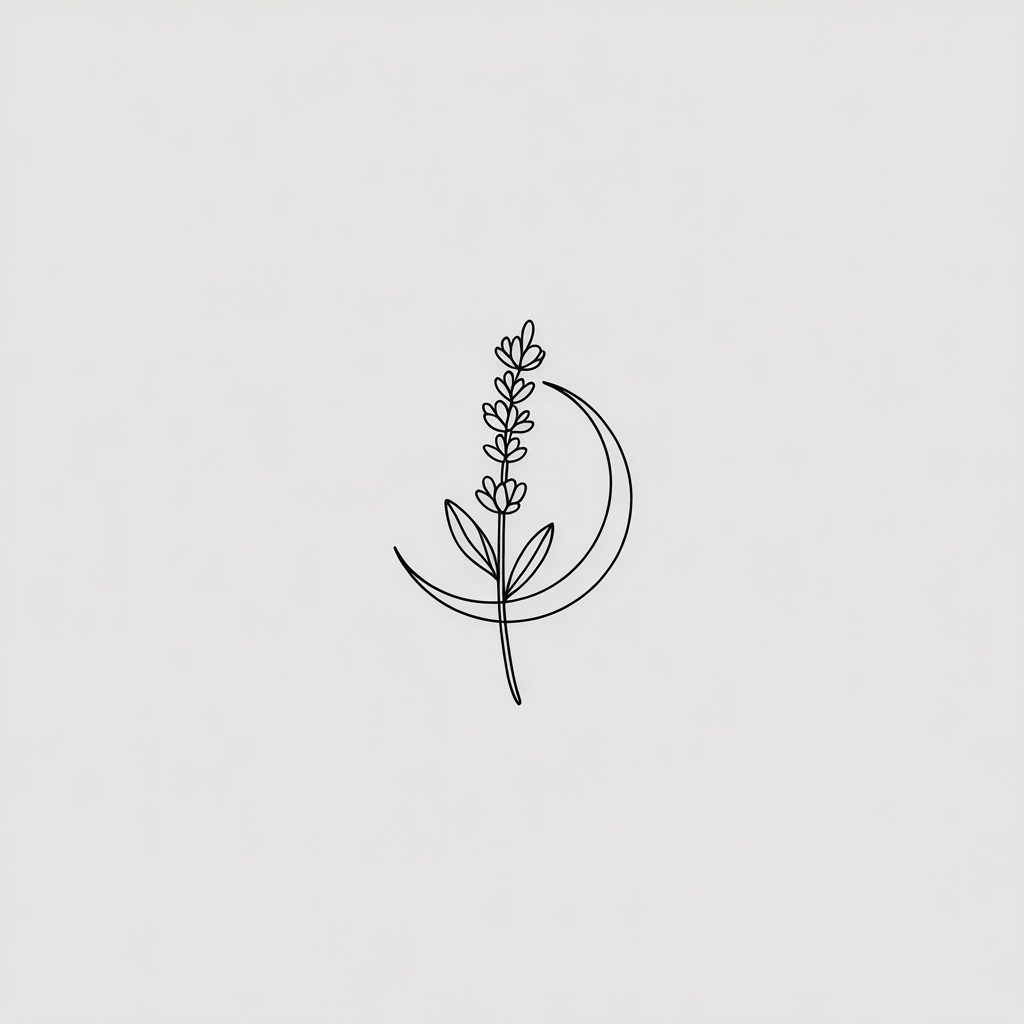
Fine line · Ideogram v3 Quality
Fine line tattoo design of a small sprig of lavender wrapped around a crescent moon, single thin black needle lines, minimal and delicate, centered on a plain white background, tattoo flash style, no shading.
02 · What you can do
Tattoo design generator: ideas in every style
Each of these is a one-tap preset in the tattoo generator above. Tap it, change the subject and style to your idea, and generate.
Fine line and minimalist tattoos
Thin lines, small subjects, lots of skin showing through. Good for wrists, ankles and behind the ear.
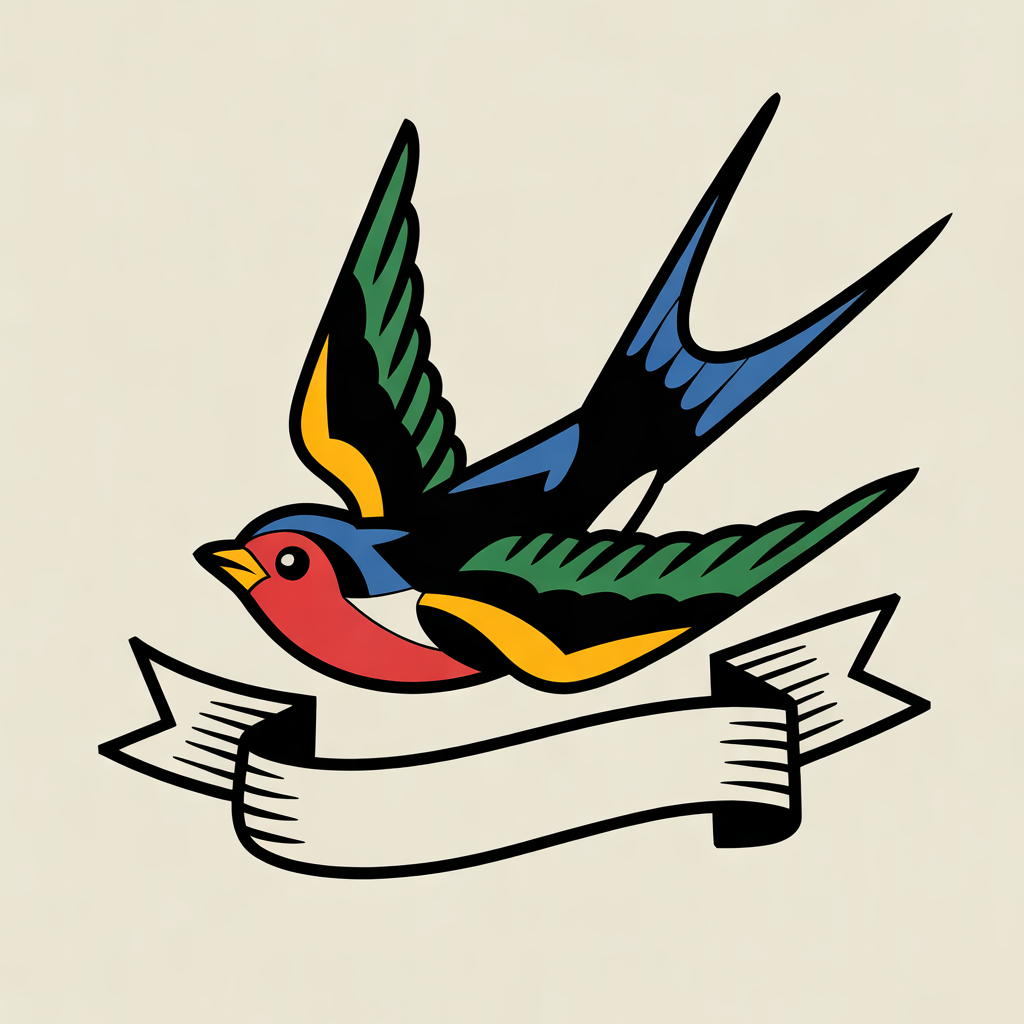
American traditional and old school
Bold outlines, a limited palette and classic subjects: swallows, roses, daggers, anchors and panthers.
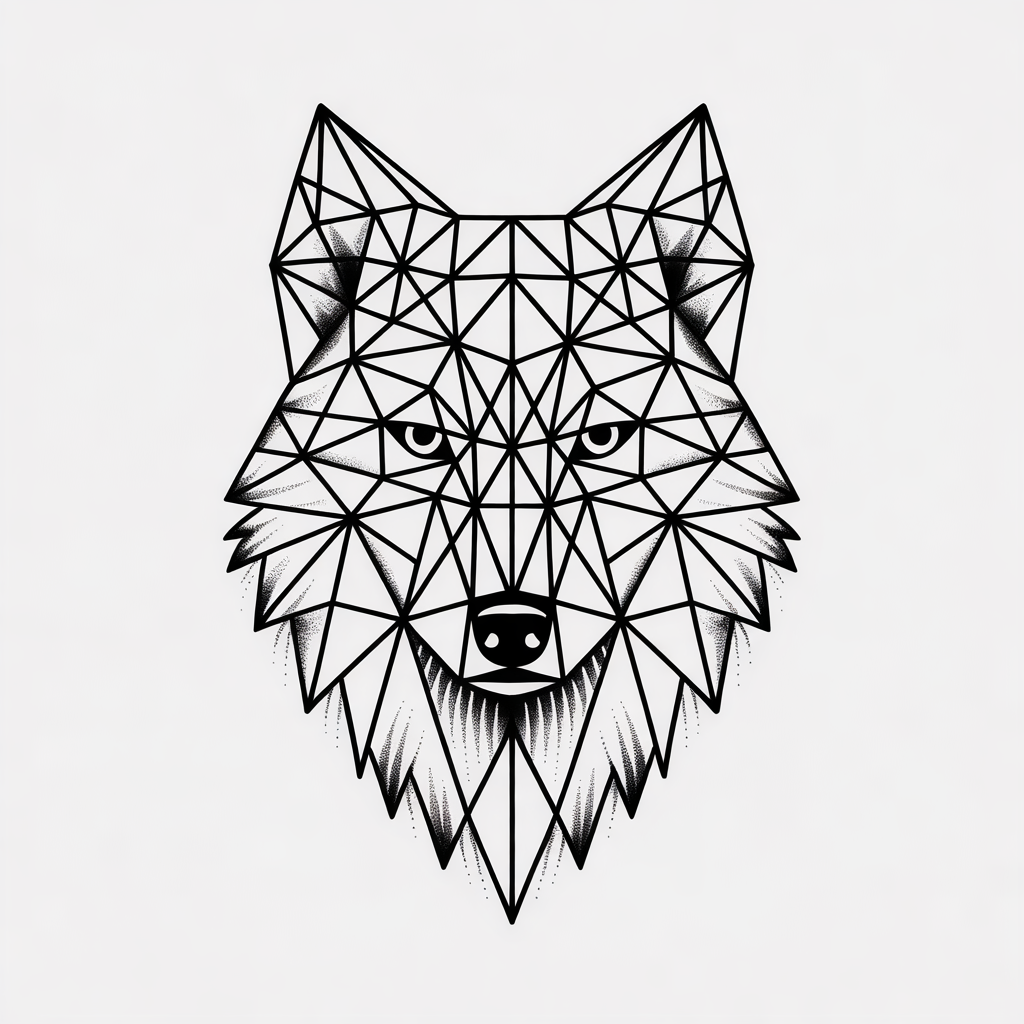
Blackwork, geometric and dotwork
Solid black, sharp geometry and stippled shading. Recraft v3 SVG gives you this as vector line art.
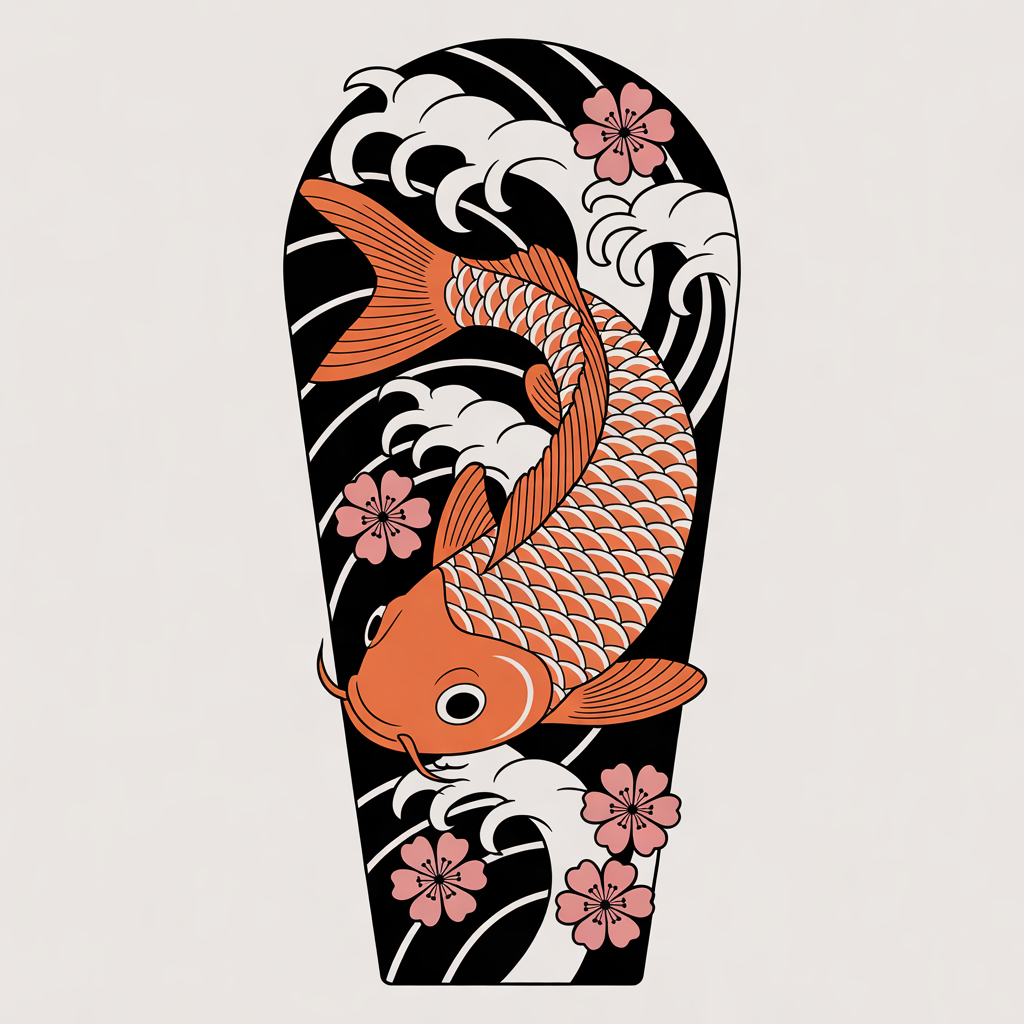
Japanese irezumi
Koi, dragons, waves and blossoms in flowing compositions. Say the body part so the shape fits a forearm, a calf or a back.
Black and grey realism
Animal portraits, statues and nature scenes with smooth shading. Flux Pro is strongest here.
Tattoo lettering generator
A word, a name or a date in script, gothic or typewriter lettering. Put the text in quotes and check every letter twice.
Tattoo idea generator
Not sure what you want? A flash sheet on one theme gives you nine ideas to pick from and refine.
Preview a tattoo on your photo
Switch to Nano Banana 2 or GPT Image, open Image to Image, upload a photo of the spot (add your design as a second image) and use this preset.
03 · How to
How to design a tattoo with AI
4 steps, all on this page.
- 1
Describe your tattoo
Type the subject, the style (fine line, traditional, blackwork), color or black only, and where it goes, or tap a preset and edit it.
- 2
Pick a model and shape
Ideogram 3 Quality is loaded by default. Use Square for most pieces, Portrait for a forearm or spine piece, Widescreen for a chest or collarbone.
- 3
Generate and compare
Press Generate a few times and keep the best. Each design appears with a Download button and is saved to your history.
- 4
Preview it on your skin
Switch to Nano Banana 2, open Image to Image, upload a JPG or PNG of the spot (up to 10 MB) plus your design, and ask to place it as real ink.
04 · Why AI
Why try an AI tattoo generator before you book
Explore ideas freely
Scrolling Pinterest shows you tattoos other people already have. Here you can try your own idea in ten styles in a few minutes and find the direction you actually want.
See it on you first
Printed temporary tattoos and phone stickers look flat. Placing the design on a photo of your own arm shows how it wraps, how big it is and how it sits with your other ink.
Bring a clear reference
A tattoo artist will still redraw the design for your skin and make the stencil. Arriving with a visual reference makes that conversation faster and the result closer to what you pictured.
05 · Models
The AI models behind the tattoo generator
Switch models from the picker at the top of the generator. The price is per image and shows on the Generate button.
| Model | Best for | Credits from |
|---|---|---|
| Ideogram v3 Qualitydefault | Crisp line work and tattoo lettering | 10 |
| Recraft v3 | Clean flash sheets and bold traditional styles | 6 |
| Recraft v3 SVG | Vector line art you can scale and edit into a stencil | 6 |
| Flux Pro | Realism, shading and fine detail | 8 |
| Nano Banana 2 | Previewing a design on a photo of your skin | 6 |
| GPT Image | Long, detailed tattoo briefs and placement previews | 6 |
06 · Who it’s for
Who uses an AI tattoo creator
First tattoo
Try styles and sizes before committing to anything.
Matching tattoos
Small paired designs for friends, siblings or couples.
Memorial pieces
A flower, a date or a name drawn the way you want it.
Cover-ups and additions
Ideas that fit around the tattoos you already have.
Tattoo artists
Quick flash concepts and client mockups to discuss.
Lettering
Script, gothic and typewriter fonts for a word or a quote.
07 · Prompting
Prompt tips for better results
Name the subject, the style, black or color, the body part and "plain white background". Simple designs with clear lines tattoo best.
| Vague | Prompt that works |
|---|---|
| A cool tattoo | Neo-traditional tattoo of a fox curled around a lantern, bold outlines, muted orange and teal, vertical for a forearm, white background. |
| Something meaningful | A minimalist fine line mountain range with a small sun and the coordinates "46.8° N 121.7° W" underneath, black ink, white background. |
| Put it on my arm | (Image to Image, photo of your arm plus the design) Place the design from image 2 on the outer forearm in image 1, sized about 10 cm tall, as healed ink. Keep everything else the same. |
| Ambigram of our names | Expect AI ambigrams to read well one way only. Ask for elegant script of "Ava" and "Leo" interlocked, then have an artist finish a true ambigram. |
08 · FAQ
AI Tattoo Generator FAQ
What is an AI tattoo generator?
A tool that draws tattoo designs from a description. You describe the idea, style and placement, and an image model creates tattoo flash you can download, compare and take to a tattoo artist.
Is the AI Tattoo Generator free?
New accounts get 5 free credits, and Recraft v3 runs from 6 credits per image, so you can try it without paying. After that it runs on credits; the button shows the price before you run, and a failed run costs nothing.
Can I see the tattoo on my own body?
Yes. Switch to Nano Banana 2 or GPT Image, open Image to Image, upload a photo of the spot and, if you have one, the design as a second image, then ask to place it as real ink. It is a preview, not a guarantee of how it heals.
Can I give the design to my tattoo artist?
Yes, as a reference. A good artist will redraw it to suit your skin, size and placement and make the stencil. Recraft v3 SVG gives you vector line art that is easy to scale and edit.
Which tattoo styles can it do?
Fine line, minimalist, American traditional, neo-traditional, Japanese, blackwork, geometric, dotwork, tribal, watercolor, black and grey realism and lettering. Name the style in the prompt.
Can it make tattoo lettering or fonts?
Yes. Ideogram 3 Quality and GPT Image draw words in script, gothic or typewriter styles. Put the text in quotes and check every letter, because a spelling mistake on skin is permanent.
Does the design have a transparent background?
No. Designs come back on the plain background you ask for, usually white or cream paper, which is how flash is normally shown.
What isn’t allowed?
Sexual or explicit designs, hate symbols, and previews on photos of other people without their permission are not allowed. Upload only your own photos for skin previews.
09 · More tools
More AI tools
Design your tattoo now
Describe the idea and the style. Try the Fine line preset, then preview the result on your own arm.
Open the AI tattoo generator