



Logo or design in, mockup out · 6 models
AI Mockup Generator
Upload your logo, artwork or product photo, say what it goes on and where, and get a realistic mockup back in seconds. T-shirts, mugs, boxes, book covers, billboards and phone screens, with no template files or smart objects.
01 · Real results
AI Mockup Generator examples
Made on this page with the presets below on Nano Banana 2, unedited. The input photos are AI-generated people, not real ones.
T-shirt mockup · Nano Banana 2 · drag the handle to compare
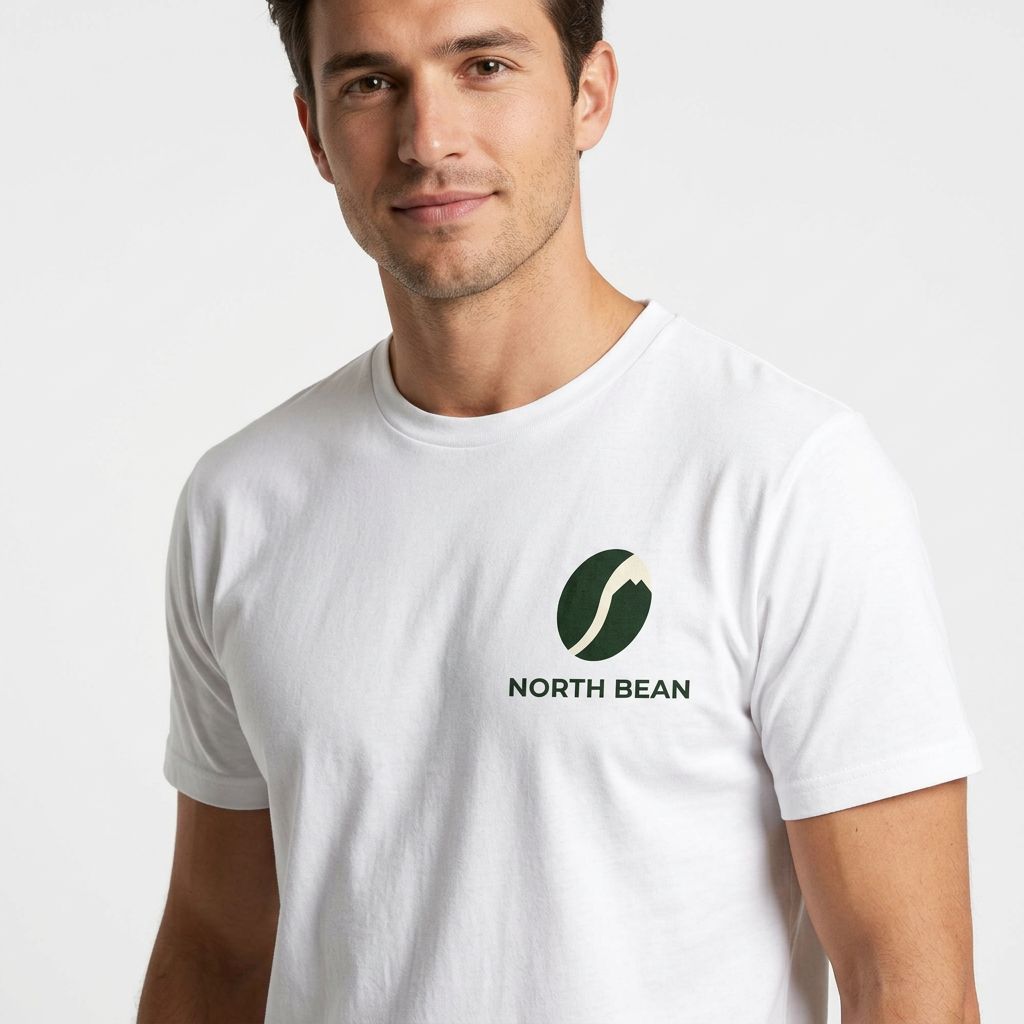
Print this design on the chest of a plain white cotton t-shirt worn by a model in a bright studio. Keep the design’s shapes, colors and text exactly as they are, sized naturally, following the fabric folds.
02 · What you can do
Product mockups from your own design
Each one is a one-tap preset in the mockup maker above. Upload your logo or artwork, tap a preset, change the product or setting, and generate.
T-shirt and hoodie mockups
See your print on a tee, hoodie or tote, worn or laid flat. The design follows the folds of the fabric instead of floating on top.
Mug and drinkware
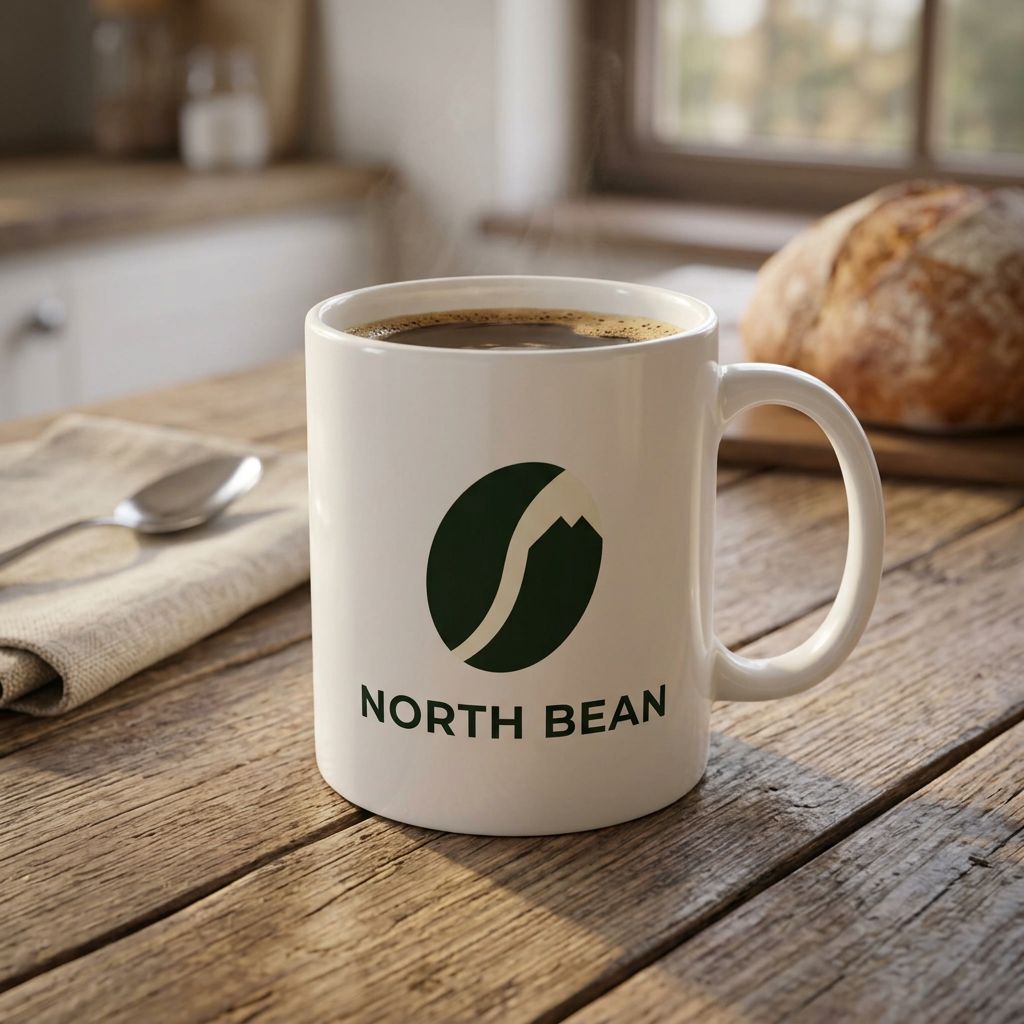
Coffee mugs, tumblers and water bottles, with the logo wrapped around the curve and lit like the rest of the scene.
Packaging and labels
Boxes, pouches, bottles and jar labels for a pitch or a store listing, before anything goes to the printer.
Book cover mockups
A flat cover becomes a standing hardback, a paperback stack or an ebook on a tablet, ready for launch posts and author pages.
Billboards and posters
Show a campaign on a billboard, a bus shelter or a framed poster on a wall, so a client sees it at real size.
Phone, laptop and website mockups
Drop an app screenshot or a web page onto a phone, a laptop or a monitor for a portfolio, a landing page or an app store image.
Lifestyle product photos
Take a plain product shot into a kitchen, a bathroom or a beach, with light and shadows that match the scene.
Caps, stickers and merch
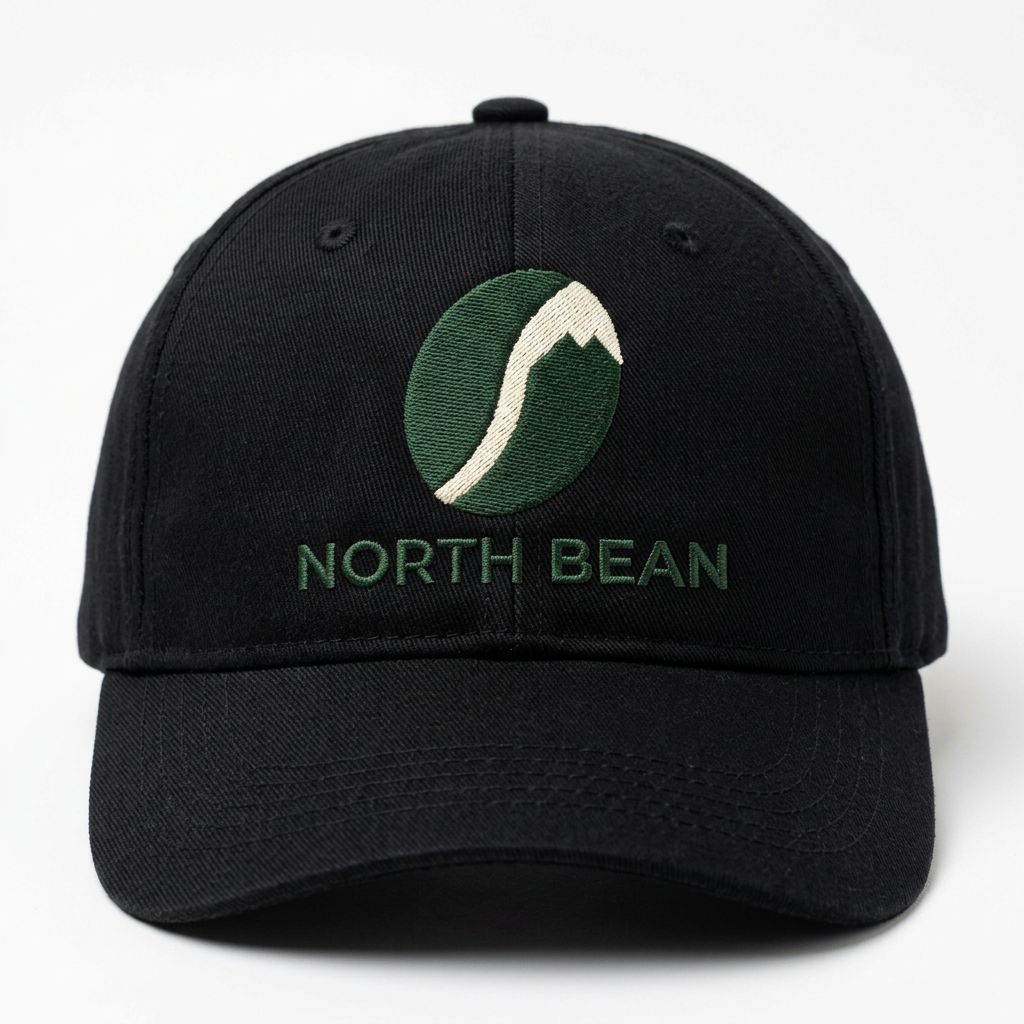
Embroidered caps, enamel pins, stickers on a laptop and tote bags: check a logo on merch before you order a batch.
03 · How to
How to make a mockup with AI
4 steps, all on this page.
- 1
Upload your design
Drop a JPG or PNG of up to 10 MB: a logo, a print, a cover or a product photo. Add more images (up to ten) to put several designs in one scene.
- 2
Say what it goes on
Tap a preset like T-shirt mockup or Book cover, or describe the product, the setting and the light. Ask for the design to stay unchanged.
- 3
Pick a model and shape
Nano Banana 2 is the default. Choose square for a store listing, portrait for a story or wide for a banner.
- 4
Generate and download
Press Generate. The mockup appears beside the form with a Download button and is saved to your history, so you can try the same design on the next product.
04 · Why AI
An AI mockup maker instead of template packs
No PSD templates
Classic mockups mean buying a template, opening Photoshop and pasting into a smart object. Here you describe the product and the scene, and any setting you can name is a template.
The scene fits your brand
Template sites reuse the same few photos everyone else uses. You choose the props, the light and the mood, so a mockup looks like your shop, not a stock pack.
Honest about its limits
AI can redraw small text or fine lines. Ask it to keep the design unchanged, check the result closely, and use Nano Banana Pro or GPT Image when lettering matters. For print files, keep your original artwork.
05 · Models
The AI models behind the mockup generator
Switch models from the picker at the top of the generator. The price is per image and shows on the Generate button.
| Model | Best for | Credits from |
|---|---|---|
| Nano Banana 2default | Everyday mockups that keep your design intact | 6 |
| Nano Banana Pro | Small text and fine logo detail, up to 4K | 30 |
| GPT Image | Long briefs and exact typography | 6 |
| Seedream 4.5 | Several designs or products in one scene | 8 |
| Flux 2 Max | Photoreal lifestyle and studio shots | 15 |
| Nano Banana 2 Lite | Quick, cheap drafts of an idea | 1 |
06 · Who it’s for
Mockup design for every kind of project
Print-on-demand sellers
Listing photos of tees, mugs and posters before you order stock.
Logo designers
Show a client their logo on a shop sign, a cup and a business card.
Authors and publishers
Book cover mockups for launch posts, ads and author pages.
App and web designers
Screens on phones and laptops for portfolios and app stores.
Small brands
Packaging and label ideas to test before a print run.
Agencies
Billboard and poster previews so a campaign is seen at real size.
07 · Prompting
Prompt tips for better results
Name the product, the material, the setting and the light, and always say that the design must stay the same.
| Vague | Prompt that works |
|---|---|
| Put it on a shirt | Print this design on the chest of a heather-grey crew-neck t-shirt, flat lay on a white background, design unchanged. |
| Make a mockup | Show this label on an amber glass dropper bottle on a marble counter, soft side light, label text unchanged. |
| Book mockup | This cover on a paperback held in one hand, outdoor café, shallow depth of field. Keep the title and author name exactly. |
| Logo on merch | (Two images) Put the logo from image 1 on the tote bag from image 2, screen-printed in black, centered. |
08 · FAQ
AI Mockup Generator FAQ
What is an AI mockup generator?
A tool that places your design onto a product or into a scene from a short description. You upload a logo, artwork or screenshot, say what it goes on ("a white mug on a desk") and an image model renders a realistic mockup.
Is the AI Mockup Generator free?
New accounts get 5 free credits, and Nano Banana 2 Lite runs from 1 credit per image, so you can try it without paying. After that it runs on credits; the button shows the price before you run, and a failed run costs nothing.
Will my logo stay exactly the same?
Usually close, but not guaranteed pixel for pixel: the model redraws the design onto the product. Say "keep the design unchanged", check small text, and switch to Nano Banana Pro or GPT Image if lettering drifts. Use your original file for printing.
Which products can I mock up?
Anything you can describe: t-shirts, hoodies, caps, mugs, bottles, boxes, labels, books, posters, billboards, signs, phones, laptops and more. There is no fixed template list.
Can I make a website or iPhone mockup?
Yes. Upload a screenshot and ask for it on a phone, a laptop or a monitor. Ask for the screen content to stay sharp and unchanged, and check it at full size.
Can I combine several designs or products?
Yes. Upload up to ten images and refer to them in order ("the logo from image 1 on the bag from image 2"). Seedream 4.5 is good at arranging several items in one scene.
Do I need to sign up?
You can look at the presets and examples without an account. Signing in with Google is needed to generate, so your credits and mockups are saved to your history.
What can’t I use it for?
Only upload designs and logos you own or have permission to use. Don’t use it to fake other companies’ products, packaging or endorsements, and nothing sexual or harmful is allowed.
09 · More tools
More AI tools
See your design on a product
One logo, one sentence. Try it on a t-shirt, a mug or a billboard and download the mockup in seconds.
Open the mockup generator