



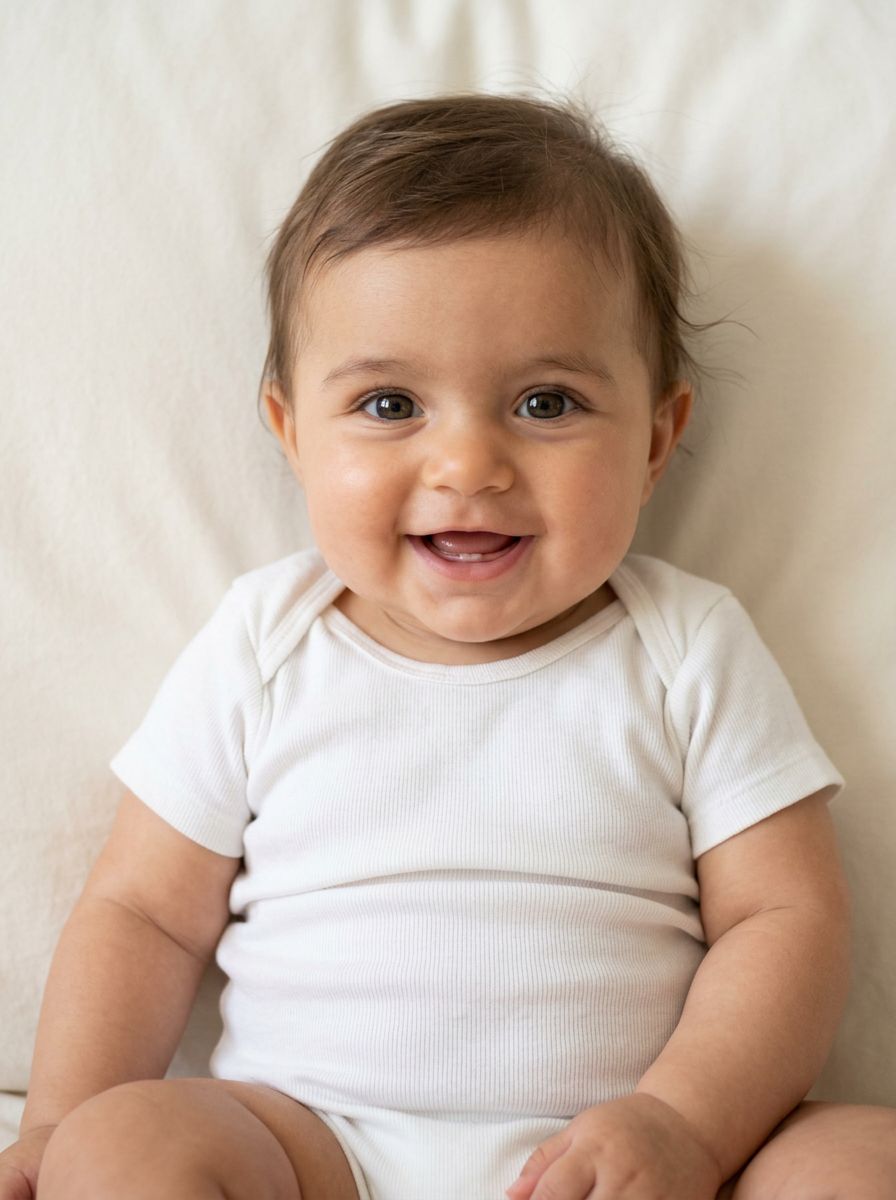
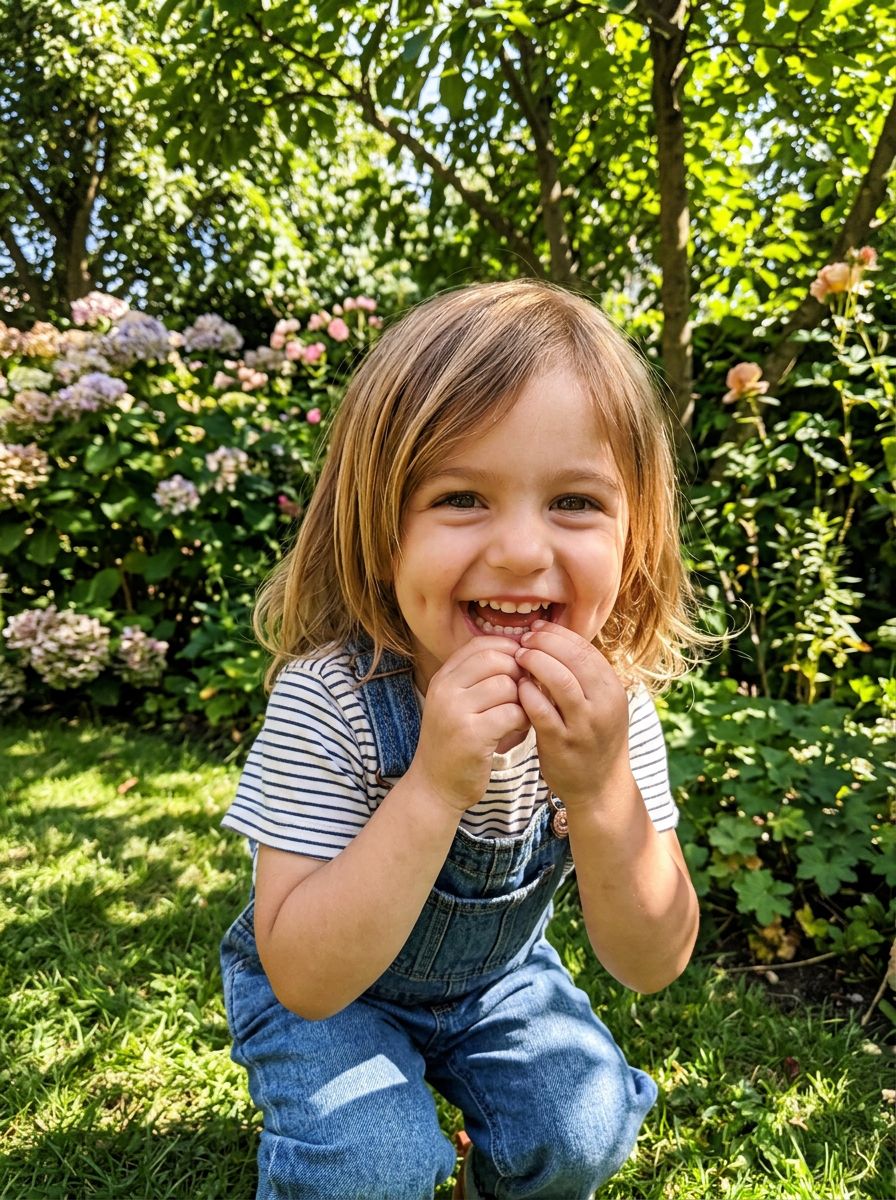
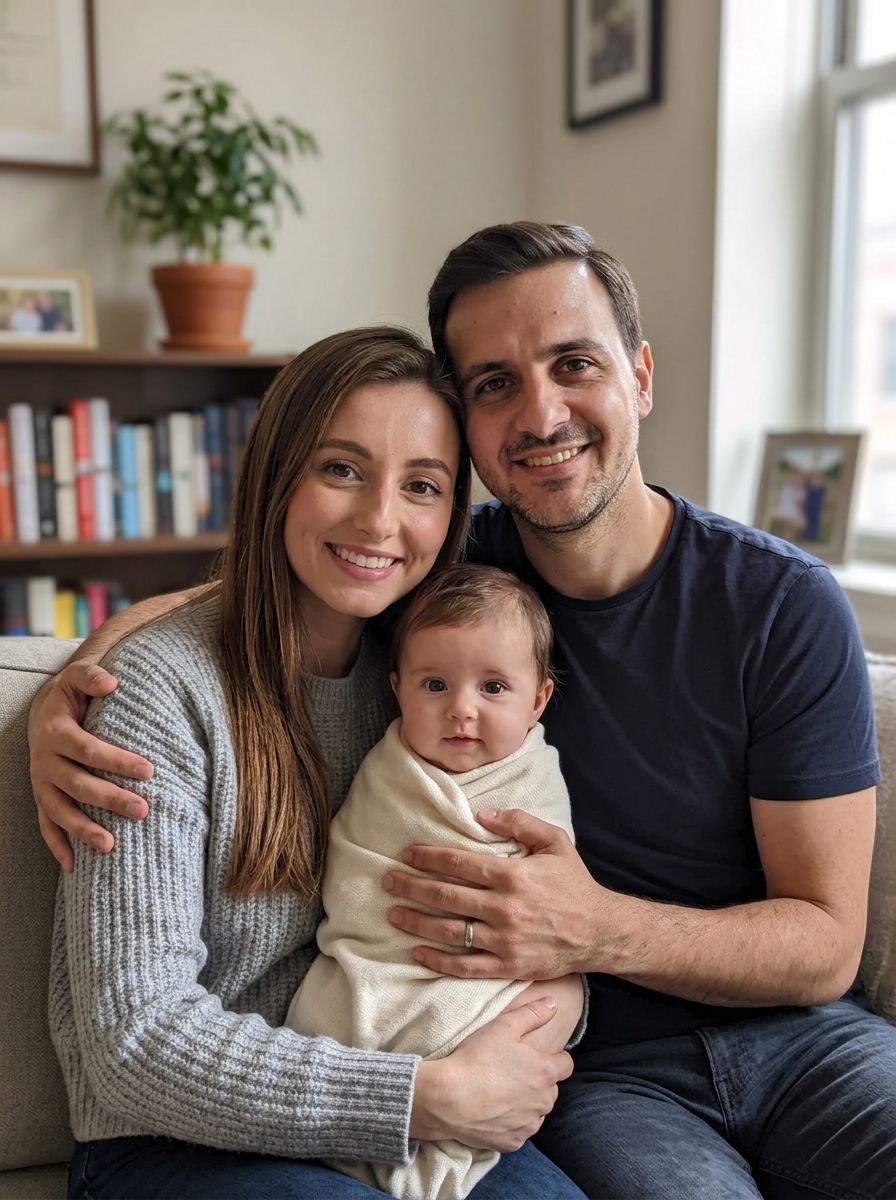
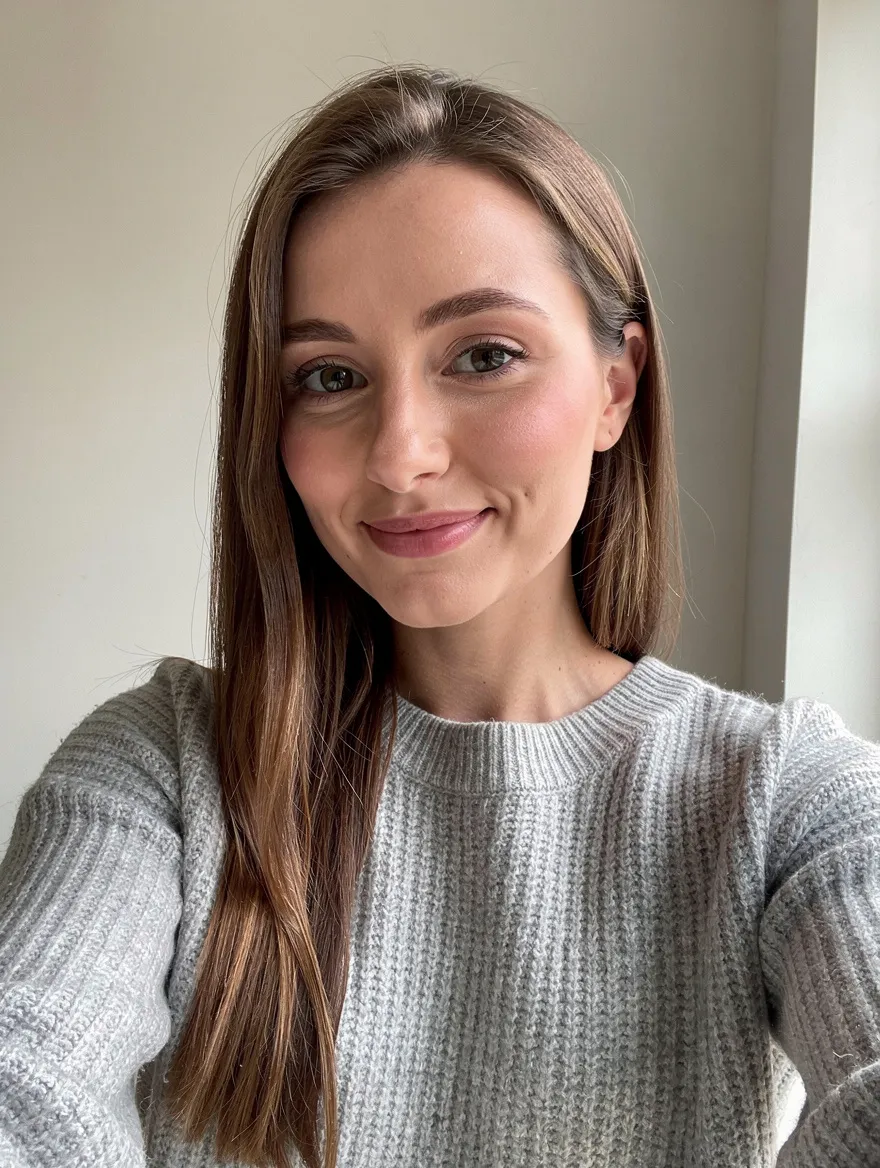
Two parents · one baby face · just for fun · 5 models
AI Baby Generator
Wondering what your baby will look like? Upload a photo of each parent and the AI imagines a baby who mixes your features: eye color, hair, smile. It is a playful picture to share with your partner, not a genetic prediction.
01 · Real results
AI Baby Generator examples
Made on this page with the presets below on Nano Banana 2, unedited. The input photos are AI-generated people, not real ones.

Our baby · Nano Banana 2
Using the two parent photos (image 1 and image 2), create a realistic portrait of their baby at about six months old, blending features from both parents: eye shape and color, hair color, skin tone and smile. Soft natural light, plain cream background, wearing a simple white onesie.
02 · What you can do
What will my baby look like? Baby face ideas to try
Upload one photo of each parent, then tap a preset. Each one is a complete prompt you can adjust before you run it.
Your future baby’s face
The classic baby generator: one portrait that mixes both parents’ eyes, hair, skin tone and smile.
Newborn photoshoot
A soft, sleepy newborn in a knitted wrap, styled like a studio newborn session.
See them as a toddler
Skip ahead to the toddler years: a laughing three-year-old with both parents’ features.
Baby boy or baby girl
See two takes side by side and compare which features came from whom.
A family portrait with baby
Both parents, looking like themselves, holding the imagined baby. A sweet picture for an announcement or an anniversary card.
Baby filter: yourself as a baby
One photo is enough for this one. See yourself, or your partner, as a chubby-cheeked one-year-old.
Baby meets the family pet
Add your dog or cat as a third photo and see the imagined baby with the pet who will be their best friend.
03 · How to
How to use the AI baby generator
4 steps, all on this page.
- 1
Upload both parents
Drop a clear, front-facing photo of each parent (JPG or PNG, up to 10 MB each) into the generator above. Similar lighting in both helps.
- 2
Pick a baby preset
Tap Our baby, Newborn photo or Toddler age, or describe your own: age, outfit, setting, boy or girl.
- 3
Choose a model and shape
Nano Banana 2 is loaded by default. Square suits a portrait; pick a wider shape for a family scene.
- 4
Generate and share
Press Generate. The baby appears beside the form with a Download button and is saved to your history. Run it again for a different take.
04 · Why AI
A baby face generator that uses both of you
Both parents, really blended
Many baby generator apps morph two faces into a blurry average. These models read both photos and draw a new, natural-looking baby with traits from each parent.
Any age, any scene
Most apps give you one baby headshot. Here you can see a newborn, a toddler, a family portrait or the baby with your pet, from the same two photos.
Honest about what it is
No app can predict a real child’s face from photos, because genetics does not work that way. This is a fun, imaginative picture, and every run gives a different possible baby.
05 · Models
The AI models behind the baby generator
Switch models from the picker at the top of the generator. The price is per image and shows on the Generate button.
| Model | Best for | Credits from |
|---|---|---|
| Nano Banana 2default | Blending two parents into one natural baby face | 6 |
| Nano Banana 2 Lite | Quick, cheap variations | 1 |
| Seedream 4.5 | Combining several photos into family scenes | 8 |
| Nano Banana Pro | Soft, detailed portraits, up to 4K | 30 |
| GPT Image | Detailed scenes, outfits and keepsake cards | 6 |
06 · Who it’s for
Baby generator ideas
Couples
A fun “what would our baby look like” moment to share.
Expecting parents
A playful picture while you wait to meet the real one.
Gender reveal parties
Side-by-side boy and girl pictures for guests to guess.
Anniversary cards
A family portrait with the imagined baby.
Baby filter fun
You and your friends as one-year-olds.
Family memories
A baby version of yourself to compare with real baby photos.
07 · Prompting
Prompt tips for better results
Clear, front-facing photos of both parents in similar light give the most balanced blend. Then say the age, mood and setting.
| Vague | Prompt that works |
|---|---|
| Make our baby | Create our baby at six months old with image 1’s curly hair and image 2’s green eyes, smiling, in a yellow onesie on a white bed. |
| Baby boy | Show our son at age two, playing on a beach at sunset, mixing features from both parent photos, natural candid style. |
| Cute baby picture | A soft newborn portrait of our baby asleep in a wicker basket with a cream knitted blanket, warm studio light. |
| Me as baby | Show me as a one-year-old with the same dark eyes, freckles and red hair, sitting in a high chair, plain background. |
08 · FAQ
AI Baby Generator FAQ
What is an AI baby generator?
A tool that imagines what a couple’s baby could look like. You upload a photo of each parent and an image model draws a new baby face that mixes features from both, such as eye color, hair and smile.
Is the AI Baby Generator free?
New accounts get 5 free credits, and Nano Banana 2 Lite runs from 1 credit per image, so you can try it without paying. After that it runs on credits; the button shows the price before you run, and a failed run costs nothing.
Is it an accurate prediction of my baby?
No. It is for fun. Real children inherit traits in ways no photo can predict, so treat the picture as one imaginative possibility. Every run gives a different baby.
What photos work best?
Clear, front-facing photos of each parent with the face well lit and no sunglasses. Photos taken in similar light and at a similar distance blend more evenly.
Can I choose boy or girl, or an age?
Yes. Say it in the prompt: "a baby girl at six months", "our son at age three". Presets for a newborn, a toddler and boy-and-girl side by side are above.
Can I see myself as a baby?
Yes. Upload one photo and tap Me as a baby. The baby keeps your eye color, hair color and other recognisable features.
Which model should I use?
Start with Nano Banana 2, which blends two faces naturally. Seedream 4.5 is good for family scenes with several photos, and Nano Banana 2 Lite is the cheapest way to try many variations.
What isn’t allowed?
Use photos of yourself and your partner, or of people who have agreed. Using photos of strangers or public figures is not allowed, and images of children are limited to wholesome, family-style pictures.
09 · More tools
More AI tools
See what your baby could look like
Two photos, one tap. Try the Our baby preset and share the result with your partner.
Open the AI baby generator