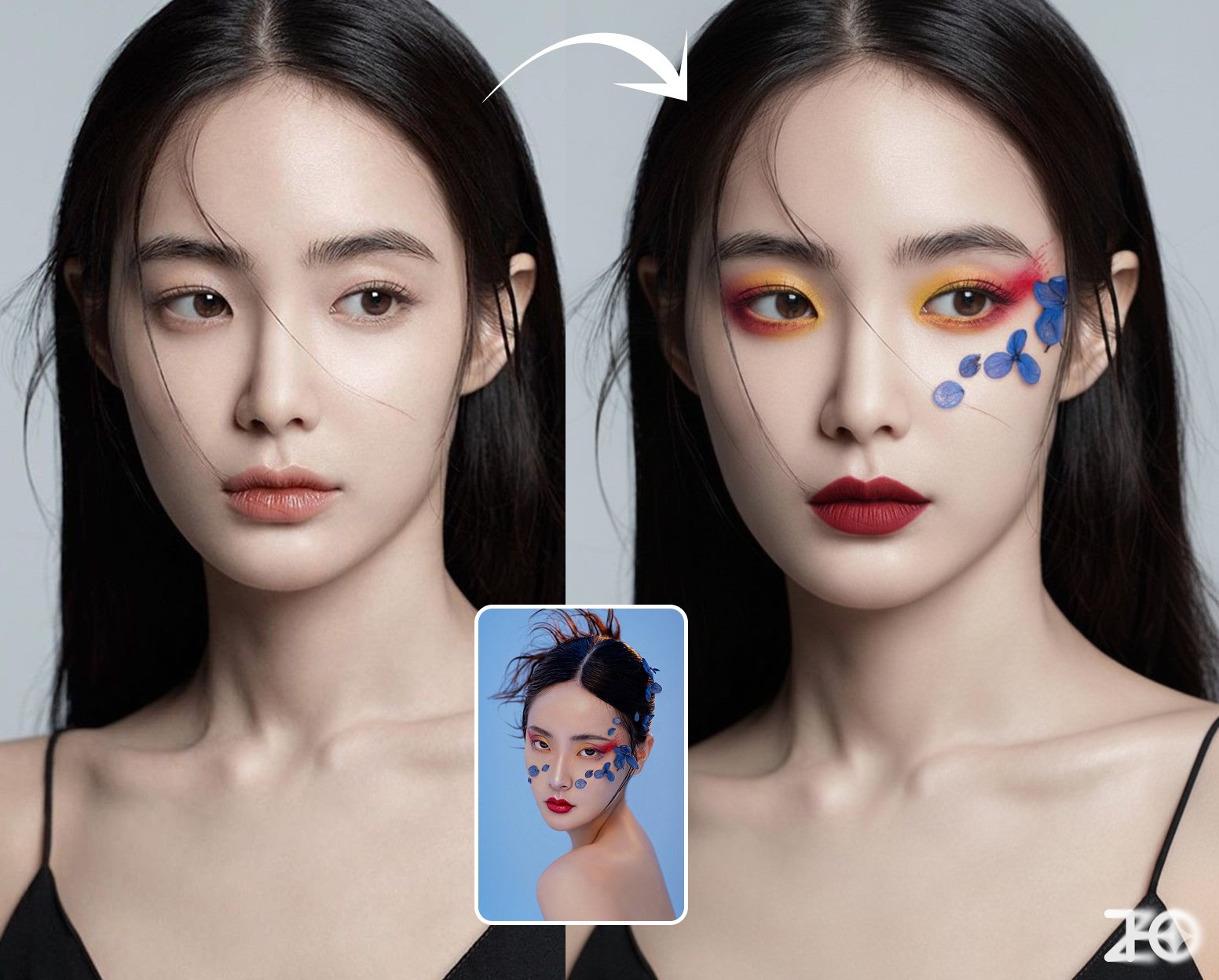
Virtual Makeup Try-On
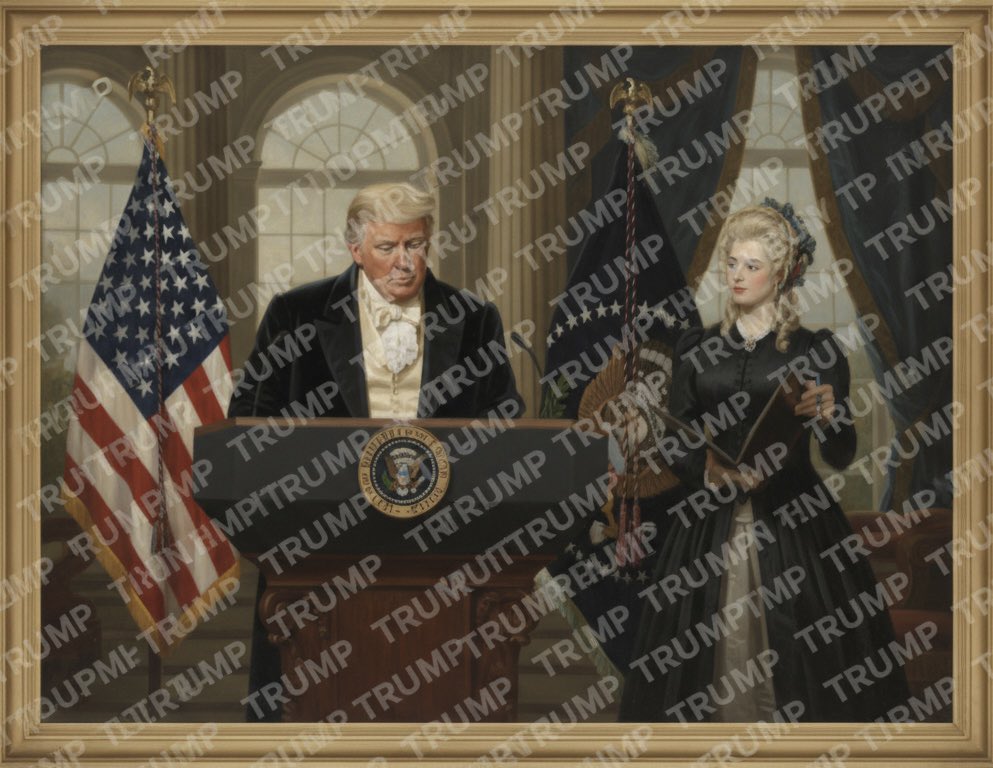
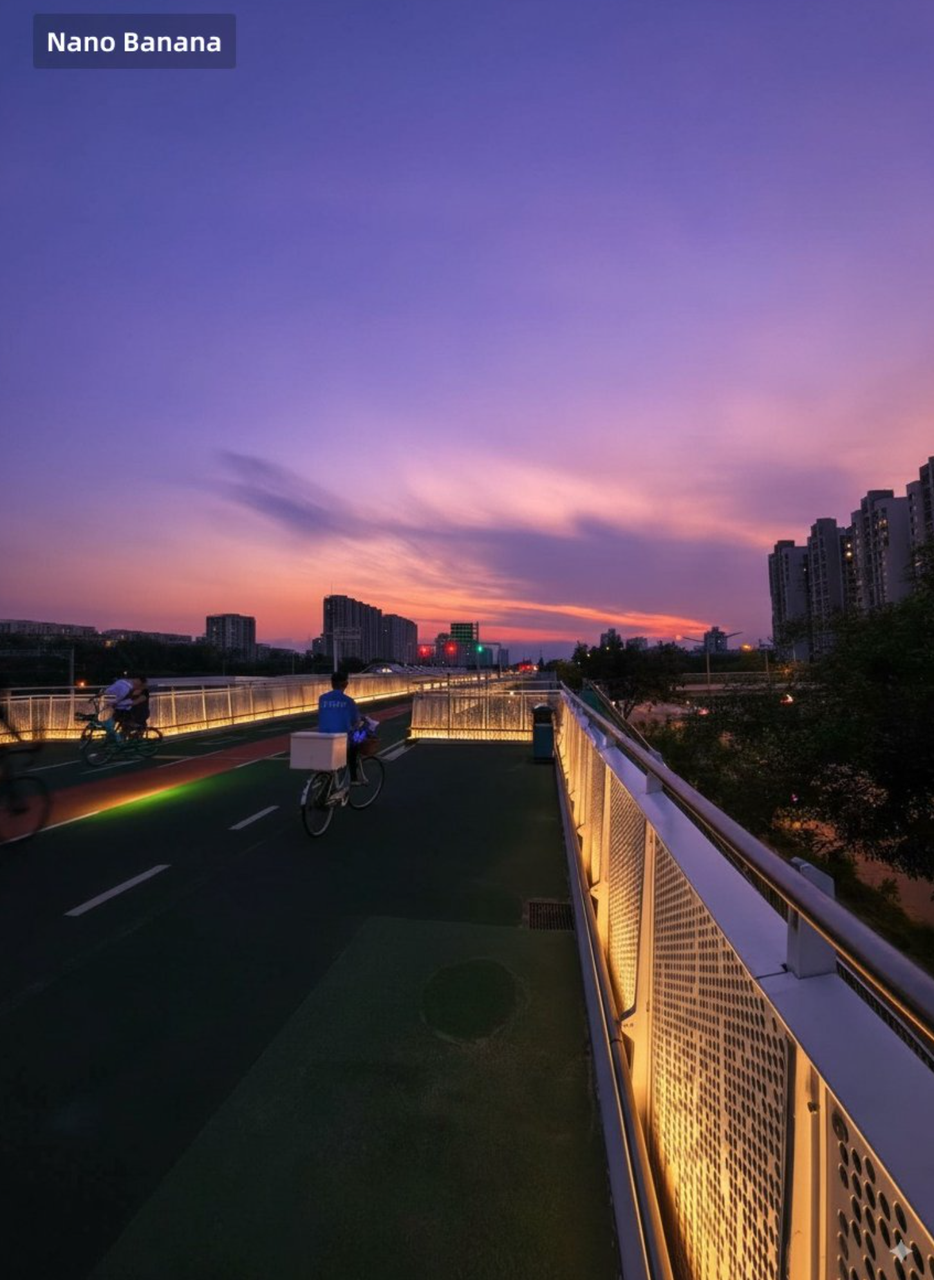
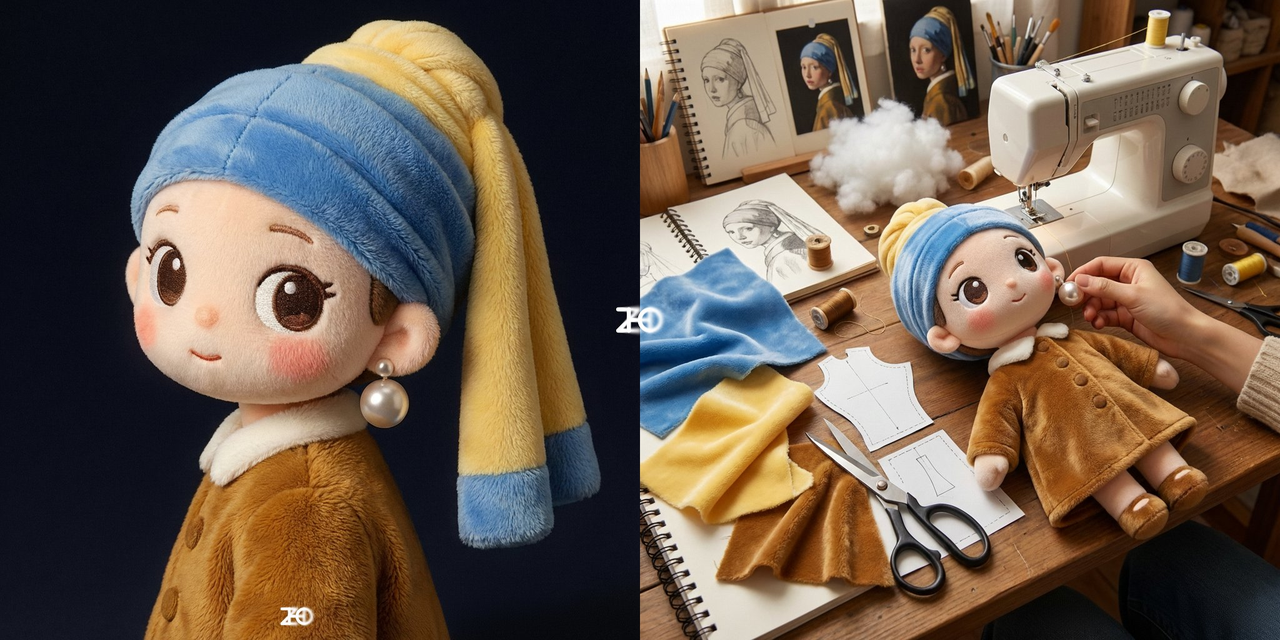
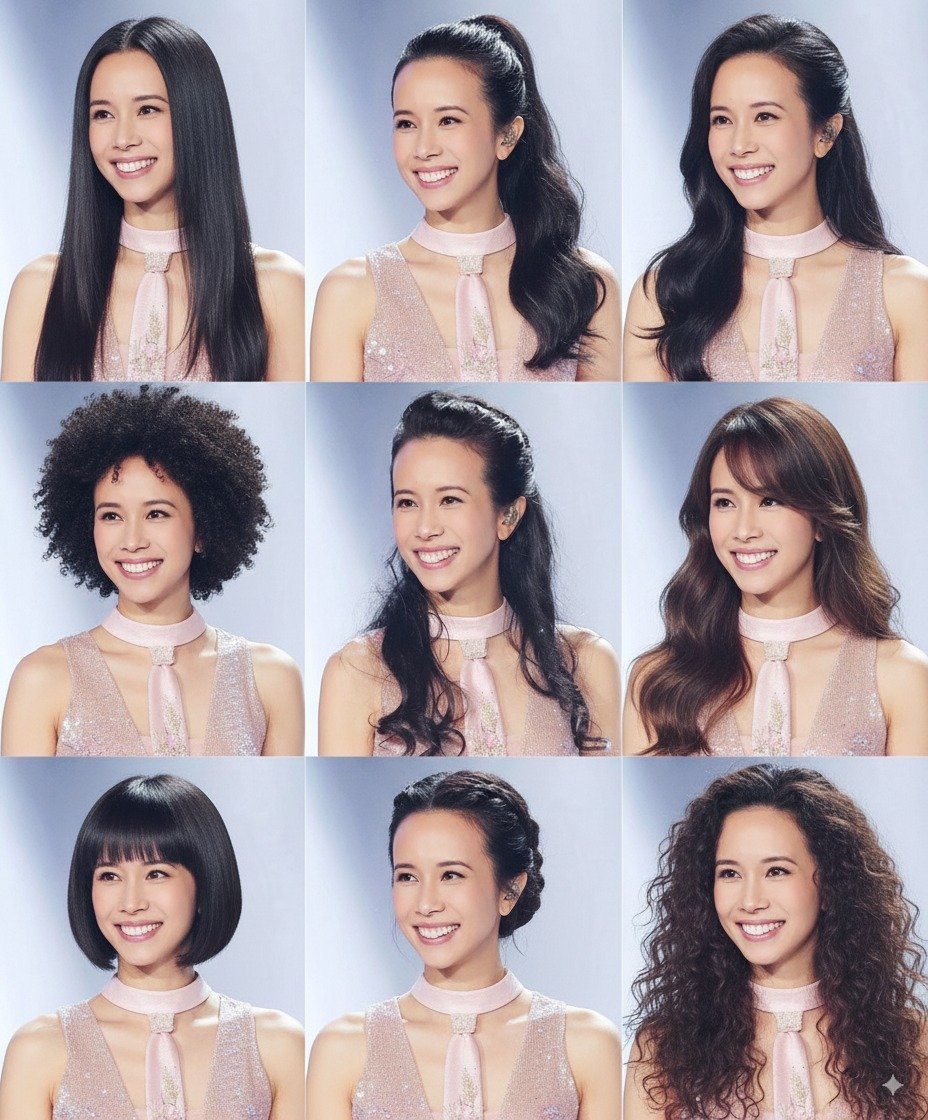
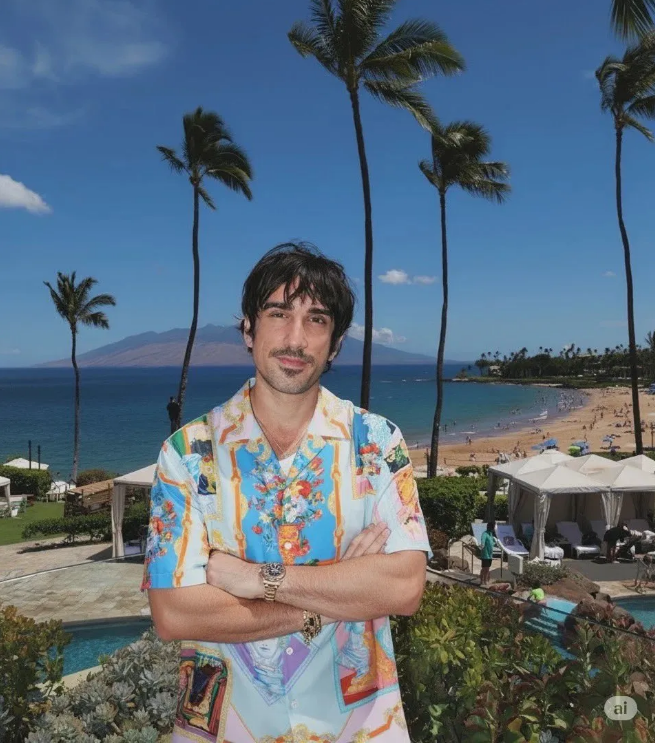
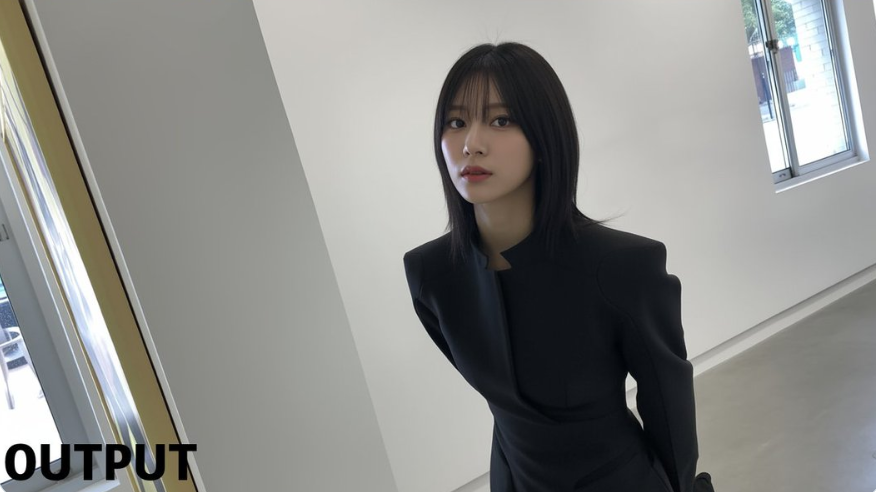
Apply the makeup from Image 2 to the character in Image 1, while maintaining the pose from Image 1.Recreate it
Credit
Collected from PicoTrex/Awesome-Nano-Banana-images · originally shared by @ZHO_ZHO_ZHO.

Generate images with ImageFX
Generate images with Imagen4
High quality 4K AI image generator
Google's Fastest AI Image Generator

OpenAI's most capable image model

ByteDance's infographic & layer-export model

Native transparent PNGs from a prompt
8-step generation and multi-image editing
Native ai image generating and editing
Powerful AI image editor
Apply the makeup from Image 2 to the character in Image 1, while maintaining the pose from Image 1.Collected from PicoTrex/Awesome-Nano-Banana-images · originally shared by @ZHO_ZHO_ZHO.