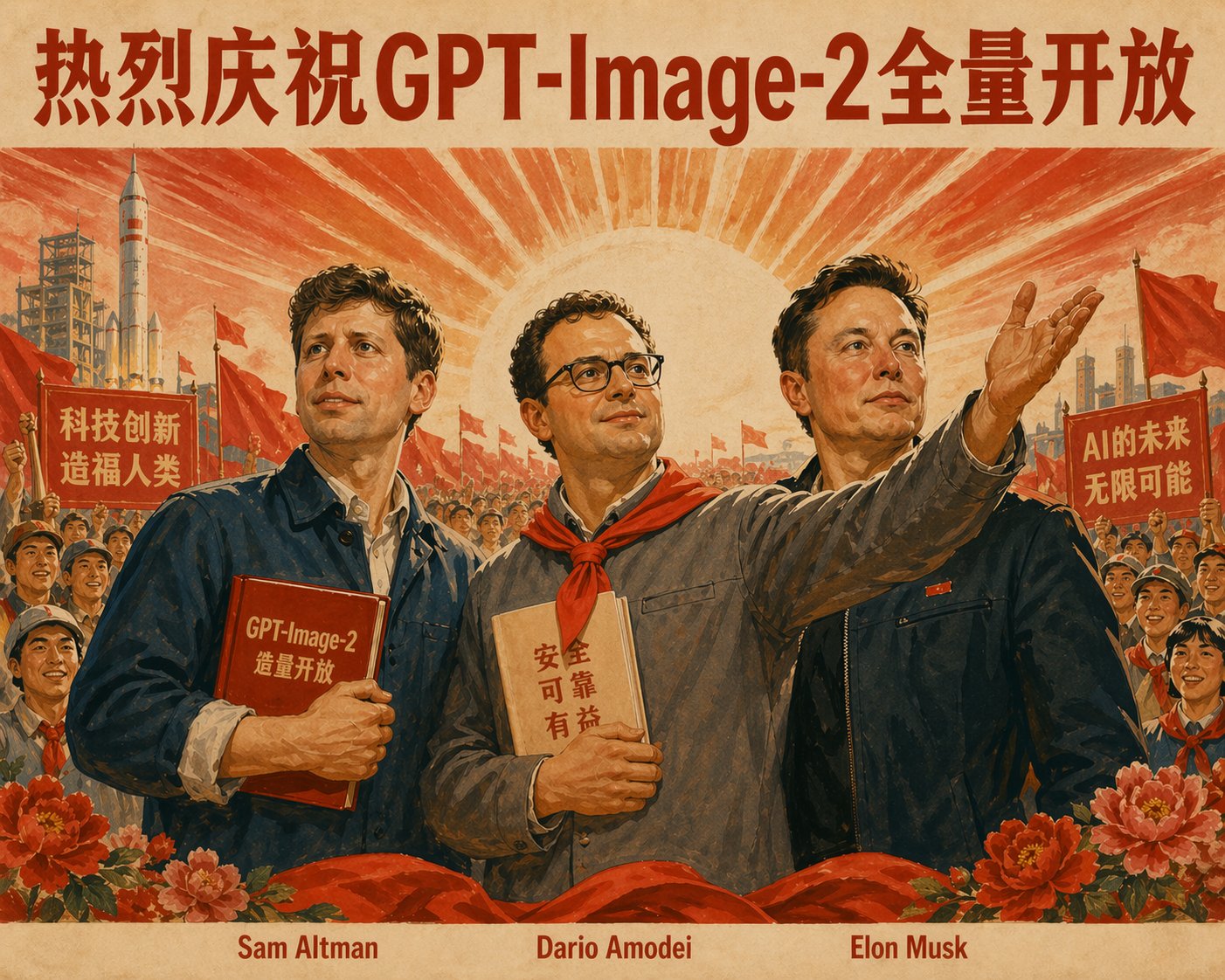
Make a Movie Poster
Analyze the uploaded photo and detect the subject, mood, and atmosphere.
Automatically classify the photo into a suitable movie genre (romance, action, mystery, horror, etc.).

Based on the detected genre and mood, generate all the following elements in English:
- A cinematic movie title (impactful, authentic to the genre).
- A short tagline or catchphrase (1–2 lines, dramatic or emotional).
- A credit block at the bottom (with fake names for director, producer, music, etc., styled like real movie posters).
- A release note such as “COMING SOON” or “In Theaters 2025.”

Overlay these elements on the image in a movie-poster style layout:
- Place the title prominently in the center or lower third.
- Place the tagline above or below the title.
- Add a credit block at the bottom in small text.
- Add the release note at the bottom center.

Finally, add the starring section at the bottom, always formatted as:
“Starring: ”

Typography should be bold, dramatic, and genre-appropriate.
The final result must look like a genuine movie poster ready for theaters, with all elements harmonized to the photo’s mood.Recreate it
Credit
Collected from PicoTrex/Awesome-Nano-Banana-images · originally shared by @aiehon_aya.