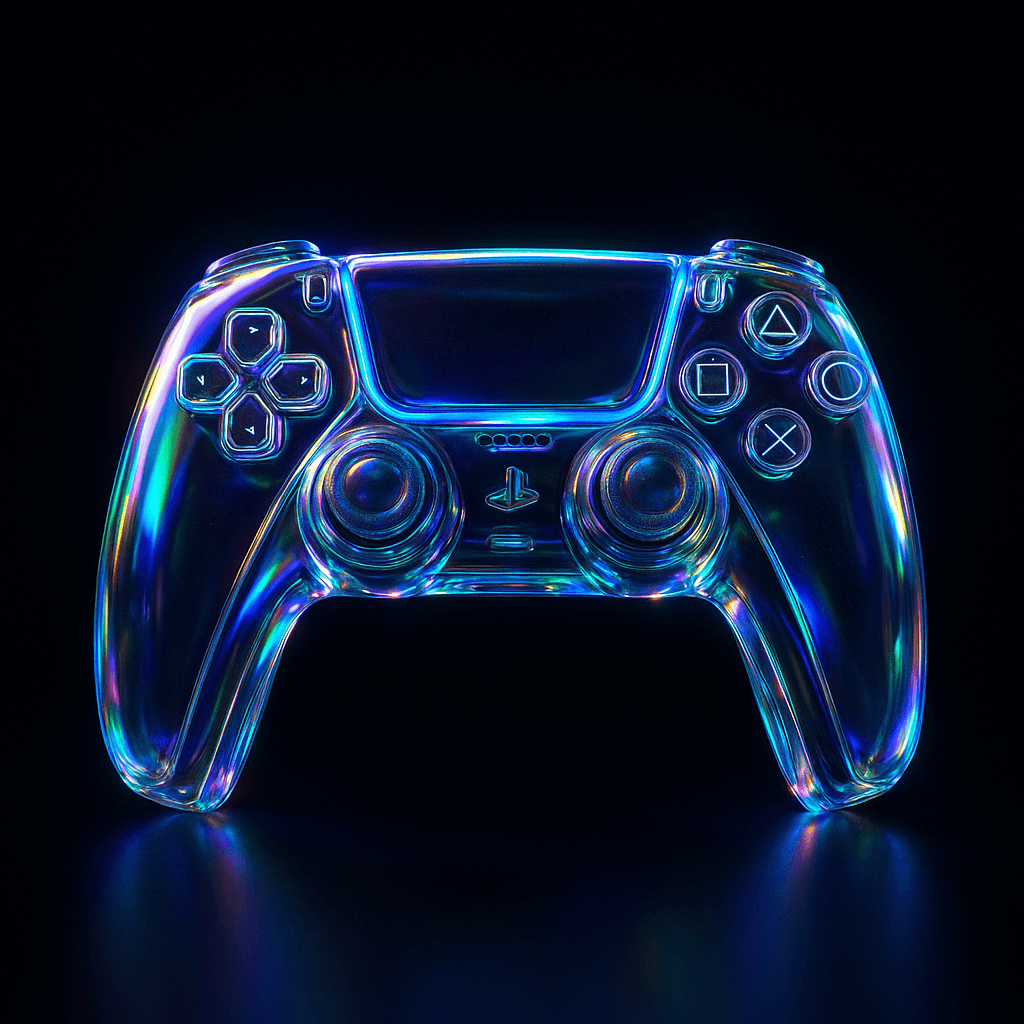
Glass Retexturing (JSON Style)
玻璃材质重渲染
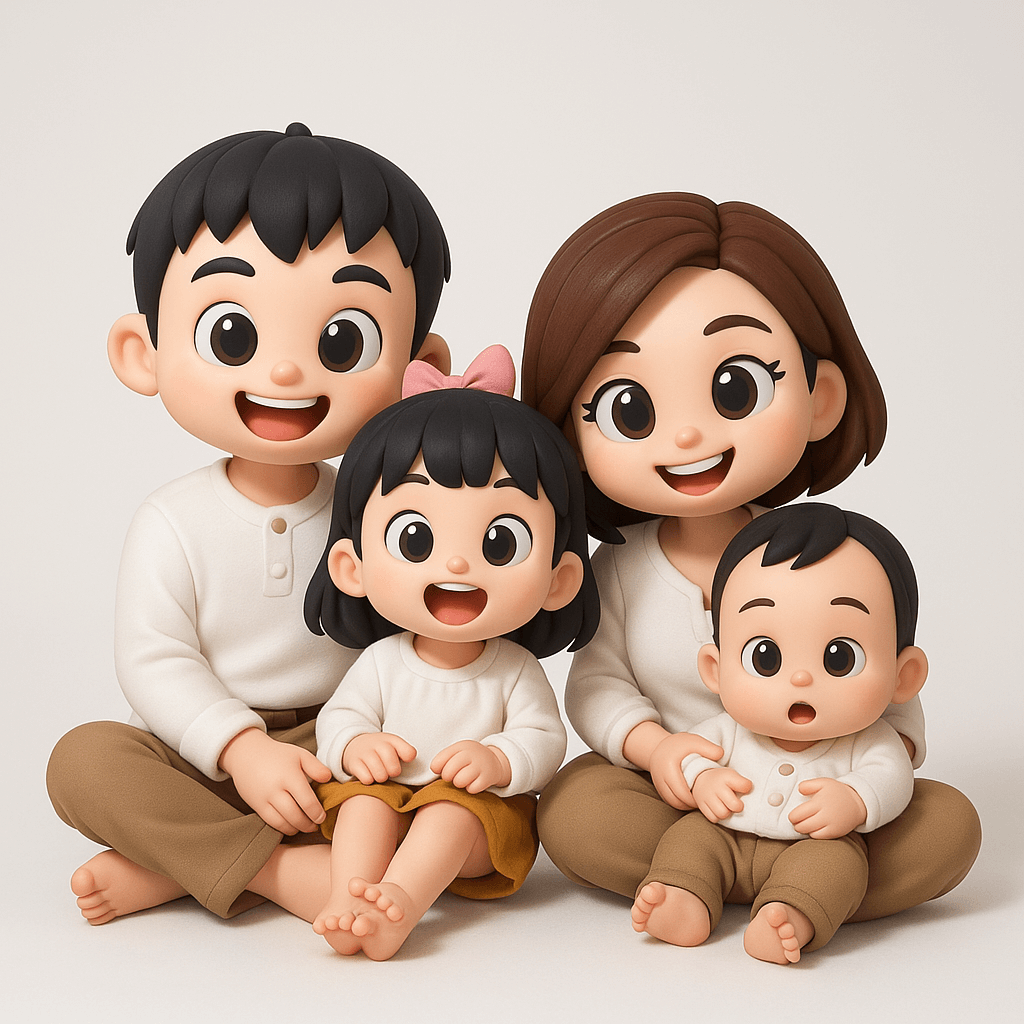
Retexture the reference image based on the JSON aesthetic definition below
{
  "style": "photorealistic 3D render",
  "material": "glass with transparent and iridescent effects",
  "surface_texture": "smooth, polished with subtle reflections and refractive effects",
  "lighting": {
    "type": "studio HDRI",
    "intensity": "high",
    "direction": "angled top-left key light and ambient fill",
    "accent_colors": ["blue", "green", "purple"],
    "reflections": true,
    "refractions": true,
    "dispersion_effects": true,
    "bloom": true
  },
  "color_scheme": {
    "primary": "transparent with iridescent blue, green, and purple hues",
    "secondary": "crystal-clear with subtle chromatic shifts",
    "highlights": "soft, glowing accents reflecting rainbow-like effects",
    "rim_light": "soft reflective light around edges"
  },
  "background": {
    "color": "black",
    "vignette": true,
    "texture": "none"
  },
  "post_processing": {
    "chromatic_aberration": true,
    "glow": true,
    "high_contrast": true,
    "sharp_details": true
  }
}How to use it
Upload an image as the basis for retexturing. Use GPT image 2 (not Sora).
Swap these placeholders
- "blue", "green", "purple"
Replace each bracketed token with your own subject before generating — leaving them in place makes the model render the literal words.
Reference image required
This one edits an existing picture rather than generating from scratch. Upload your own photo in the generator, then paste the prompt as the edit instruction.
Recreate it
Credit
Collected from awesome-gpt-image2-prompts · originally shared by @egeberkina.