


Stunning Quality
ImageFX produces exceptionally detailed and high-resolution images that rival professional artwork, all from simple text descriptions.

Text to image — free, no sign-up

Make videos free — no sign-up
Animate any photo — no login
Erase watermarks free — no login
Design your family crest with AI
Swap faces in any photo
Transparent PNG in one click
Erase people and objects
Pro headshots from a selfie
Sharper, larger images
Turn photos into anime art
Every ImageFX photo tool

Generate images with ImageFX
Generate images with Imagen4
High quality 4K AI image generator
Google's Fastest AI Image Generator

OpenAI's most capable image model

ByteDance's infographic & layer-export model

Native transparent PNGs from a prompt
8-step generation and multi-image editing
Native ai image generating and editing
Powerful AI image editor
Edit any photo by describing the change
Star in the viral party clip
Two photos, one zombie heartbreak
Your words on a spinning skirt
Two photos, one golden-hour kiss
Two photos, one heartfelt hug
Turn any picture into a dance
Browse every trend template
ImageFX turns simple text descriptions into beautiful, high-quality images with the best AI models from Google, OpenAI, Black Forest Labs and more — free to try.
Try ImageFX Now
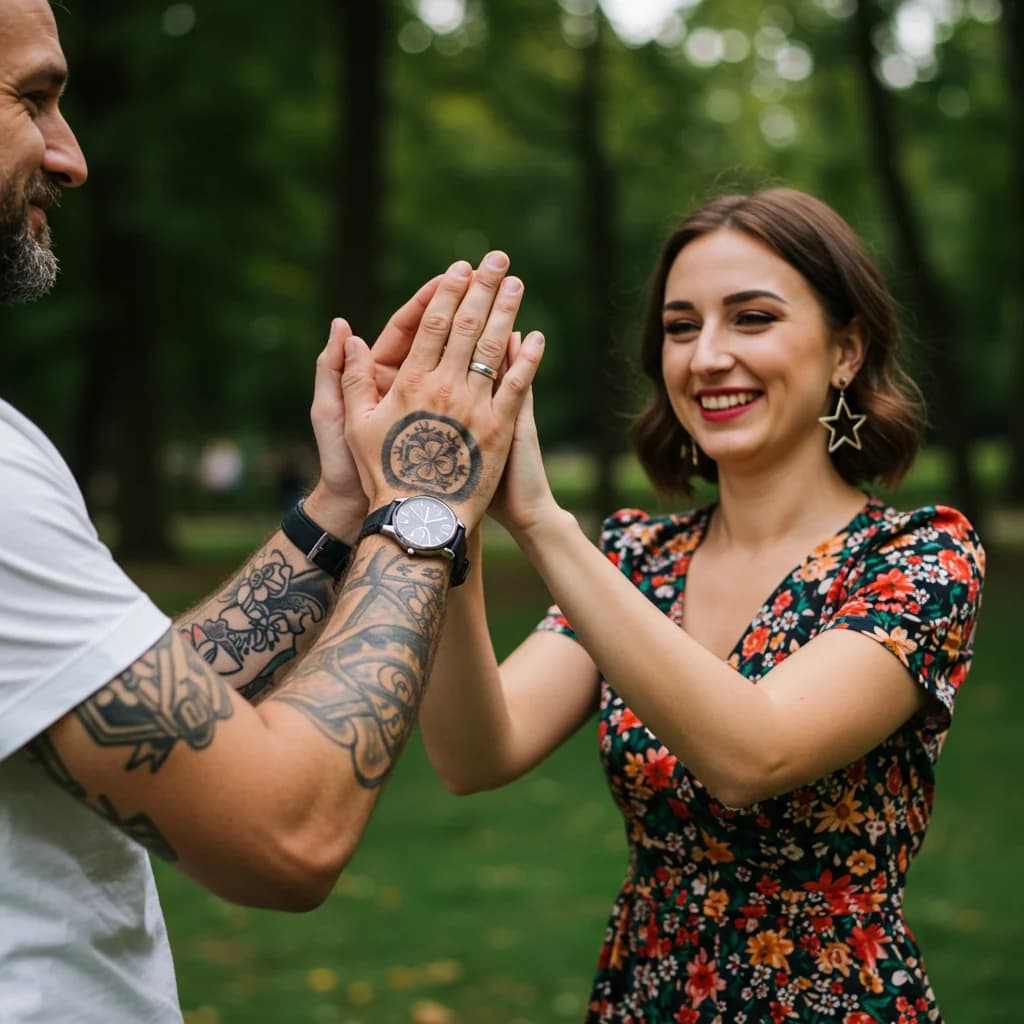
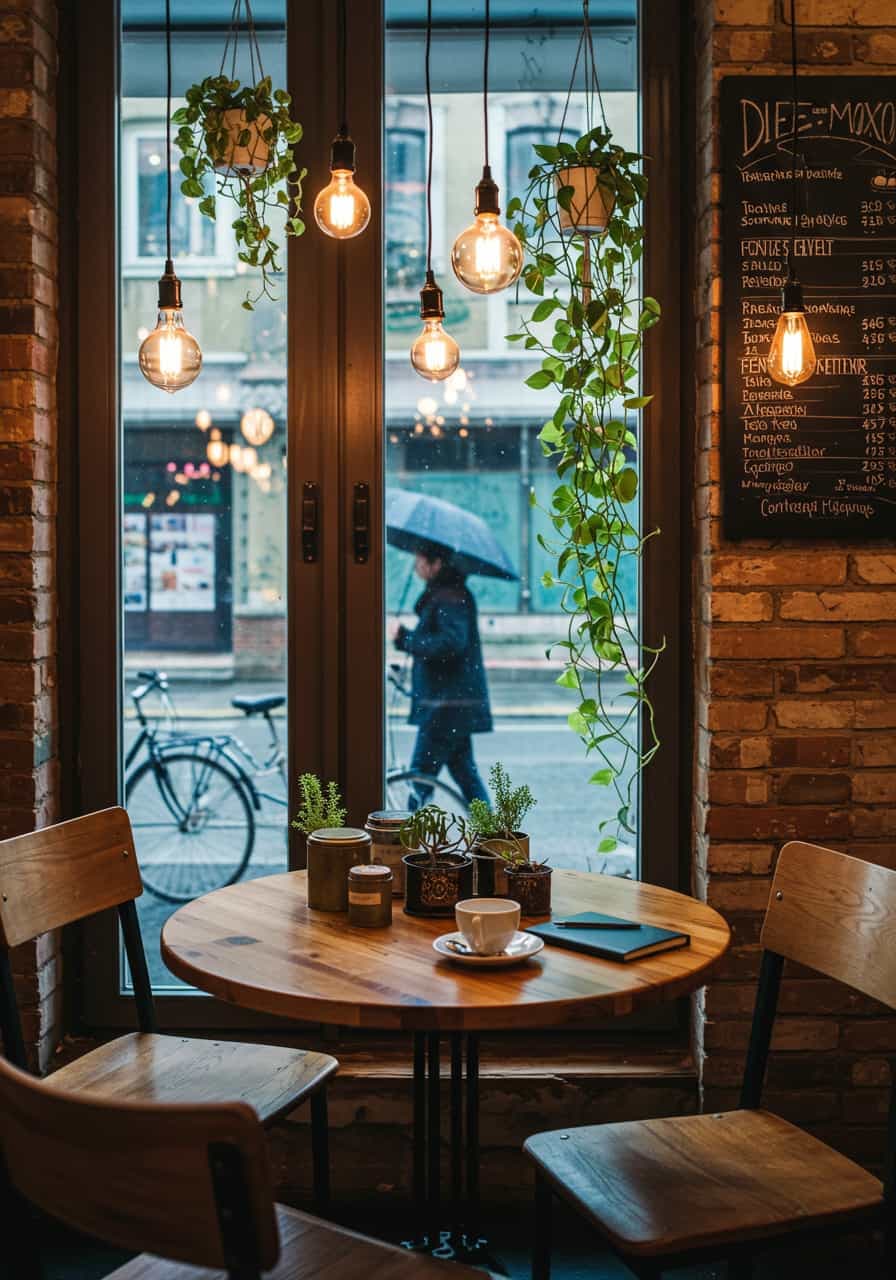

Get an AI image in about 15 seconds. No account needed — just type your prompt and create.
ImageFX brings the leading AI image and video models into one simple studio, so you can turn text prompts into striking images.
ImageFX produces exceptionally detailed and high-resolution images that rival professional artwork, all from simple text descriptions.
Generate beautiful images in seconds, allowing you to quickly iterate and refine your creative concepts without lengthy wait times.
Fine-tune your generated images with detailed prompts and adjustments to achieve exactly the visual result you're looking for.
ImageFX runs top image and video models from Google, OpenAI, Black Forest Labs, ByteDance and more, so you can pick the right one for every project.
Perfect for artists, designers, marketers, and anyone who needs high-quality visuals for personal or professional projects.
An intuitive design makes ImageFX accessible to everyone, regardless of technical expertise or artistic background.
Creating stunning visuals with ImageFX is simple and intuitive. Follow these easy steps to generate your own AI-powered images.
Enter a detailed text prompt describing the image you want to create. The more specific your description, the better the results.
Click the generate button and watch as ImageFX transforms your text prompt into a high-quality visual in just seconds.
Fine-tune your results by adjusting your prompt, adding more details, or using the built-in editing tools to perfect your image.
Once satisfied with your creation, download the high-resolution image for use in your projects, presentations, or social media.
Browse through these stunning examples created with ImageFX to get inspired for your own creations.


One ImageFX account opens every photo tool, image model and video effect below, all on the same credits.
Simple, transparent pricing
Start free with 5 credits when you sign up. Upgrade when you need more power. Cancel anytime.
Free · $0 No sign-up needed: the AI image generator makes 5 free images a day, and the free AI video generator runs open-source models. Sign up to get 5 credits for premium models.
For creators who need more power
$7.99/mo
Billed yearly as $95.88
≈ 33 images with Nano Banana 2
For teams and power users
$15.99/mo
Billed yearly as $191.88
≈ 83 images with Nano Banana 2
Unlimited creative firepower
$47.99/mo
Billed yearly as $575.9
≈ 333 images with Nano Banana 2
30-day money-back guarantee. Cancel anytime, no questions asked.
Top up anytime with one-time credit packs. No subscription required.
50 credits / Lifetime
Starter Pack
$4.99
~$0.100 per credit
150 credits / Lifetime
Creator Pack
$11.99
~$0.080 per credit
500 credits / Lifetime
Power Pack
$34.99
~$0.070 per credit
FAQ
Find answers to common questions about ImageFX and how to make the most of its powerful capabilities.
ImageFX is an AI image and video generator. It brings leading models from Google, OpenAI, Black Forest Labs and others into one simple interface, turning text descriptions into high-quality, detailed images in seconds — no artistic skills or special software needed.
You describe the image you want and choose a model. ImageFX sends your prompt to that text-to-image model, which has learned from millions of images and their descriptions how to turn natural language into a matching picture. The free generator uses a fast model, and credits unlock every model on the site.
You can create a wide variety of images with ImageFX, including landscapes, portraits, abstract art, product visualizations, fantasy scenes, architectural renderings, and much more. The system is versatile enough to handle almost any visual concept you can describe in words.
To get the best results from ImageFX, write detailed and specific prompts that include information about subject matter, style, lighting, colors, mood, and composition. For example, instead of writing "a mountain," try "a majestic snow-capped mountain peak at sunrise with golden light illuminating the rocky cliffs and pine forests below."
Yes, ImageFX provides various options to refine your generated images. You can adjust parameters, regenerate with modified prompts, or use the built-in editing tools to make specific changes. For more advanced editing, you can download the images and use them in your preferred image editing software.
ImageFX puts many of the best AI models in one place with a single credit balance, so you can compare results and choose the model that suits each project. The interface is simple enough for beginners and has the controls professionals need.
ImageFX doesn't claim the images you generate, but commercial use is governed by the terms of the model you used. They differ between models — some open-source licenses allow research use only — and can change, so check them before a commercial project and see section 3 of our Terms of Service.
We provide comprehensive tutorials, guides, and prompt suggestions to help you get the most out of ImageFX. Check our resources section for tips and best practices. Additionally, experimenting with different prompts and studying the examples in our gallery will help you develop your prompt-writing skills.
Join thousands of creative professionals and enthusiasts who are already using ImageFX to bring their ideas to life with stunning visuals.
Try ImageFX Now